SwitchBot Middleware is a middleware service that interacts with SwitchBot devices. It provides an API to control SwitchBot devices such as turning them on or off, toggling their state, and more.
To install and run the SwitchBot Middleware, follow these steps:
-
Clone the repository:
git clone https://github.com/yourusername/switchbot-middleware.git cd switchbot-middleware -
Build the Docker image and push it to a container registry:
docker build -t <registry>/switchbot-middleware .
docker push <registry>switchbot-middleware
-
Update the
manifests/deploy.yamlfile with the container image URL:spec: containers: - name: switchbot-middleware image: <registry>/switchbot-middleware
-
Deploy the application using Kubernetes:
kubectl apply -f manifests/deploy.yaml
or using Helm:
edit the
manifests/helm/values.yamlfile with the container image URL:image: repository: <registry>/switchbot-middleware
$ helm install switchbot-middleware manifests/helm
To use the SwitchBot Middleware, you need to have a running instance of the service. You can interact with the API using tools like curl.
Example:
curl http://<your-service-url>/light/toggleThe SwitchBot Middleware can be configured using a YAML file. The configuration file should be mounted to the /app/switchbot-configuration.yaml file inside the container or specified file path using the -f flag when running the application.
YAML configuration structure:
switchbot-configuration:
  - name: <device name>
    path: "path/to/request/endpoint"
    type: "turnOn" | "turnOff" | "toggle"
    deviceIds:
      - <device id>
Example configuration file:
switchbot-configuration:
  - name: "light-turnon"
    path: "/light/turnon"
    type: "turnOn"
    deviceIds:
      - "01-202304012328-87495896"
  - name: "light-turnoff"
    path: "/light/turnoff"
    type: "turnOff"
    deviceIds:
      - "01-202304012328-87495896"
for describe the configuration file, see example/config.yaml
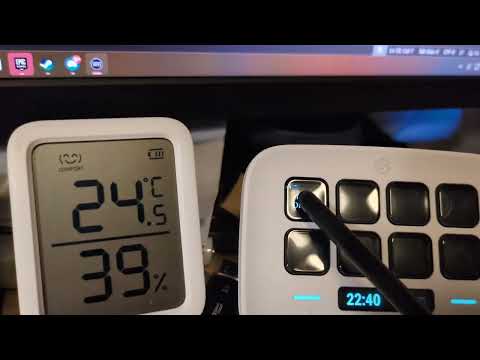
use with streamdeck plugin ninja api plugin like below video