This repository was archived by the owner on Apr 19, 2021. It is now read-only.
Repository navigation
Lightning Apps
IMPORTANT: If you are not a developer, then ignore the following installation instructions and simply install the Spark-Wallet node package with npm install -g spark-wallet.
- You should first install
nodejsby following this tutorial. - Then clone Spark-Wallet with
git clone https://github.com/shesek/spark-wallet.git - Go into the newly created directory and run
npm installto get all needed node packages.
- Create a new directory in your $HOME, e.g. /home/username/.spark-wallet
- Create a new file
configin this directory with these entries:
ln-path=/home/username/.lightning
login=MyUserName:MyPassword
port=9737
They will be used by spark-wallet to find your running lightningd and also to configure the web-app (user/pwd entries are for the app, not for lightningd)
Now start spark-wallet by executing npm start. You will see outputs similar to this:

- Now you can connect with your Spark Application via browser
The username/password from .spark-wallet/conf are now needed to logon.
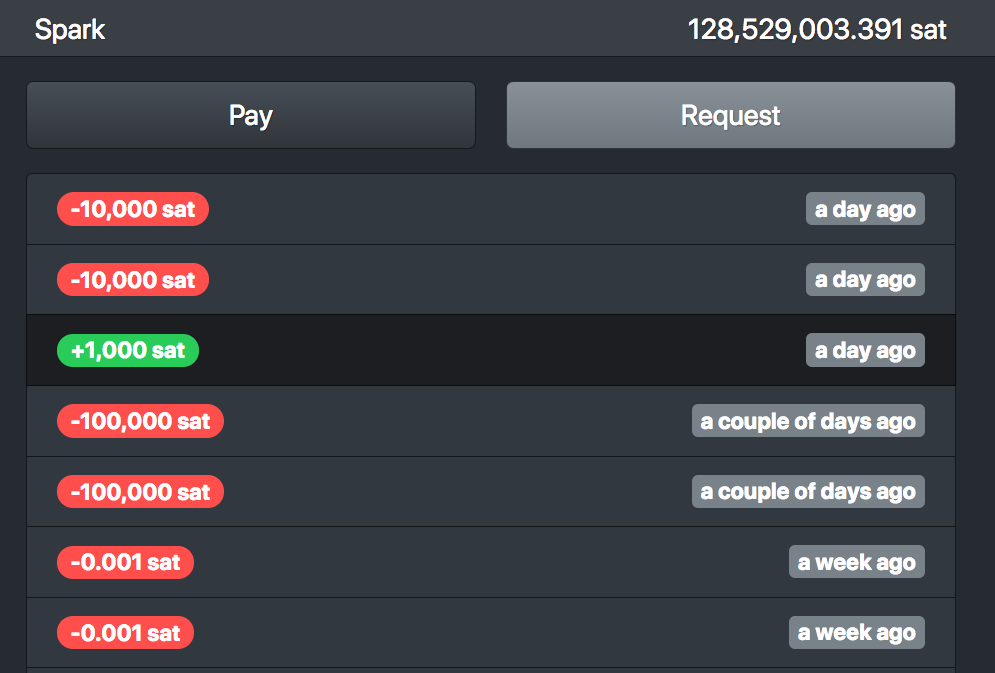
This is how the app will look like (the payment entries will be different)