
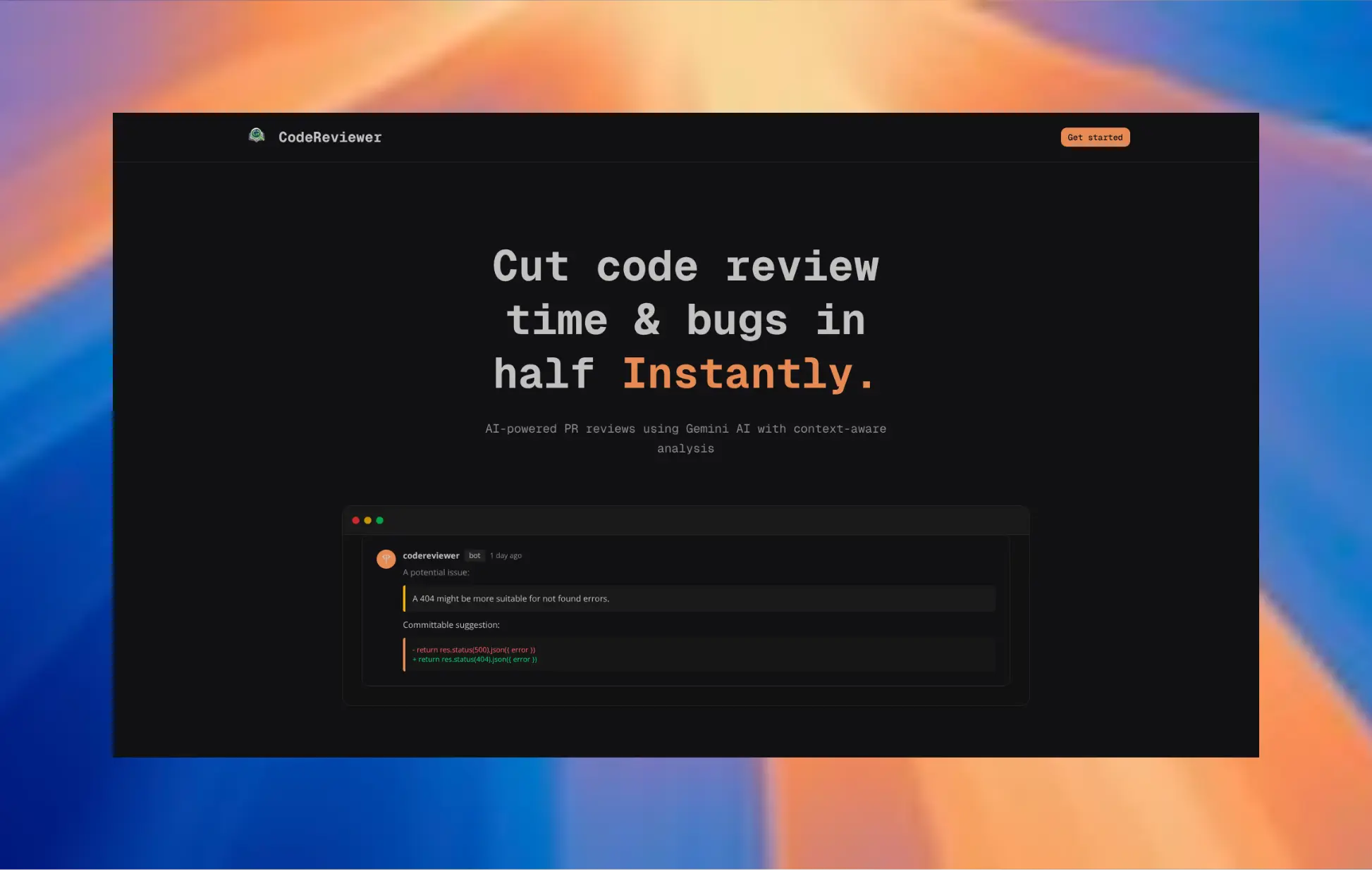
Having trouble getting your PR reviewed? Worry not! CodeReviewer is here to save the day. An intelligent code review platform powered by AI that provides comprehensive feedback on pull requests.
- AI-Powered Code Reviews - Get instant, intelligent feedback on your pull requests
- GitHub Integration - Seamlessly connect with your GitHub repositories
- Real-time Analysis - Analyze code quality, security issues, and best practices
- Dashboard - Manage and track all your code reviews in one place
- Repository Management - Monitor multiple repositories
- Settings - Customize your CodeReviewer experience
- Dark/Light Theme - Choose your preferred theme
- Framework: Next.js - React framework with App Router
- Language: TypeScript
- Database: PostgreSQL with Prisma ORM
- Authentication: Better Auth
- UI Components: Radix UI
- Styling: Tailwind CSS
- AI Integration: AI SDK (Google)
- Vector Search: Pinecone
- Rate Limiting: Upstash Redis
- Workflow: Inngest
- State Management: TanStack React Query
- Node.js 18+
- bun (or npm/yarn/pnpm)
- PostgreSQL database
- GitHub OAuth App credentials
- Clone the repository:
git clone <repository-url>
cd codereviewer- Install dependencies:
bun install
# or
npm install- Set up environment variables:
Create a
.env.localfile in the root directory with the following variables:
# Database
DATABASE_URL=your_postgresql_connection_string

# GitHub OAuth
GITHUB_CLIENT_ID=your_github_client_id
GITHUB_CLIENT_SECRET=your_github_client_secret

# AI/LLM
GOOGLE_API_KEY=your_google_api_key

# Pinecone Vector Database
PINECONE_API_KEY=your_pinecone_api_key
PINECONE_ENVIRONMENT=your_pinecone_environment

# Upstash Redis
UPSTASH_REDIS_REST_URL=your_upstash_url
UPSTASH_REDIS_REST_TOKEN=your_upstash_token

# Other Configuration
NEXT_PUBLIC_APP_URL=http://localhost:3000- Set up the database:
bun prisma migrate dev
# or
npm run postinstall- Run the development server:
bun dev
# or
npm run dev
Open http://localhost:3000 in your browser to see the application.
codereviewer/
├── app/                    # Next.js App Router
│   ├── api/               # API routes
│   ├── auth/              # Authentication pages
│   ├── dashboard/         # Main dashboard
│   ├── privacy/           # Privacy policy
│   └── terms/             # Terms of service
├── components/            # React components
│   ├── ai-elements/       # AI-related UI components
│   ├── auth/              # Authentication components
│   ├── dashboard/         # Dashboard components
│   ├── ui/                # Base UI components (Radix UI)
│   └── providers/         # React providers
├── hooks/                 # Custom React hooks
├── inngest/              # Workflow definitions
├── lib/                  # Utility functions and libraries
├── prisma/               # Database schema and migrations
└── public/               # Static assets
The application includes Open Graph metadata for better social media sharing. The OG image is configured in app/layout.tsx:
openGraph: {
  title: "CodeReviewer",
  description: "Having Trouble Getting your PR reviewed, worry not! CodeReviewer is here to save the day.",
  url: "https://codereviewer.avikmukherjee.com",
  siteName: "Avik Mukherjee's Portfolio",
  images: [
    {
      url: "/og-image.webp",
      width: 1200,
      height: 630,
      alt: "CodeReviewer",
    },
  ],
  locale: "en_US",
  type: "website",
}-
Prepare the image: Place your OG image in the
public/directory -
Recommended specifications:
- Format:
.webp,.png, or.jpg - Dimensions: 1200x630px (or any 1.91:1 aspect ratio)
- File size: < 500KB for optimal performance
- Format:
-
Update the metadata: The OG image path in app/layout.tsx should match your image location:
url: "/og-image.webp",
-
Twitter Card: The same image is used for Twitter sharing with
summary_large_imagecard type.
When you share a link to CodeReviewer on social media, it will display the configured OG image with the title and description.
bun run build
bun start
# or
npm run build
npm startThe application is optimized for deployment on Vercel and can be deployed with:
vercel deployThis project is private and proprietary.
Created by Avik Mukherjee
For support and inquiries, please visit the main portfolio website or contact through GitHub.