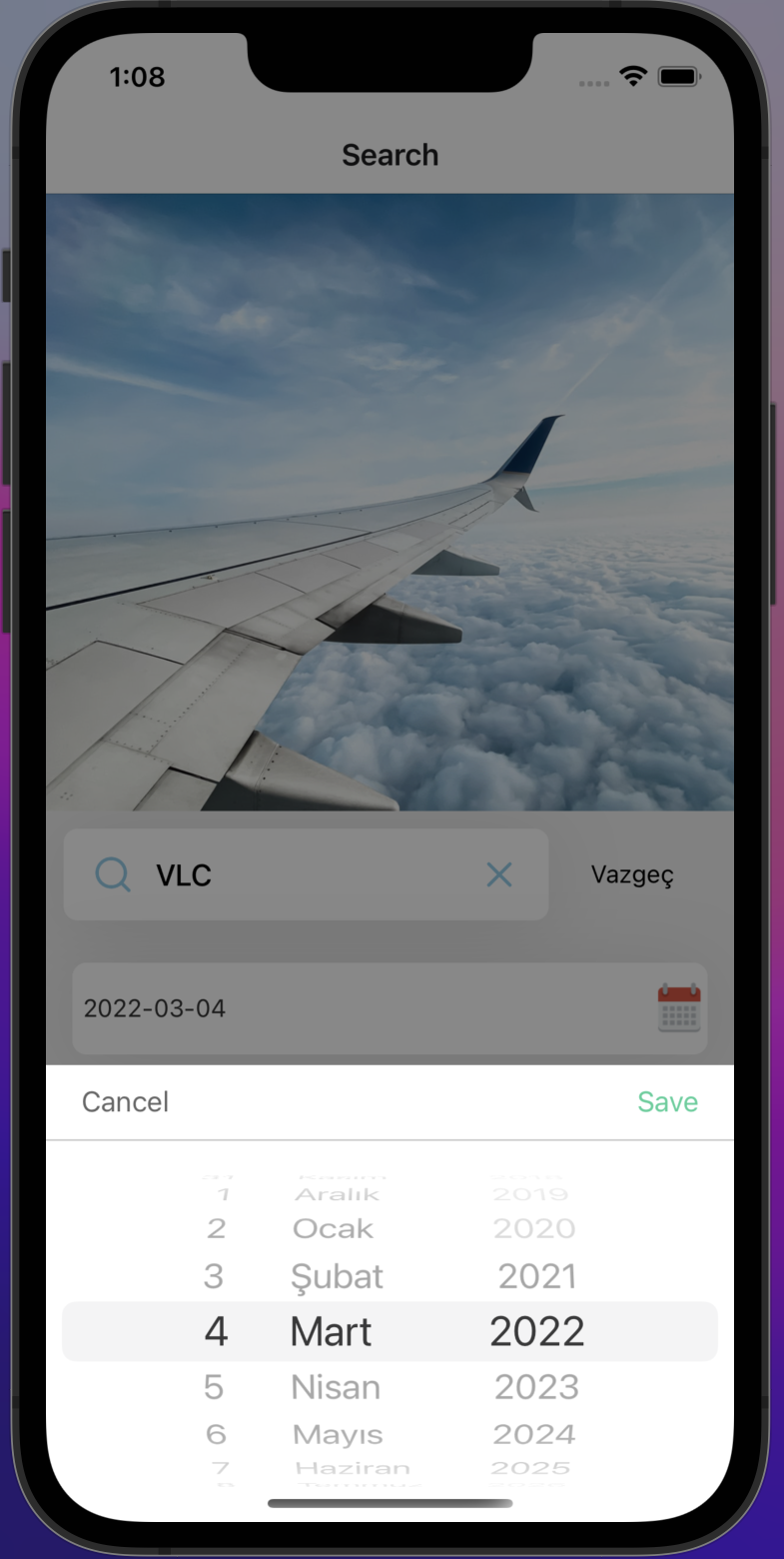
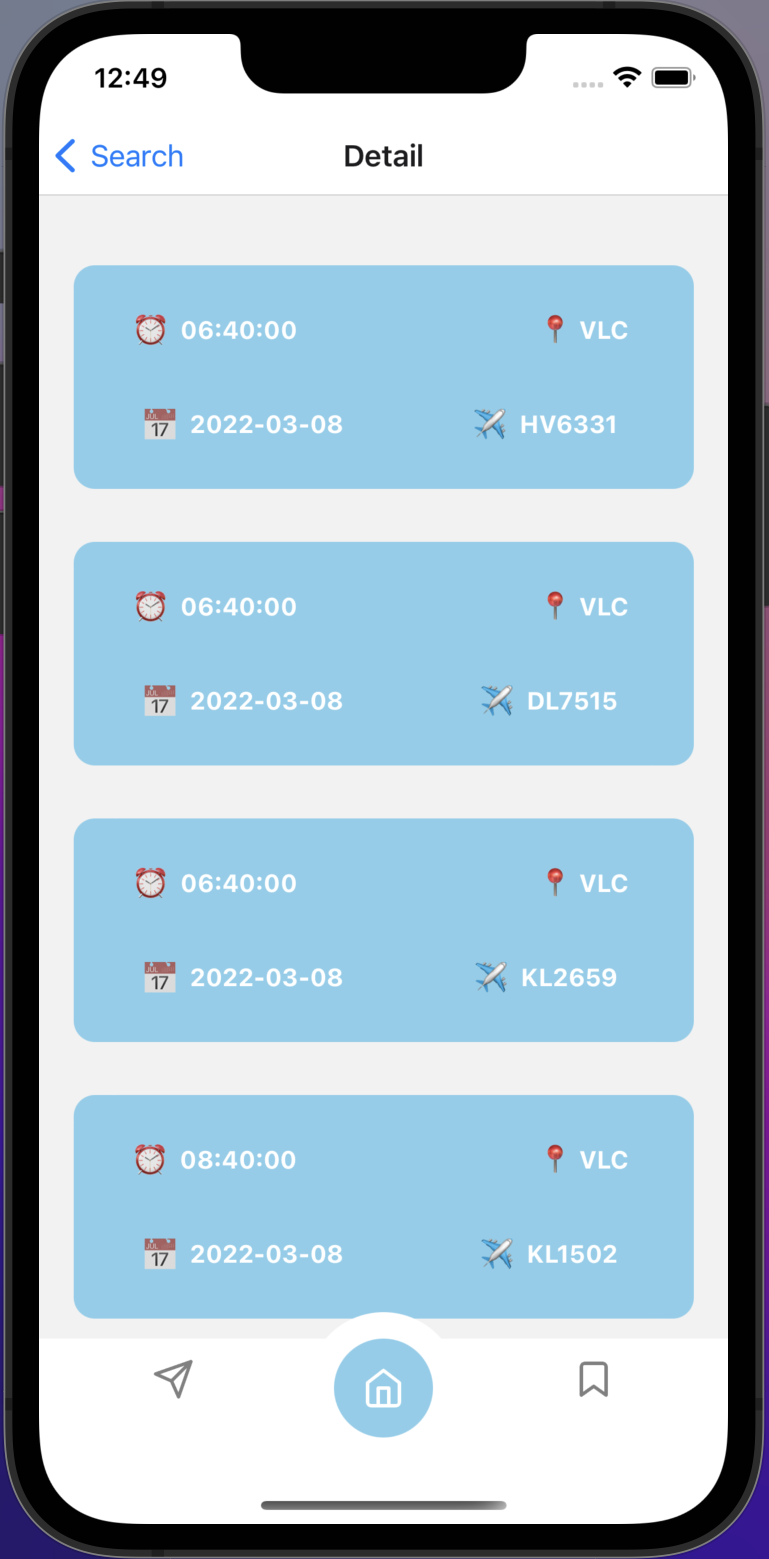
- ✈ Filtering and querying flights for Schiphol Airport.
- 🧳 Flight filtering by date and direction of travel.
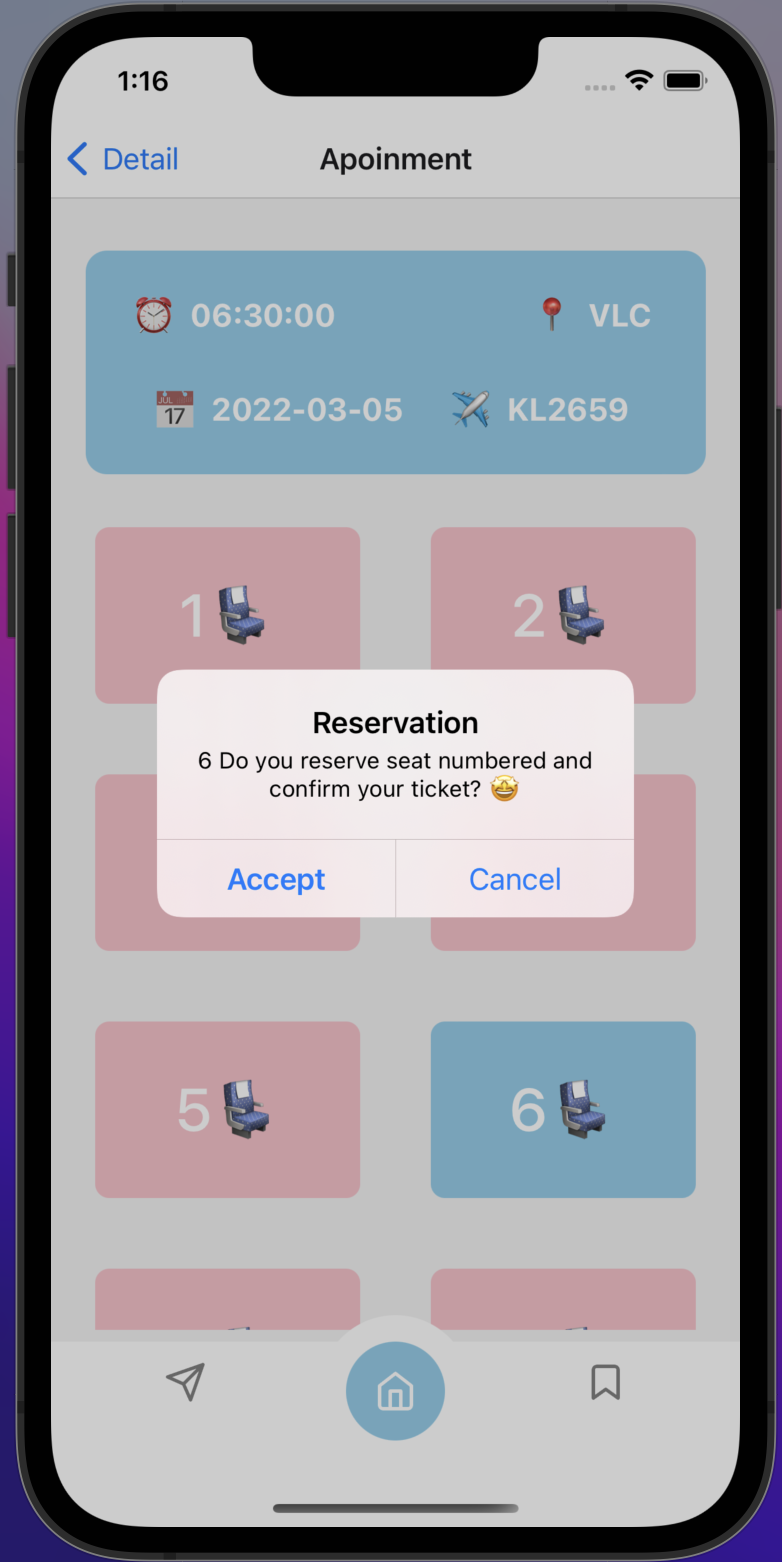
- 💺 User reservation and seat selection.
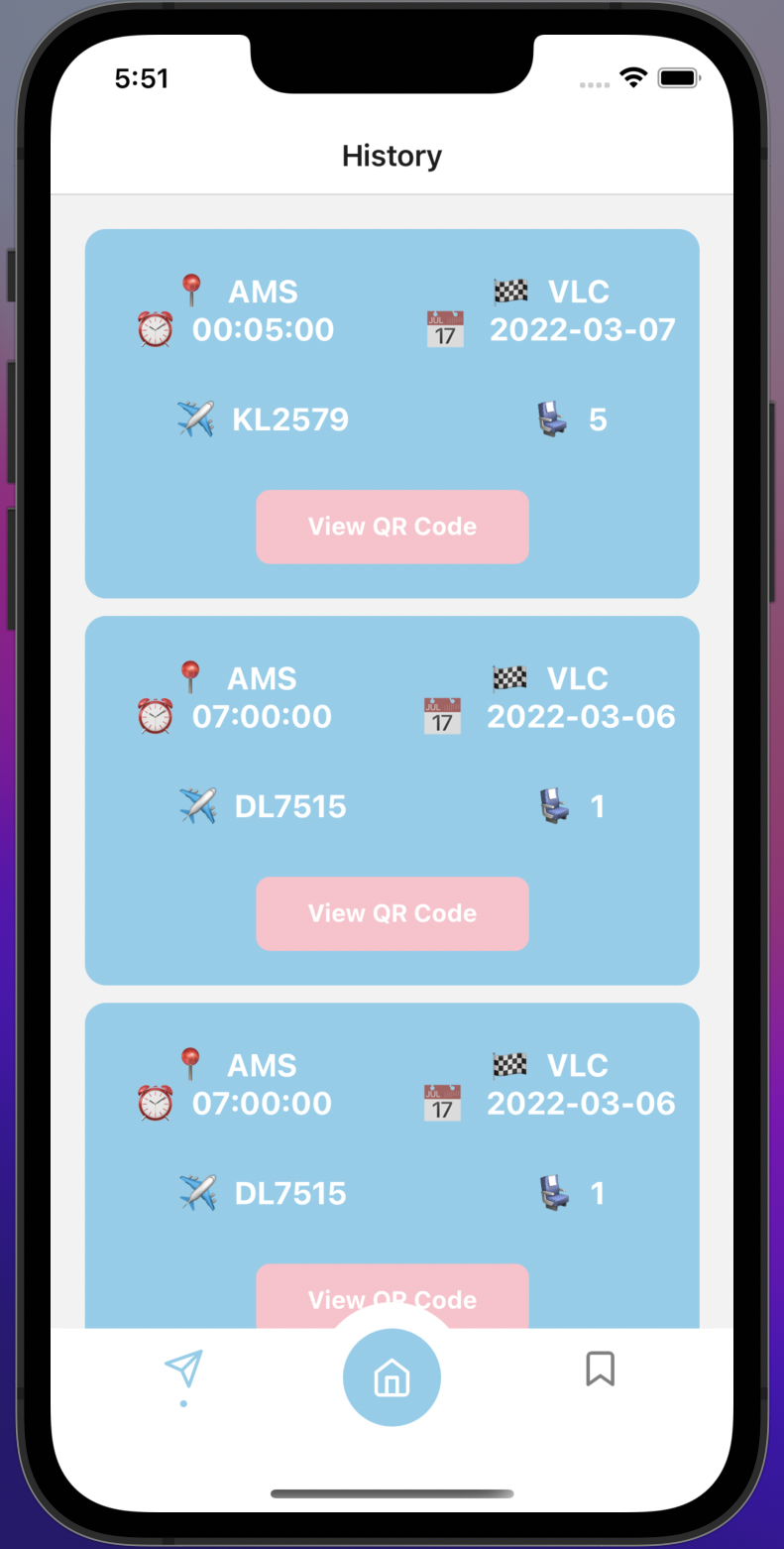
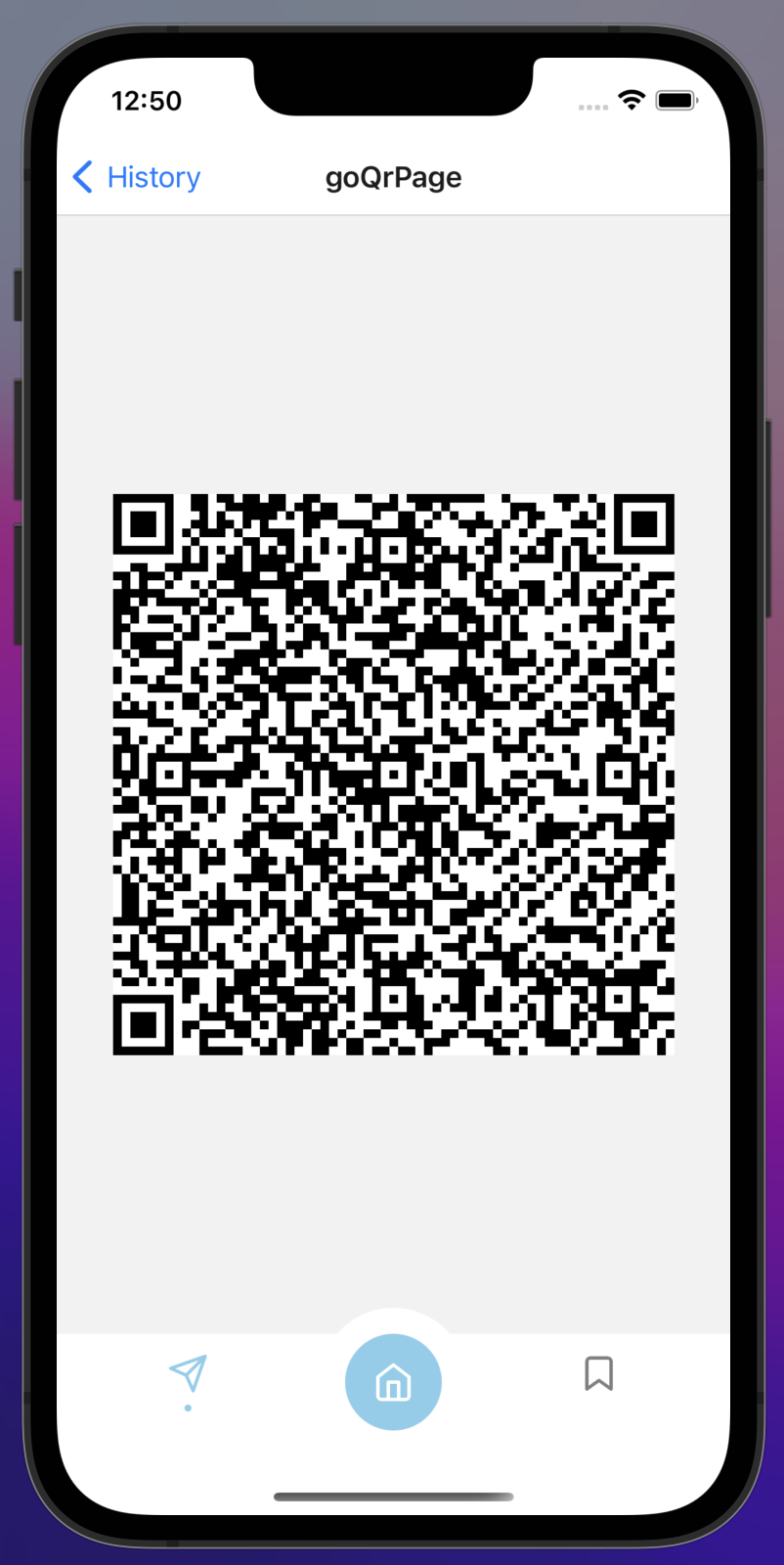
- 🖨️ Generating QR code with flight name and displaying users reservation detail.
- 🎨 minimalist UI philosophy.
Flight Ticket Application helps you quickly access detailed flight information by filtering all flights at Amsterdam Schiphol airport by date and route direction. The seat and flight information reserved for the flight are saved as a QR code.
Assuming that you have Node 12 LTS or greater installed, In the project directory, you can run:
npm install && npm start
In this mobile application, all flight information at Amsterdam Schiphol Airport can be accessed with the help of API. With the date and destination information received from the user on the login page of the application, querying can be done easily and quickly. On iOS devices, the date selection is made with a slide, but on Android devices, it must be entered in the input field in the format "2022-03-05". The airport to be entered as the destination must be entered with abbreviations on both platforms. E.g; "VLC" must be entered as "YYZ". After the seat selection is made, the flight information is saved in the QR code. All past and future flights are shown on the history page. Flight information can be accessed by scanning the QR code for the booked flights. Finally, if you want to delete the ticket information saved on the phone, the button in the favorite section can be used.
Please use the input fields in the appropriate format to list the flights.
Airport: "YYZ" (Toronto Airport Code)
Date: "2022-03-23"