# The Review Panel
The Review Panel is Editorialist's main working surface — a sidebar view that drives review sessions and shows the state of the active book between them. Open it with the **Open review panel** command.
## Idle state
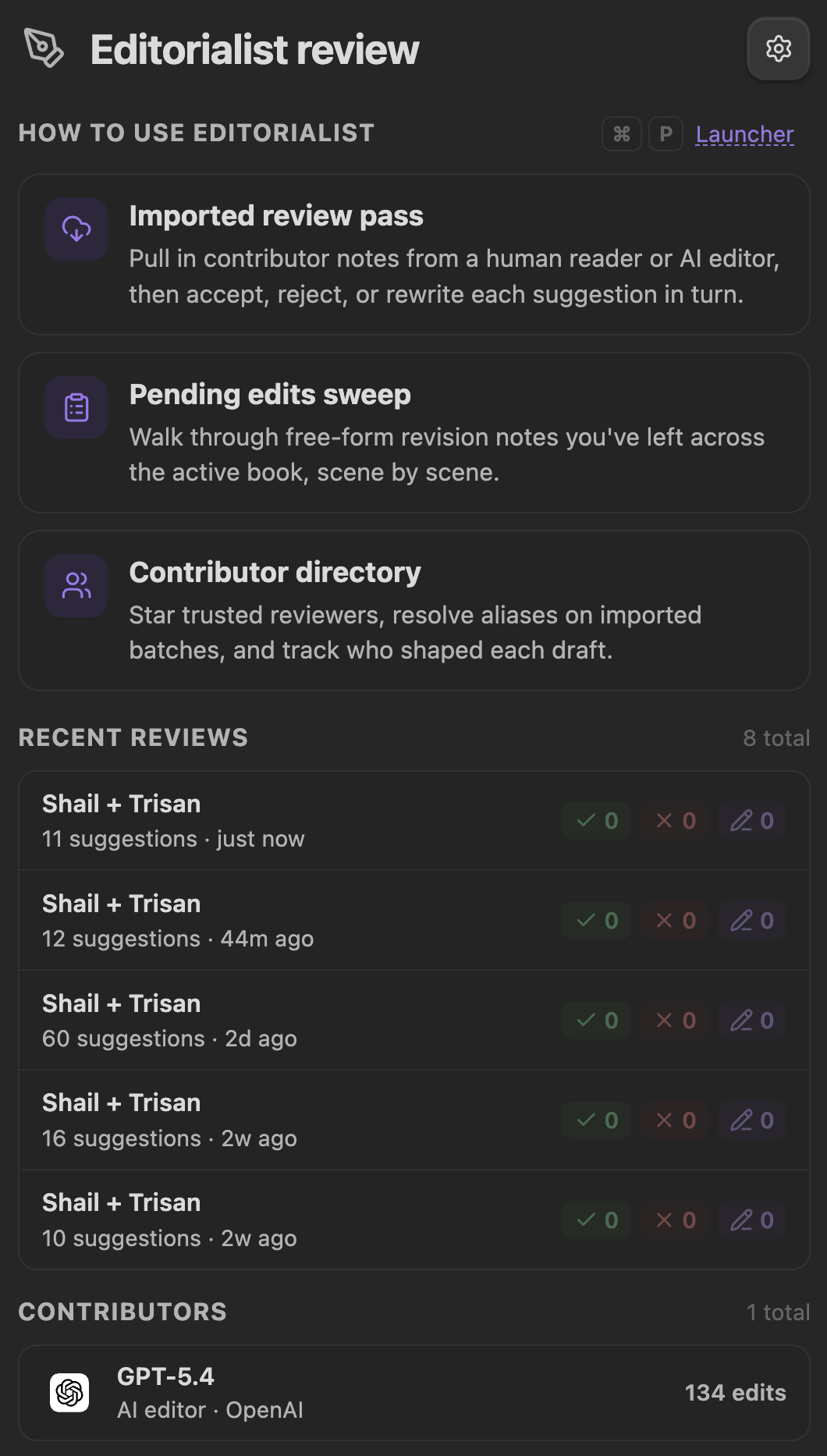
Between sessions the panel shows:
- **Active book** — which book Editorialist is currently scoped to (via [Radial Timeline](Radial-Timeline-Integration.md) when installed).
- **Pending workflow cards** — imported batches and pending edits waiting for review, each with a start button.
- **Recent activity** — the latest decisions and completed sweeps.
- **Contributors** — a compact view of who has been suggesting what.
- **Onboarding** — a collapsible getting-started disclosure for new vaults.
## Review sessions
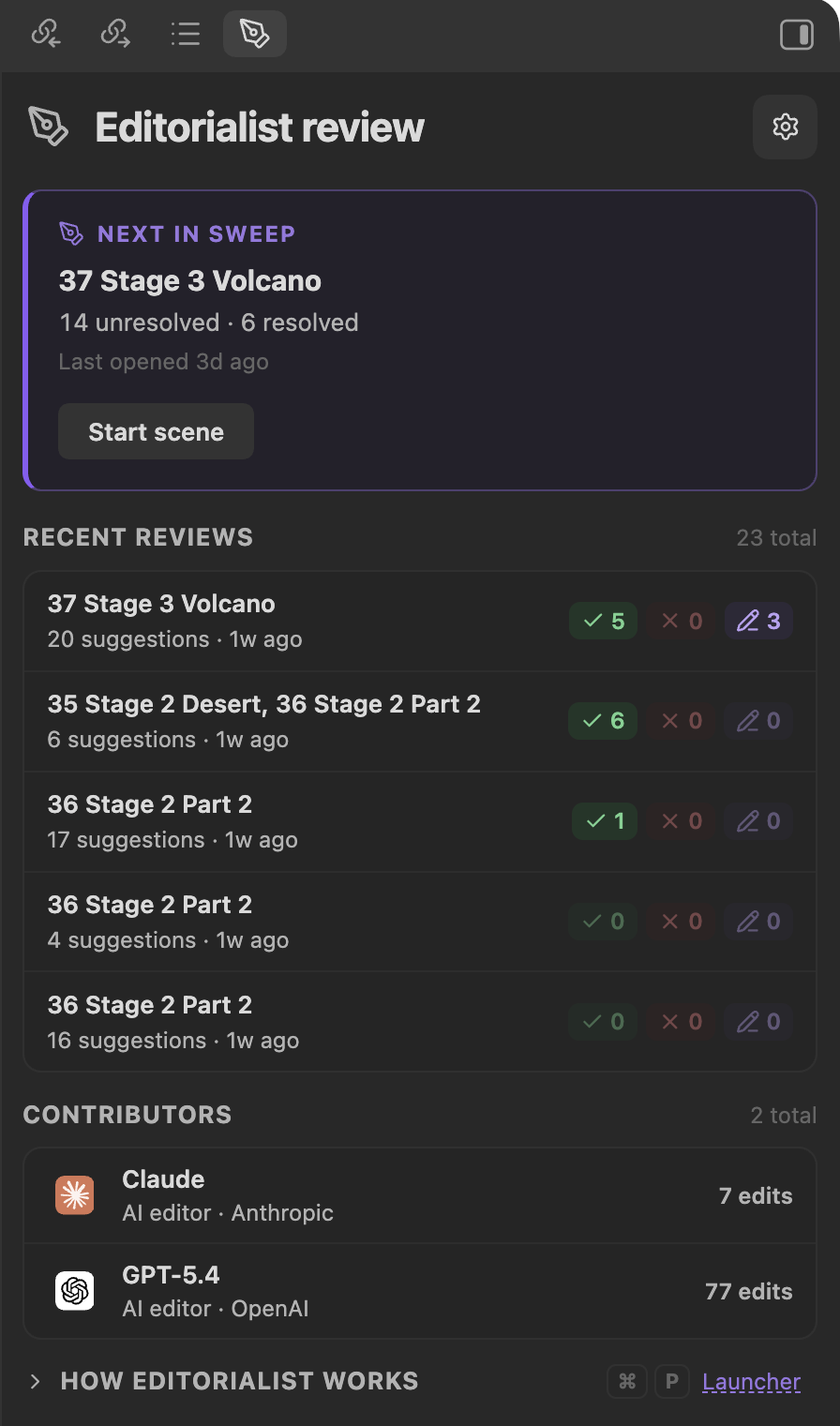
Starting a workflow card (or importing a batch) begins a **guided review sweep**: Editorialist walks the batch suggestion by suggestion, scene by scene, highlighting each suggestion inline in the editor.
### Navigation and filters
- **Previous / next** moves through suggestions; the sweep hands off to the next scene when the current one is resolved.
- **Jump to** — each suggestion card has a jump menu: jump to the suggested text in the editor, to its source review block, or (for a move) to the destination anchor.
- **Contributor filter** — appears only when a session contains suggestions from **more than one contributor**. A dropdown limits the view to one contributor, and a star button shows only [starred contributors](Settings-Reference.md#contributors-tab). With a single-reviewer batch the row stays hidden.
- **Collapse controls** — fold away processed suggestions, pending edits, and comments to reduce noise.
### The suggestion toolbar
Each highlighted suggestion gets an inline toolbar in the editor:
| Action | Trigger | Effect |
|---|---|---|
| **Apply** (Edit / Cut / Condense / Expand / Move) | Click | Apply this suggestion to the prose |
| **Apply and advance** | Shift + click | Apply, then jump to the next suggestion |
| **Apply to all** | Shift + Cmd + click | Apply every applicable suggestion of this kind |
| **Defer** | Click | Skip for now; the sweep can finish later |
| **Rewrite myself** | Click | Take the suggestion as a prompt and write your own version |
| **Backup to cut file** | Click | Archive the target text to the [cut file](Settings-Reference.md#configuration-tab) before deciding |
| **Reject** | Click | Decline the suggestion |
| **Hide toolbar** | Click | Dismiss the overlay without deciding |
### Suggestion statuses
Every suggestion moves through an explicit lifecycle:
```
pending ──→ accepted
──→ rejected
──→ rewritten (you applied your own version)
──→ deferred (decide later; blocks sweep completion until resolved)
──→ unresolved (couldn't be matched or needs attention)
```
Decisions are undoable during the session. Suggestions whose target text can't be found in the note (paraphrased targets, already-applied edits) are flagged by match type — exact, multiple matches, not found, or already applied — so nothing is ever applied against the wrong text.
### Sweep completion
A sweep finishes only when every suggestion in the batch has a resolved status (accepted, rejected, or rewritten). If pending, unresolved, or deferred items remain, Editorialist pauses and tells you what's left. On completion, the batch is recorded: per-scene polish frontmatter (`Editorialist:revision`, `Editorialist:revision_updated`), contributor acceptance stats, and the activity history all update.
## Pending-edits review
Separate from imported batches, Editorialist can collect **free-form revision notes** sitting in your scene frontmatter — your own notes-to-self plus Inquiry View insertions — and walk them the same way. Start it from the **Review pending edits in active book** command, the launcher, or the **Start review** button on the [Core settings tab](Settings-Reference.md#core-tab).
With [Radial Timeline](Radial-Timeline-Integration.md) installed, the collection is book-aware: Editorialist asks RT for the active book's scenes and gathers every scene with pending edits. Each note is presented one at a time with context jumping into the scene, and you record an accept/reject decision per segment.