Angular12 Study
Lesson 4: Hello World | Apply first change
xxx.component.ts中定义的动态值可以在xxx.component.html中通过{{}}使用
variable, function, typeof, num+1. OK
new, ++ Error
Q: How to make dynamic class?
<h1 class="{{cls}}">Dynamic class</h1>
<!-- OR -->
<h1 class={{cls}}>Dynamic class</h1>
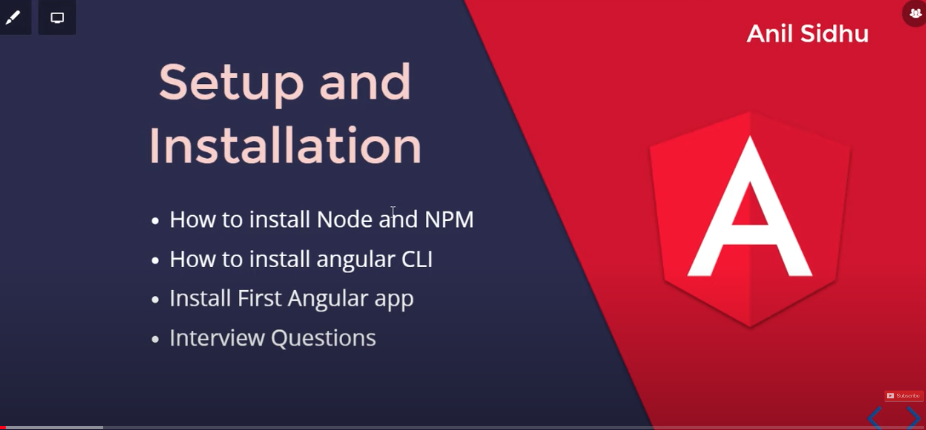
npm insstall -g @angular/cli@12.0.0
ng generate component login
# OR
ng g c login
ng generate module user
ng generate class Person
ng generate service api
Q: How can we use components?
<app-login></app-login>
ng g c use-list --inline-style
ng g c cc-list --inline-template
ng g c vv-list --inline-template --inline-style
<button (click)="getName('cck')">Click me</button>
优先级:Inline Style > Internal Style > Global Style > Component Style
Conclusion: Property Binding is a better option s compreg to Interpolation
<!-- <p *ngIf="show else ccb">Matthew</p> -->
<p *ngIf="show; then ccf else ccb">Matthew</p>
<ng-template #ccf>
  <p>Matthew</p>
</ng-template>
<ng-template #ccb>
  <p>Jansen</p>
</ng-template>
<div [ngSwitch]="color">
  <h1 *ngSwitchCase="'red'" style="color: red;">Red Color</h1>
  <h1 *ngSwitchCase="'green'" style="color: green;">Green Color</h1>
  <h1 *ngSwitchCase="'gray'" style="color: gray;">Gray Color</h1>
  <h1 *ngSwitchDefault>Unknown Color</h1>
</div>
<p *ngFor="let user of users">Name is {{user}}</p>
<ul *ngFor="let listItem of list">
  <li>Name is {{listItem.name}}</li>
  <li>Phone is {{listItem.phone}}</li>
  <li>Email is {{listItem.email}}</li>

  <ul *ngFor="let account of listItem.accounts">
    <li>Account is {{account}}</li>
  </ul>
</ul>
<!-- <h1 style="color: green;">{{ title }}</h1> -->
<h1 [style.color]="'red'">{{ title }}</h1>
<h1 [style.color]="color">{{ title }}</h1>
<button (click)="updateColor()">Update Color</button>


Hoe to add css: https://howtojs.io/how-to-add-bootstrap-css-to-an-angular-12-application-in-multiple-ways/git