



One environment, two browser based views. A Docker Compose stack that gives you a complete, persistent cloud development workspace with Ubuntu desktop, VS Code, and SSH, all sharing the same home directory and files.
curl -fsSL https://raw.githubusercontent.com/Piero24/Cloud-Dev-Desktop/main/install.sh | bash| Service | Image | Purpose |
|---|---|---|
| desktop | linuxserver/webtop:ubuntu-xfce |
Full Ubuntu XFCE desktop + SSH + code-server + VS Code desktop app |
| vscode | linuxserver/code-server:latest |
VS Code in your browser, same home + files |
| beszel-agent | henrygd/beszel-agent:latest |
System metrics → your existing Beszel hub |
Both containers share /config (home directory) and /projects. Install a package or change a setting, it appears in both instantly. The vscode container is a browser based editor view into the same environment.
Pre installed: nvm + Node LTS, Claude Code, code-server, VS Code (desktop app), build-essential, Python, Java, Docker CLI, tmux, zsh.
flowchart LR
    Internet((Internet))

    subgraph Host["Docker Host"]
        subgraph Volumes["Shared"]
            Config["/config\n(home: shell, git, nvm, packages)"]
            Projects["/projects\n(your code)"]
        end
        Desktop["dev-desktop:3000\nUbuntu XFCE + SSH :3434"]
        Code["dev-vscode:8443\nVS Code"]
    end

    Internet --> Desktop
    Internet --> Code
    Desktop --> Config
    Desktop --> Projects
    Code --> Config
    Code --> Projects
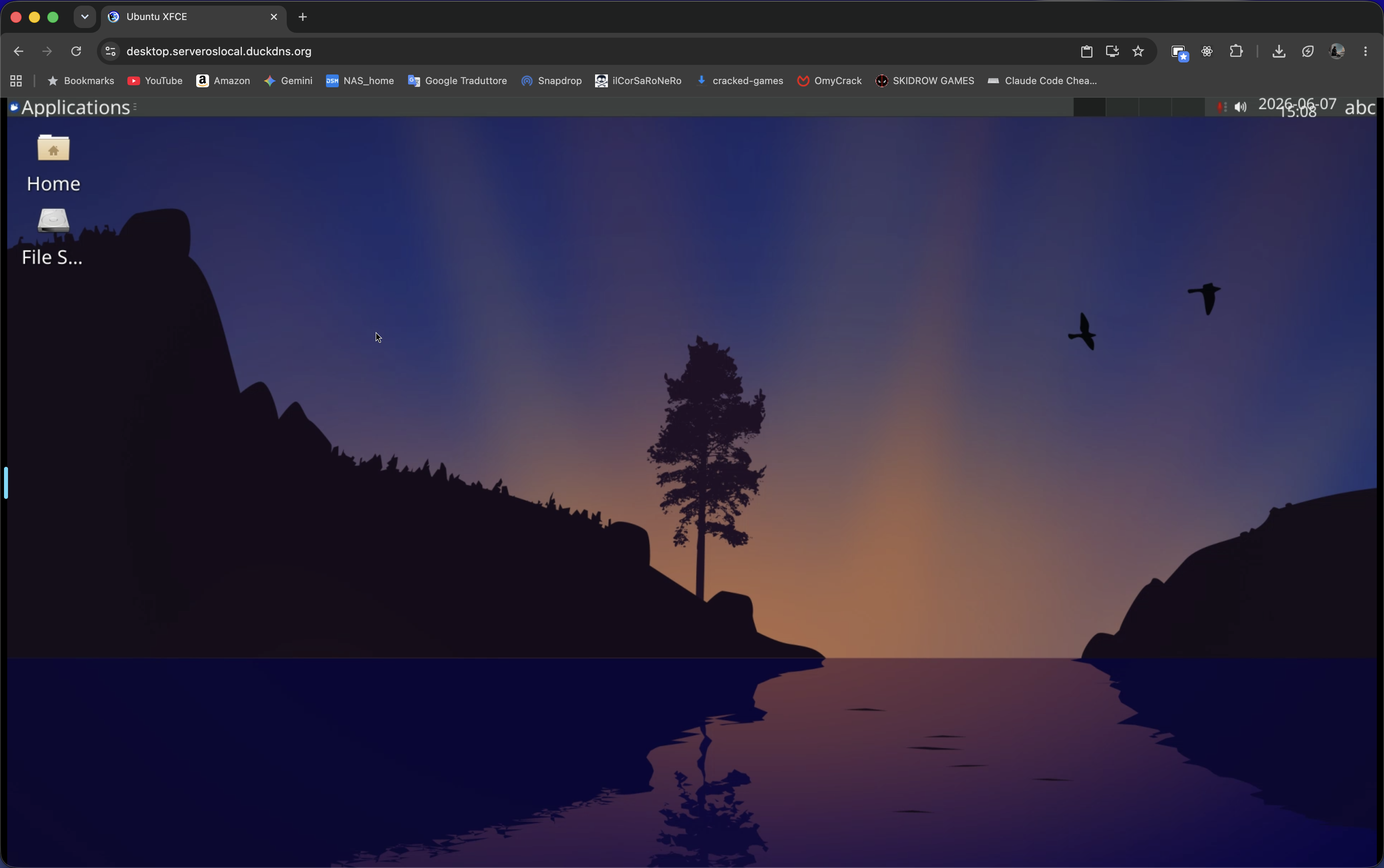
Full Ubuntu XFCE desktop in your browser
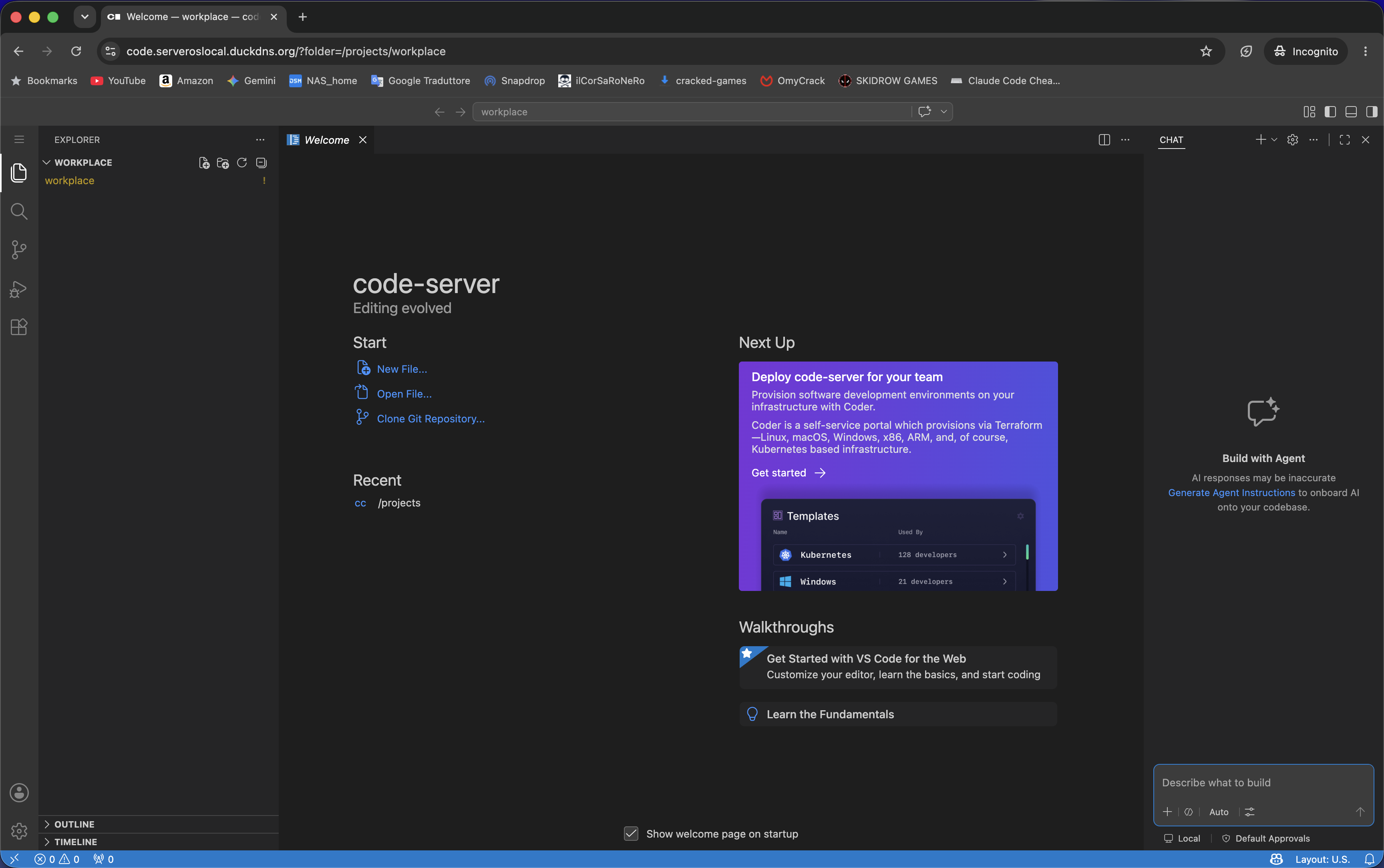
VS Code in your browser — same home directory, same files
curl -fsSL https://raw.githubusercontent.com/Piero24/Cloud-Dev-Desktop/main/install.sh | bashThe installer asks where to store data, downloads everything, then prints next steps.
git clone https://github.com/Piero24/Cloud-Dev-Desktop.git
cd Cloud-Dev-Desktop

# Edit values in compose.yaml, then:
docker compose up -d- One environment, two views: both containers share
/config(home) and/projects. Same shell, git, nvm, packages everywhere - Persistent sessions: tmux auto attach via
TMUX_AUTO=1; sessions survive disconnects - Configurable cleanup:
TMUX_TIMEOUTauto kills detached sessions after N hours;tmux-keepoverrides it - Persistent packages: everything in
/configsurvives container rebuilds - No Mac required: work entirely from a browser and SSH
- Monitoring: Beszel agent feeds system metrics to your existing hub
| File | Purpose |
|---|---|
compose.yaml |
Plain Docker Compose (short syntax, relative paths) |
compose-casaos.yaml |
CasaOS Compose (long syntax, x-casaos metadata) |
init.sh |
Desktop container boot script. SSH, nvm, Node, Claude Code, code-server |
init.d/99-vscode-env.sh |
VSCode container boot script. Shared extensions |
install.sh |
Interactive CasaOS installer |
Full documentation at cloud-dev-docs/:
- Overview & Architecture
- Server Setup: Docker or CasaOS (single page with tabs)
- Local Setup: optional local editing with auto sync
- Daily Workflow: tmux, persistent sessions, Termius
- Persistence & Kill Switch
- Environment Variables: full reference
- Tips & Troubleshooting
- Docker + Docker Compose
- Optional: Beszel hub running elsewhere (for the agent)
MIT. See LICENSE.