Live Demo: Quizzy on Render
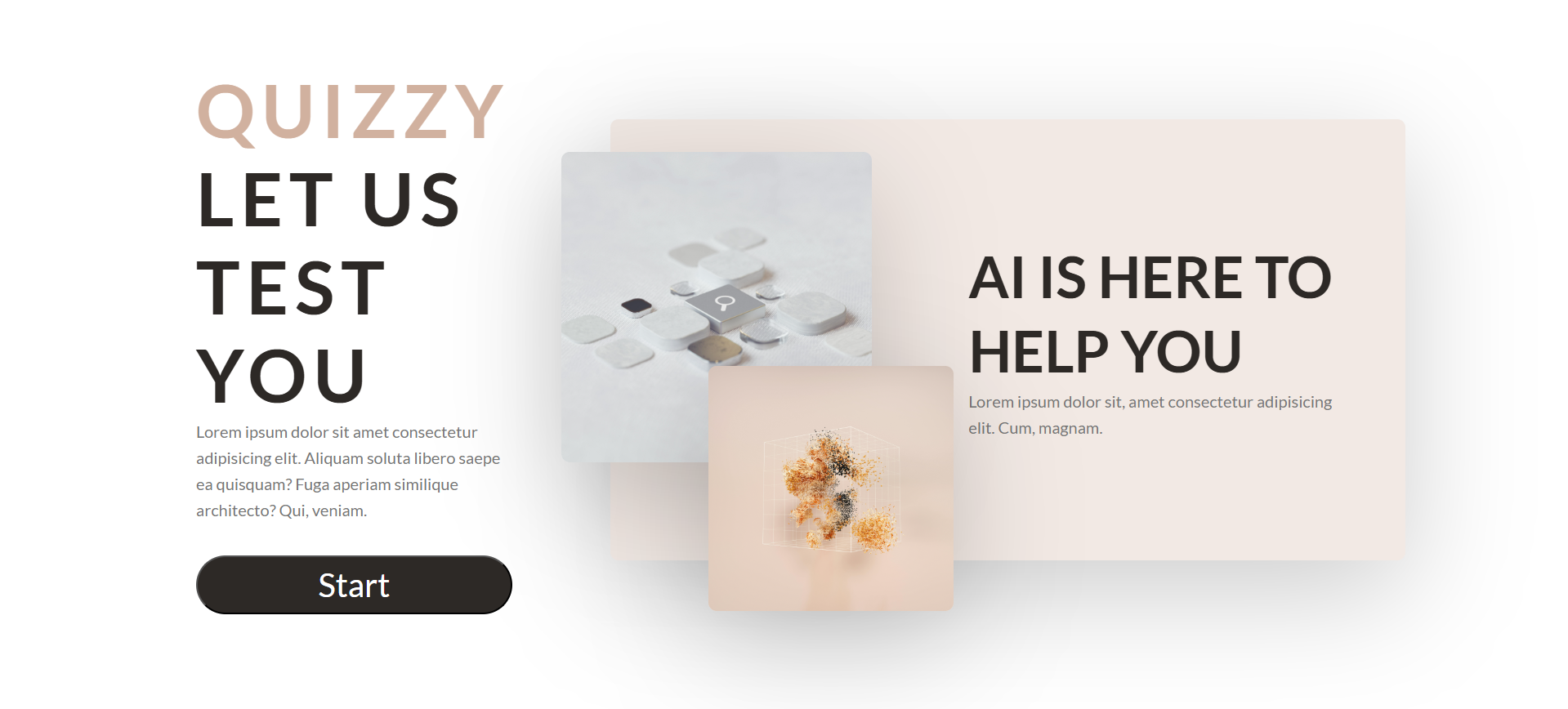
Quizzy is an AI-powered quiz game built with React, Express, Mongoose, and Zustand.
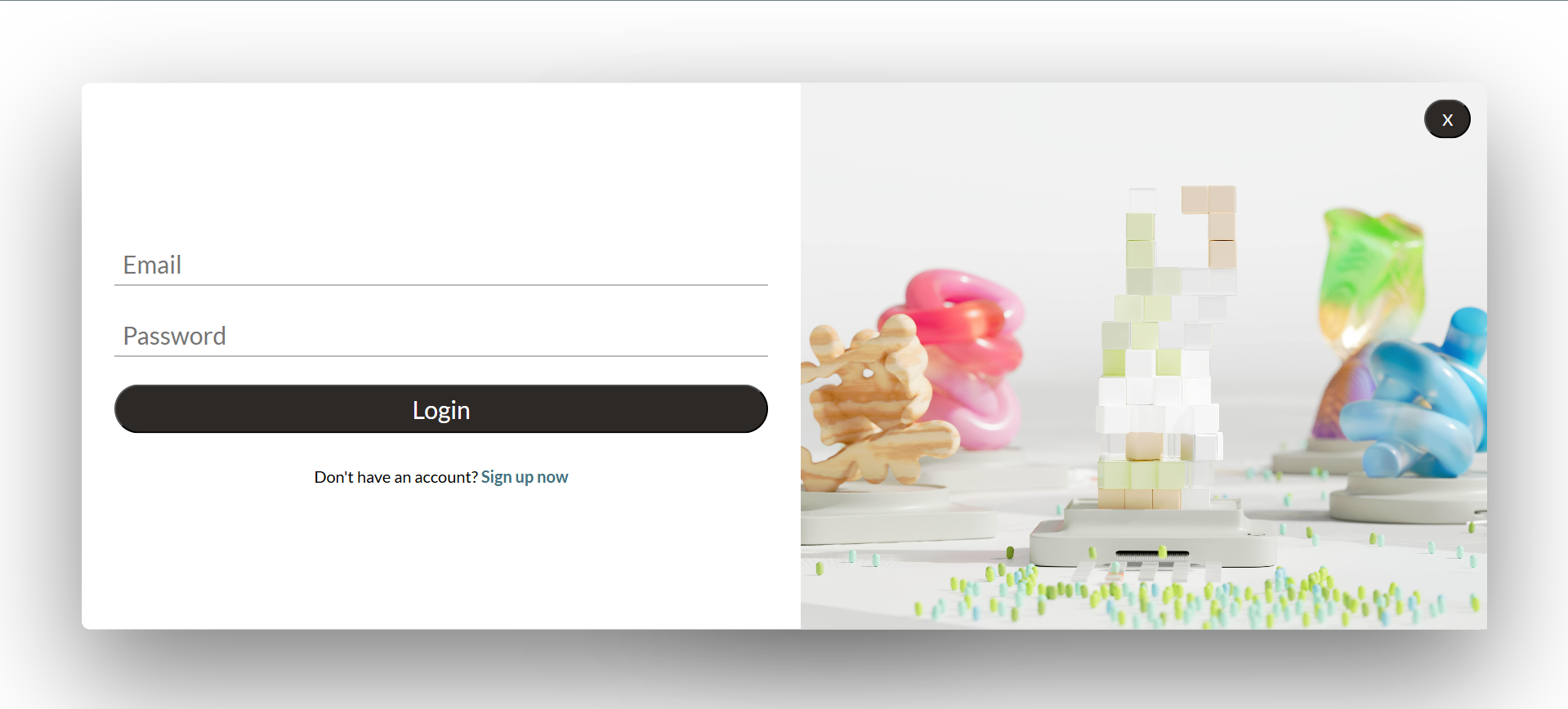
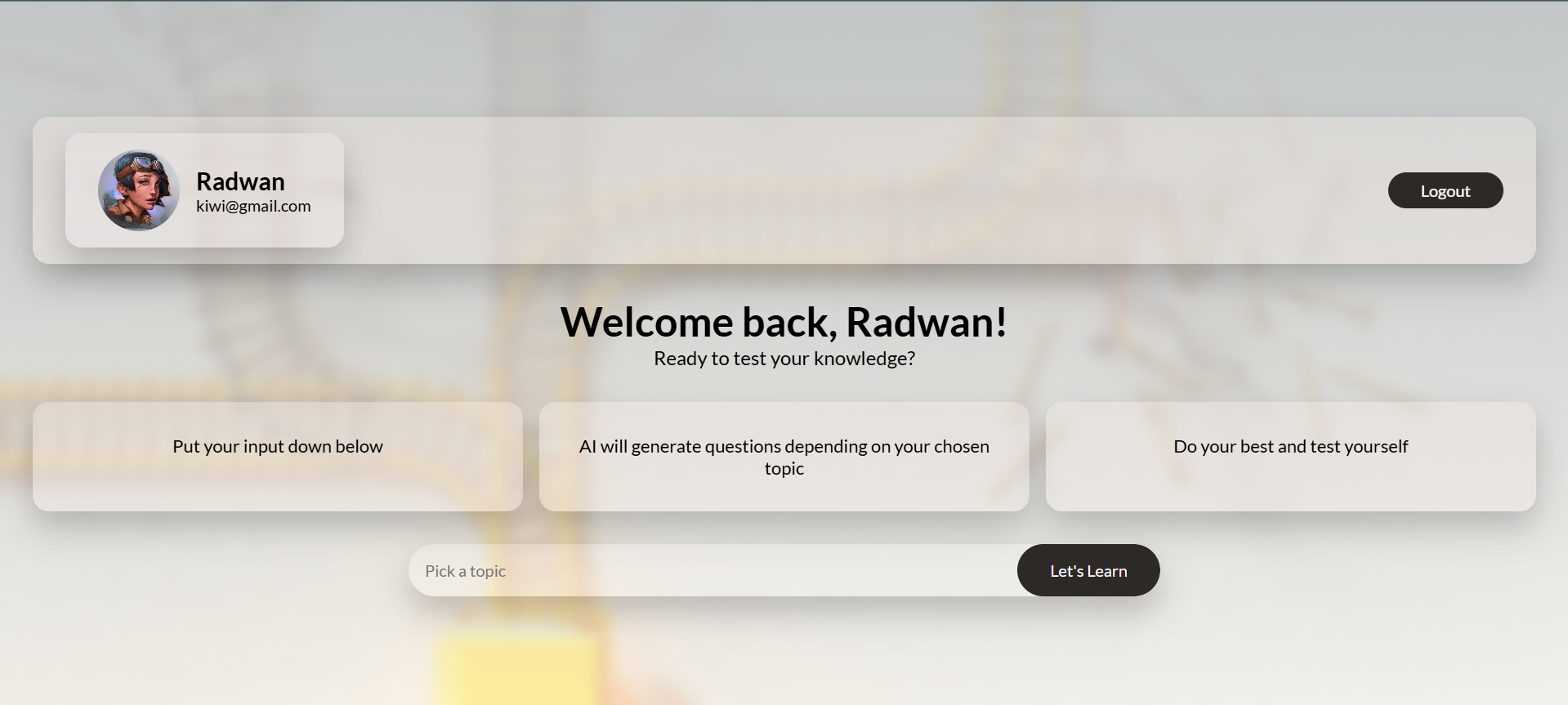
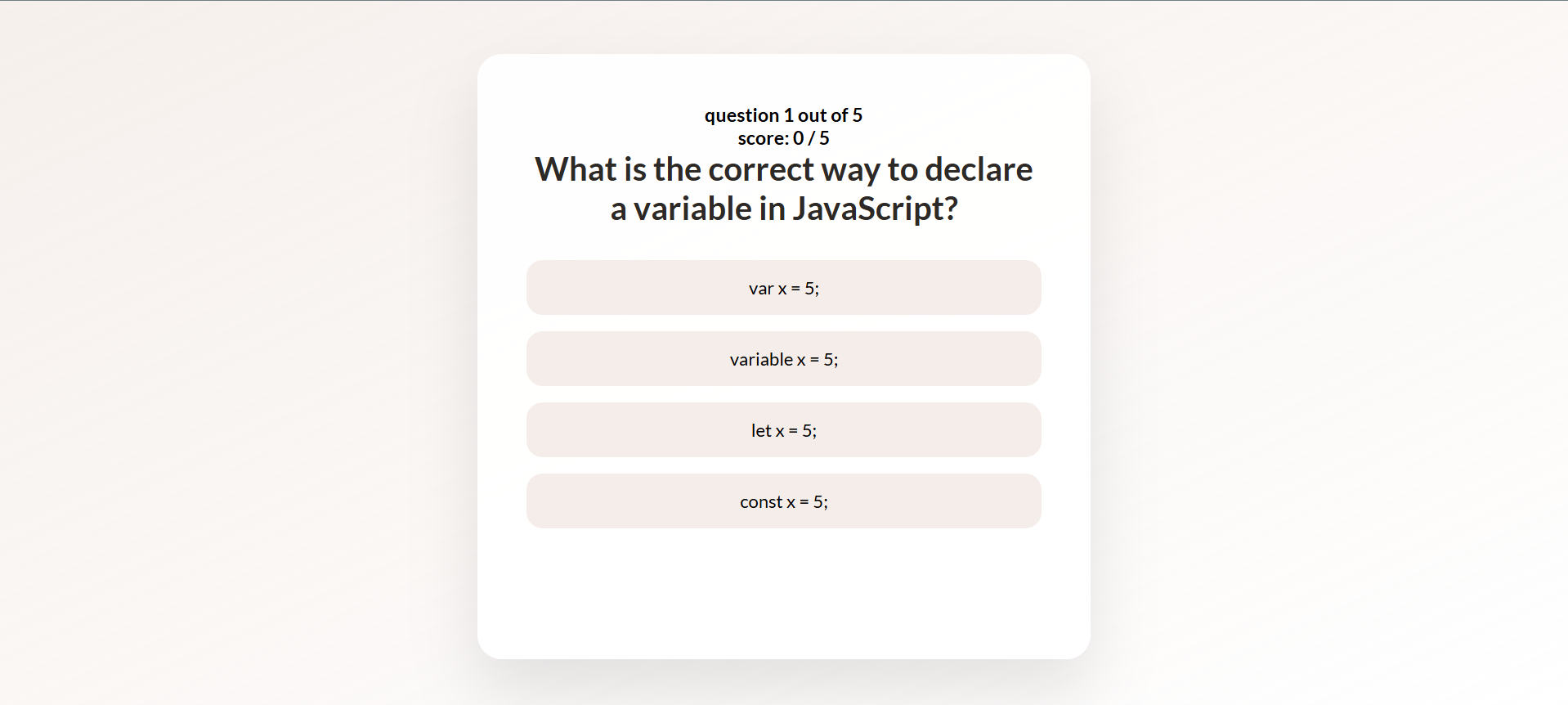
Users can sign up / log in securely with JWT-based authentication, then input a topic prompt (e.g., "JavaScript", "History"), and the AI will generate custom quiz questions based on that topic.
The project is structured with:
- Frontend: React + Vite + Zustand for state management.
- Backend: Express + Mongoose (MongoDB) + JWT for authentication.
- AI Integration: OpenAI API to generate dynamic quiz questions.
- User authentication (signup & login) with JWT tokens.
- Prompt-based AI quiz generation (via OpenAI API).
- Score tracking and interactive quiz UI.
- Responsive design with modern SCSS styling.
- Frontend: React, Vite, Zustand, SCSS
- Backend: Node.js, Express, MongoDB (Mongoose), JWT
- AI: OpenAI API
- Node.js (v18+ recommended)
- MongoDB Atlas or local MongoDB setup
- OpenAI API Key (for quiz generation)
git clone https://github.com/ReactRay/quizy.git
cd quizy
---

## Environment Variables 🛡️

Create a `.env` file inside the `/backend` folder with the following structure:

# MongoDB Connection
MONGODB_URI=your_mongodb_connection_string

# Server Port
PORT=5000

# JWT Secret for authentication
JWT_SECRET=your_jwt_secret_key

# Cloudinary for image uploads
CLOUDINARY_CLOUD_NAME=your_cloudinary_cloud_name
CLOUDINARY_API_KEY=your_cloudinary_api_key
CLOUDINARY_API_SECRET=your_cloudinary_api_secret

# Node environment
NODE_ENV=production

# OpenAI API Key for quiz generation
OPEN_AI_KEY=your_openai_api_key

#installation :
# Install backend dependencies
npm install --prefix backend

# Install frontend dependencies
npm install --prefix frontend

# Build frontend
npm run build

# Start the server (backend + serve built frontend)
npm start


#the app will run on :
http://localhost:5000


#folder structure :

quizy/
│
├── backend/               # Express server, routes, models
│   ├── controllers/
│   ├── middleware/
│   └── routes/
│
├── frontend/              # React app (Vite)
│   ├── src/
│   └── public/
│
├── package.json           # Root scripts for build/start
└── README.md


#Demo link :

Live: https://quizy-72mq.onrender.com


#author: Radwan Mansur