
This community-driven repository contains ready-to-use Recast automation templates that help you tackle common IT challenges with just a few clicks. From user management to device maintenance, find tested solutions shared by fellow IT professionals.
💡 All templates are MIT licensed and provided "as is" - always test first!
The scripts and code provided in this repository are offered "as is" without any warranty of any kind, either express or implied, including but not limited to the implied warranties of merchantability and fitness for a particular purpose. Recast Software does not guarantee the accuracy, completeness, or usefulness of any information, nor does it ensure that the scripts will function as intended or be free of errors. Users are solely responsible for their use of the scripts and any consequences arising from such use. Recast Software shall not be liable for any damages or losses resulting from the use of the scripts provided in this repository.
The content in this repository is intended for general educational and informational purposes only. It is not intended to be a substitute for professional advice or services.
- Browse the repository and find the automation template you need. Each template is in its own folder with a README explaining what it does and any prerequisites.
- Download the XML file by clicking on it and selecting "Download raw file" or right-clicking "Raw" and selecting "Save as".
- Import in ConfigMgr: Navigate to Recast Automation ➜ Recast Builder. Right-click in the list of Builder actions ➜ Import and select your downloaded XML file.
- Run the automation: Right-click any device, user, or collection, launch Recast Runner, and select your newly imported action.
How to use the Recast Community Builder Actions Repo:
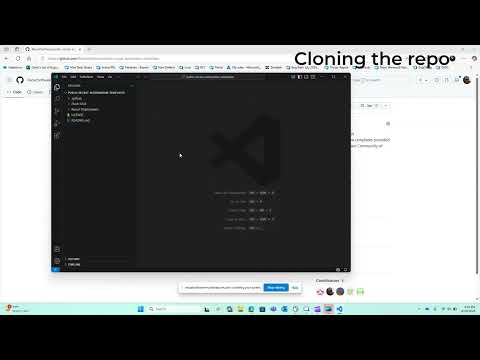
We welcome contributions from the Recast community! Whether you're adding new automation templates, fixing bugs, or improving documentation, your contributions help make this repository better for everyone.
For detailed guidelines on how to contribute, please see our Contributing Guidelines.