PWA Walkthrough
The TankSync PWA at tanksync.smartghar.org is the cloud-side companion to the hub's local web UI. One URL, any browser, installs as a phone app if you want, reachable from anywhere — no port forwarding, no VPN.
Auth: account-based. One account can own multiple hubs and is shareable with family. Theme: auto (follows time of day), can be overridden in Settings.
Light + dark themes side-by-side (the PWA auto-picks based on time of day):
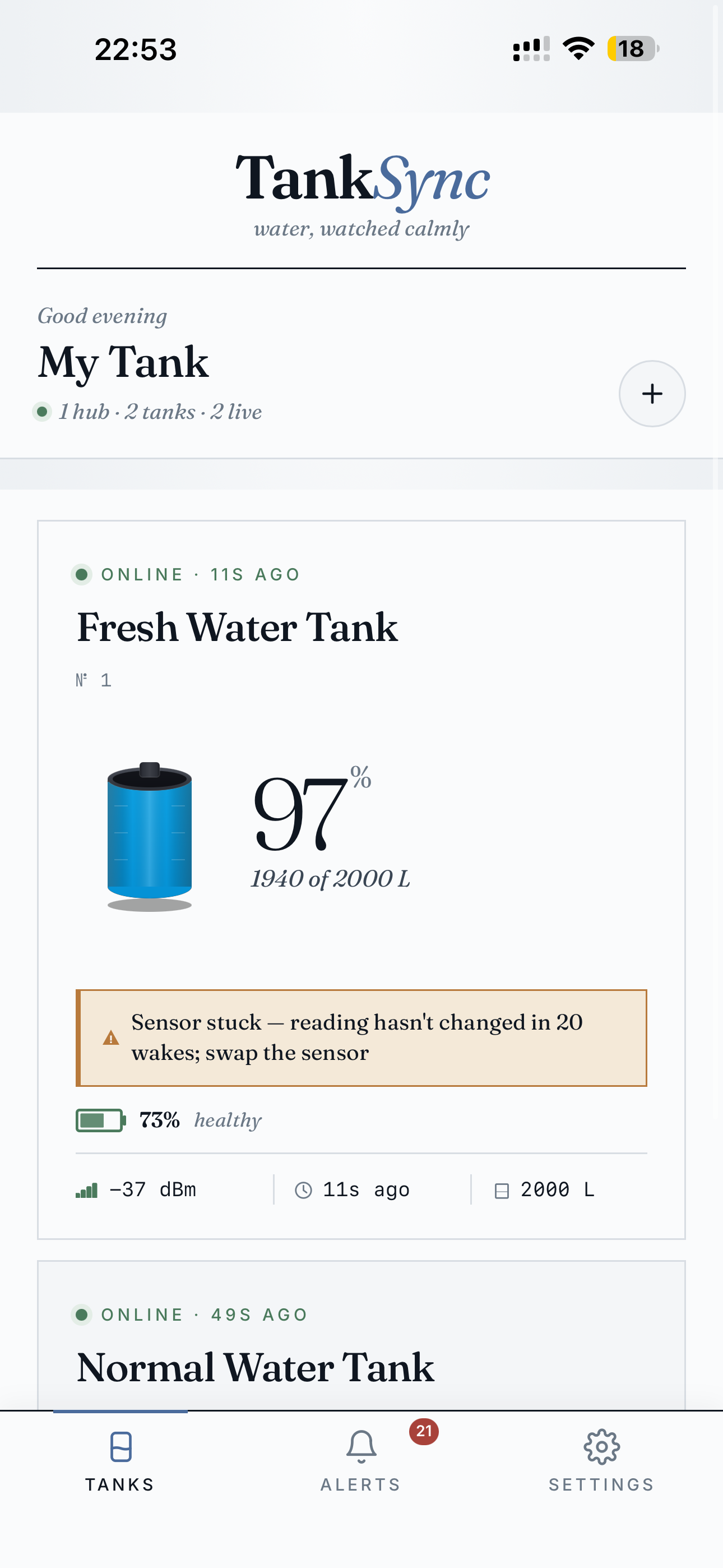
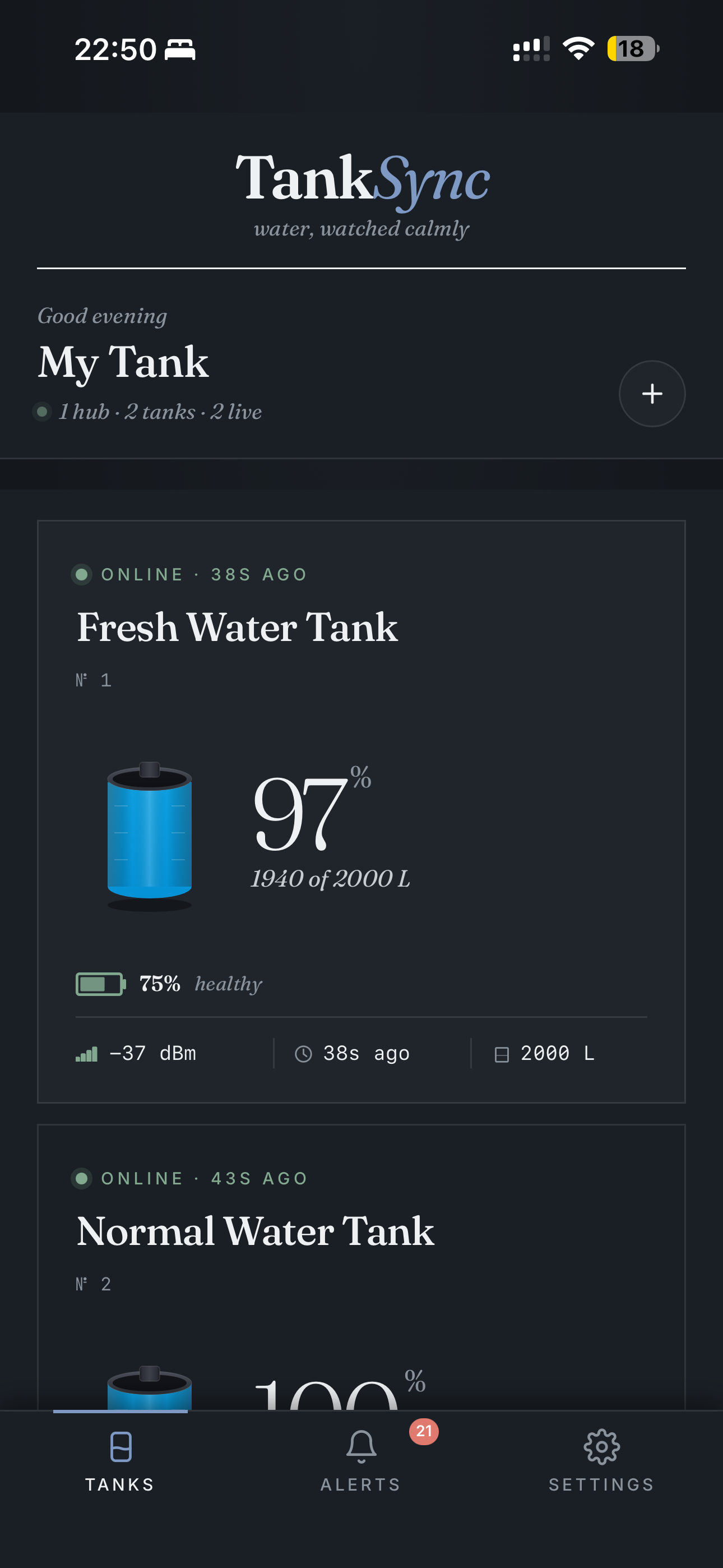
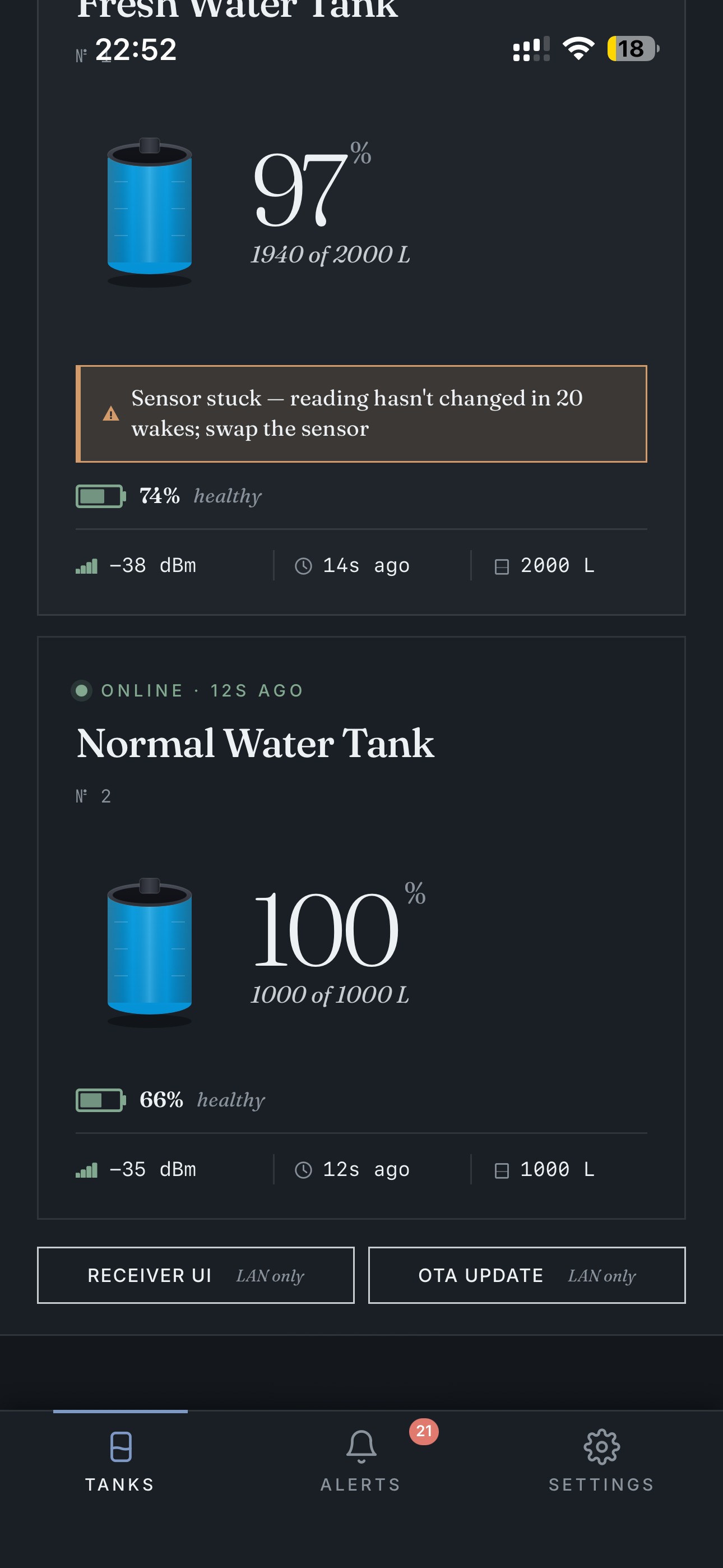
Every paired tank from every hub on your account shows up as a card with current level, capacity, signal, last-seen, and battery health. Tap a card to drill in.
When a tank reports a sensor problem (variance-based "sensor stuck" detection), a warning chip bubbles to the home screen — no need to dig into settings:
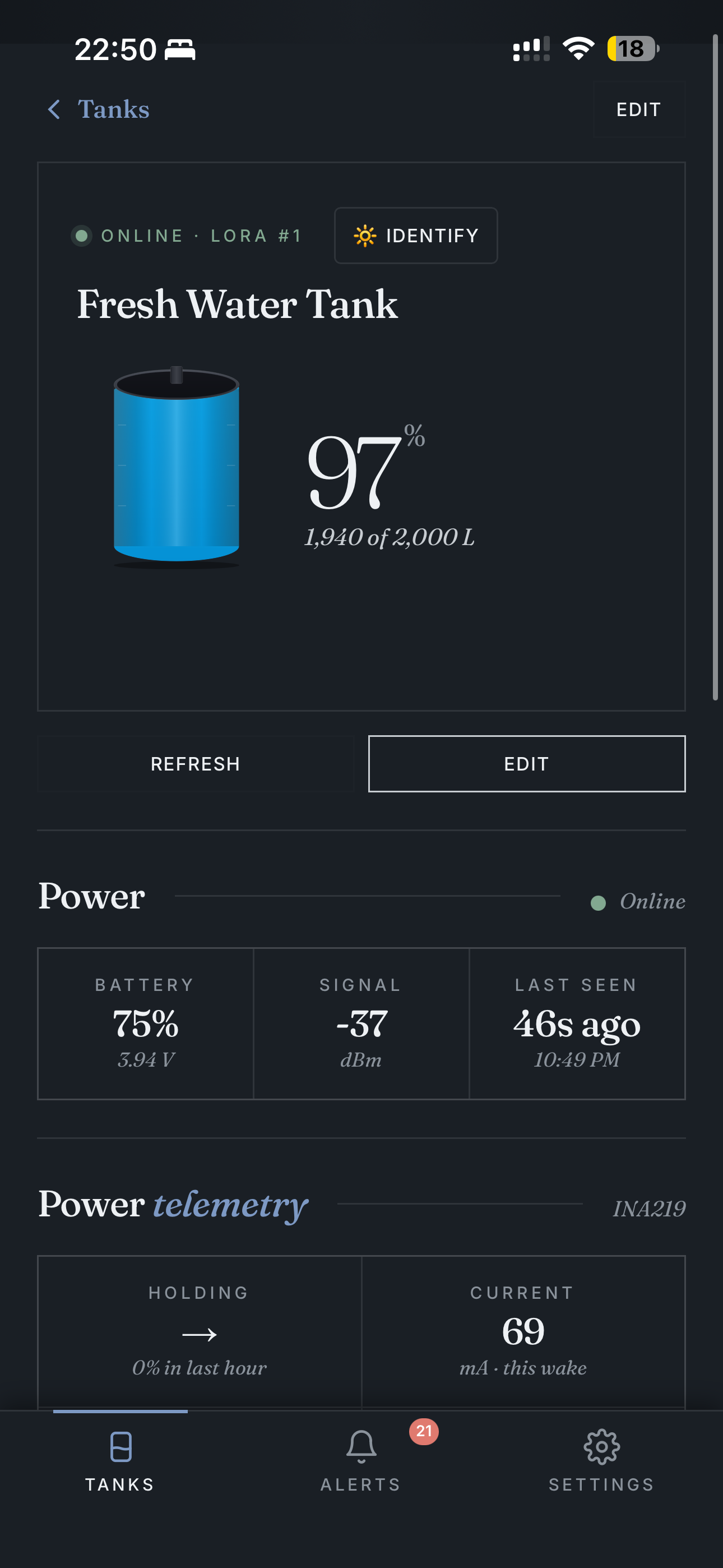
Per-tank views show power telemetry (left) and history graphs over multiple time windows (right):
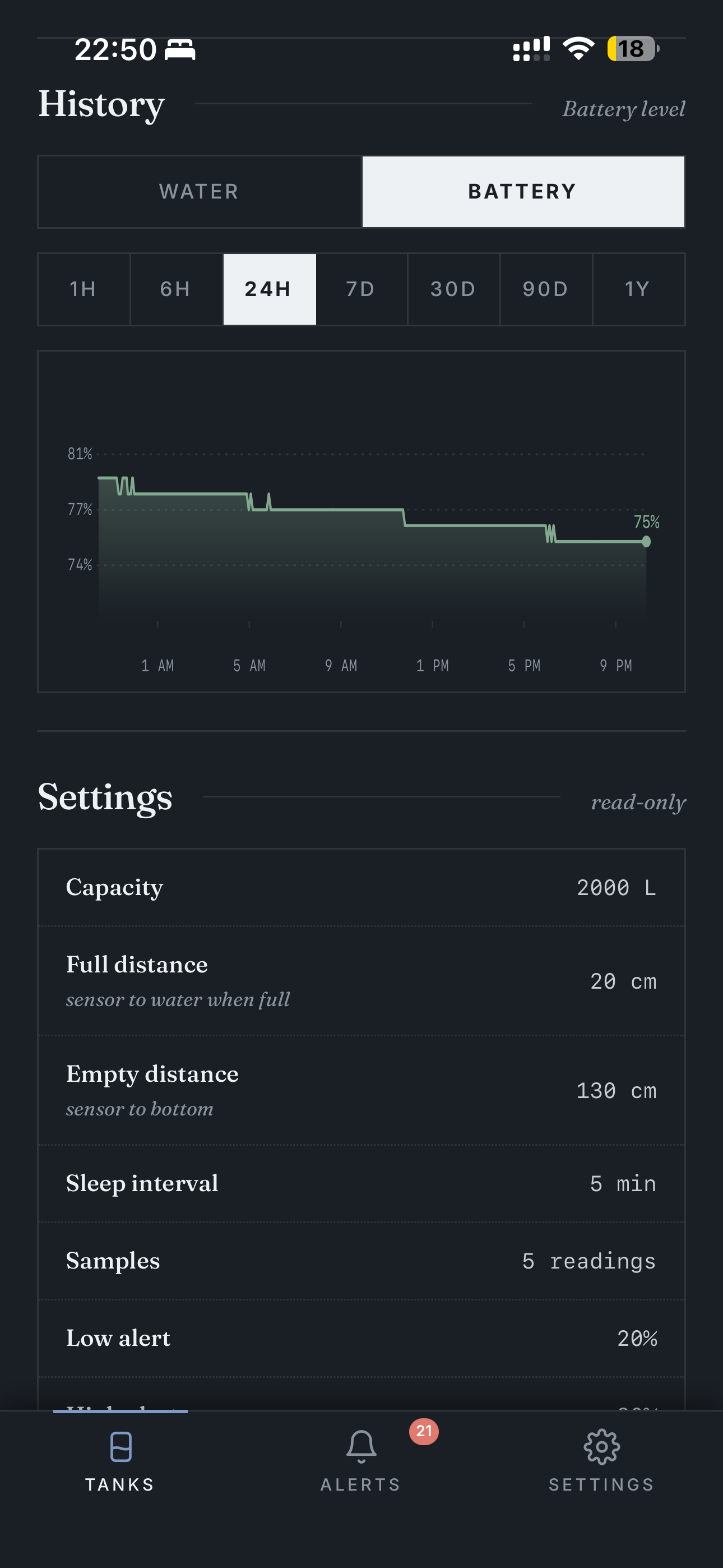
History data retention: 90 days on the free tier, 1 year on Pro.
Bottom-nav middle button. Reverse-chronological, filterable by category (All / Water / Battery / Device). Light + dark variants:
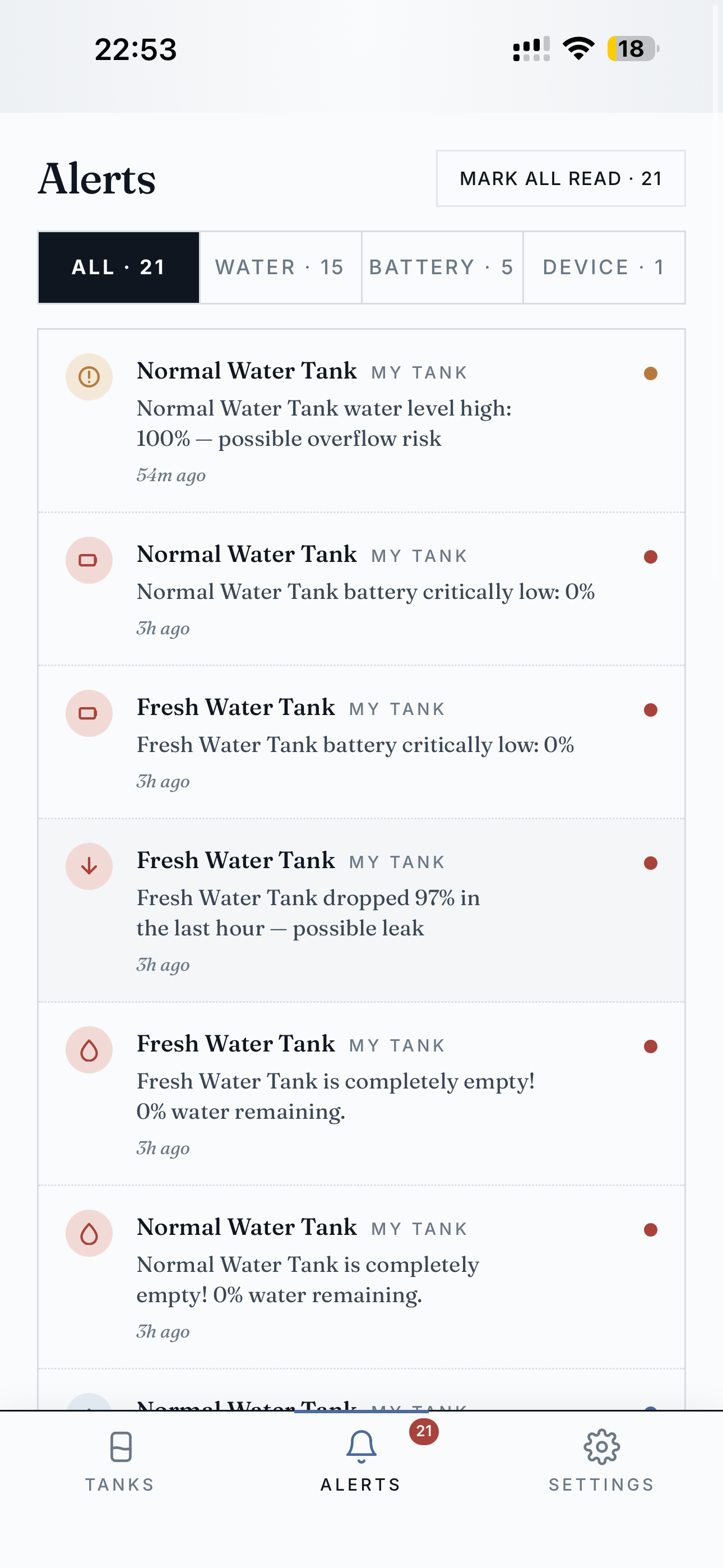
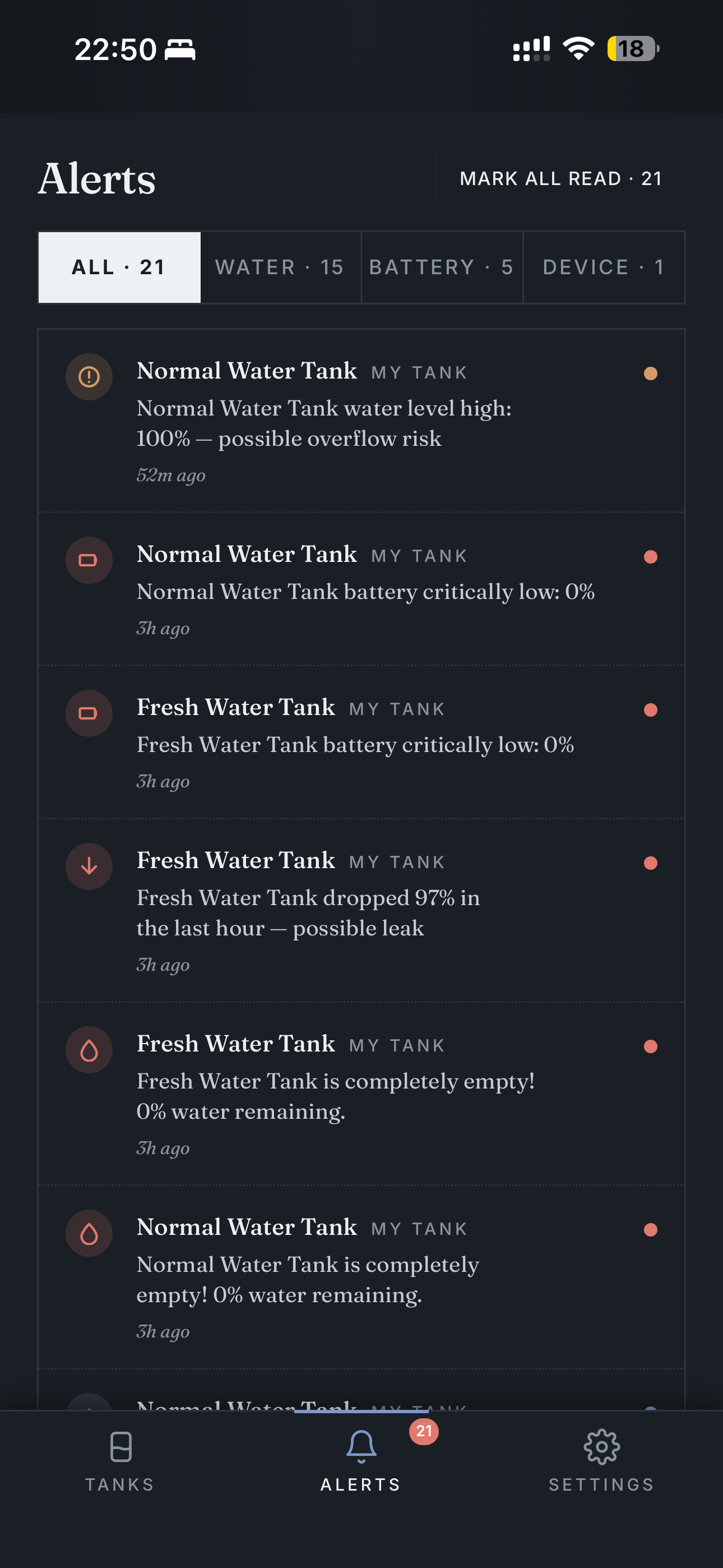
Mark all read clears the badge on the bottom-nav. Alerts include: overflow risk, critically low battery, large drop (possible leak), tank completely empty, sensor errors.
Top of Settings: profile + plan card (left). Hub list with LED strip + buzzer config (right):
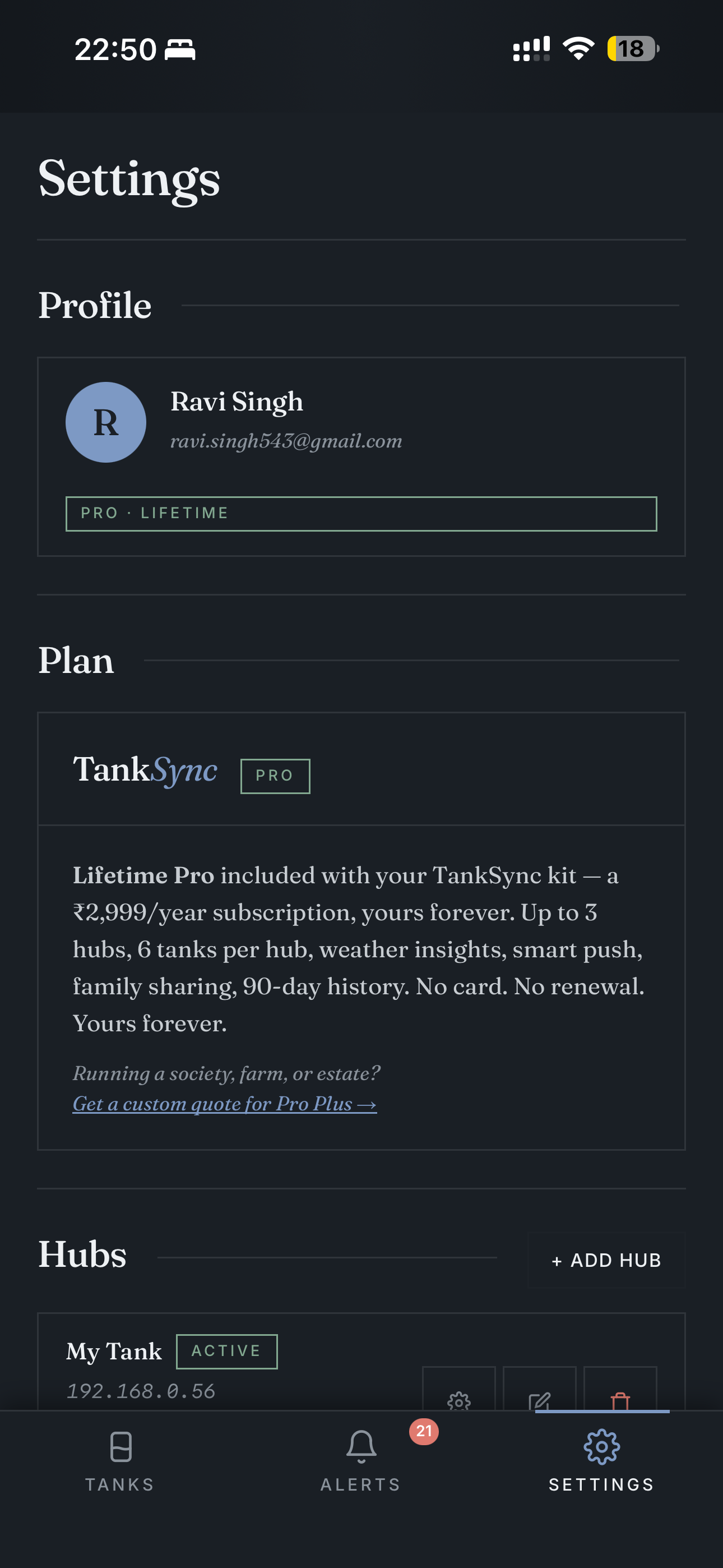
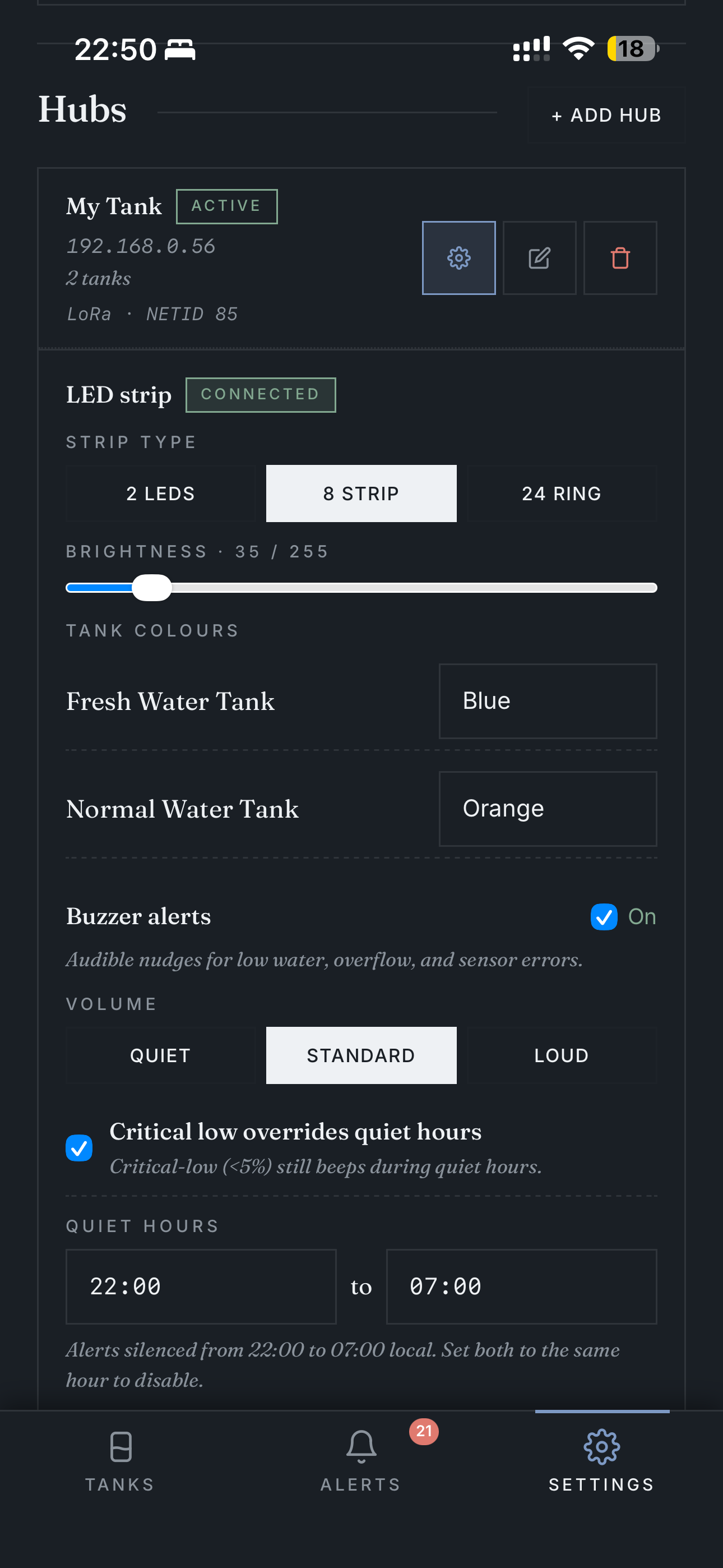
Lifetime Pro is bundled with TankSync kits purchased from SmartGhar. Independent builds use the free tier (still covers 3 hubs / 6 tanks).
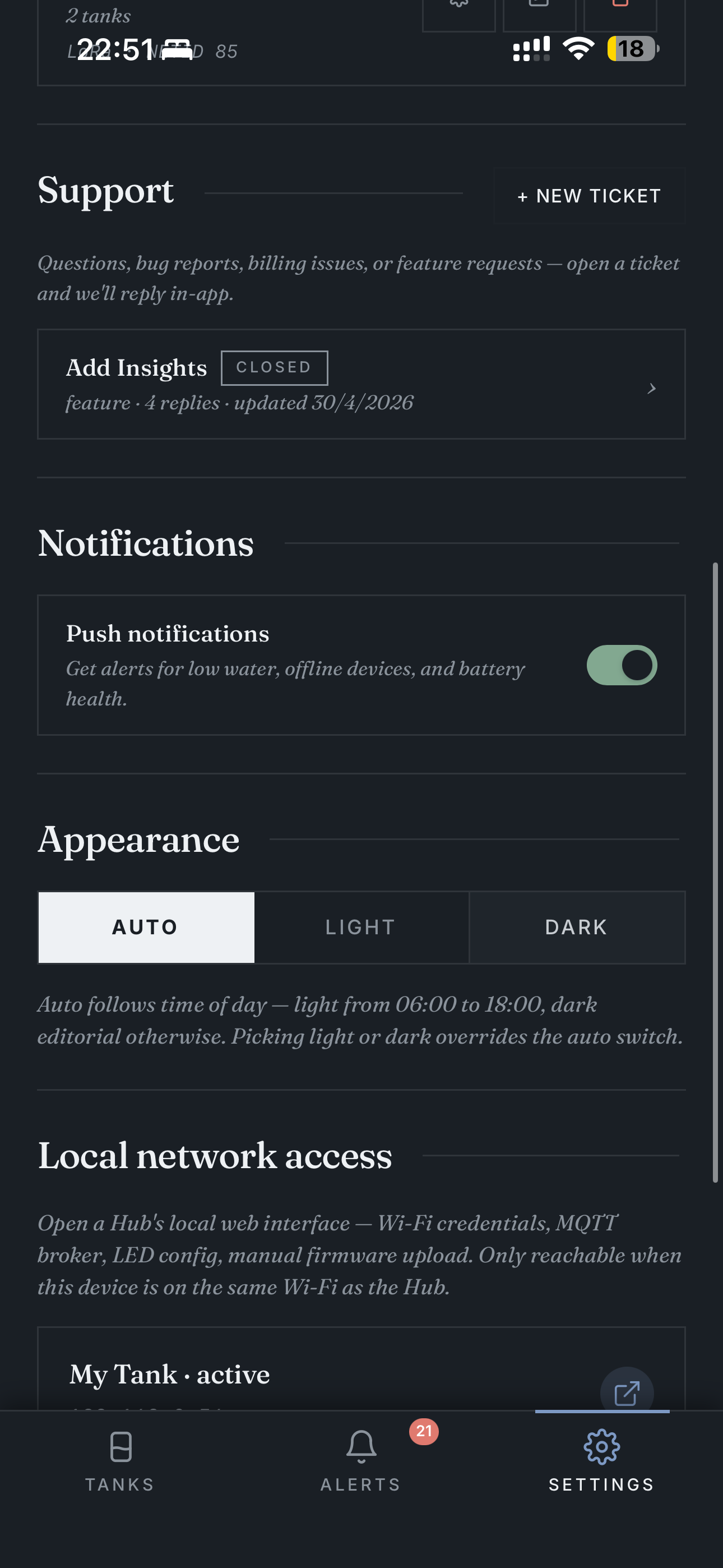
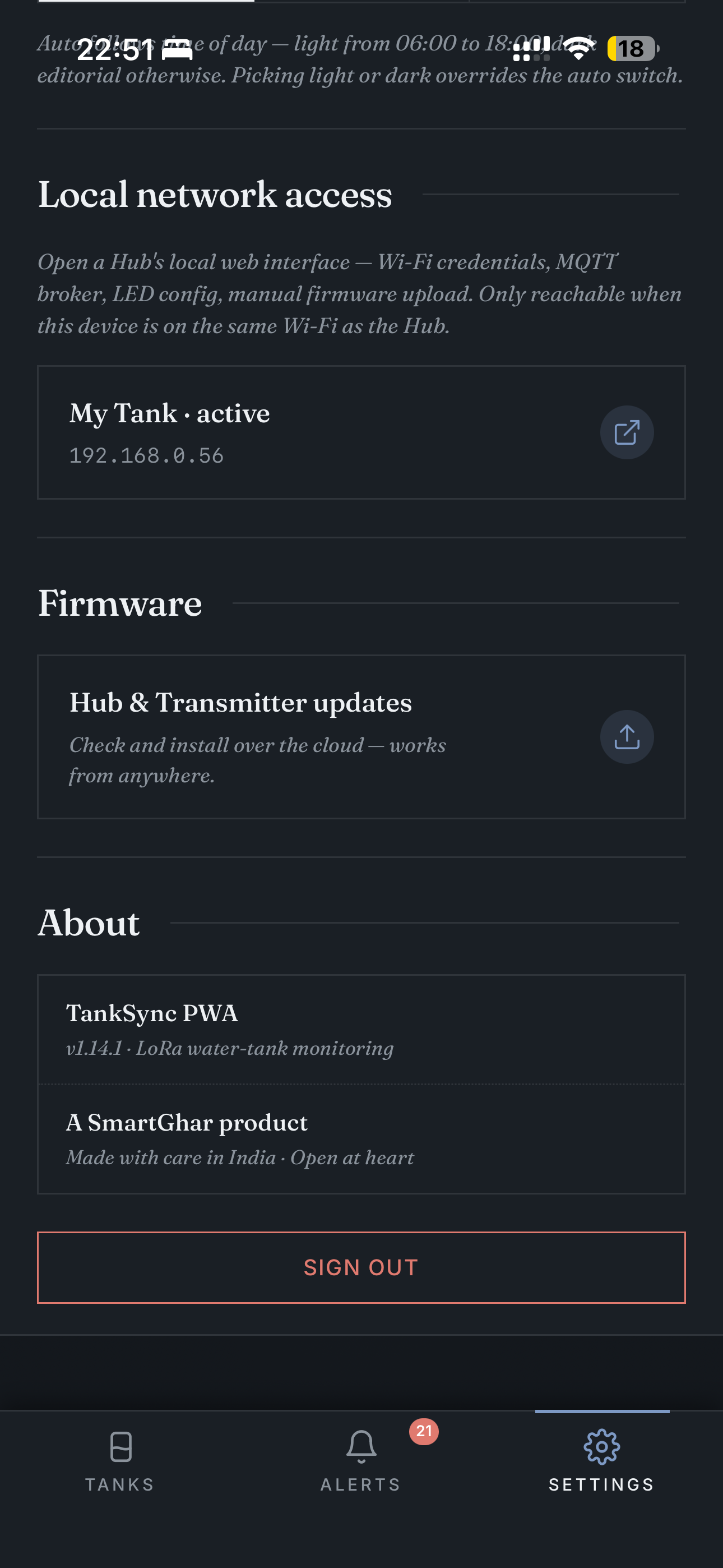
Scrolling further down Settings: support / notifications / appearance (left), local-network + firmware + about in dark theme (right):
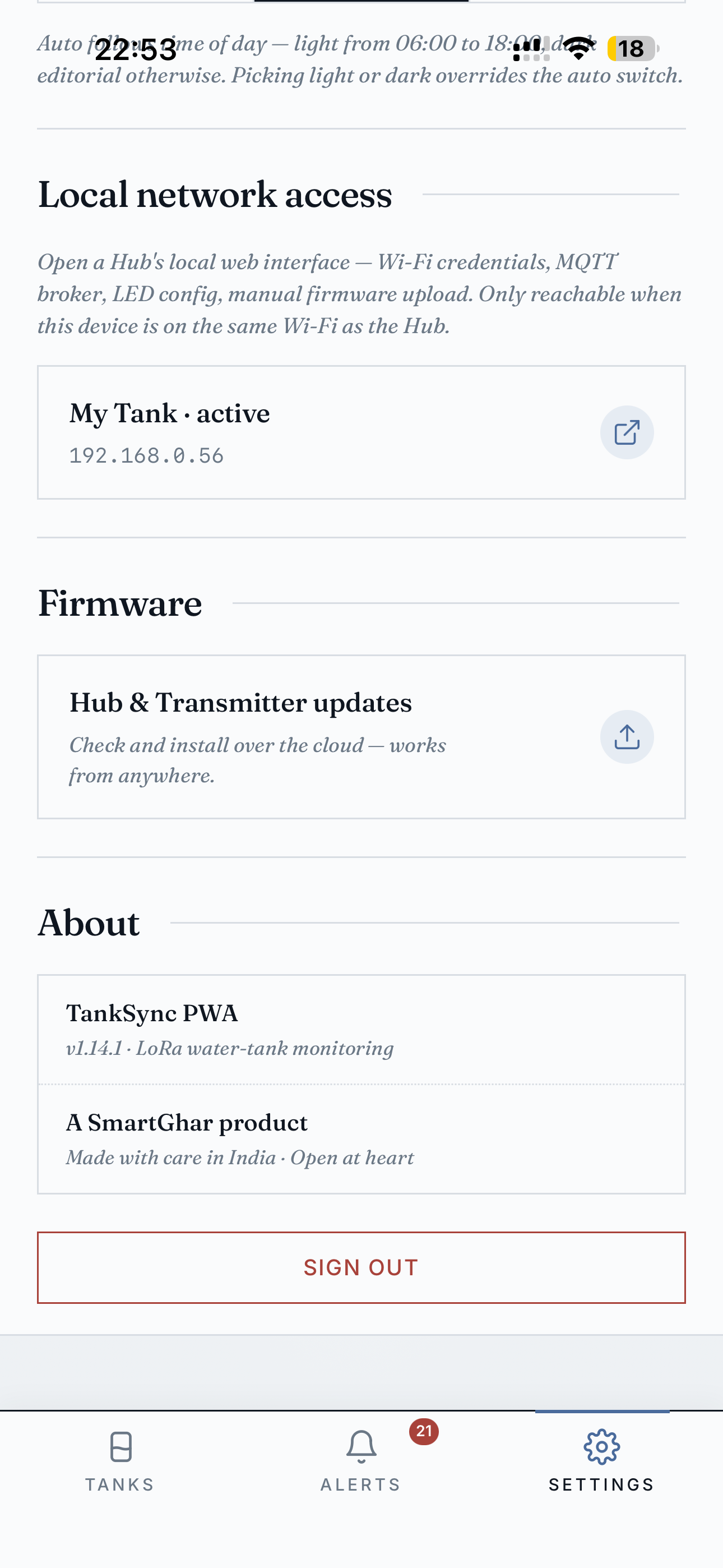
Same bottom section in light theme (the auto-theme switches at sunrise / sunset):
The Firmware page lists hub + all paired transmitters with their current versions and any available updates. Status + manual upload paths side-by-side:
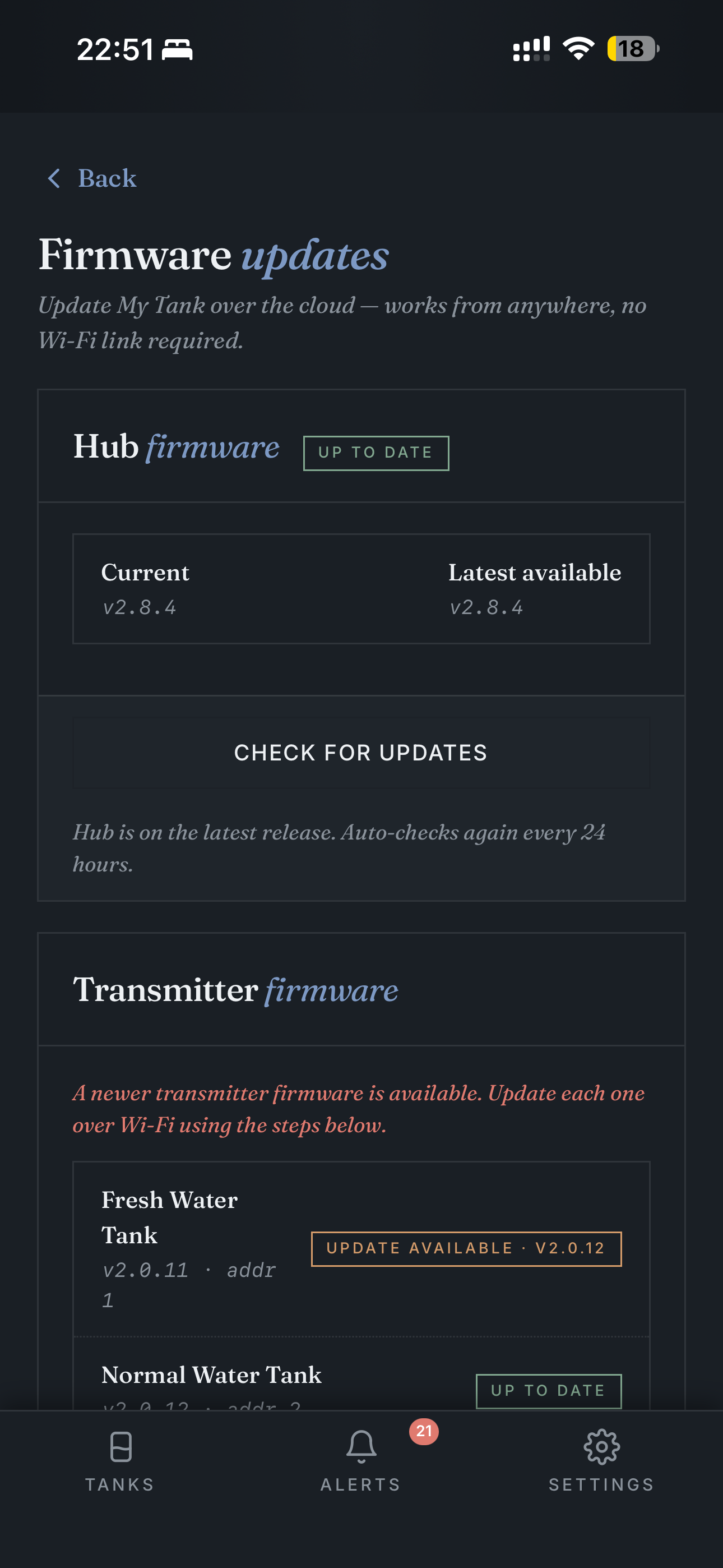
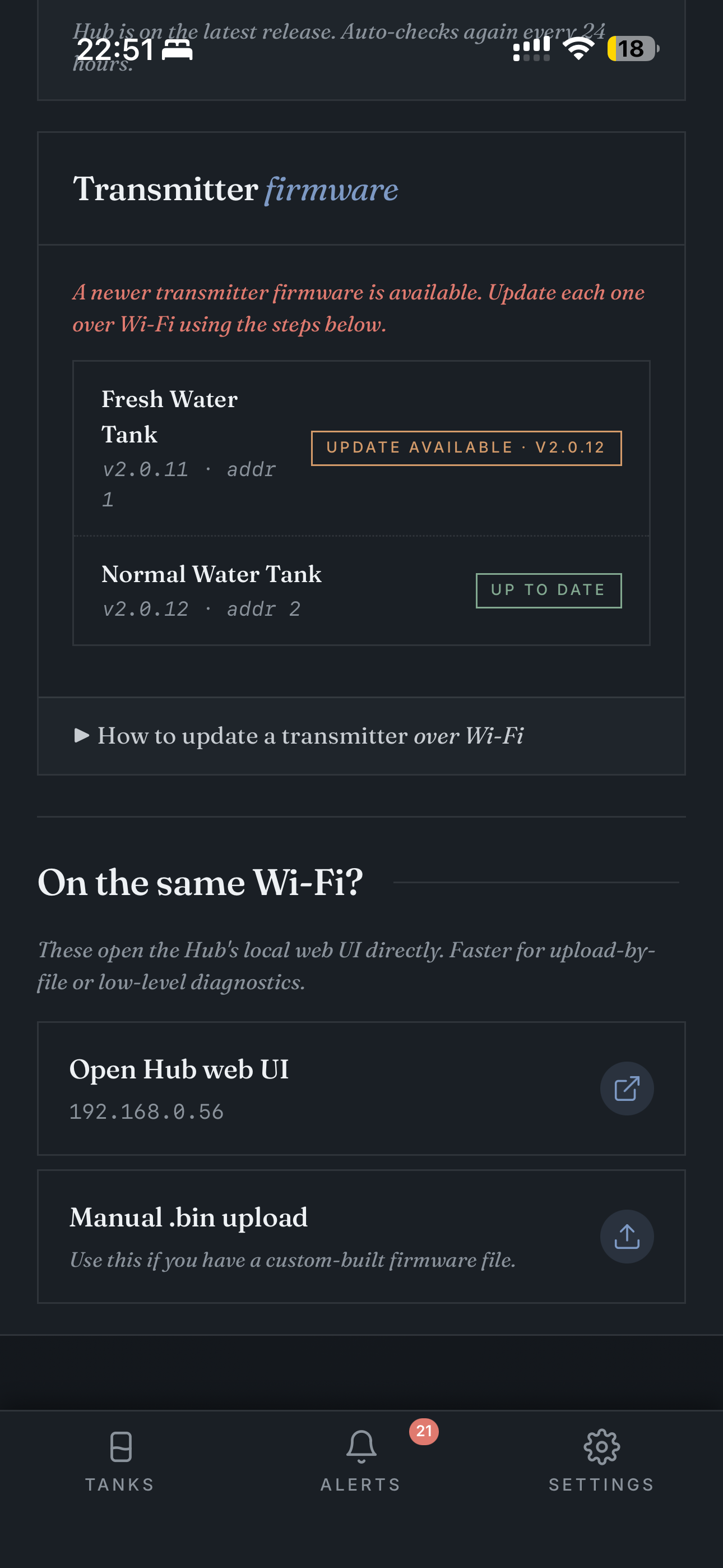
If a transmitter has an update available, an UPDATE AVAILABLE · vX.Y.Z button appears. Tapping it triggers the over-Wi-Fi OTA flow (hub orchestrates; TX wakes up and pulls the new binary).
The manual .bin upload route is for custom builds — most users never use it.
- iOS Safari: Share → "Add to Home Screen"
- Android Chrome: menu → "Install app"
Once installed, TankSync looks and feels like a native app — same icon on your home screen, no browser chrome, push notifications work natively. No App Store, no review delay.
- No Wi-Fi credential changes — chicken-and-egg. If the hub is on the wrong Wi-Fi, the PWA can't reach it. Use the hub's setup-mode AP for that.
- No LoRa frequency / hub address changes — same. Local web UI only.
- No factory reset — local web UI + physical button only. Avoids "I clicked the wrong thing on my phone and now my hub is gone."
For everything else, the PWA is parity with the local web UI plus history + sharing on top. See Local Web UI for the LAN-only side.