"Improve" Databricks Notebook Experience #384
Merged
Conversation
This file contains hidden or bidirectional Unicode text that may be interpreted or compiled differently than what appears below. To review, open the file in an editor that reveals hidden Unicode characters.
Learn more about bidirectional Unicode characters


 eakmanrq
requested review from
a team and
izeigerman
and removed request for
izeigerman
eakmanrq
force-pushed
the
eakmanrq/try_block_button
branch
from
eakmanrq
requested review from
a team and
izeigerman
and removed request for
izeigerman
eakmanrq
force-pushed
the
eakmanrq/try_block_button
branch
from
f6564cf to
5849dbd
Compare

vchan
approved these changes
Feb 17, 2023

tobymao
approved these changes
Feb 17, 2023
 eakmanrq
force-pushed
the
eakmanrq/try_block_button
branch
from
eakmanrq
force-pushed
the
eakmanrq/try_block_button
branch
from
5fafd3a to
b02a344
Compare
Sign up for free
to join this conversation on GitHub.
Already have an account?
Sign in to comment


Add this suggestion to a batch that can be applied as a single commit.
This suggestion is invalid because no changes were made to the code.
Suggestions cannot be applied while the pull request is closed.
Suggestions cannot be applied while viewing a subset of changes.
Only one suggestion per line can be applied in a batch.
Add this suggestion to a batch that can be applied as a single commit.
Applying suggestions on deleted lines is not supported.
You must change the existing code in this line in order to create a valid suggestion.
Outdated suggestions cannot be applied.
This suggestion has been applied or marked resolved.
Suggestions cannot be applied from pending reviews.
Suggestions cannot be applied on multi-line comments.
Suggestions cannot be applied while the pull request is queued to merge.
Suggestion cannot be applied right now. Please check back later.
Currently Databricks notebooks have a problem where after 5 minutes of applying a plan the progress bars stop updating. To the user there is no longer a visual indicating of what (if anything) is happening. It seems unacceptable to me.
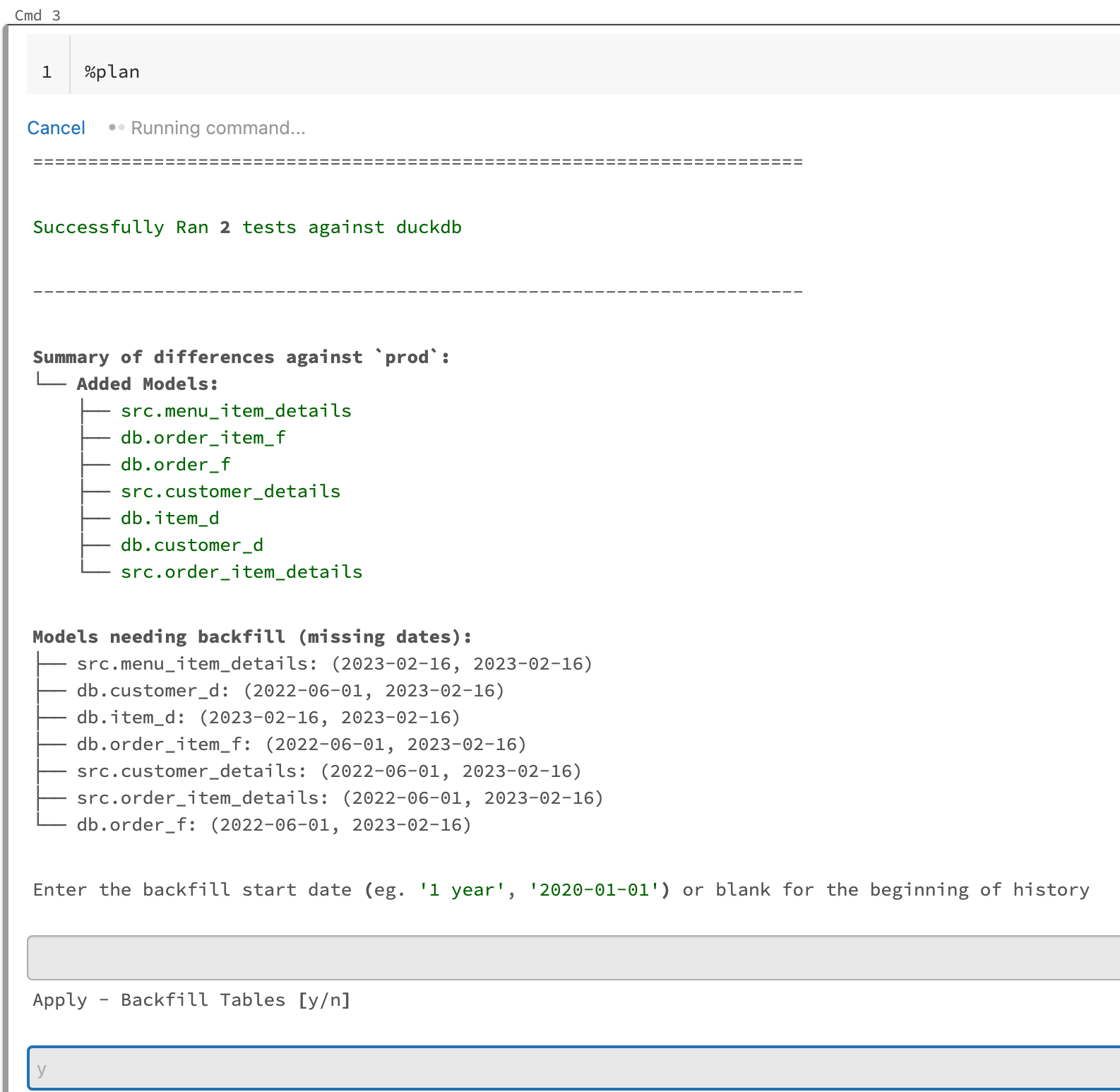
This solution solves this by having the plan application itself run in the main databricks thread. As a result databricks recognizes that it is running the whole time the plan is applying you will see it finish the different stages at the top of the cell. It also means that you know when it has finished or not based on when the cell is done running. The downside though is that:
For now it feels like we are picking our poison here but being able to know that the plan is running or not, and see spark stage updates as it executes, is a much better experience than not knowing what is happening at all even if that means a clunky UI.