
Rebooted version of https://github.com/geex-arts/django-jet#readme
Modern template for Django 5 admin interface with improved functionality
- MAJOR UPGRADE
- Latest jQuery and jQuery-UI
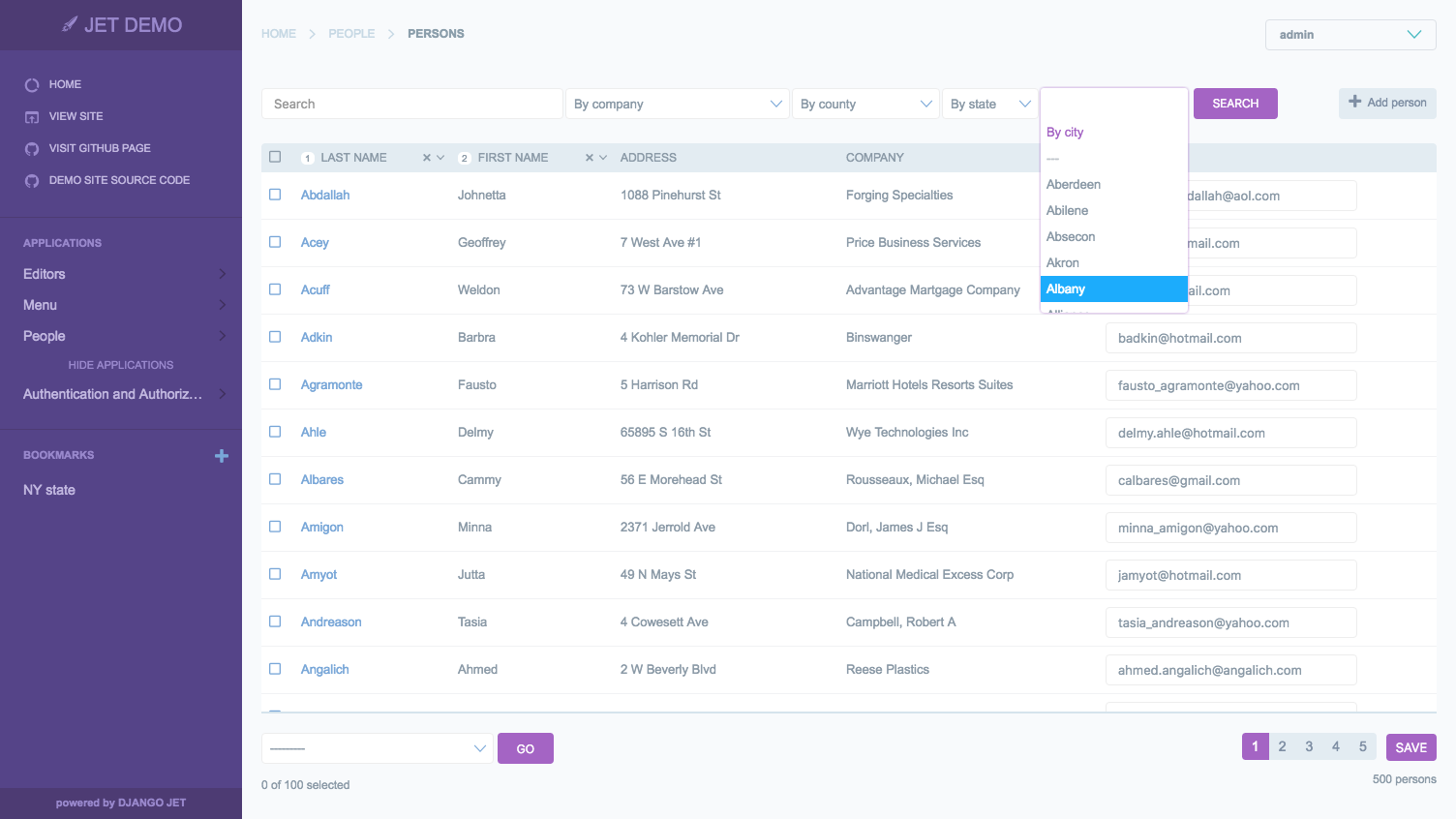
- Multiselect dropdown in list filter


Django JET has two kinds of licenses: open-source (AGPLv3) and commercial. Please note that using AGPLv3 code in your programs make them AGPL compatible too. So if you don't want to comply with that we can provide you a commercial license (visit Home page). The commercial license is designed for using Django JET in commercial products and applications without the provisions of the AGPLv3.
- Documentation: http://jet.readthedocs.org/ (Old official version)
- libi.io http://libi.io/library/1683/django-jet (Old official version)
- PyPI: https://pypi.org/project/django-jet-calm/
- New fresh look
- Responsive mobile interface
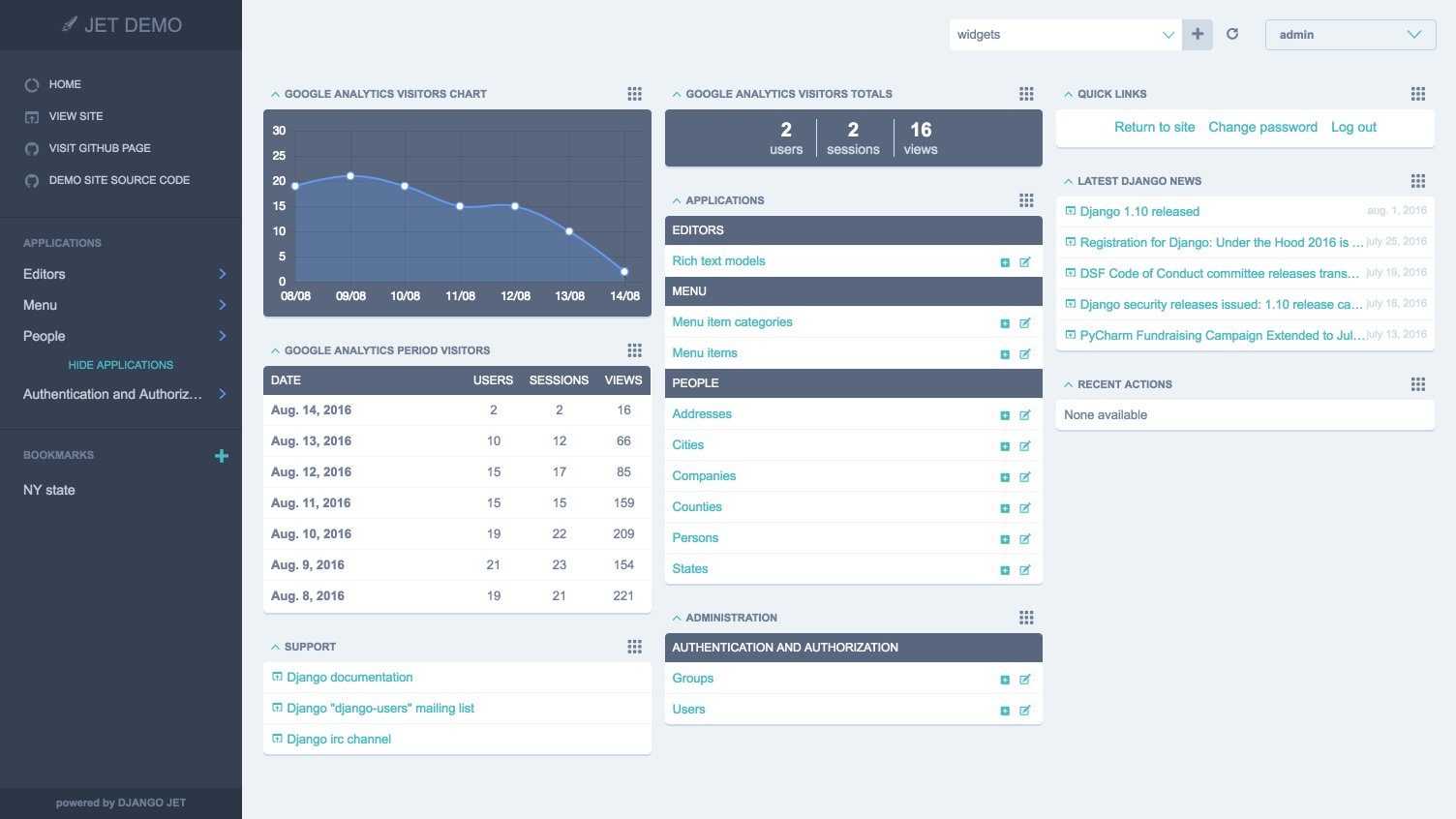
- Useful admin home page
- Minimal template overriding
- Easy integration
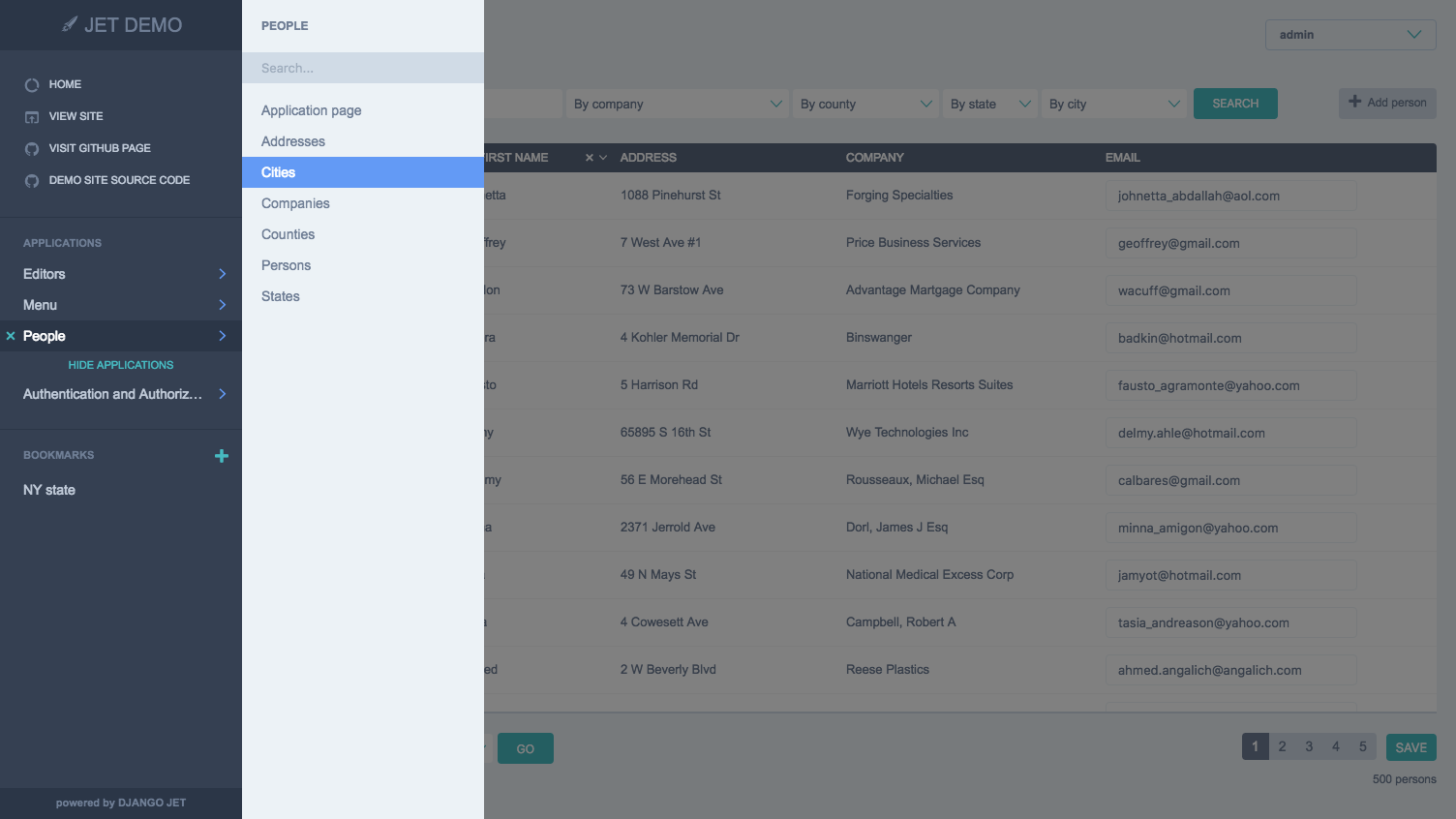
- Themes support
- Autocompletion
- Handy controls
- Python 3.10+
- Django 5.2+
- Install Django JET Calm:
pip install django-jet-calm==5.5.2- Add 'jet' application to the INSTALLED_APPS setting of your Django project settings.py file (note it should be before 'django.contrib.admin'):
INSTALLED_APPS = (
    ...
    'jet',
    'django.contrib.admin',
)- Make sure
django.template.context_processors.requestcontext processor is enabled in settings.py:
TEMPLATES = [
    {
        'BACKEND': 'django.template.backends.django.DjangoTemplates',
        'DIRS': [],
        'APP_DIRS': True,
        'OPTIONS': {
            'context_processors': [
                ...
                'django.template.context_processors.request',
                ...
            ],
        },
    },
]- Add URL-pattern to the urlpatterns of your Django project urls.py file (they are needed for related–lookups and autocompletes):
from django.contrib import admin
from django.urls import include, path

urlpatterns = [
    path('jet/', include('jet.urls')),
    path('admin/', admin.site.urls),
]- Create database tables:
python manage.py migrate jet- Collect static if you are in production environment:
python manage.py collectstaticRun the backend coverage gate locally:
python -m pytest- Clear your browser cache
Note
Dashboard is located into a separate application. So after a typical JET installation it won't be active. To enable dashboard application follow these steps:
- Add 'jet.dashboard' application to the INSTALLED_APPS setting of your Django project settings.py file (note it should be before 'jet'):
INSTALLED_APPS = (
    ...
    'jet.dashboard',
    'jet',
    'django.contrib.admin',
    ...
)- Add URL-pattern to the urlpatterns of your Django project urls.py file (they are needed for related–lookups and autocompletes):
from django.contrib import admin
from django.urls import include, path

urlpatterns = [
    path('jet/', include('jet.urls')),
    path('jet/dashboard/', include('jet.dashboard.urls')),
    path('admin/', admin.site.urls),
]
Warning
From Django 3.0 the default value of the X_FRAME_OPTIONS setting was changed
from SAMEORIGIN to DENY. This can cause errors for popups such as the
Field Lookup Popup. To solve this you should add the following to your
Django project settings.py file:
X_FRAME_OPTIONS = 'SAMEORIGIN'- For Google Analytics widgets only install python package:
pip install google-api-python-client==1.4.1
- Create database tables:
python manage.py migrate jet.dashboard- Collect static if you are in production environment:
python manage.py collectstatic