

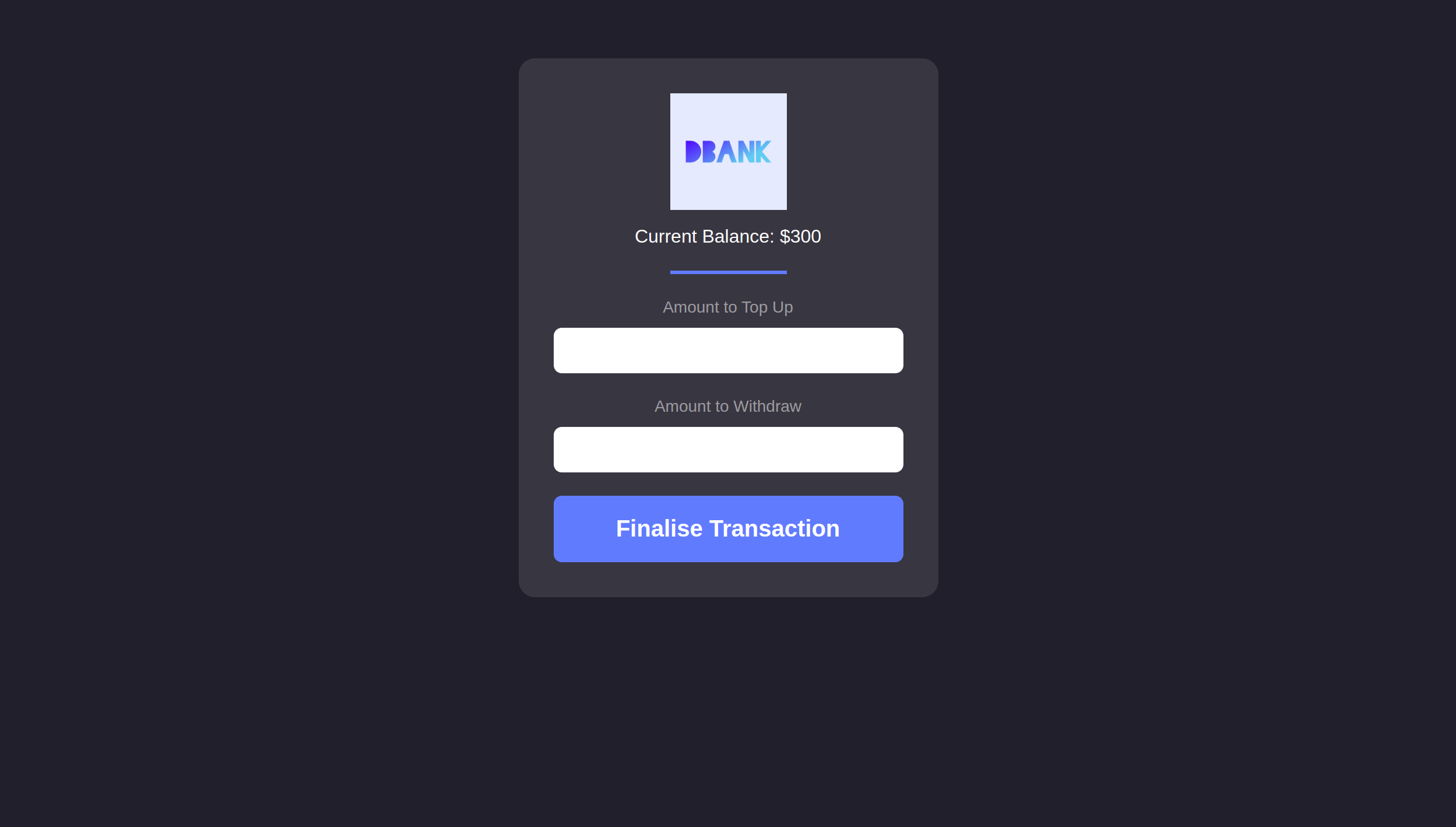
DBank is a powerful and safe bank for you to invest in your money and receive a lot back with no regret
To get started, you might want to explore the project directory structure and the default configuration file. Working with this project in your development environment will not affect any production deployment or identity tokens.
To learn more before you start working with dbank, see the following documentation available online:
- Quick Start
- SDK Developer Tools
- Motoko Programming Language Guide
- Motoko Language Quick Reference
- JavaScript API Reference
If you want to access the project click here
Before started, you will need to install on your machine: Git, Node.js. You will also need Install and Setup internet Computer Web3 Application Development. Furthermore. It's good to work with a good text editor as VSCode
# Clone the project
 $ git clone https://github.com/anafts/DBANK.git

# Access the project folder in terminal/cmd
 $ cd DBANK

# install the dependencies
 $ npm install
If you want to test the project locally, you can use the following commands:
# Starts the replica, running in the background
 $ dfx start

# Deploys the canisters to the replica and generates the candid interface
 $ dfx deploy
Once the job completes, the application will be available at http://127.0.0.1:8000/?canisterId=r7inp-6aaaa-aaaaa-aaabq-cai.
Additionally, if you make frontend changes, you can start a development server with
npm startWhich will start a server at http://localhost:8080, proxying API requests to the replica at port 8000.




In addition, the project was also built with Internet Computer and Motoko Language.
 Ana Freitas 🦉 |