Install websockets
pip install websockets
or
pip3 install websockets
run serverp.py as :
python3 server.py
or
python server.py
or
py.exe server.py
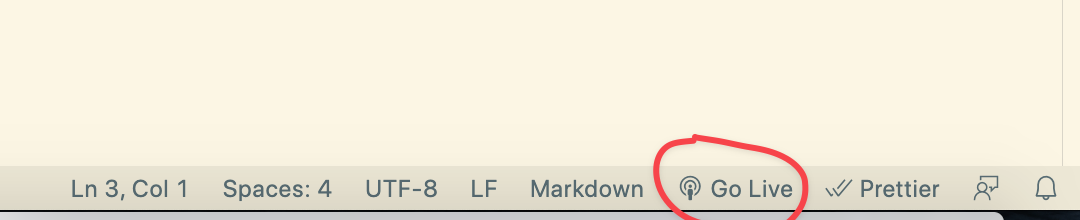
Open client.html in Visual Studio Code and click on Live Preview on the bottom right and it should fire up client.html in the browser
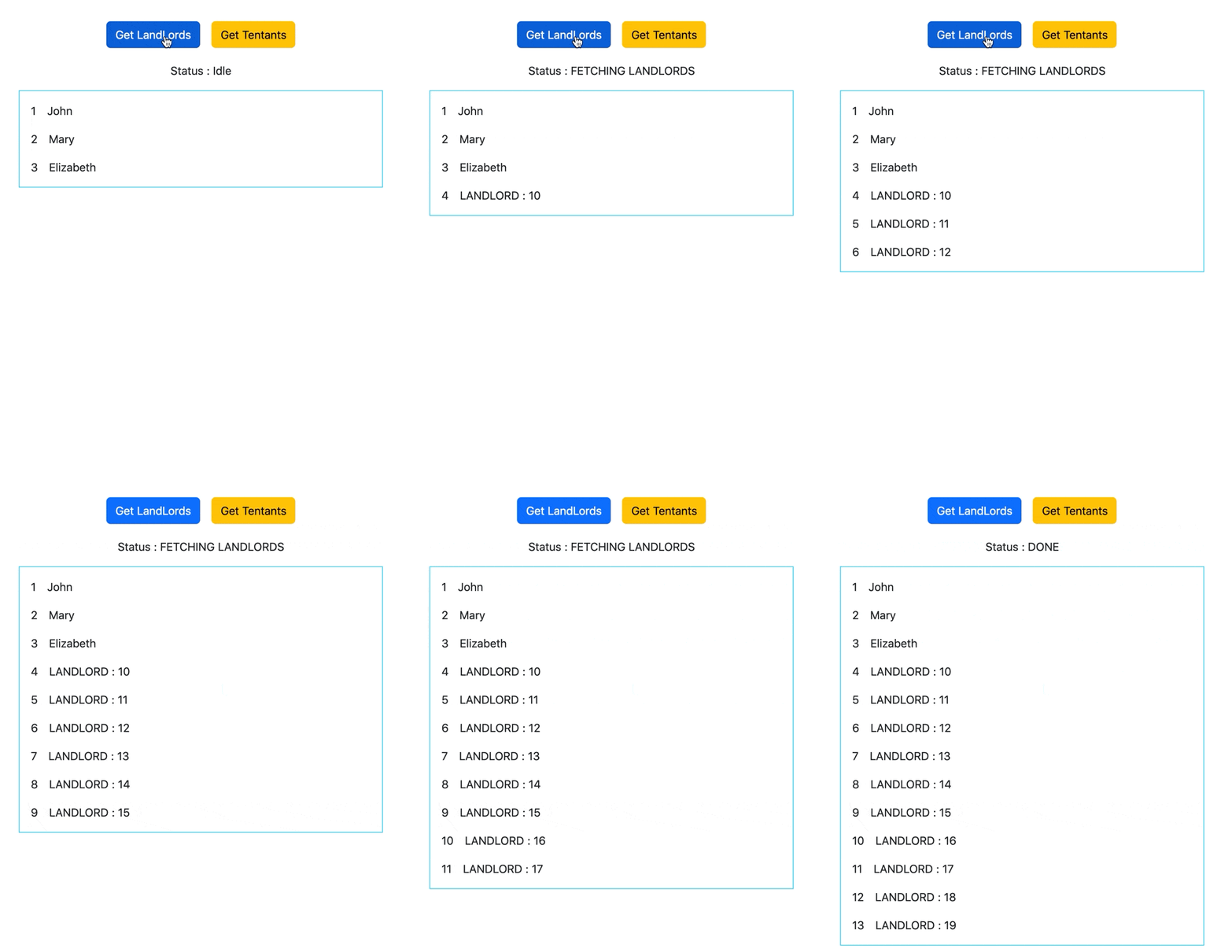
You should see this :

On running the server
it'll be updating the list as below :
Added traditional way, revere-ajax to achieve this in PHP :
php -S localhost:8989
And goto : http://localhost:8989/reverse-ajax/client.html and perform the same actions