



Ever had a toddler accidentally pause, skip, or exit your carefully queued YouTube video? Or maybe you've accidentally hit the spacebar while reaching for your coffee?
We've all been there! 🤦♂️
YouTube Fullscreen Focus is a lightweight Chrome extension that blocks all keyboard input when YouTube videos are in fullscreen mode. Perfect for:
- 👶 Parents - Let kids watch without worry
- 🎓 Educators - Uninterrupted classroom videos
- 🎮 Gamers - No accidental pauses during cutscenes
- 🐱 Cat Owners - Because cats love keyboards!
|
|
|
|
 |
 |
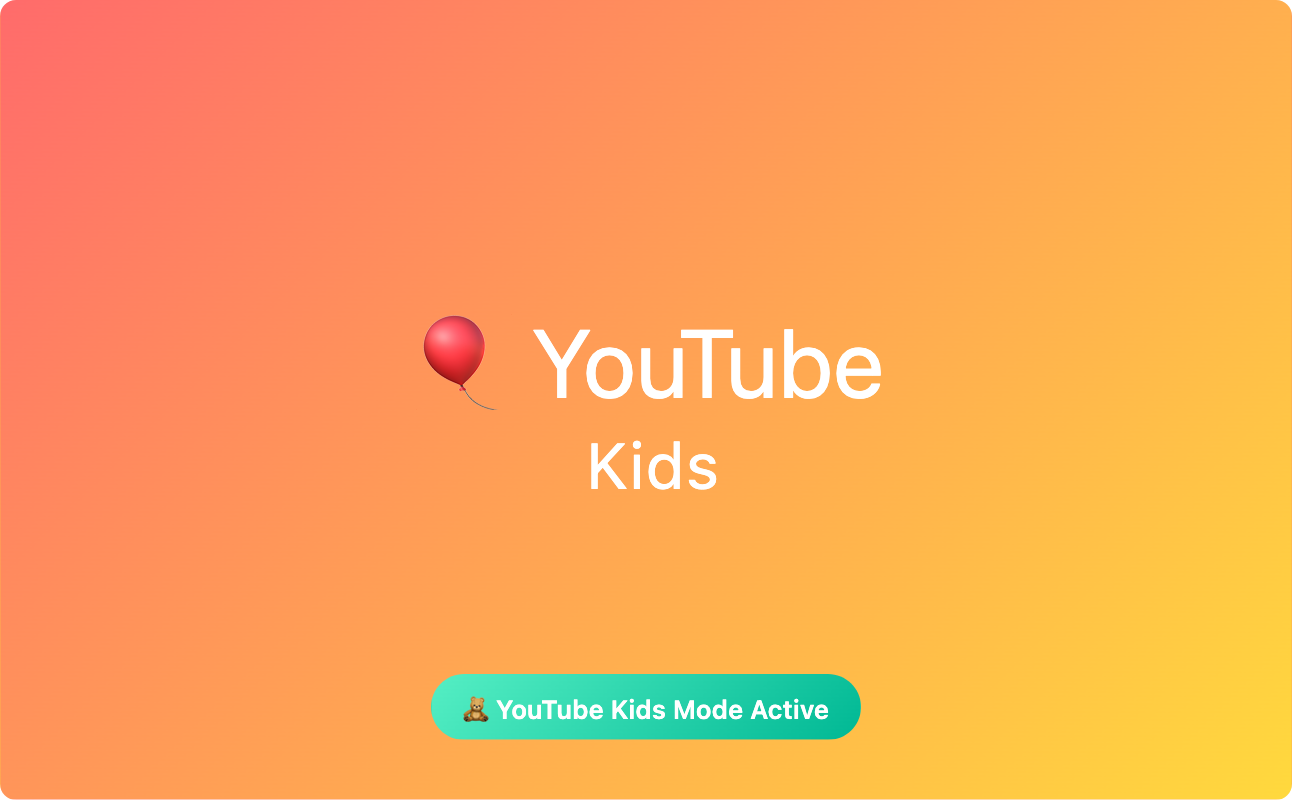 |
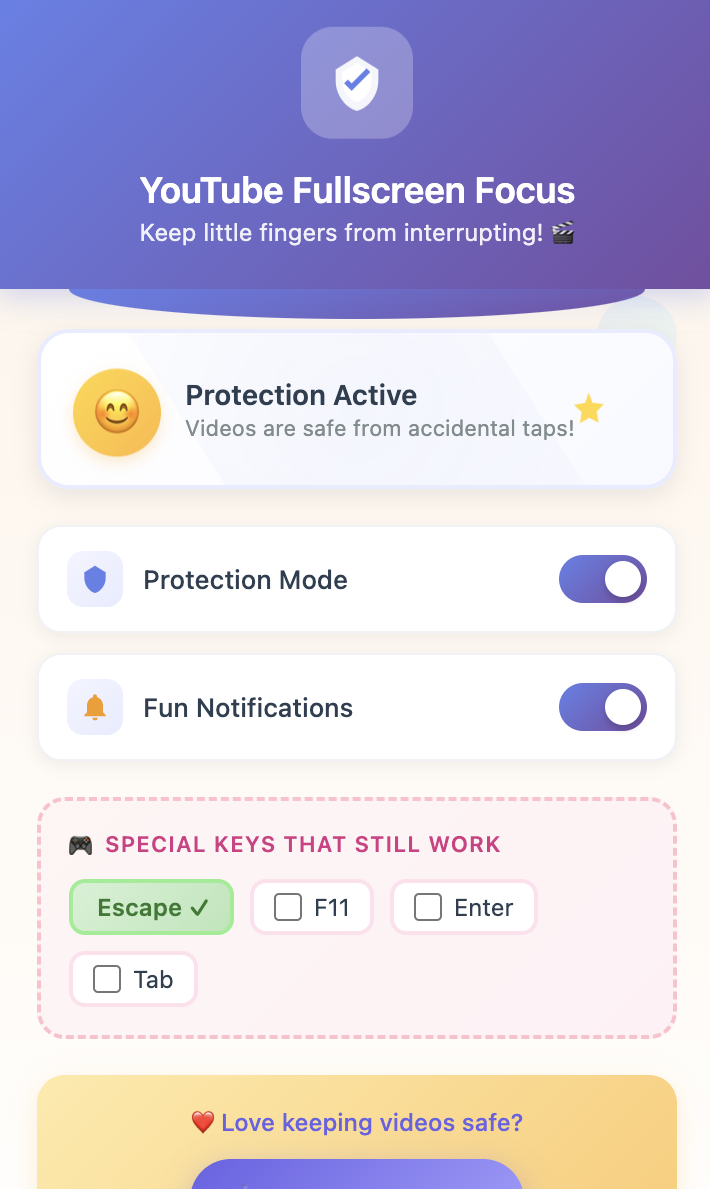
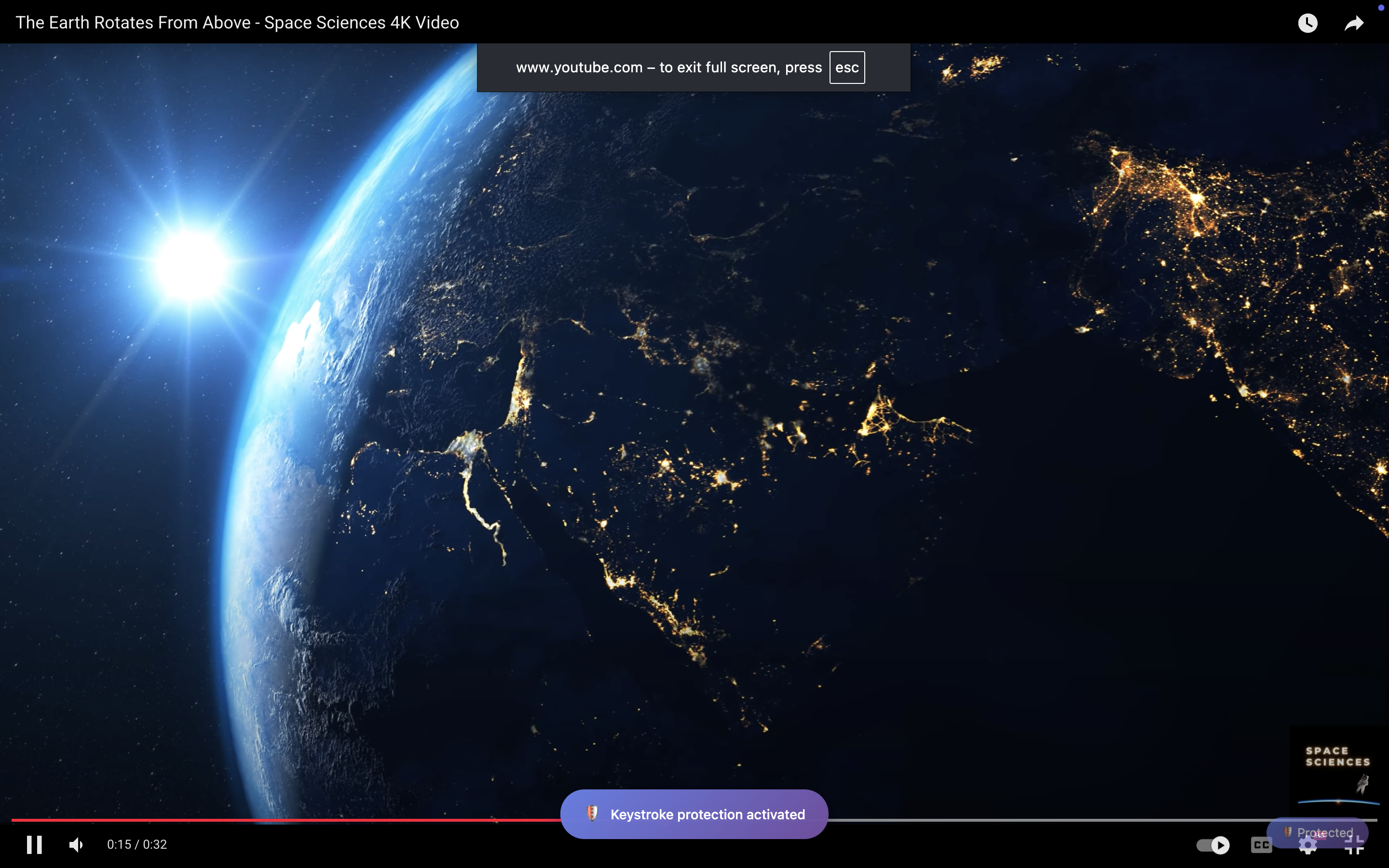
| Beautiful Popup UI | Protection Notification | YouTube Kids Support |
- Visit Chrome Web Store
- Click "Add to Chrome"
- Done! 🎉
# Clone the repository
git clone https://github.com/anwersolangi/youtube-fullscreen-focus.git

# Navigate to chrome://extensions/
# Enable "Developer mode"
# Click "Load unpacked"
# Select the cloned folder- Install the extension
- Navigate to any YouTube video
- Click fullscreen button or press
F - Enjoy uninterrupted viewing!
All keyboard inputs (except Escape) are now blocked! 🛡️
Click the extension icon to access settings:
| Setting | Description | Default |
|---|---|---|
| Protection Mode | Enable/disable keystroke blocking | ✅ Enabled |
| Notifications | Show visual feedback when blocking | ✅ Enabled |
| Allowed Keys | Keys that remain functional | Escape only |
youtube-fullscreen-focus/
├── 📄 manifest.json          # Extension configuration
├── 🎨 popup.html            # Extension popup UI
├── 🔧 popup.js              # Popup functionality
├── 📝 content.js            # Core blocking logic
├── ⚡ background.js         # Service worker
├── 🎯 welcome.html          # Welcome page
├── 🔒 privacy.html          # Privacy policy
└── 🎨 icons/                # Extension icons
    ├── icon16-active.png
    ├── icon32-active.png
    ├── icon48-active.png
    └── icon128-active.png
We love contributions! Here's how you can help:
- Fork the repository
- Create your feature branch (
git checkout -b feature/AmazingFeature) - Commit your changes (
git commit -m 'Add some AmazingFeature') - Push to the branch (
git push origin feature/AmazingFeature) - Open a Pull Request
See CONTRIBUTING.md for detailed guidelines.
Please open an issue with:
- Bug description
- Steps to reproduce
- Expected behavior
- Screenshots (if applicable)
- Browser version
Have an idea? We'd love to hear it! Open an issue and tag it with enhancement.
| Browser | Version | Support |
|---|---|---|
| Chrome | 88+ | ✅ Full Support |
| Edge | 88+ | ✅ Full Support |
| Brave | Latest | ✅ Full Support |
| Opera | 74+ | |
| Firefox | - | ❌ Coming Soon |
Your privacy is our priority!
- ✅ NO data collection
- ✅ NO analytics or tracking
- ✅ NO external requests
- ✅ NO ads
- ✅ Works 100% offline
Read our full Privacy Policy.
- Core keystroke blocking
- YouTube Kids support
- Customizable allowed keys
- Visual notifications
- Firefox support
- Parental PIN lock (Premium)
- Screen time limits (Premium)
- Multiple profiles
- Whitelist specific channels
- Inspired by parents everywhere dealing with accidental key presses
- Built with love for my nephew who kept pausing his cartoons
- Thanks to all our contributors
This project is licensed under the MIT License - see the LICENSE file for details.
If this extension makes your life easier, here are some ways you can show your support:
| Action | Impact |
|---|---|
| ⭐ Star this repo | Increases visibility |
| ⭐ Rate on Chrome Store | Helps others find it |
| 📢 Share on social media | Spreads the word |
| 🐛 Report bugs | Improves quality |
| 💻 Contribute code | Adds features |
| 📝 Improve documentation | Helps new users |
Every star, review, and share helps this project grow! 🚀
Have a project or looking to hire? Get in touch!
Anwer Solangi




Made with ❤️ by Anwer Solangi | © 2025 All Rights Reserved