Repository navigation
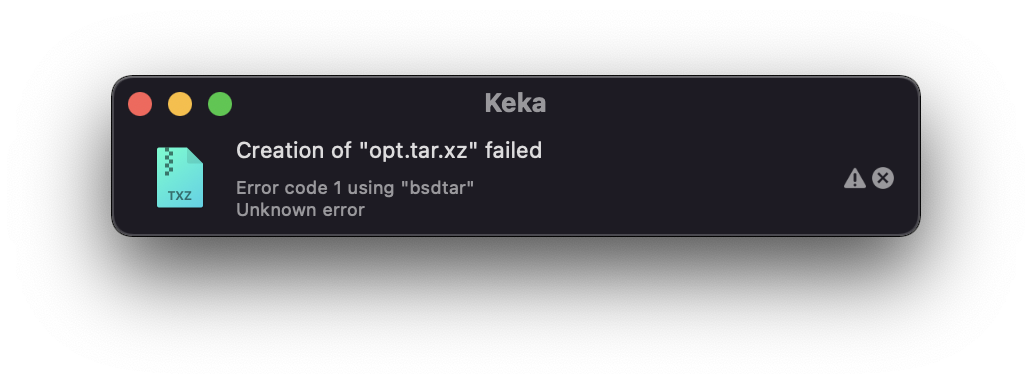
[BUG] Doesn't work compressing with xz #1205

Description

Configuration
- Keka version: v1.2.59-r5097 (WEB) (Sandboxed)
- macOS version: 11.6.3 (20G415) (arm64)
Describe the bug
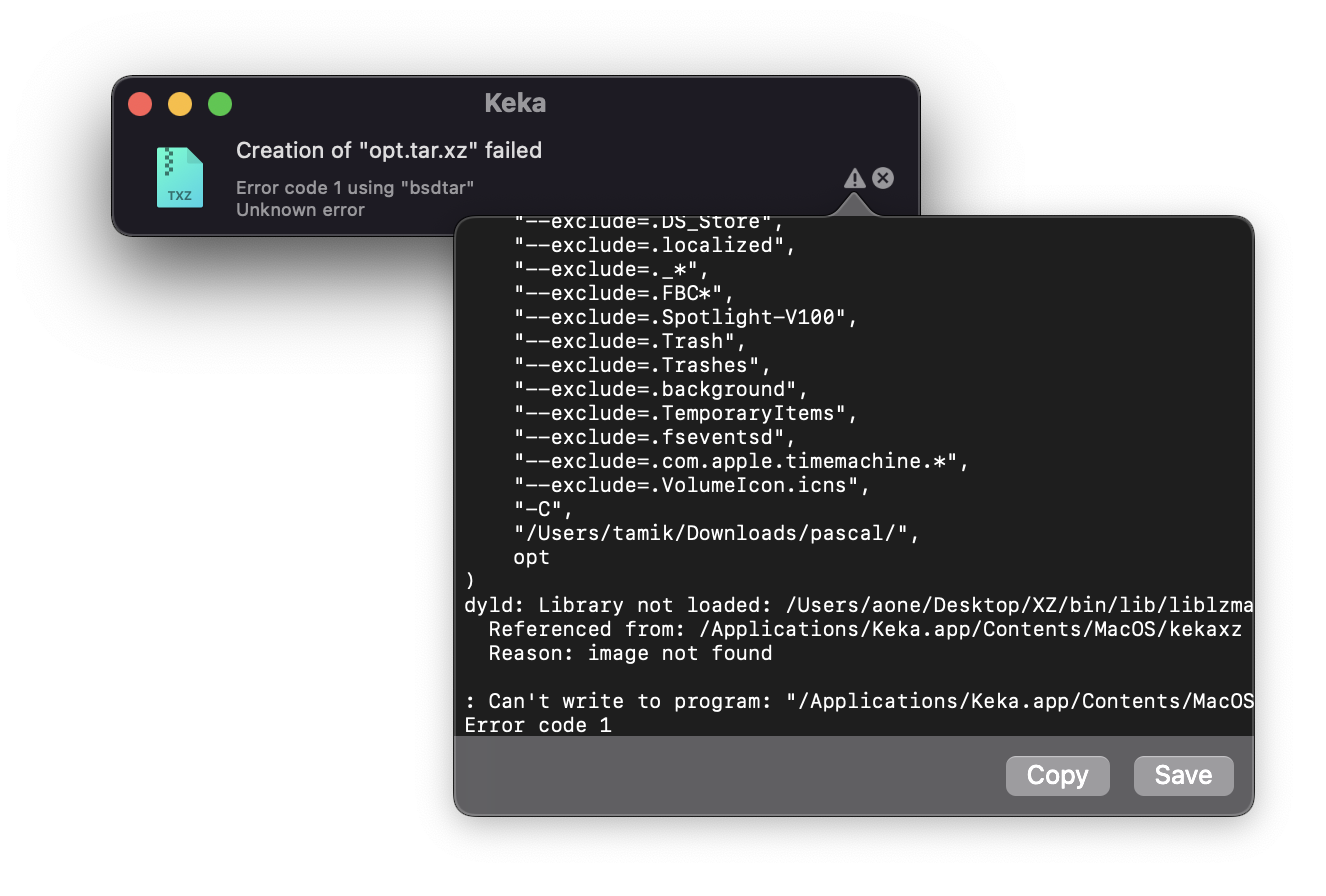
When user tries to compress files with XZ, application returns error Library not loaded as script tries to load liblzma.5.dylib from static path /Users/aone/Desktop/XZ/bin/lib/.
Below you can see error log:
OS: Version 11.6.3 (Build 20G415) (arm64)
Keka: v1.2.59-r5097 (WEB) (Sandboxed) (en-GB)
Binary used: kekatar
Arguments: (
    "--use-compress-program",
    "\"/Applications/Keka.app/Contents/MacOS/kekaxz\" -9 -T8",
    "-Kcf",
    "/Users/tamik/Downloads/pascal/opt.tar.xz",
    "--no-mac-metadata",
    "--no-xattrs",
    "--exclude=.DS_Store",
    "--exclude=.localized",
    "--exclude=._*",
    "--exclude=.FBC*",
    "--exclude=.Spotlight-V100",
    "--exclude=.Trash",
    "--exclude=.Trashes",
    "--exclude=.background",
    "--exclude=.TemporaryItems",
    "--exclude=.fseventsd",
    "--exclude=.com.apple.timemachine.*",
    "--exclude=.VolumeIcon.icns",
    "-C",
    "/Users/tamik/Downloads/pascal/",
    opt
)
dyld: Library not loaded: /Users/aone/Desktop/XZ/bin/lib/liblzma.5.dylib
  Referenced from: /Applications/Keka.app/Contents/MacOS/kekaxz
  Reason: image not found

: Can't write to program: "/Applications/Keka.app/Contents/MacOS/kekaxz" -9 -T8
Error code 1
To Reproduce
Steps to reproduce the behavior:
- Open Keka.
- Try to compress some files with
xzextension. - See error.
Screenshots
Screenshot 1
Screenshot 2
Activity
aonez commentedon Jan 13, 2023
Thanks @Tamik I'm fixing that ASAP.
aonez commentedon Jan 13, 2023
As a temporary workaround you can run Keka using the Intel binary since only the ARM binary is affected.
Just right click on the Keka.app, "Get Info" and activate "Open using Rosetta". Restart Keka if needed.
Only as a workaround, running in Rosetta will affect the performance and speed of the operations.
Tamik commentedon Jan 13, 2023
Confirmed. This method helped to solve the problem.
aonez commentedon Jan 17, 2023
Version 1.2.60 released! Thanks again @Tamik