Repository navigation
When generating a report, the Cascade to Branches function does not as expected #3704
Description

Describe the bug
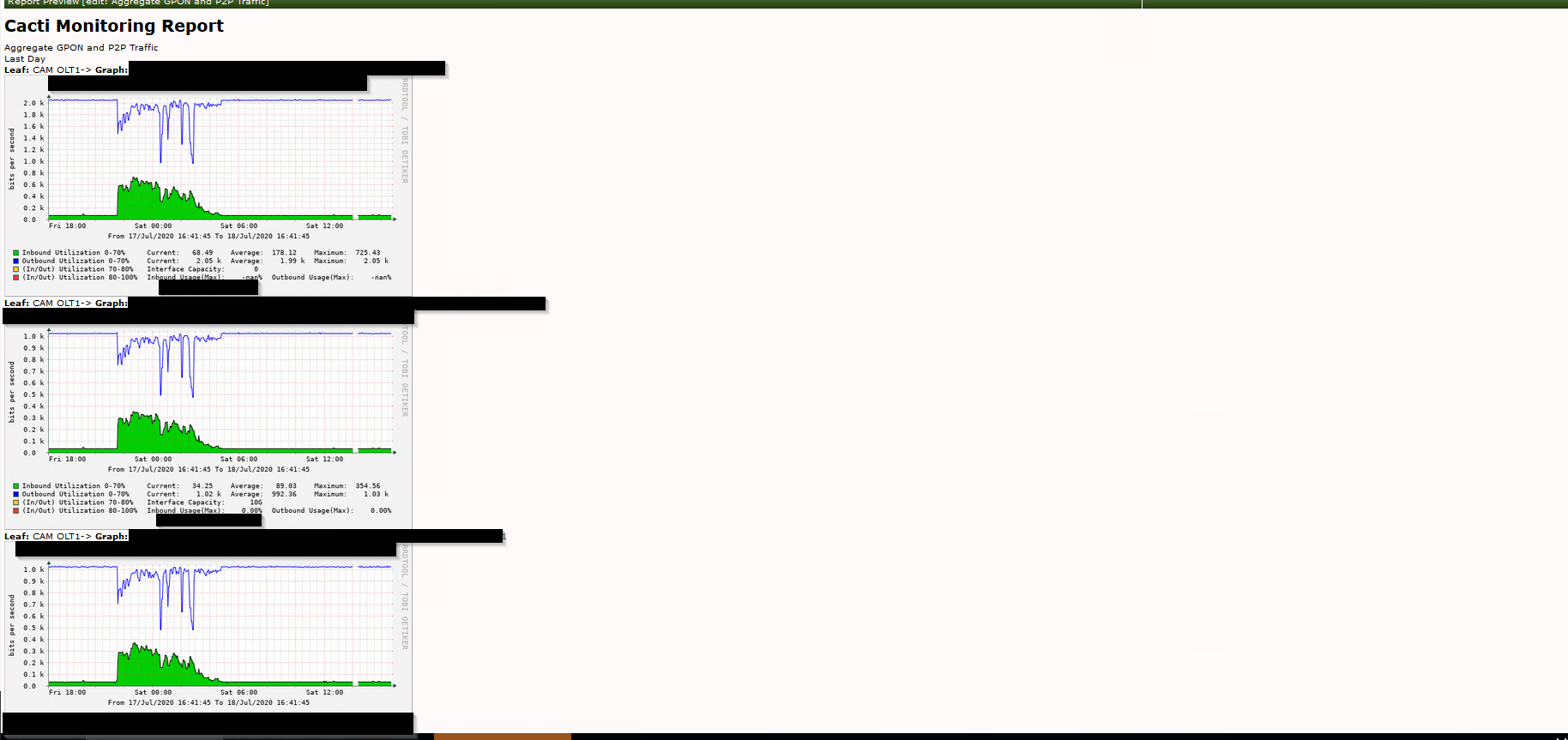
In reporting when Type Tree and Graph Tree Branch is selected and if you want to turn on 'Cascade to Branches', it does not work. Preview only shows a single column. Even though I have selected 'Graph columns >3'
To Reproduce
Steps to reproduce the behavior:
-
Create a Report
-
Add a Report Item
-
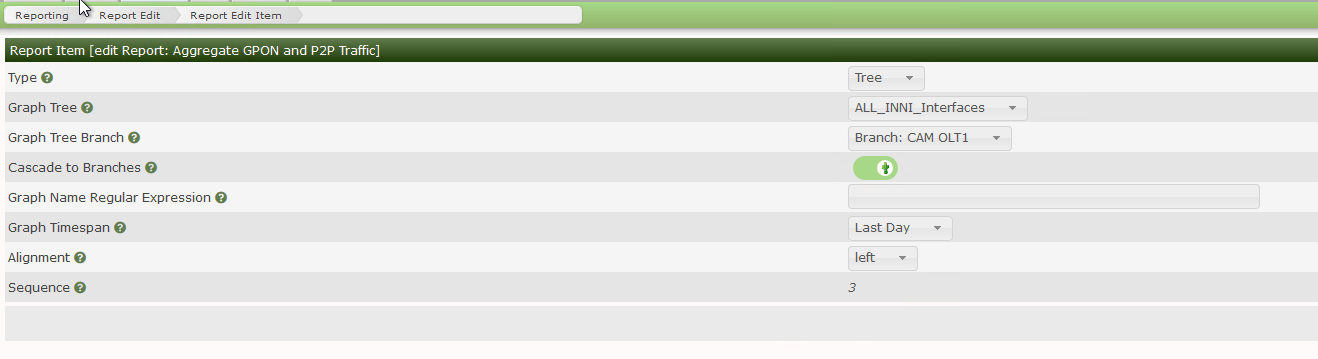
Select 'Type'>Tree, Graph Tree and Graph Tree Branch
-
Turn Cascade to Branches On
-
Graph Columns in report 'Details' are set to 2 or above
Expected behavior
In the Reporting preview, you should see all graphs Cascaded to Branch.
Screenshots
Turned Cascade to Branches On
Preview still shows single column
Desktop (please complete the following information)
-
Redhat 7
-
Browser Firefox and Chrome
-
Cacti version 1.2.13
Additional context
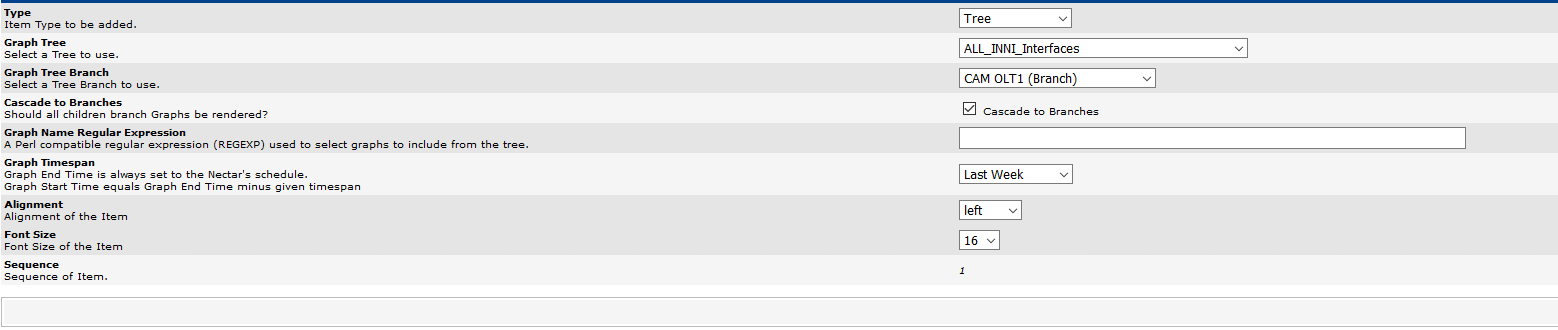
In the older version (0.8.8b) I was using when Cascade to Branches was ticked, the graphs would render to the branch and shows in the correct column numbers selected.

Activity
Fixing Issue #3704
TheWitness commentedon Nov 21, 2020
Okay, fixed now.
TheWitness commentedon Nov 21, 2020
Reopening for comment.
[-]Reporting - Cascade to Branches function not working (Graphs in reporting shows only in 1 column)[/-][+]When generating a report, the Cascade to Branches function does not as expected[/+]