
- About the project
- Backend
- Frontend
- API Documention
- Use Cases
- Tech stack and comparison
- How to mount an EduApp server
- Personal opinion and comparison
It's an european project, co-funded by ERASMUS+ programme.
- Fundatia Ecologica Green - Romania
- Instituto Politécnico de Santarém - Portugal
- Stichting Landstede - Netherlands
- SOSU OSTJYLLAND - Denmark
- IES El Rincón - Spain
Facilitate and increase the communication between school, students and teachers by developing an application, EduApp, free and open source, customised for each partner school.
EduApp has used PostgreSQL as database, Ruby On Rails as the API framework.
| Table | What information it holds |
|---|---|
| Users | Stores the user's login information. |
| User Roles | Roles with permissions to restrict access to users. |
| User Infos | Stores user's information like user names. |
| JTI Matchlist | Table used to verify access tokens. |
| Institutions | The institution's information. |
| Courses | Information about courses. |
| Subjects | Information about subjects and its colour in the calendar. |
| Tuitions | Shows who is enrolled in what course. |
| Resources | Has a resource name, description and files attached. |
| Sessions | Has a name of session, start and end date, and different actions. |
| Calendar Annotations (Events) | Calendar displayed events with a timed duration. |
| Chat Bases | The chat's main information. |
| Chat Participants | Tells the chat which participants are allowed to enter. |
| Chat Messages | The individual chat's messages. |
First of all, you must download and install a Ruby environment from 2.6.9 onwards. After you can proceed in cloning the repository.
To clone, use:
git clone https://github.com/eduappdevs/eduapp
cd eduapp/backend/eduapp_db
rvm install 3.1.2
rvm use 3.1.2
gem install bundle
bundle install
After using these commands, you must change the environment files to suite your development environment to make sure everything works correctly.
To have initialize the backend, you must run these commands:
rails db:create
rails db:migrate:reset // Used to restart all database values
rails db:seed // To insert the app's roles.
After you have followed these steps, you can start the API server with:
rails sTo stop the server you have to use CTRL + C.
This is how EduApp was initialtly planned, but some key visual changes were made.
Prototypes


First, you must install the programs. Now you have to clone the project and used this commands.
To clone, use:
git clone https://github.com/eduappdevs/eduapp
cd eduapp/frontend
npm install

// For Windows users
npm run devw

// For Unix system users (Mac, Linux)
npm run dev
To stop the server you have to use CTRL + C.




This app is being developed in both platforms, mobile and desktop as a hybrid PWA. This means that once in the browser and in production mode, you should be able to install EduApp's browser application directly on your device.
The only way to access the application is by having an administrator sign you up in the administration panel.
EduApp has six main types of users, depending on it the permissions you will have.
Have restricted view and access to the app. Their sole purpose is to view information, but can't access the chats for privacy.
View your account's calendar, resources, upcoming sessions, and chats.
They have the same functionality as students, but they have permission to create global events in the calendar, create resources and chats.
They have control over the users of their school, they manage accounts, the calendar and the sessions.
Have full access to the management of the app.
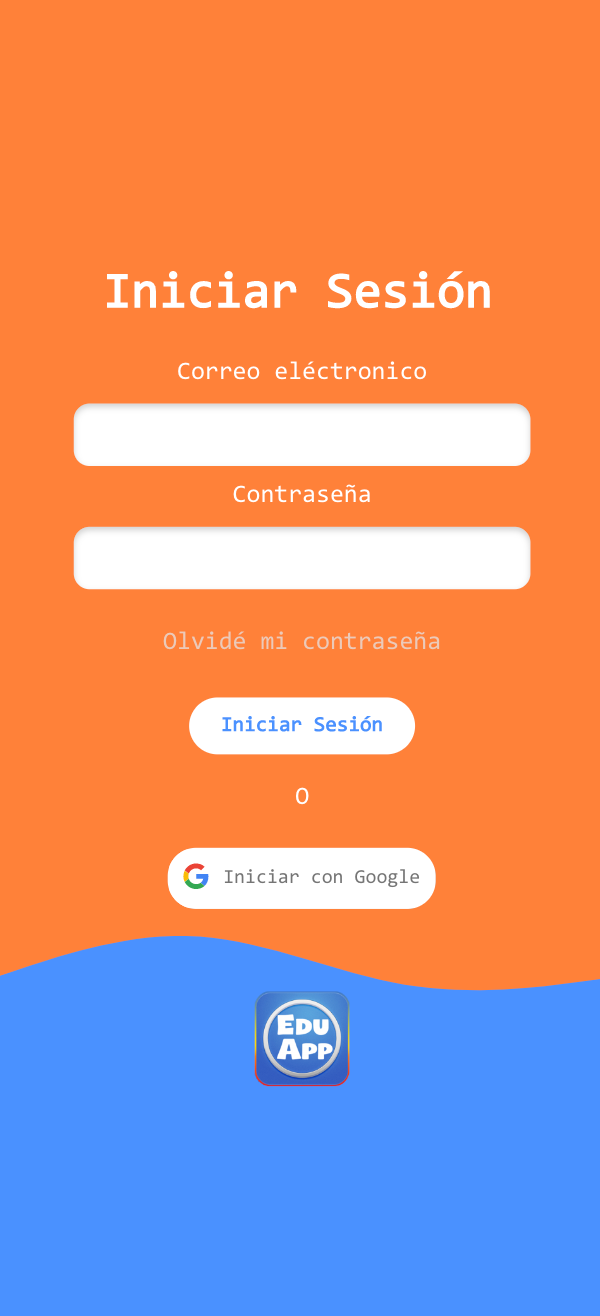
Main access page to accesss the app.
App Images
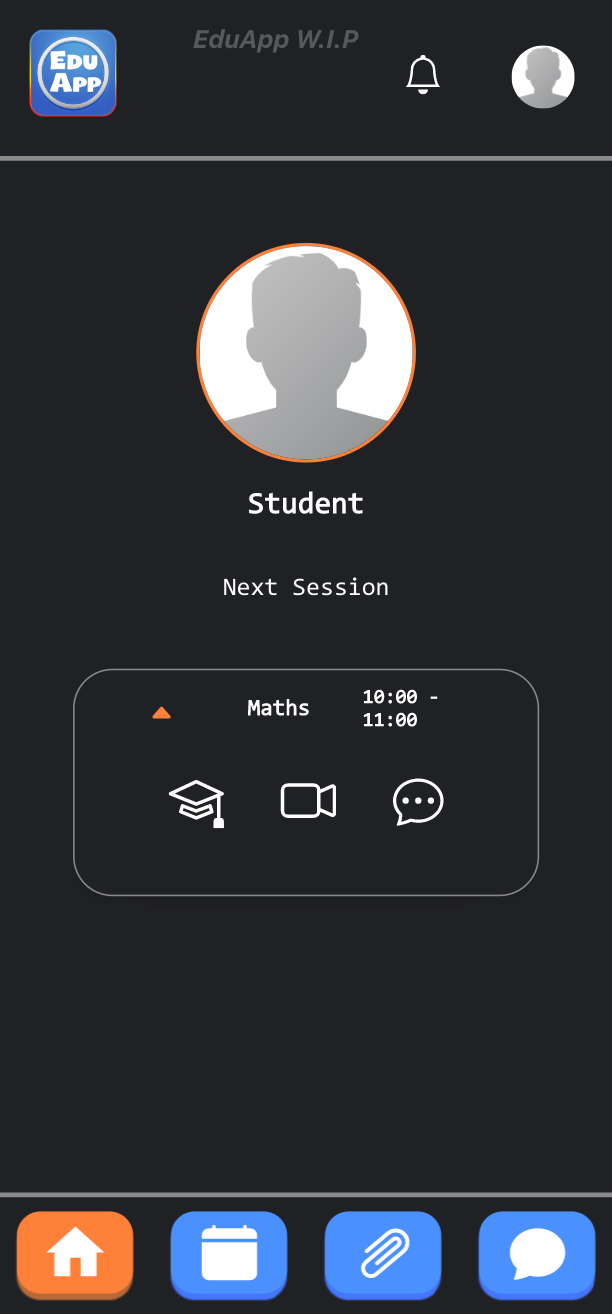
Displays the main user's welcome page. It contains the current day's sessions, as well as received notifications.
App Images
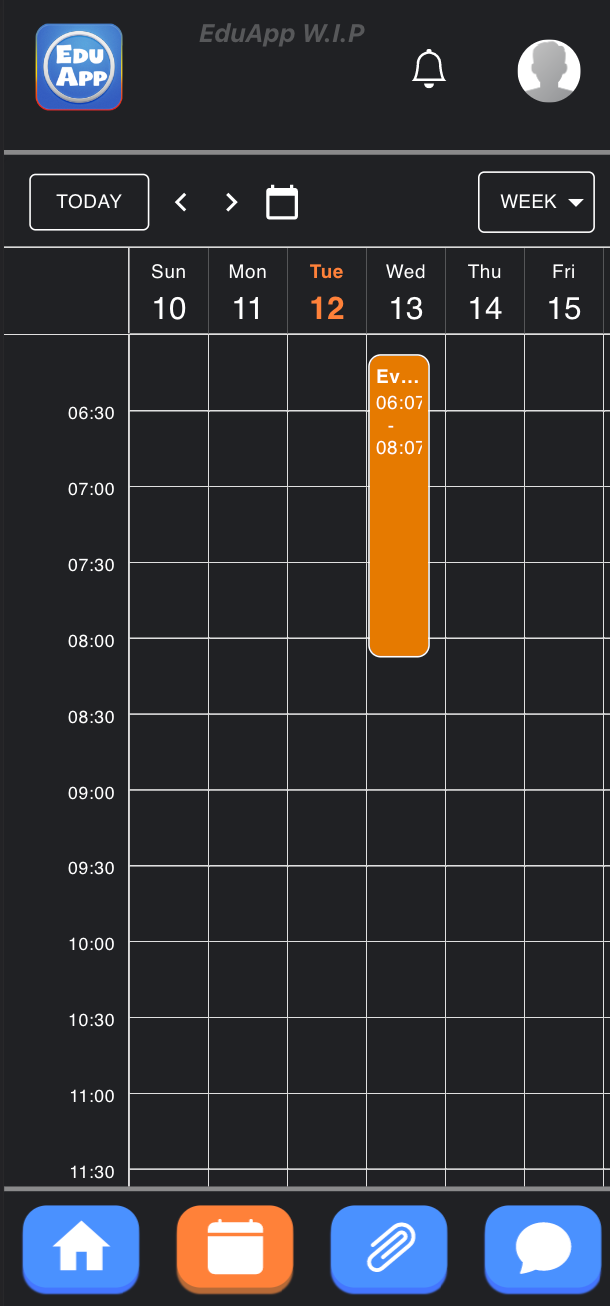
Shows a calendar with current sessions and events one can keep track.
App Images
At first you will see a 'General' tab or subject. The 'General' tab is used to display public announcements
You must select the subject to see its resource. You can also filter the resources with the search bar placed at the top of the page.
If you are a teacher of that subject, you will see a plus icon which will provide you with access to a creation modal.
App Images
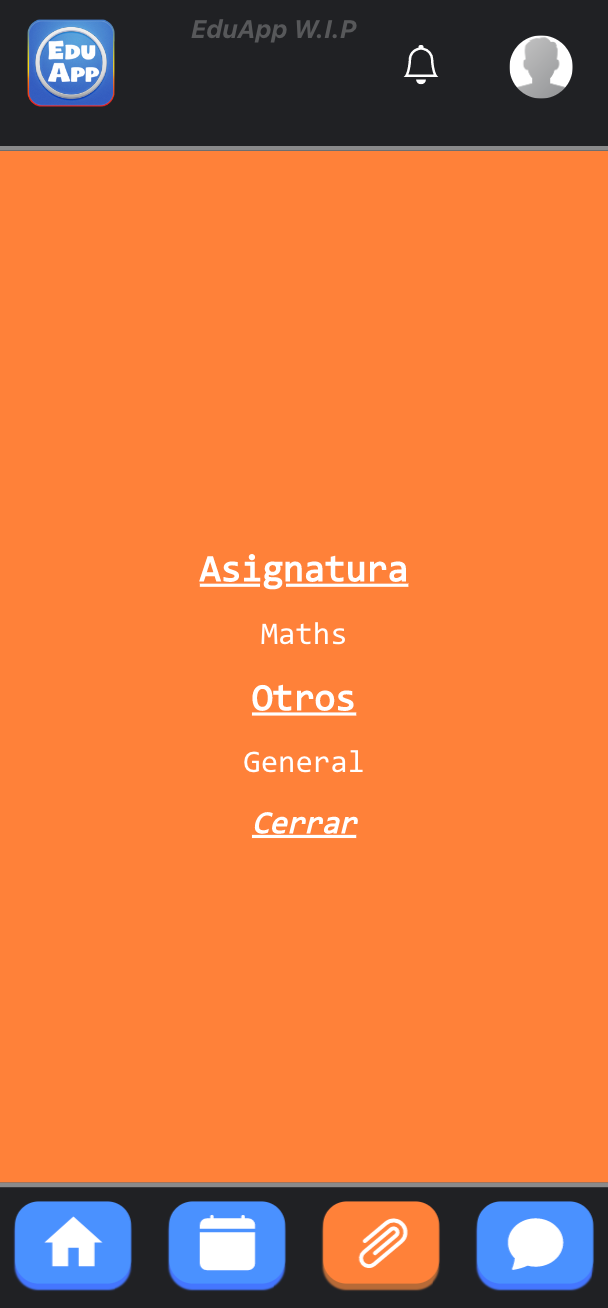
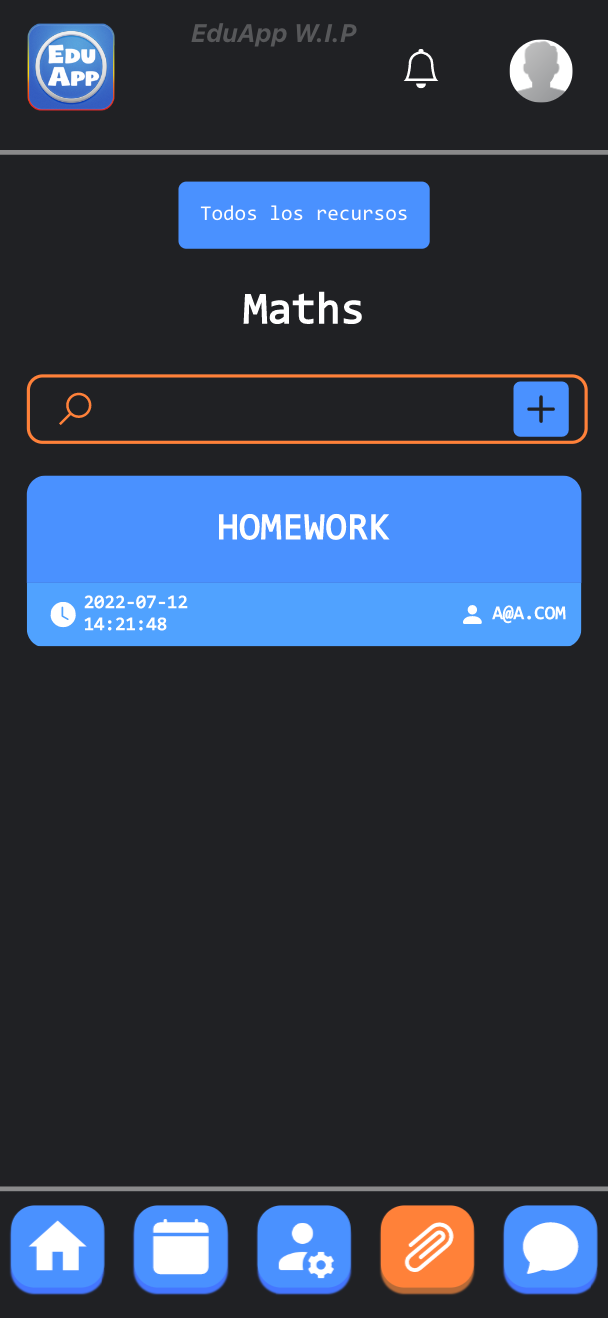
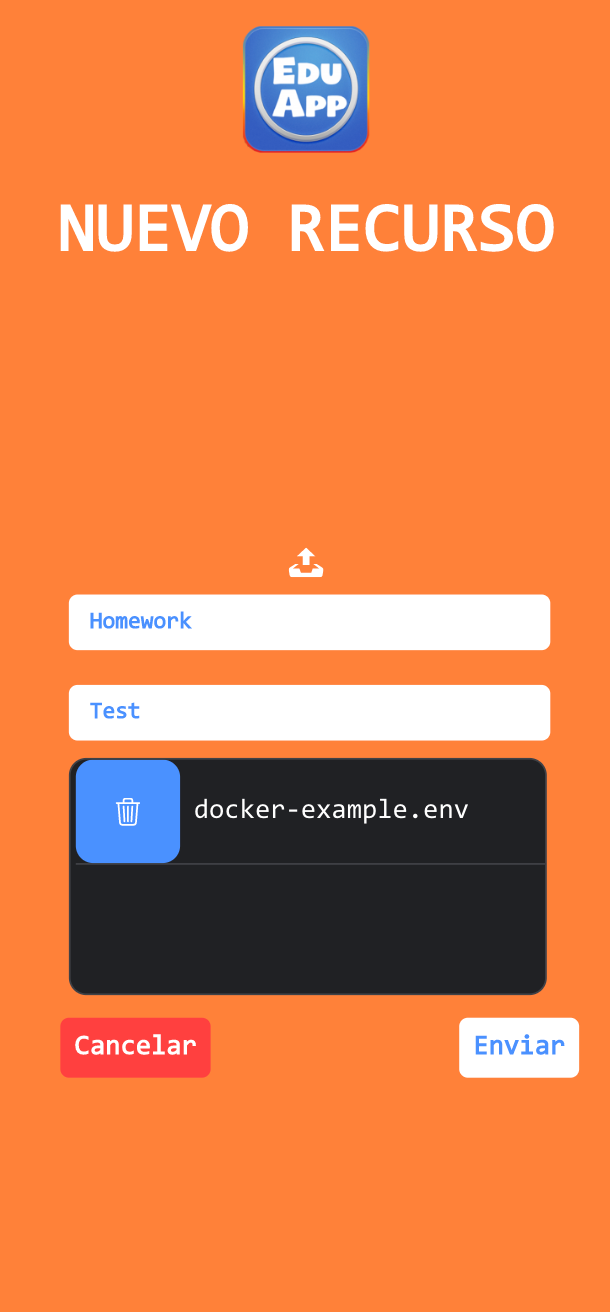
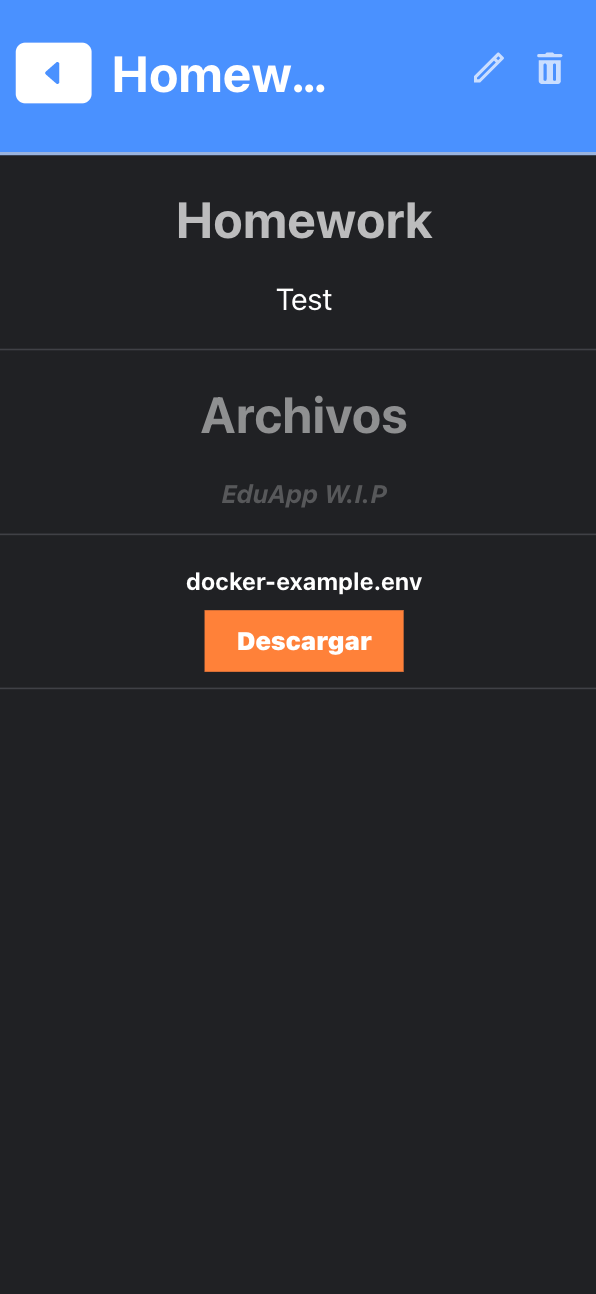
Displays the main user's welcome page. It contains the current day's sessions, as well as received notifications.
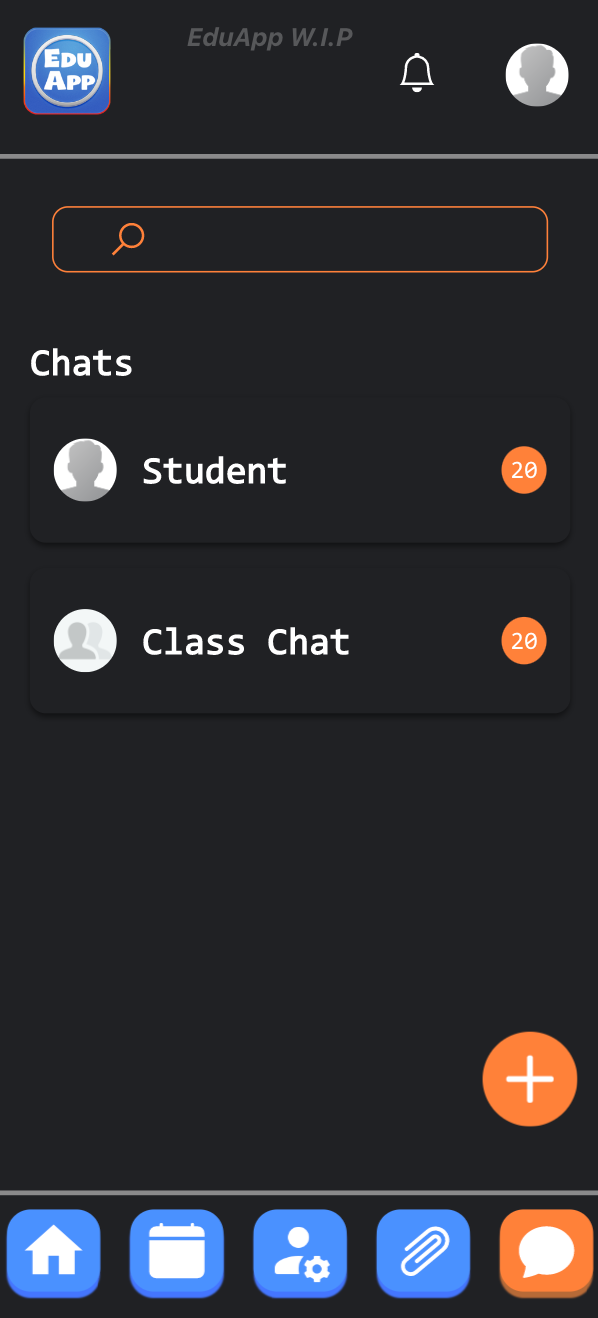
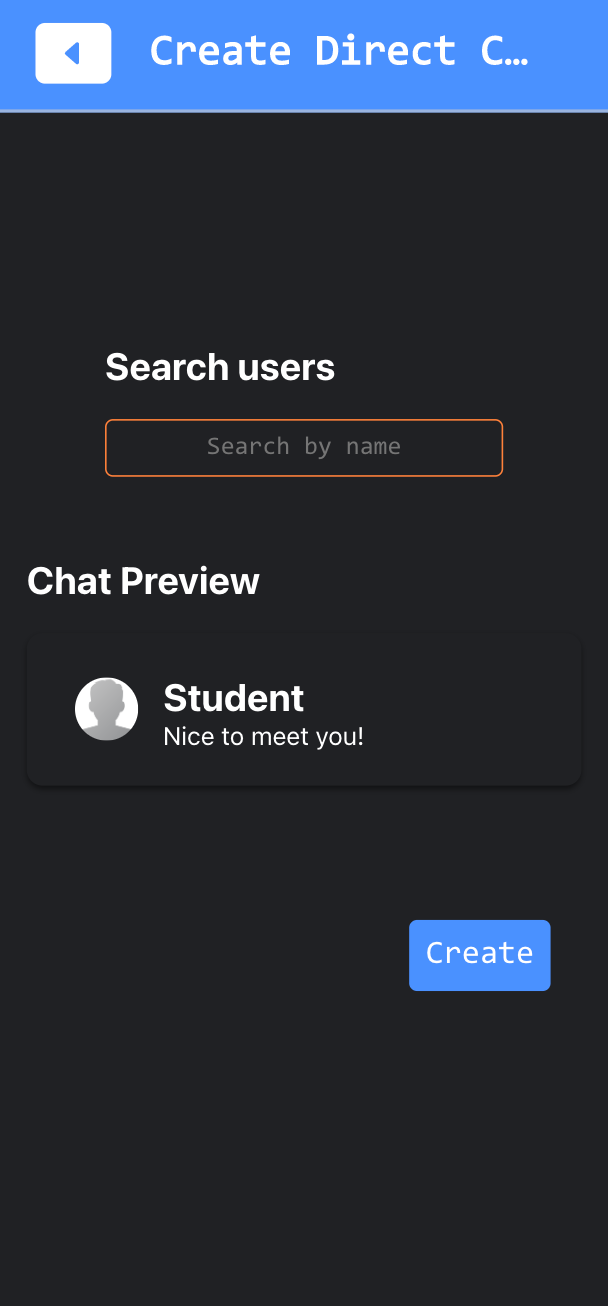
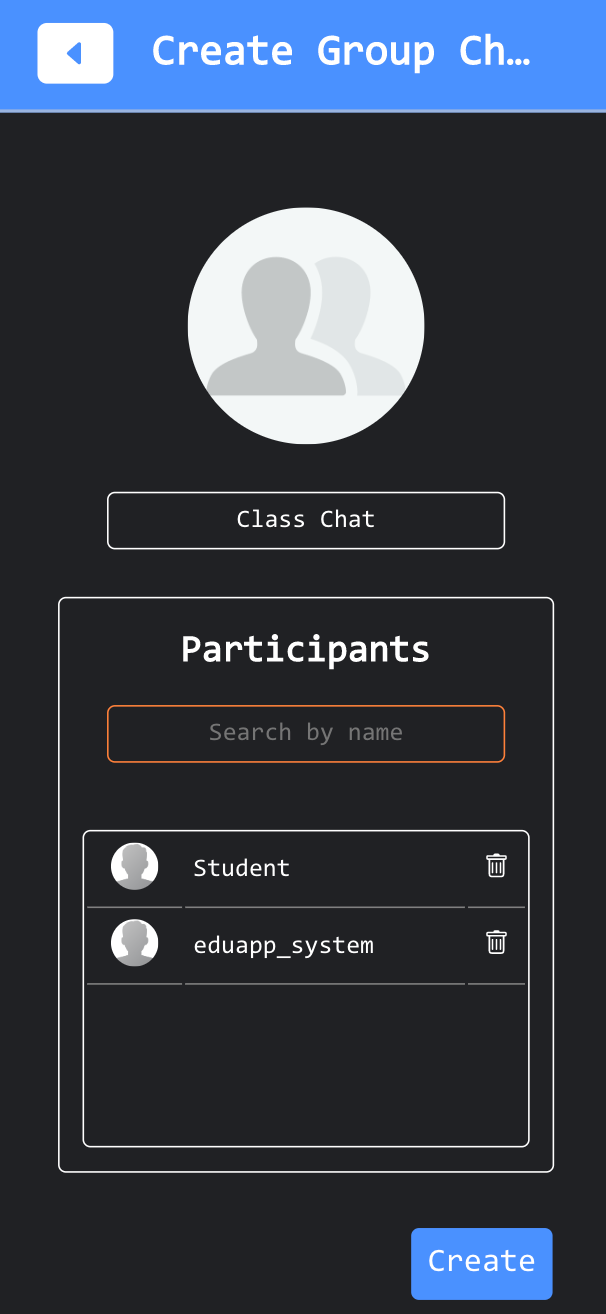
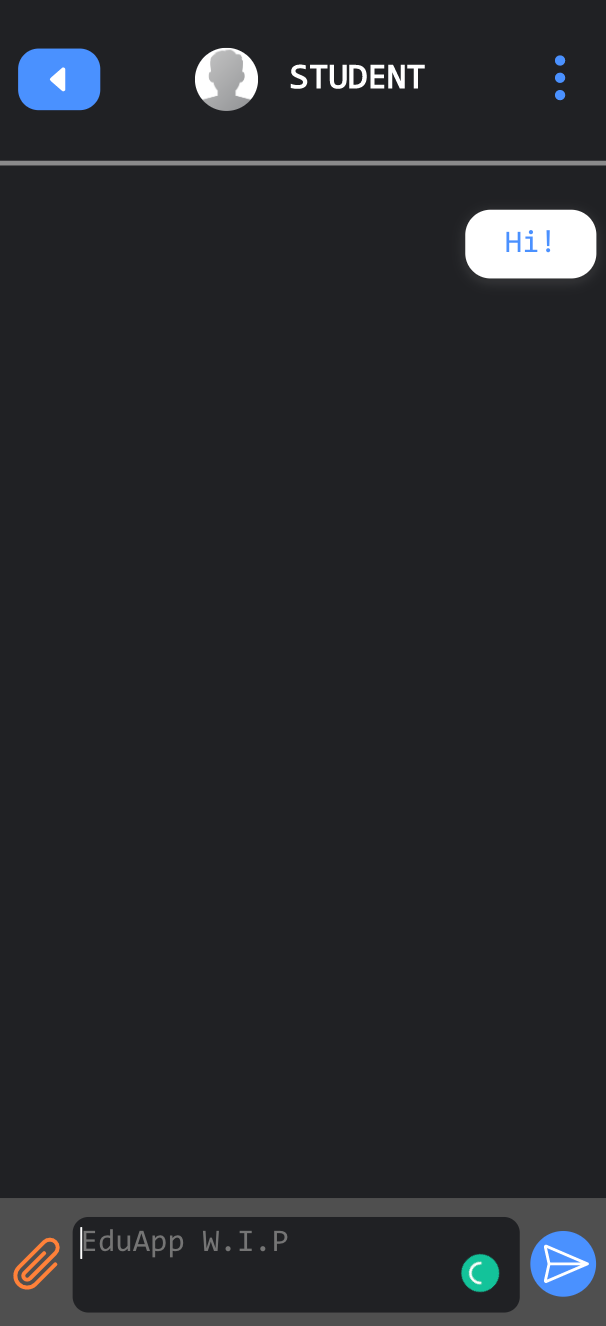
If you are a teacher or superior, you will find a creation button that will allow you to create different types of chats.
App Images
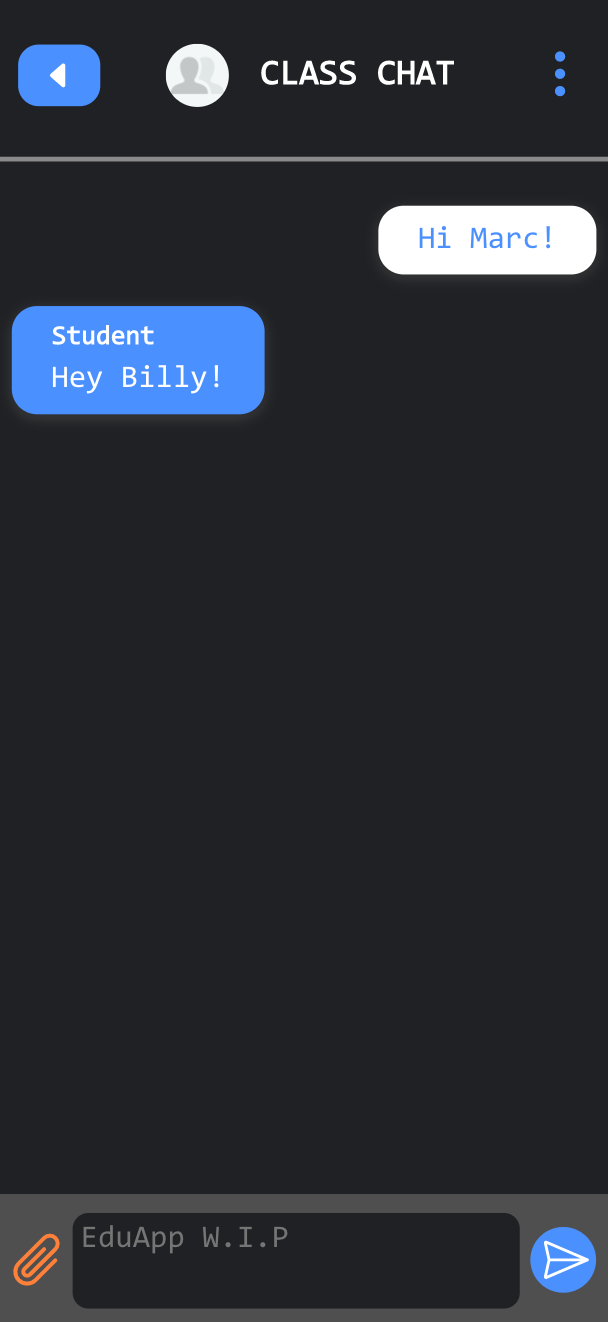
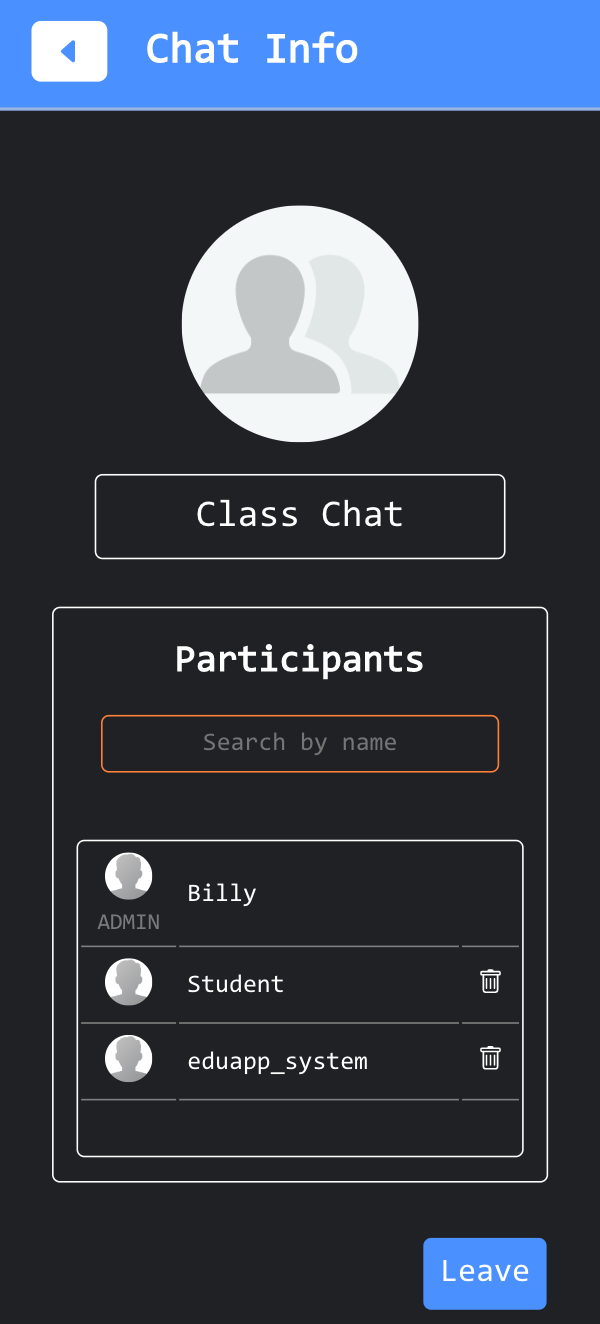

- Institutions Database Table
- Courses Database Table
- Tuitions Database Table
- User Info Database Table
- User Auth Database Table
- Subjects Database Table
- Session Database Table
- Resources Database Table
- Calendar Database Table
- Chats Database Table

EduApp has been develop to serve as a web app, as well as a downloadable multi-platform PWA.
We are using ReactJS as frontend framework, React provides us many advantages, such an easier learning curve, reusable components, ReactJS is chosed by most developers because it provides us a very rich JavaScript library of utilities.
In the backend we are using Ruby On Rails, which provides us a Model-View-Controller architecture, a fast development when you know the basics of it and a great number of helpful tools and libraries. It has many disadvantages, as it has a very steep learning curve, and it takes a while for you to get used
It is a pleasure for us be part of this project, as our first project working in with other people, overcoming this project a challenge. We found many difficulties in the journey, but we also have learned so much through it, although this it is just the beggining of the project and so much things will happen through the journey.