FAQ
Language: English · Deutsch
Frequently asked questions about ClawTweaks. Each entry can be expanded.
What are the features of ClawTweaks?
ClawTweaks is an Xbox Game Bar widget (plus a background helper) for the MSI Claw. Here's an overview of the features by type:
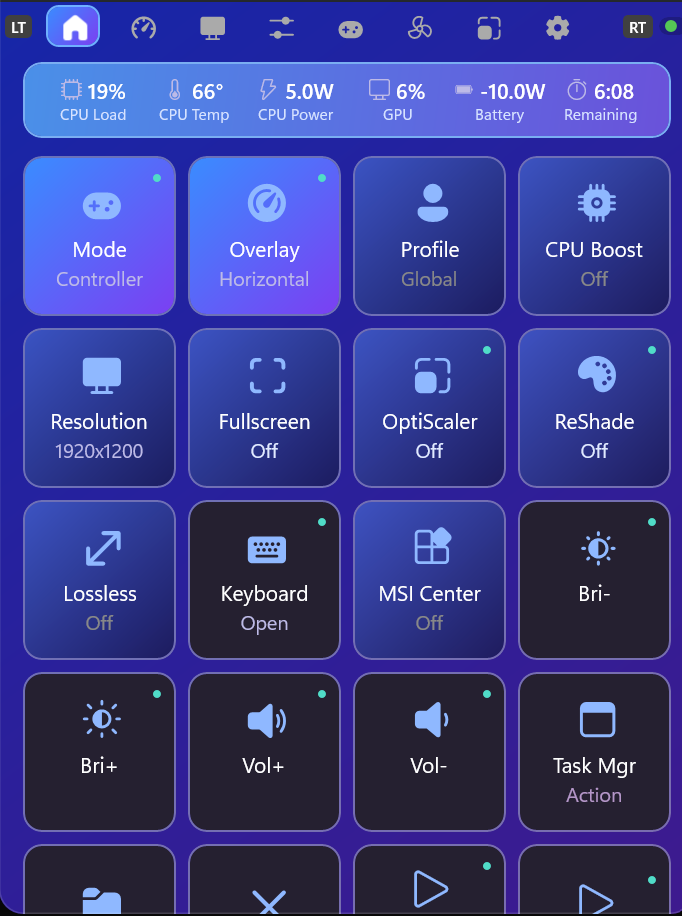
Quick-access tiles right inside the widget – the heart of the day-to-day controls.
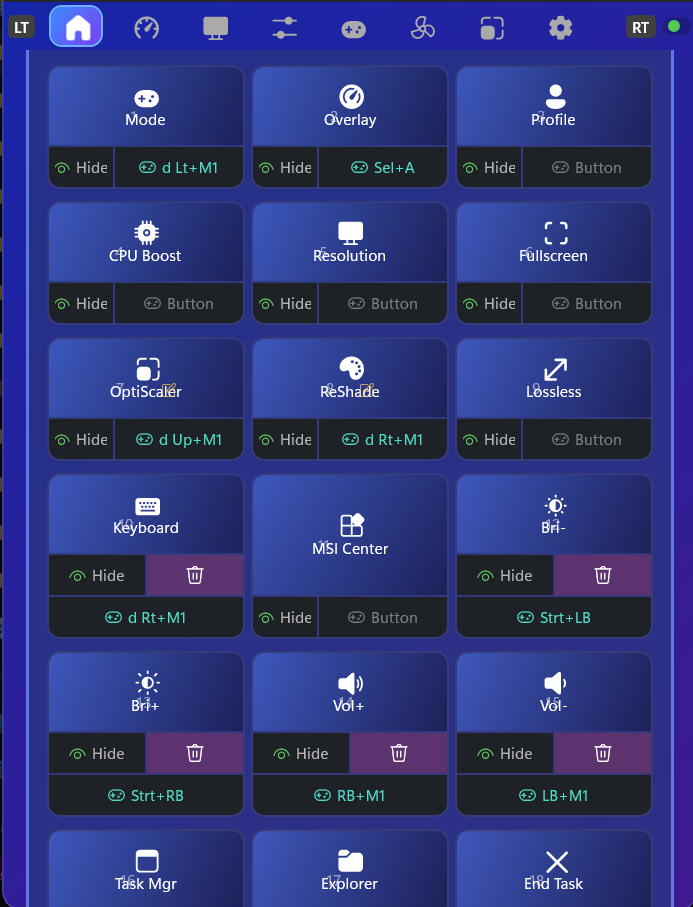
Freely arrange tiles, show/hide them and assign hotkeys.
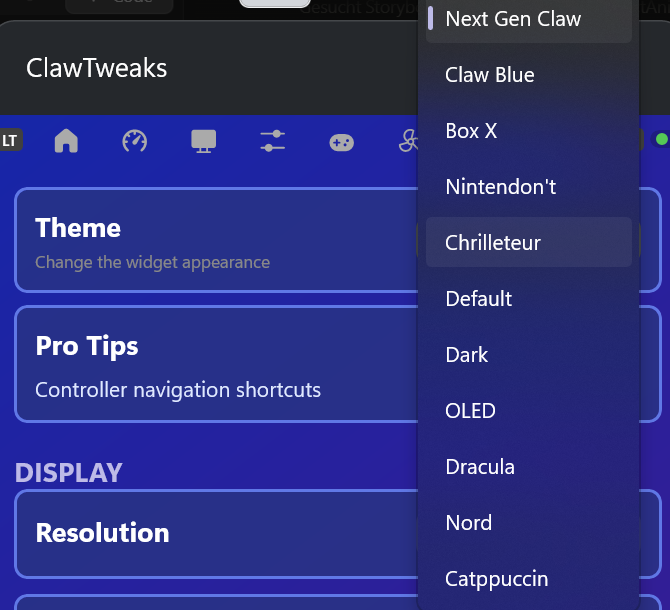
Several themes to choose from – including the new default look "Next Gen Claw".
A large set of built-in actions for tiles and shortcuts (OS, performance, launcher, program, website and media actions).
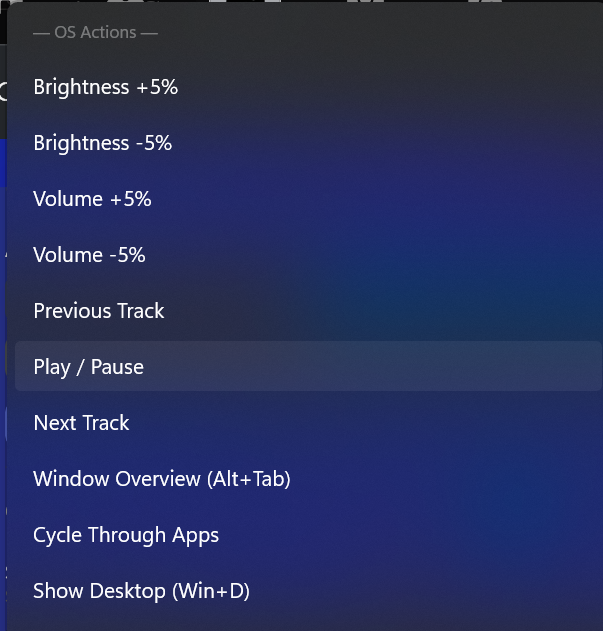
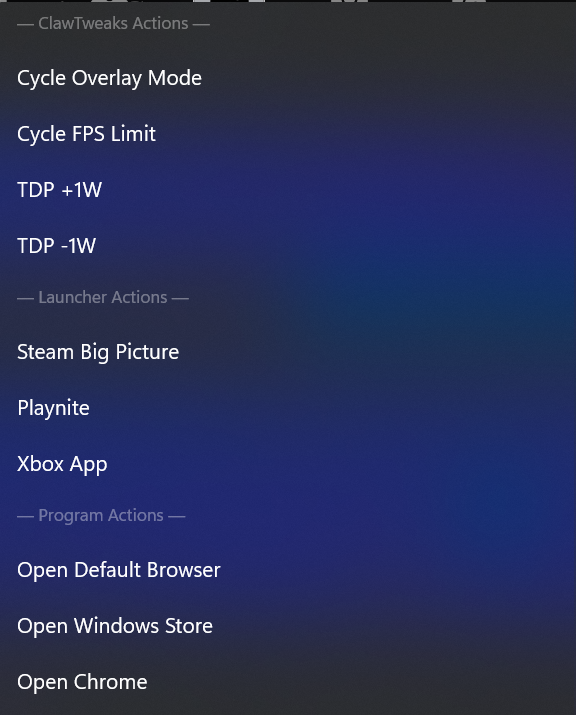
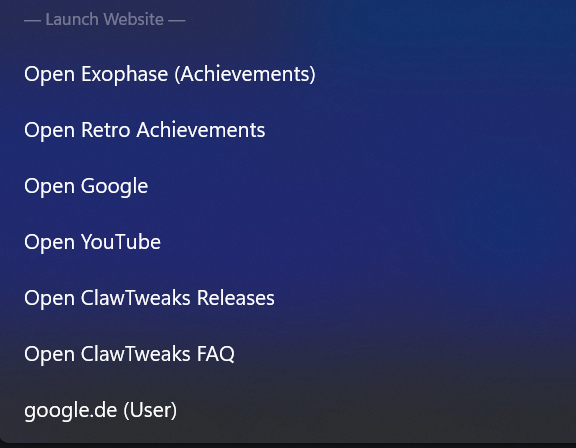
Add your own programs (.exe), PowerShell scripts (.ps1) and website URLs, and bind them to tiles, controller combos or the MSI button.
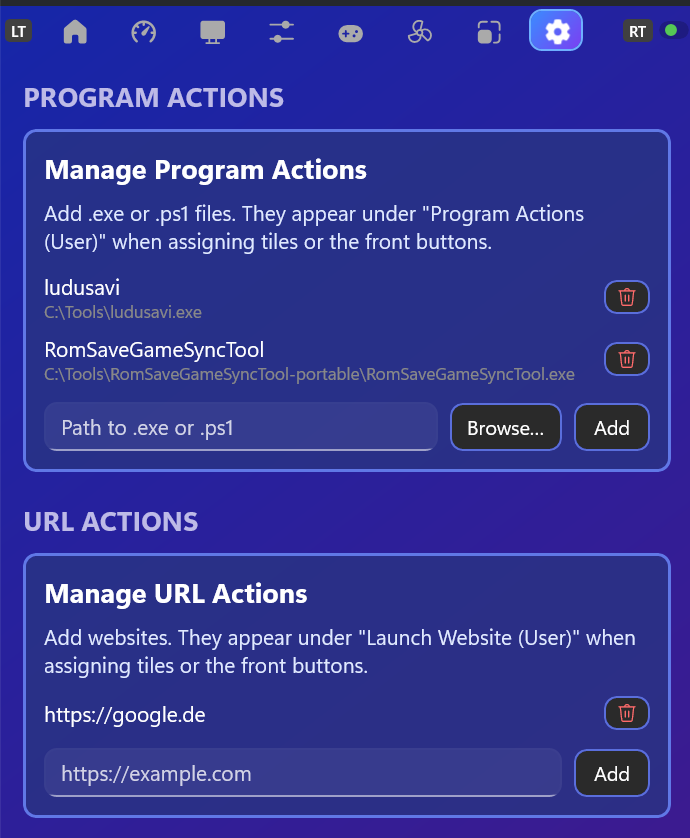
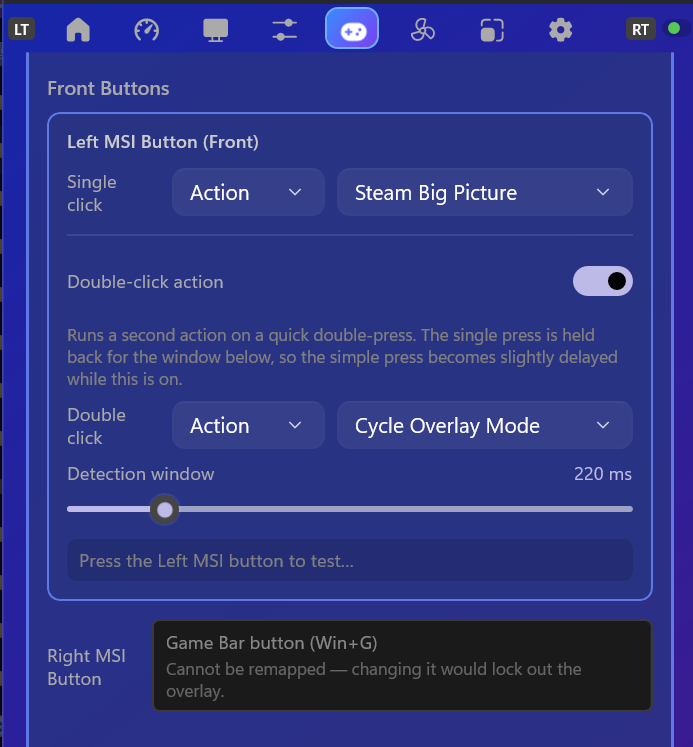
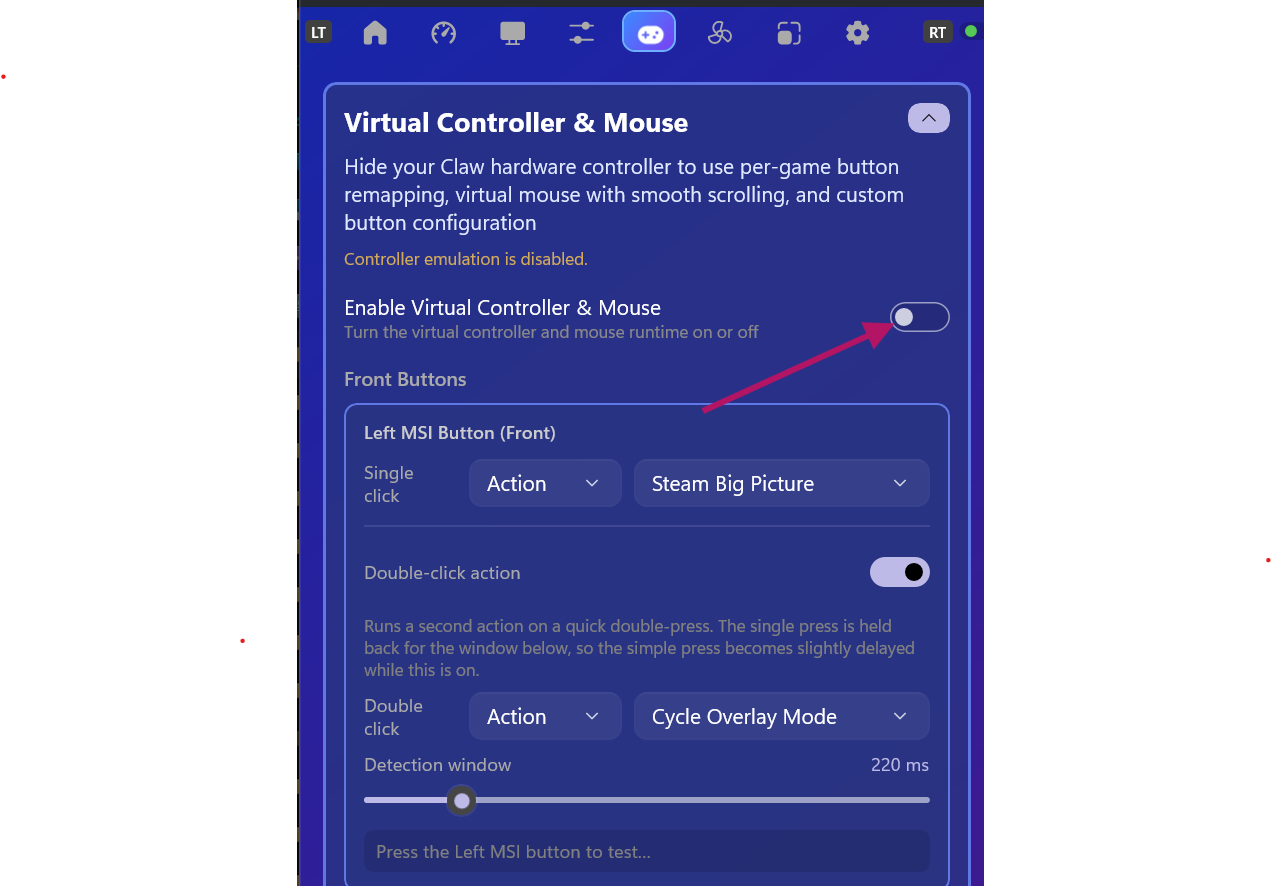
Assign separate actions for single- and double-click to the left MSI / front OEM button.
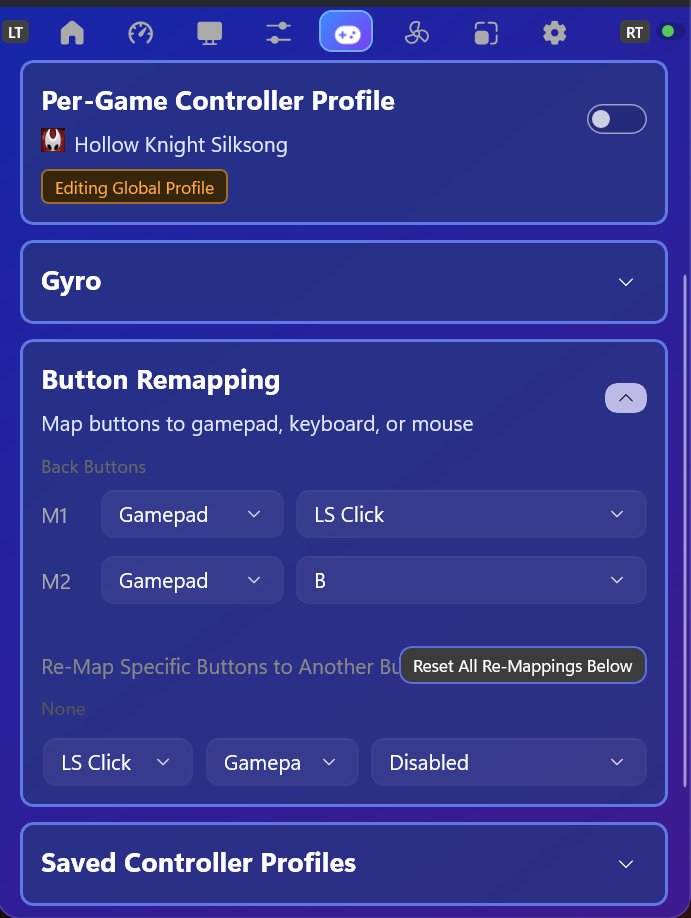
Freely remap the virtual controller's buttons (keyboard, mouse, gamepad action).
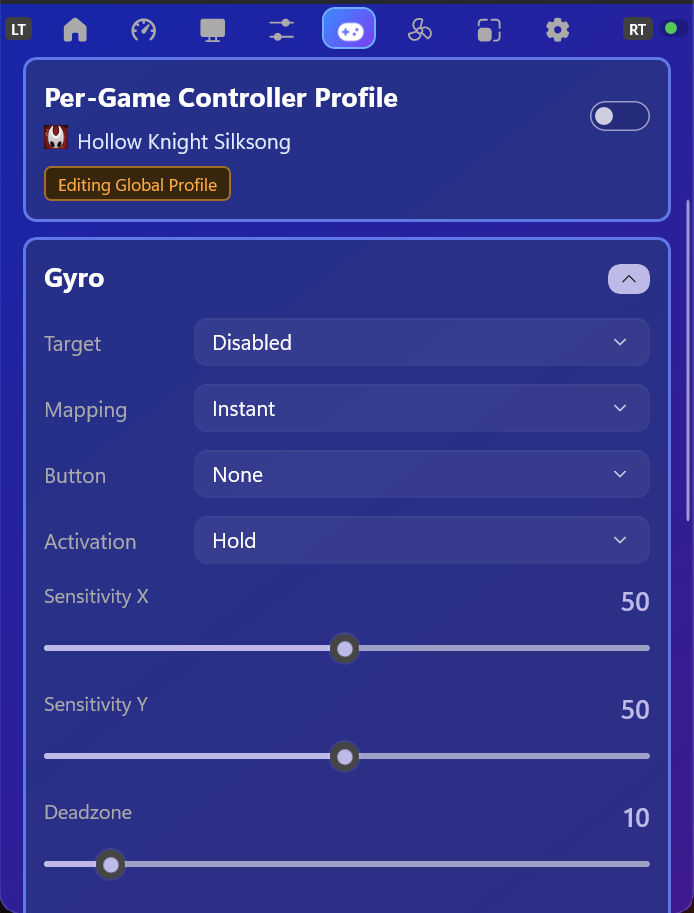
Configure gyro control globally or individually per game.
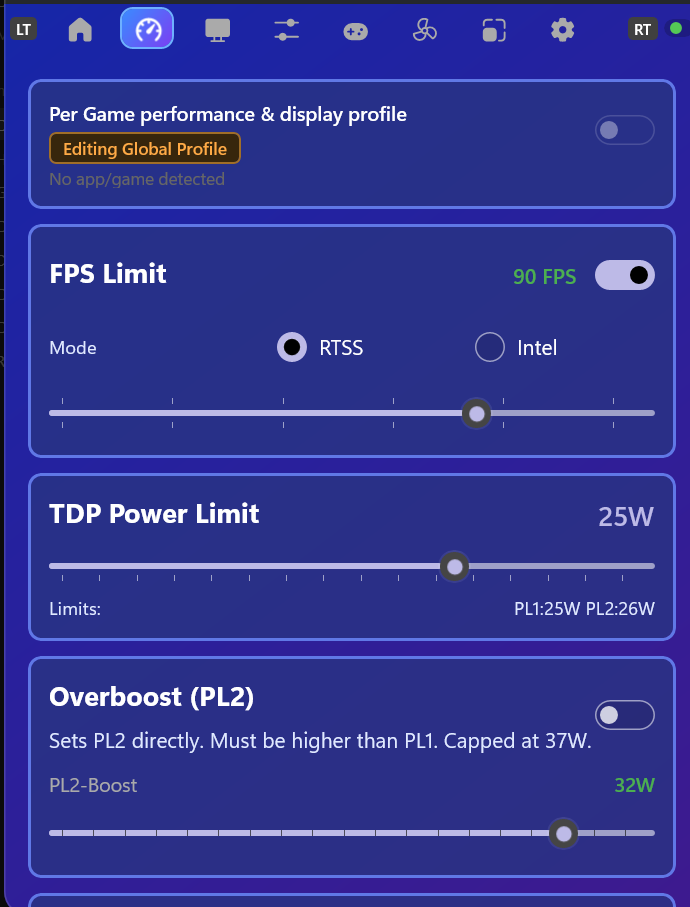
Set TDP / performance profiles and switch between them quickly.
Dedicated per-game profiles that apply automatically when the game starts.
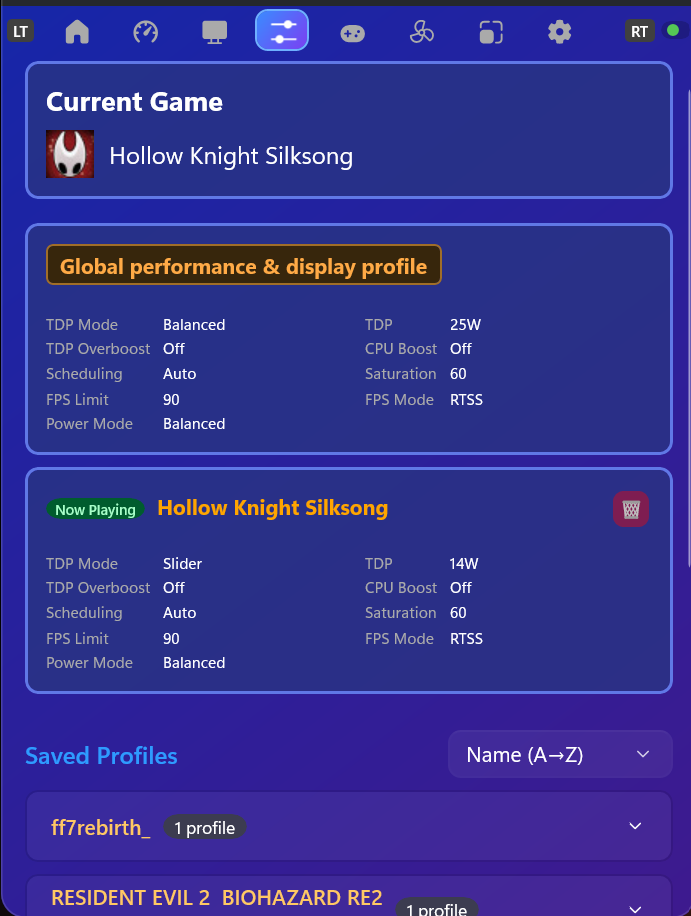
Control fan curves and presets right from the widget.
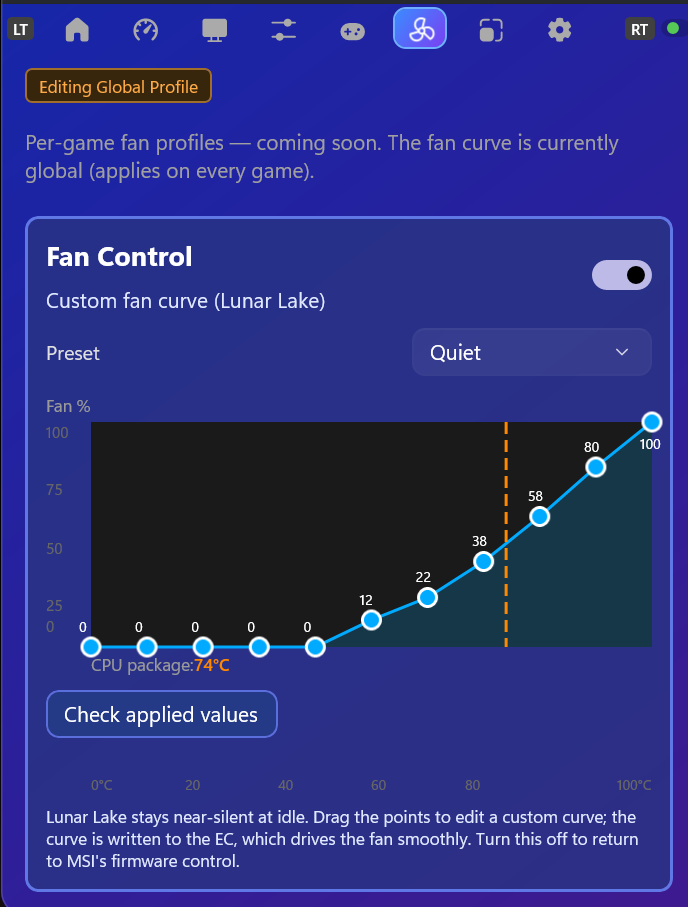
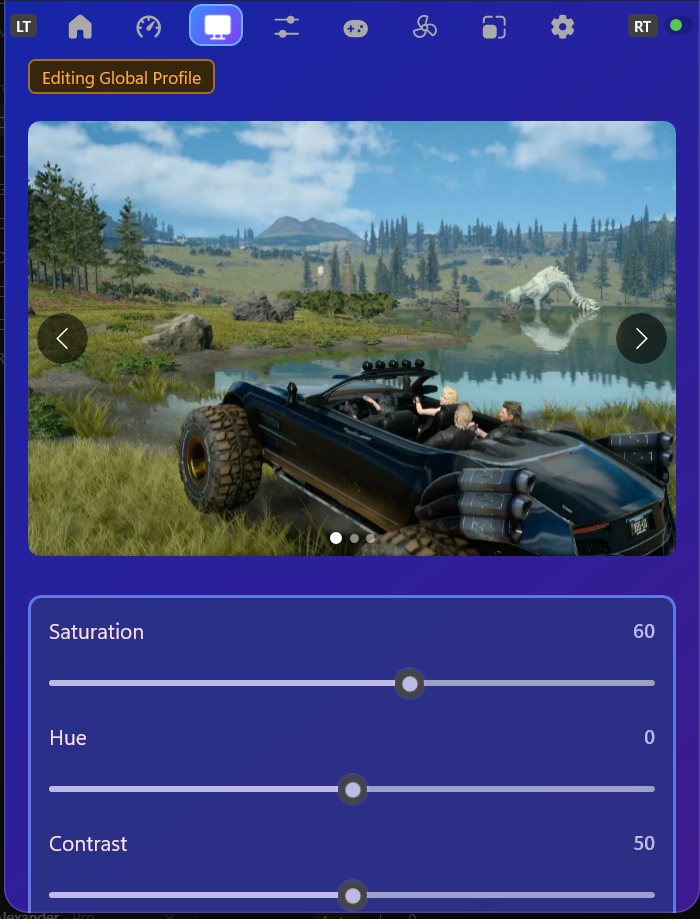
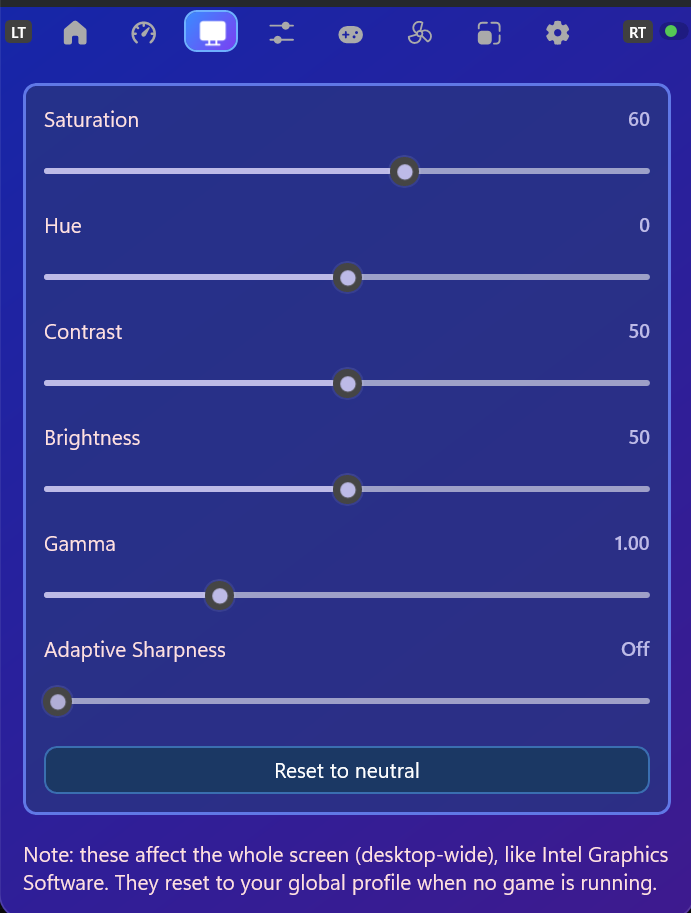
Adjust color and display settings via the Intel GPU.
Lossless Scaling integration for higher frame rates.
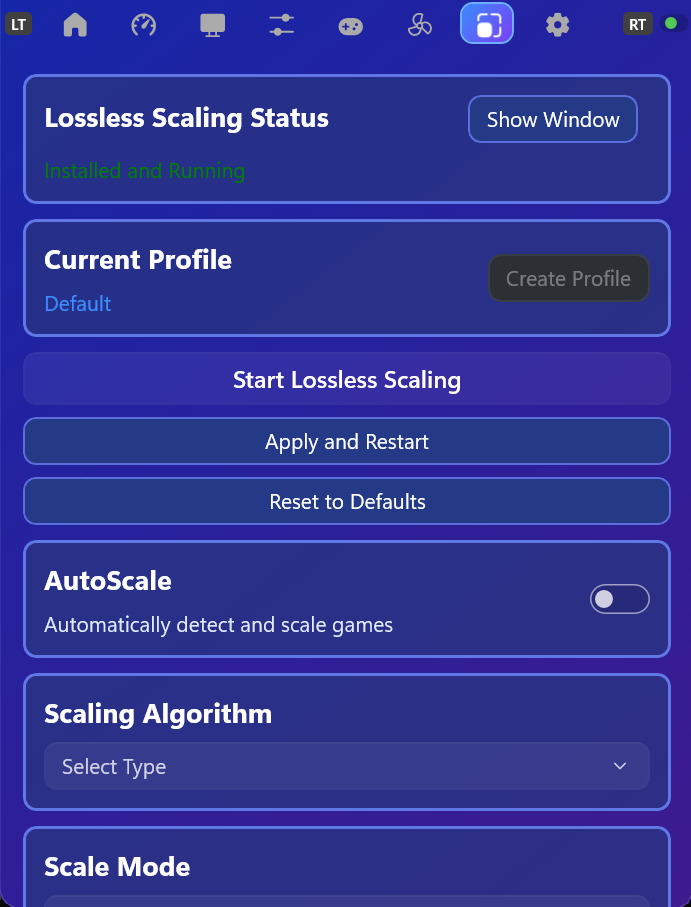
A configurable performance overlay – compact or detailed.


How to enable Virtual Controller & Mouse
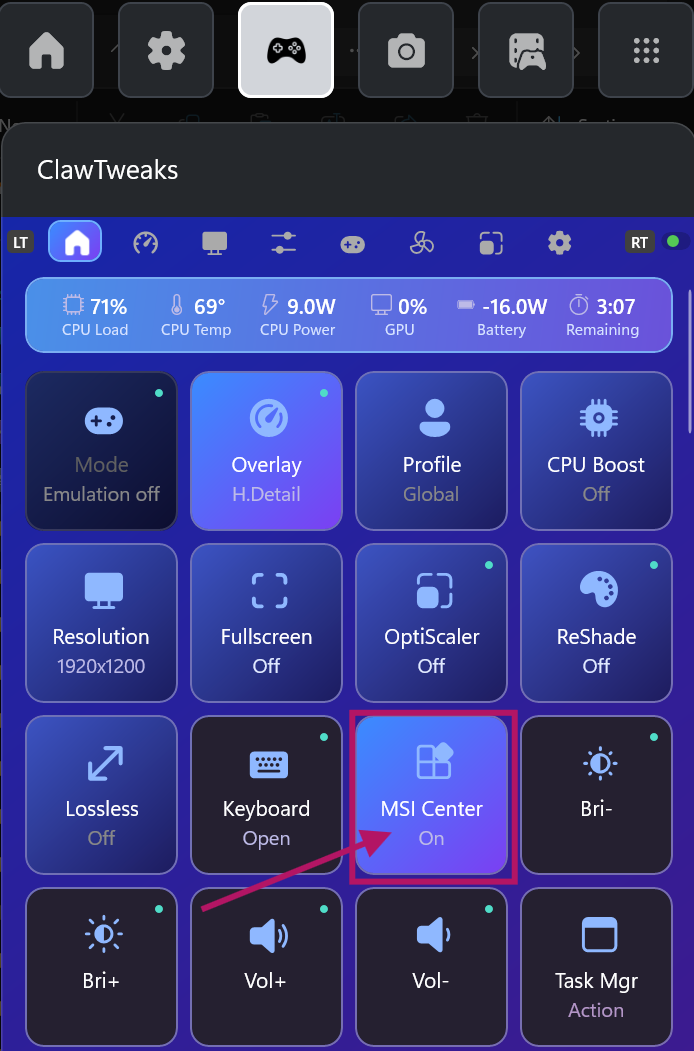
To use ClawTweaks' controller and mouse emulation on the MSI Claw, first hand control over from MSI's software, then enable the virtual controller and mouse.
In the Main tab, disable MSI Center M so it stops managing the device and ClawTweaks can take over. This also unlocks all features.
In the Controls tab, turn on Virtual Controller & Mouse. Here you can also define the front MSI button actions (single or double click).
How To Create Per Game Settings
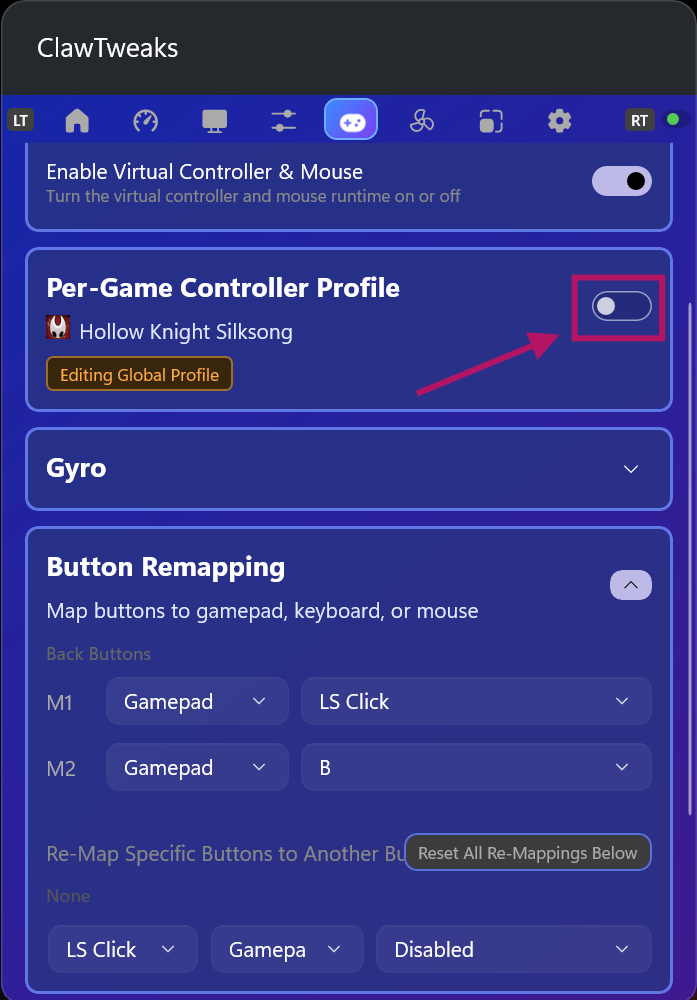
Per-game settings apply automatically when the game is running. There are two independent kinds you can enable per game:
Enable the per-game controller profile to give a game its own button remappings and gyro configuration.
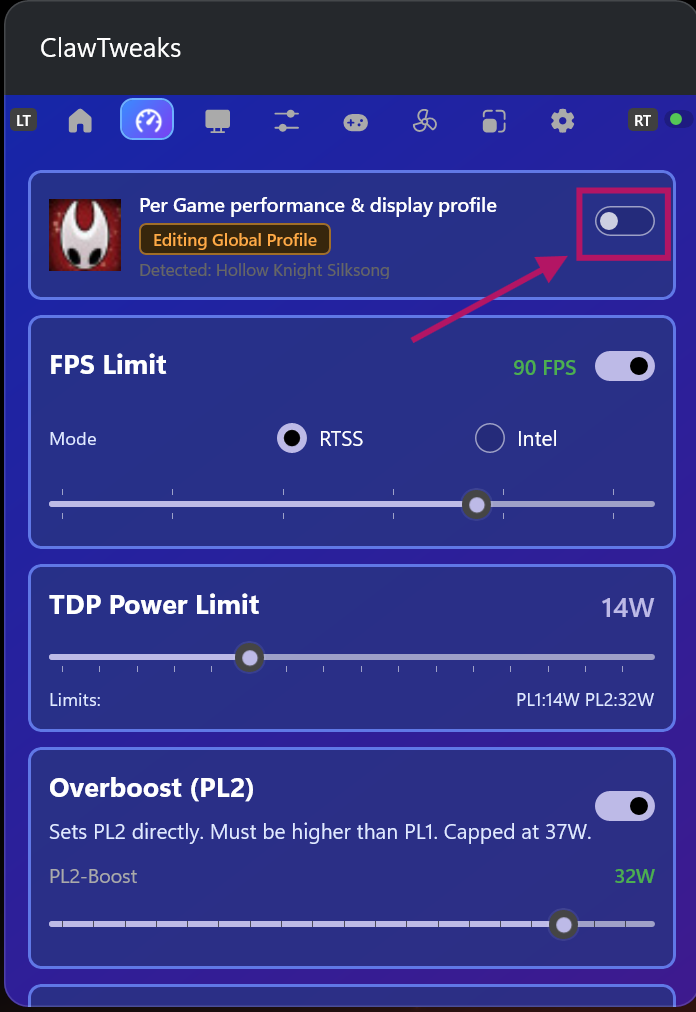
Enable the per-game performance profile for game-specific TDP / performance and Intel display settings.