
🤖 Automate your cryptocurrency trading with free bots! Features include live market analysis, limit & stop orders, indicators, and backtesting.




Crypto trading bots are software programs that connect to your exchange account via API and execute trades automatically based on pre-set strategies.
Core Features:
- Automated Trading: Buy/sell on predefined signals.
- Technical Indicators: RSI, MACD, EMA, Bollinger Bands.
- Backtesting: Test strategies on historical data.
- Portfolio Management: Track and rebalance crypto holdings.
- Alerts & Notifications: Email, Telegram, or in-app alerts.
Popular free bots: Freqtrade, Gekko, Zenbot, Pionex Free Bots.
Freqtrade
- Open-source, Python-based bot.
- Supports multiple exchanges and backtesting.
- Highly customizable strategies.
Gekko
- Easy-to-use GUI and backtesting.
- Strategy marketplace available.
- Supports multiple exchanges.
Zenbot
- High-frequency trading capable.
- Command-line interface for advanced users.
- Supports paper trading and real trading.
Pionex Free Grid Bots
- Exchange-integrated automated trading.
- No coding required, beginner-friendly.
- Grid and DCA strategies supported.
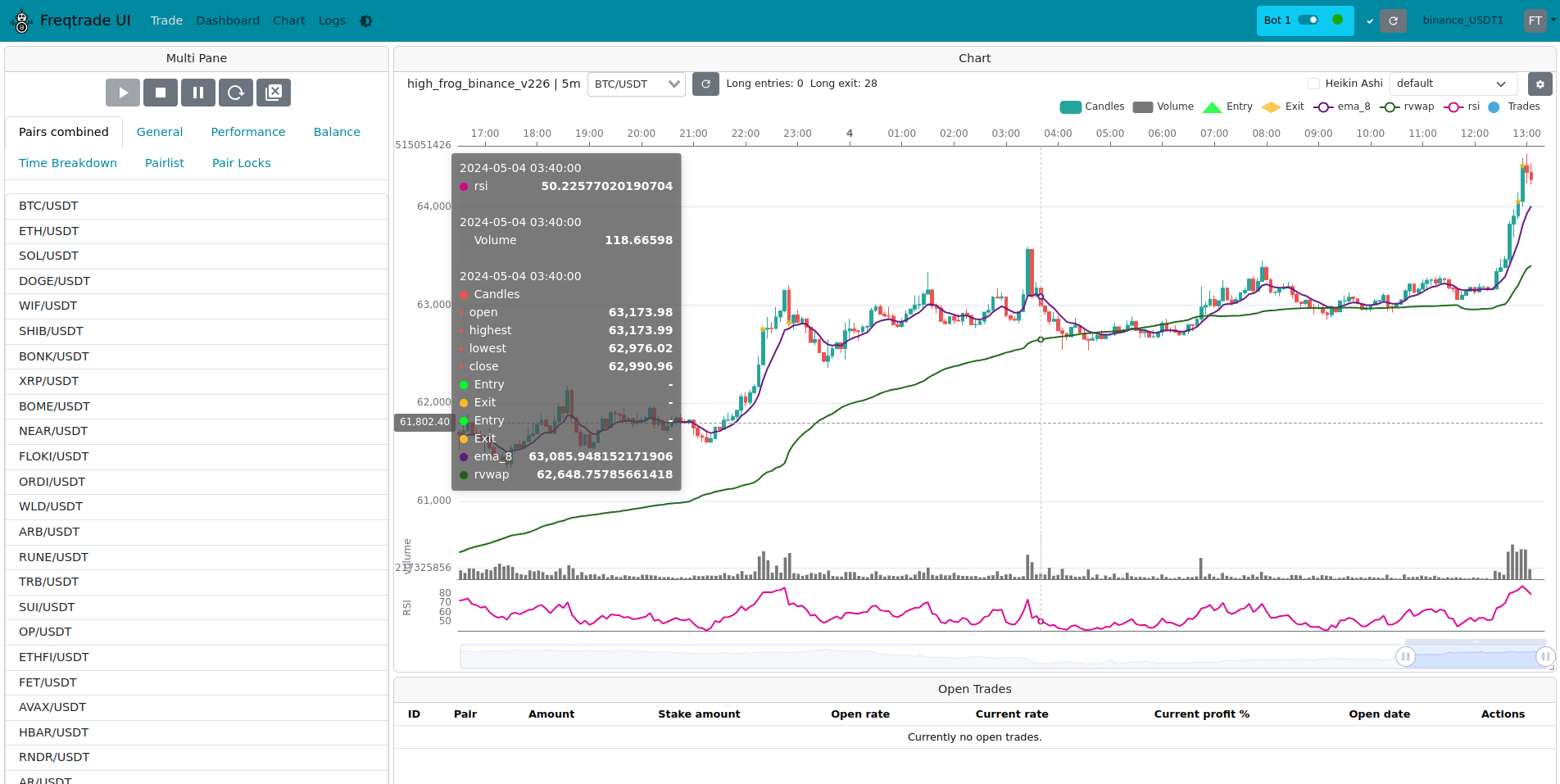
Customizable dashboard with real-time trading data.
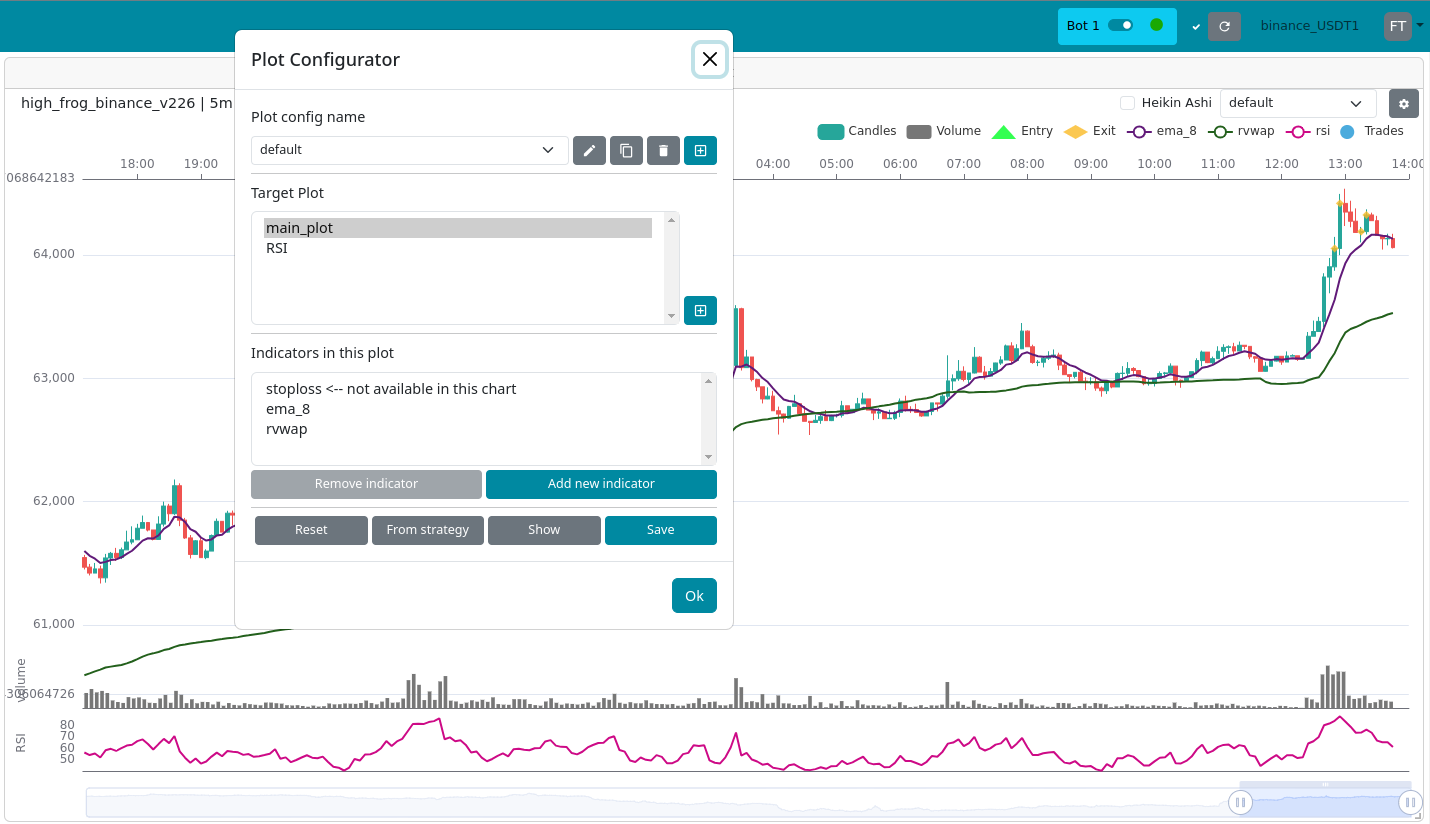
Backtesting tools for strategy optimization.
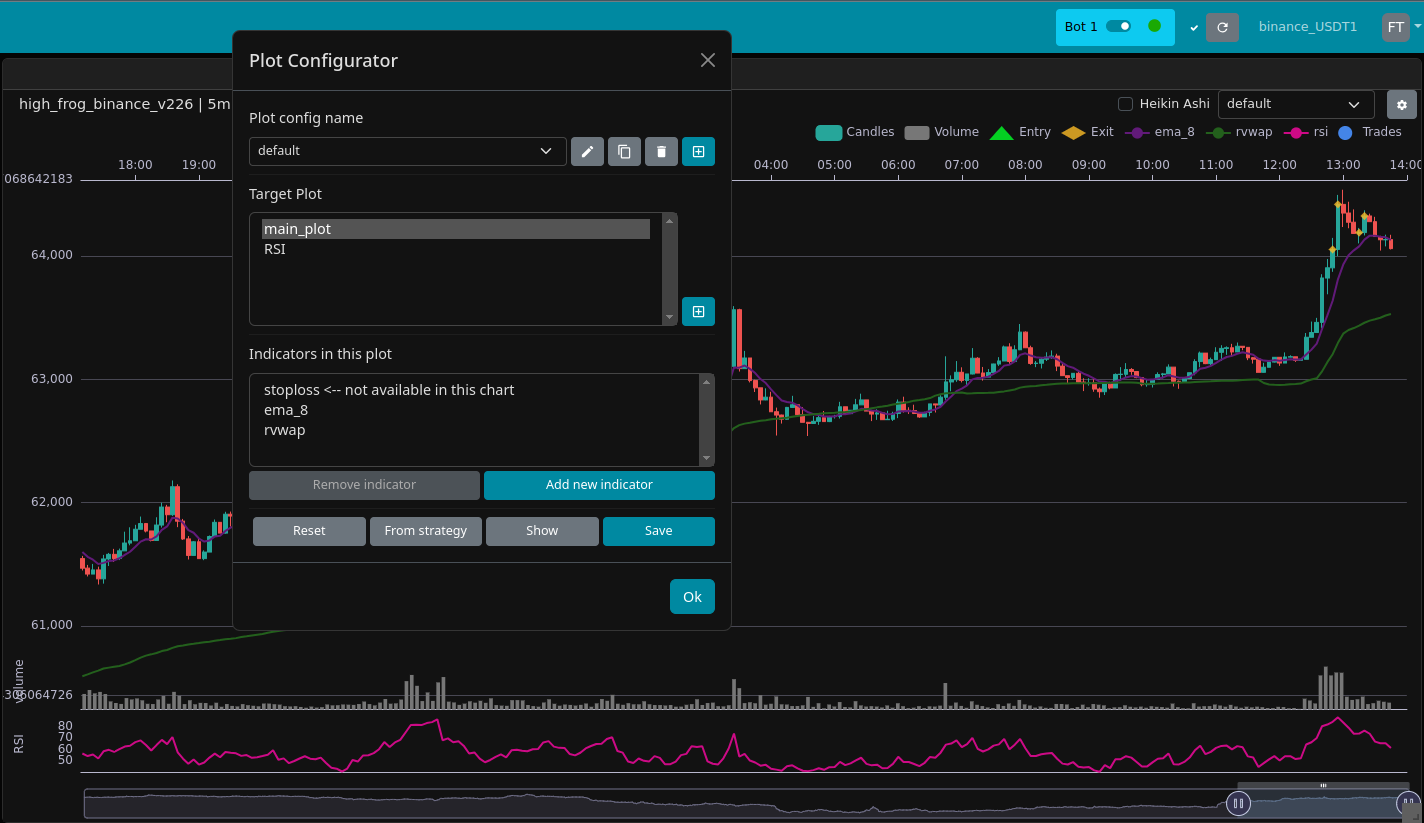
Real-time analytics for monitoring bot performance.
| Bot / Platform | Key Features | Skill Level | UI Style |
|---|---|---|---|
| Freqtrade | Custom strategies, backtesting | Intermediate | CLI / Python |
| Gekko | Backtesting, marketplace strategies | Beginner | GUI |
| Zenbot | High-frequency, multi-exchange | Advanced | CLI |
| Pionex Free Bots | Grid, DCA, easy setup | Beginner | Web UI / App |
- Windows, macOS, or Linux
- Python 3.8+ for open-source bots
- Exchange API key (Binance, Kraken, Coinbase, etc.)
- Optional: Docker for containerized setup
Freqtrade:
- Install Python 3.8+ and Docker (optional).
- Clone the Freqtrade repo from GitHub.
- Configure
config.jsonwith your exchange API keys. - Run
freqtrade trade --strategy <your-strategy>to start automated trading.
Gekko / Zenbot:
- Install Node.js.
- Clone bot repository from GitHub.
- Install dependencies (
npm install). - Configure exchange and strategy files.
- Start bot with
node gekko.jsorzenbot trade.
Pionex Free Bots:
- Create account on Pionex exchange.
- Select Grid or DCA bot.
- Configure trading pair, investment amount, and price range.
- Launch bot in-app.
- Risk Management: Always use stop-loss or small initial investment.
- Exchange Limits: Some exchanges limit API call frequency.
- Backtest Before Live Trading: Historical testing helps reduce losses.
- Avoid Public Strategies Blindly: Optimize for your chosen coins.
From r/CryptoCurrency:
“Start with paper trading first, even with free bots. Learn how your strategy performs without risking real money.”
Free crypto trading bots like Freqtrade, Gekko, Zenbot, and Pionex can automate trades, manage risk, and optimize profits. Test strategies carefully and start small.
Keywords: crypto trading bot, free crypto bot, automated trading, Freqtrade, Gekko, Zenbot, Pionex, backtesting, grid bot, DCA, API trading