Flix is an app that allows users to browse movies from the The Movie Database API.
- (5pts) User can tap a cell to see more details about a particular movie.
- (5pts) User can tap a tab bar button to view a grid layout of Movie Posters using a CollectionView.
- (2pts) User can tap a poster in the collection view to see a detail screen of that movie.
- (2pts) In the detail view, when the user taps the poster, a new screen is presented modally where they can view the trailer.
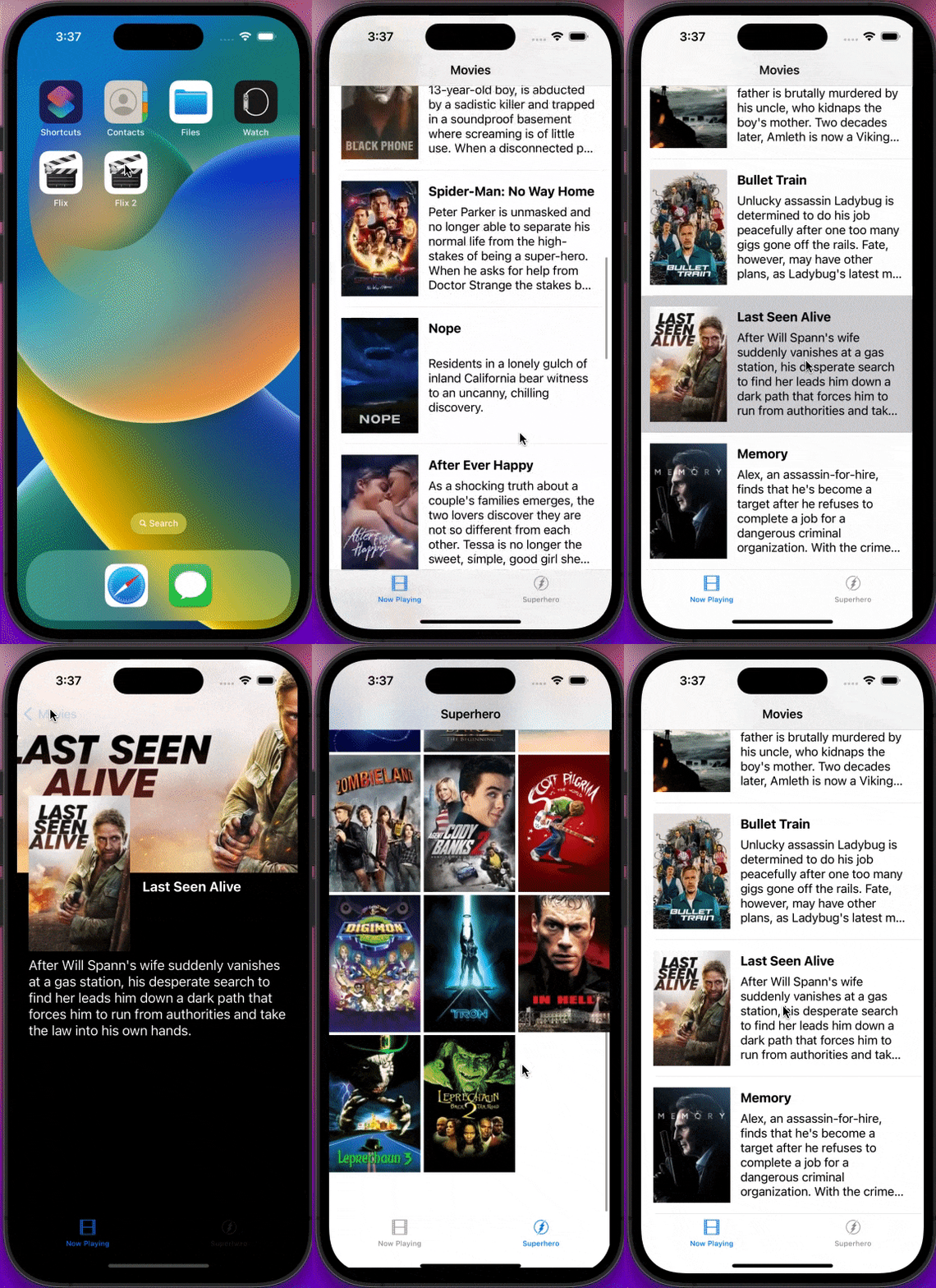
GIFs created with EZGif
This part of the flix app was more challenging than the first part in my opinion. I had a little bit of trouble building the superhero portion of the app (especially with the poster views), but overall, I think it was good practice for solidifying concepts and techniques learnt in previous parts of the course.
- (2pts) User sees an app icon on the home screen and a styled launch screen.
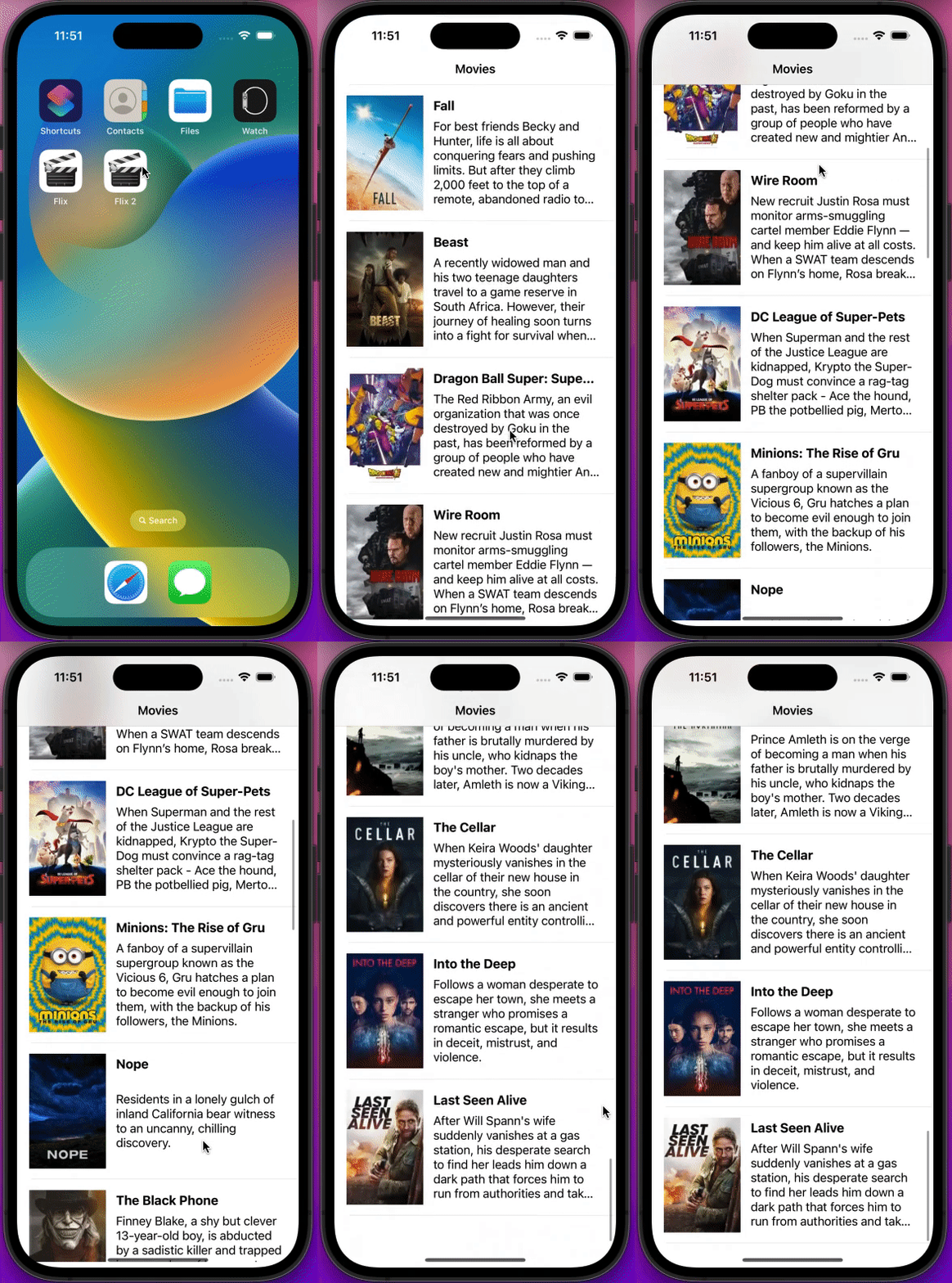
- (5pts) User can view and scroll through a list of movies now playing in theaters.
- (3pts) User can view the movie poster image for each movie.
- (2pt) User can view the app on various device sizes and orientations.
- (1pt) Run your app on a real device.
In Simulator on computer:
On my iPhone:
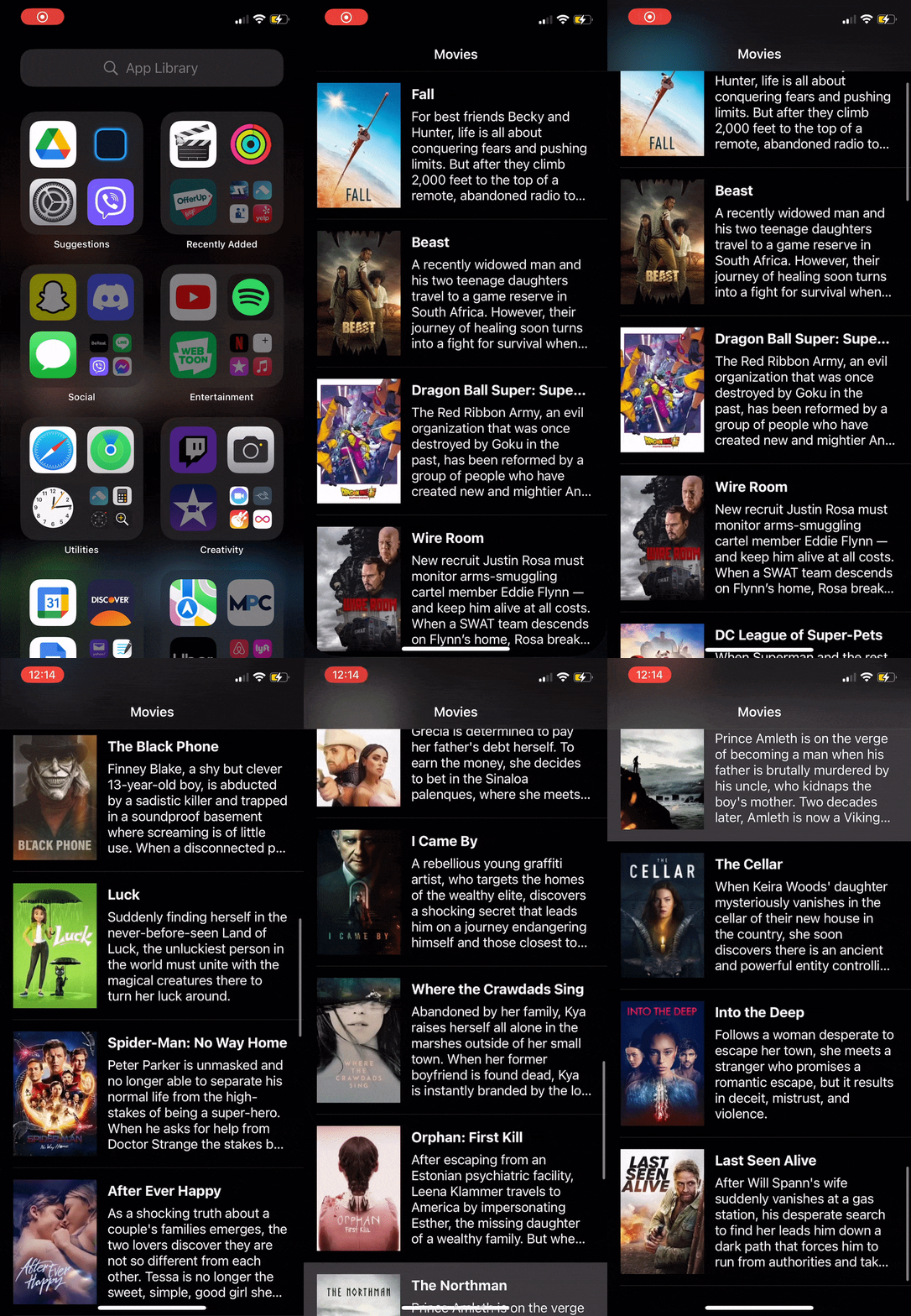
GIFs created with EZGif
This project allowed me to brush up on topics that I had learnt during the Prework and also introduced me to new concepts such as working with table views, creating reuseable cells, and APIs. APIs were surprisingly not as difficult to work with as I had though. I realized they are very easy to utilize; it's just a matter of understanding what information they contain. The most challenging part of this project was understanding the logic behind the code given to us in the walkthrough and learning/memorizing how to use it in the future.