


mdit-py-figure is a
markdown-it-py
plugin to parse markdown paragraphs that start with an image into HTML
<figure> elements. One nice thing is it doesn't use any new markdown
syntaxes.
Example markdown source:

Awesome caption about **Oscar** the kitty.Render result:
<figure>
<img src="/path/to/cat.jpg" alt="Picture of Oscar." />
<figcaption>Awesome caption about <strong>Oscar</strong> the kitty.</figcaption>
</figure>
Multiple images are supported:


Awesome captions about the **kitties**.<figure>
<img src="/path/to/cat1.jpg" alt="Picture of Oscar.">
<img src="/path/to/cat2.jpg" alt="Picture of Luna.">
<figcaption>Awesome captions about the <strong>kitties</strong>.</figcaption>
</figure>Using dedicated <figure> and <figcaption> elements makes styling images
with descriptions much easier.
Here is an
example:
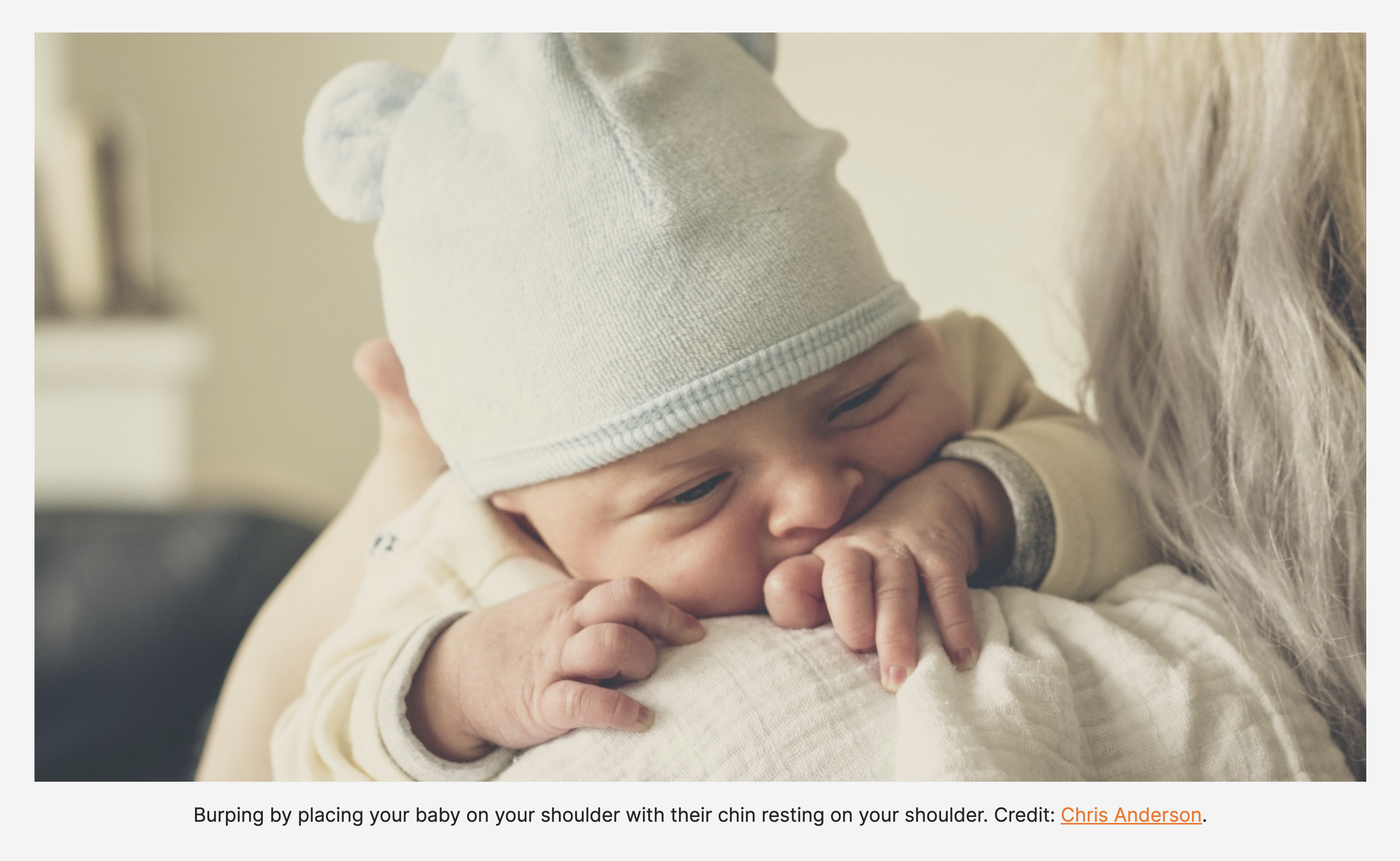
I hear they are also good for SEO.
pip install mdit-py-figure
Or with uv:
uv add mdit-py-figure
from markdown_it import MarkdownIt
from mdit_py_figure import figure_plugin
md = MarkdownIt().use(figure_plugin)
source = """

Awesome caption about **Oscar** the kitty.
"""
html = md.render(source)
print(html)Example:
md = MarkdownIt().use(figure_plugin, image_link=True)Render result:
<figure>
<a href="/path/to/cat.jpg">
<img src="/path/to/cat.jpg" alt="Picture of Oscar." />
</a>
<figcaption>Awesome caption about <strong>Oscar</strong> the kitty.</figcaption>
</figure>
See tests/test_figure.py for more examples.
Example:
md = MarkdownIt().use(figure_plugin, skip_no_caption=True)In case a link to an image doesn't have a caption (a line of text following it without any linebreaks in between), it won't be wrapped in a <figure>.
See test_skip_no_caption_option() in tests/test_figure.py for an example.
See CHANGELOG.md.
Apache-2.0