In this practice let's build a Gallery App by applying the concepts we have learned till now.
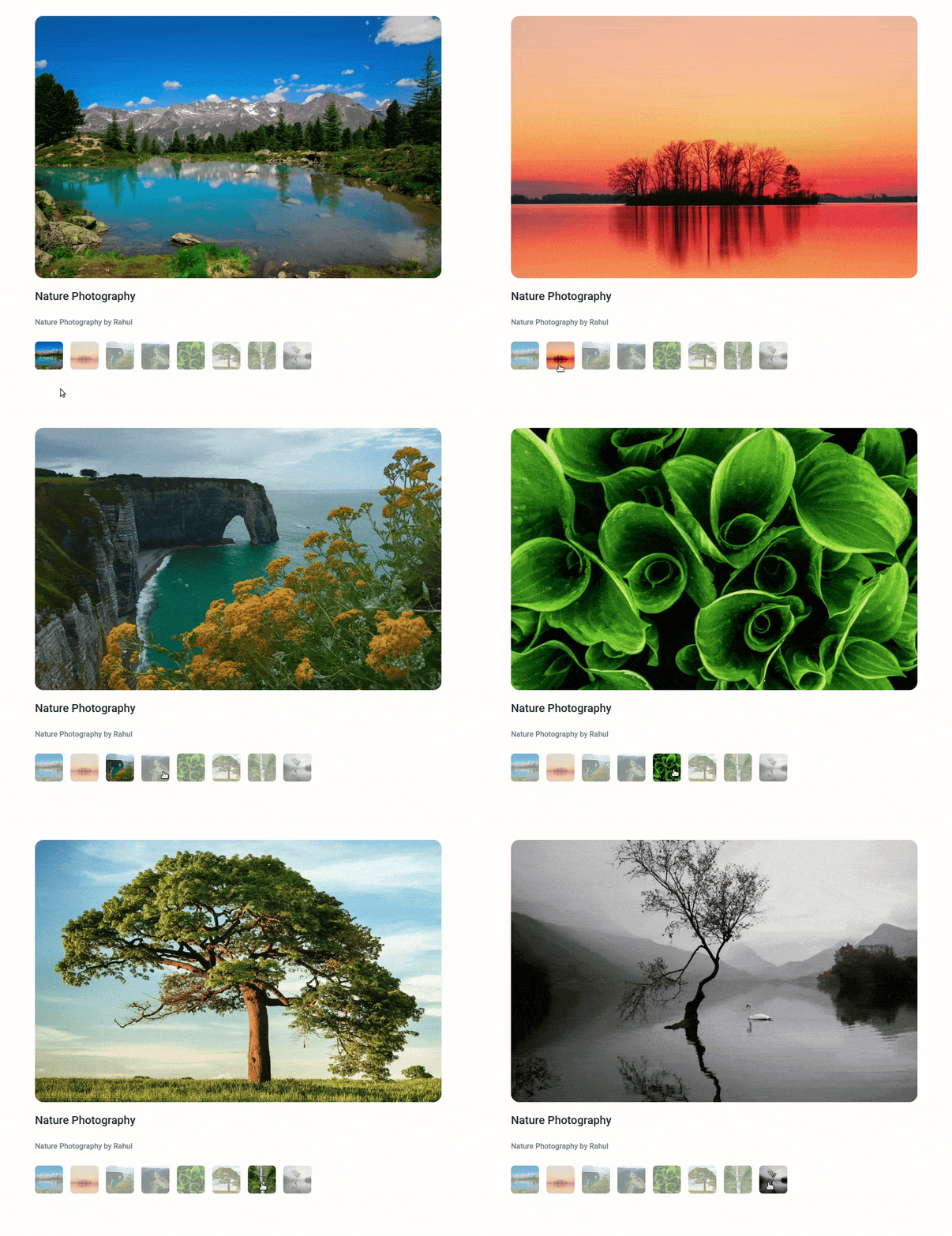
Click to view the Design Files
Click to view the Set Up Instructions
- Download dependencies by running
npm install - Start up the app using
npm start
Click to view the Functionality to be added
The app must have the following functionalities
-
When the user clicks on a thumbnail then the corresponding image should be displayed.
-
The
Gallerycomponent consists of theimagesList. It consists of a list of image details objects with the following properties in each objectKey Data Type id Number imageUrl String thumbnailUrl String imageAltText String thumbnailAltText String
Click to view the Implementation Files
- Your task is to complete the implementation of
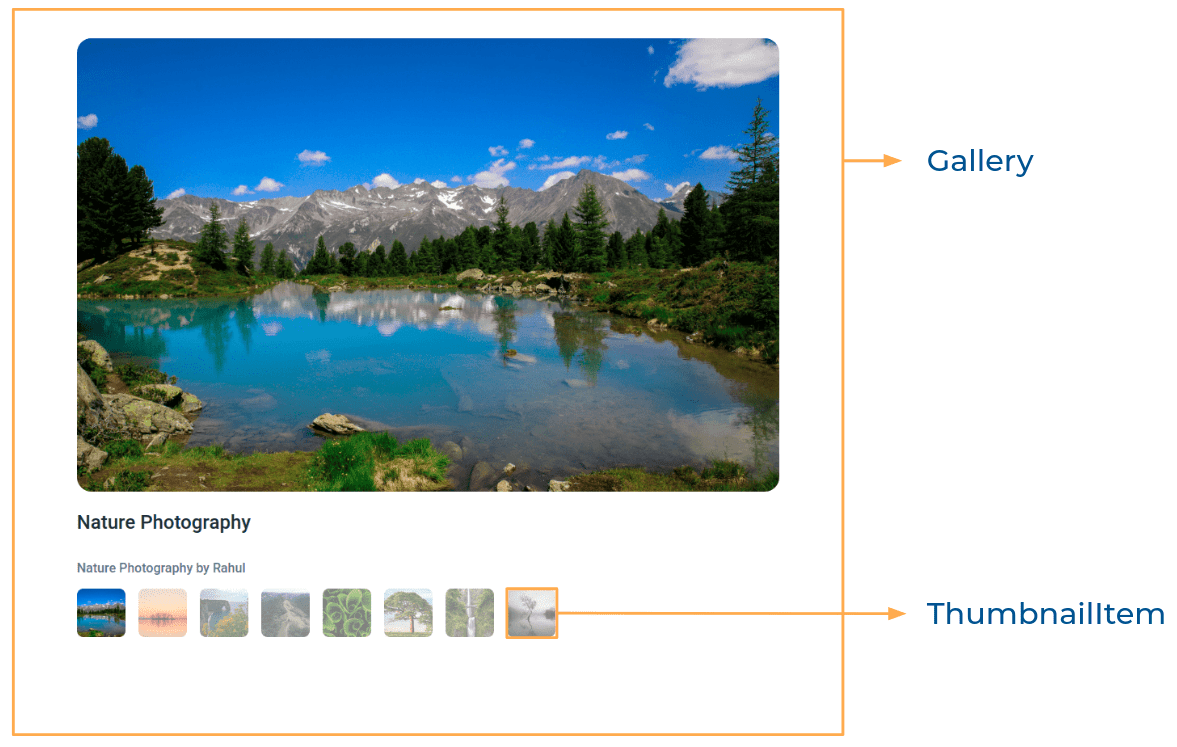
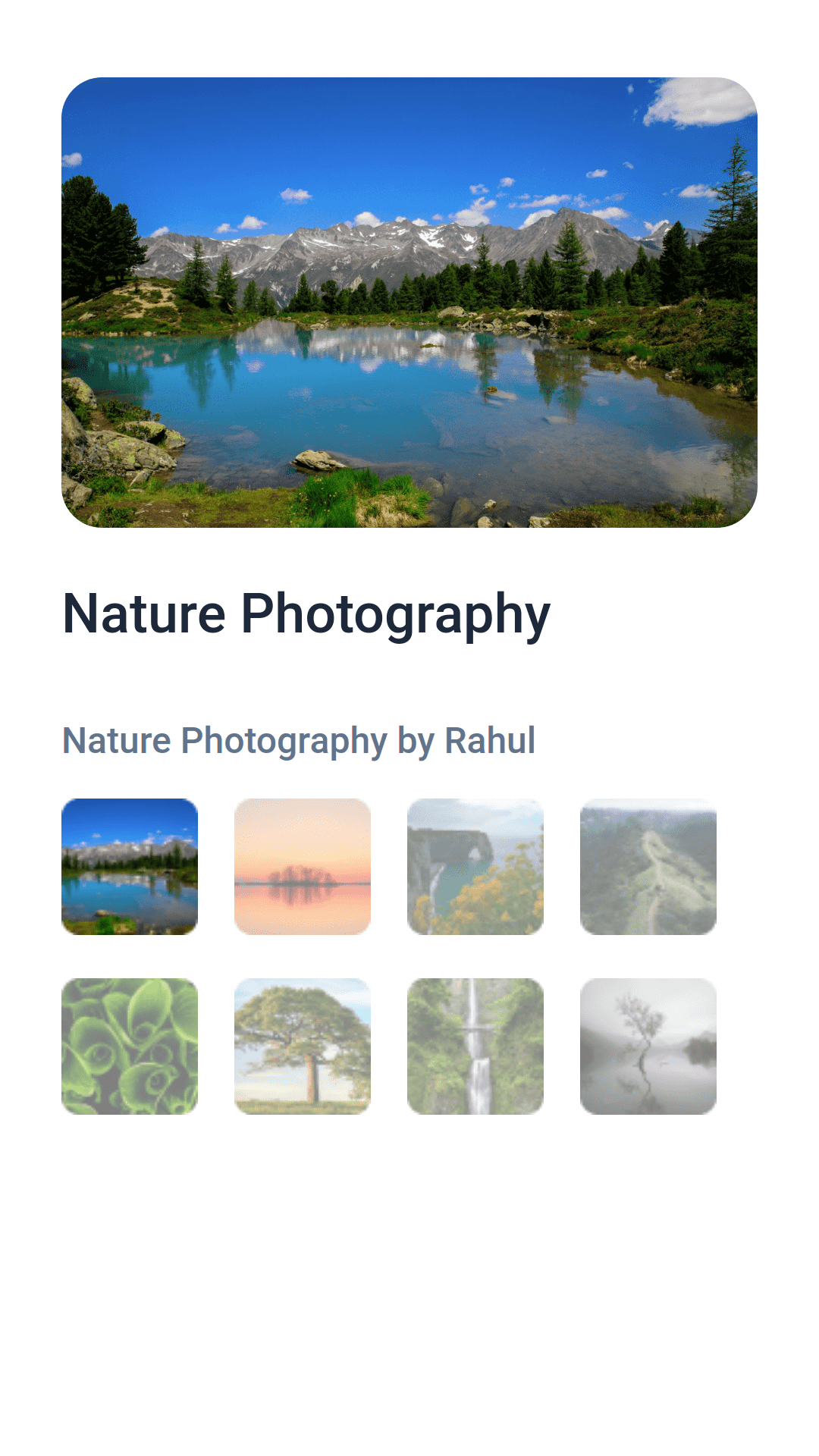
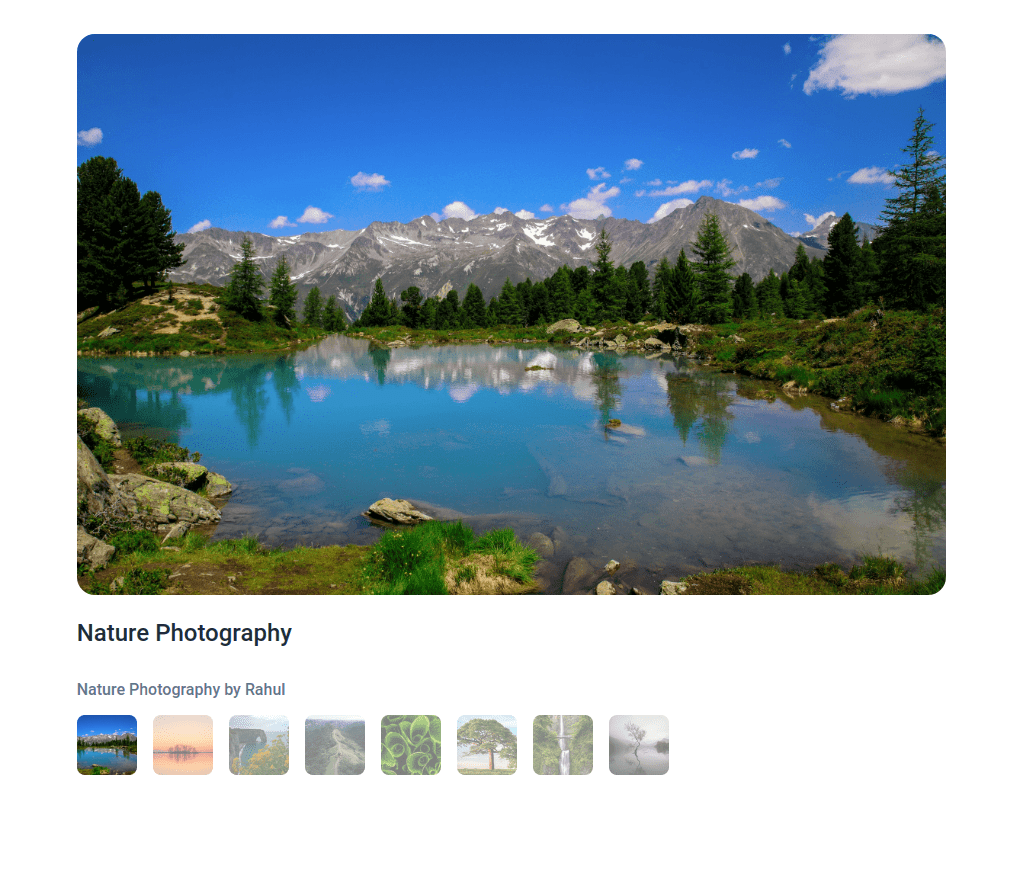
src/components/Gallery/index.jssrc/components/Gallery/index.csssrc/components/ThumbnailItem/index.jssrc/components/ThumbnailItem/index.css
Click to view Important Note Points
The following functionality is required for the tests to pass
- The selected image should have the alt as the value of the key imageAltText from
imagesListprovided.- The thumbnail images should have the alt as values of the key thumbnailAltText from
imagesListprovided.
Click to view Quick Tips
-
You can use the CSS opacity property to set the degree to which content behind an element is hidden. It has a value in the range of 0 to 1 inclusive.
opacity: 0.5;
- Roboto
- All components you implement should go in the
src/componentsdirectory.- Don't change the component folder names as those are the files being imported into the tests.
- Do not remove the pre-filled code
- Want to quickly review some of the concepts you’ve been learning? Take a look at the Cheat Sheets.