Button Component Z-Index and Click Events Issue in v13.2.0 #711

Description

I'm having an issue with the Button component in version 13.2.0.
The issue starts happening in @primer/components version 13.2.0, the issue is not present in version 13.1.0. Unfortunately, the issue is still present in the latest version, 16.0.0.
When the Button component is clicked, the button element disappears behind all other elements (you can tell by lowering the menu's opacity). The z-index is unchanged in the CSS, so it could be a rendering bug. The button has the highest z-index on the page, so it should always stay on top of other elements.
Clicking another time brings the element forward again; even clicking in the developer tools window, outside of the rendered view (as shown in the GIFs).
When the menu opens, click events on the button are ignored until the menu is moved out of view. The menu has a z-index lower than the button, but it appears it could be blocking the click events.
The button is listening for click events to open and close the menu. The menu doesn't close when clicking the button with the menu open.
Here are GIF previews of the issue:
1. Button component issue.
@primer/components version: 13.2.0
Button component disappears behind other elements and click events are ignored.
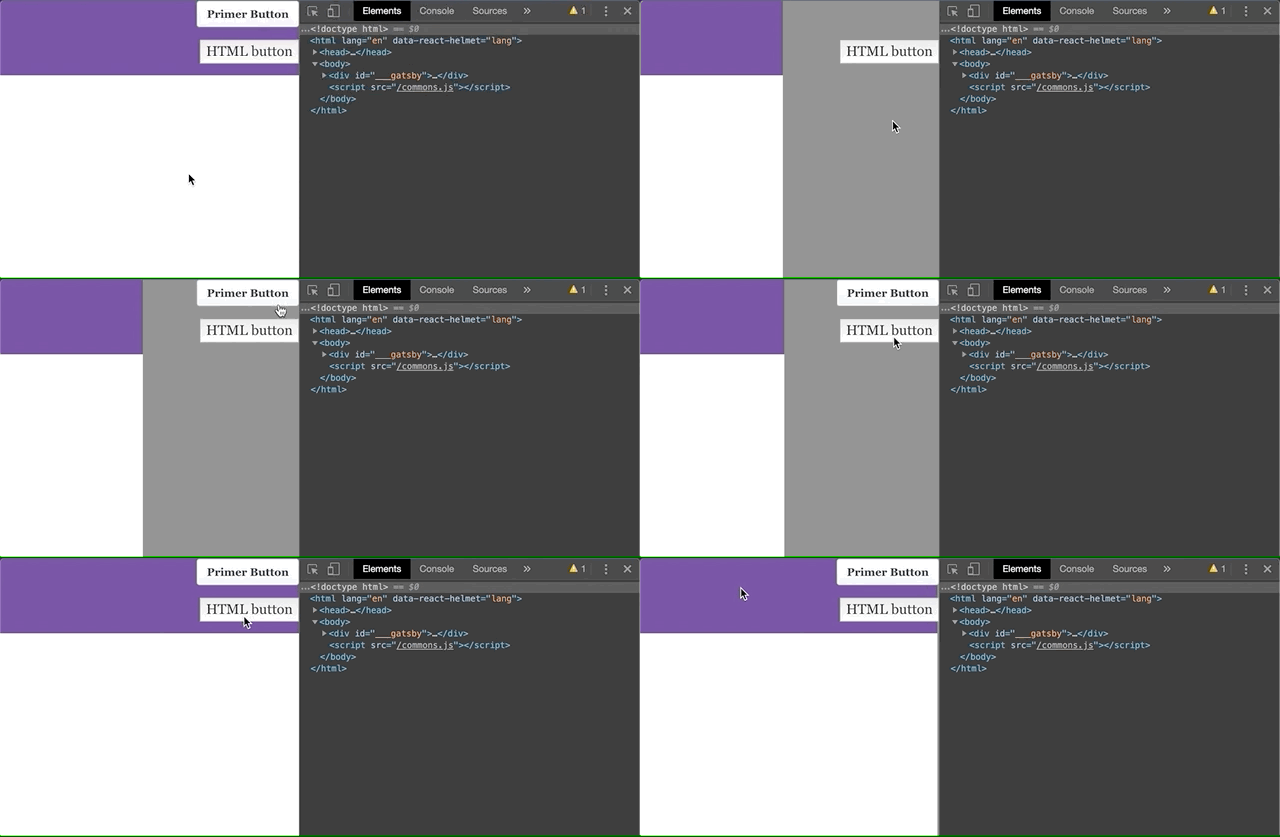
2. Button component working as expected.
@primer/components version: 13.1.0
Button component stays on top of menu and click events are captured.
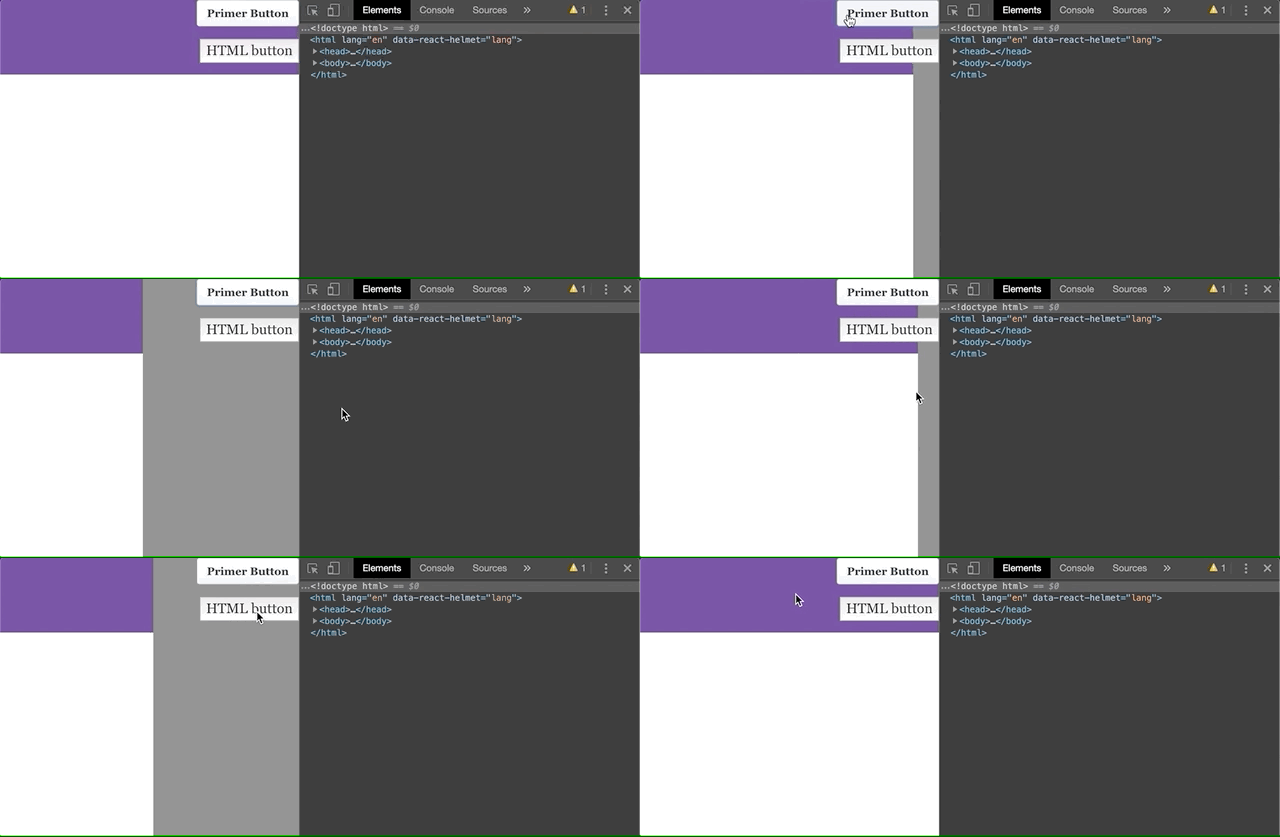
I've uploaded a test repo demonstrating the issue. It's a default GatsbyJS app with @primer/components and styled-components. Install instructions are in the README.
https://github.com/acknosyn/Testing-Primer-Components
Thanks for your help.