This project aims to build a simple email like UI where we can implement the following points
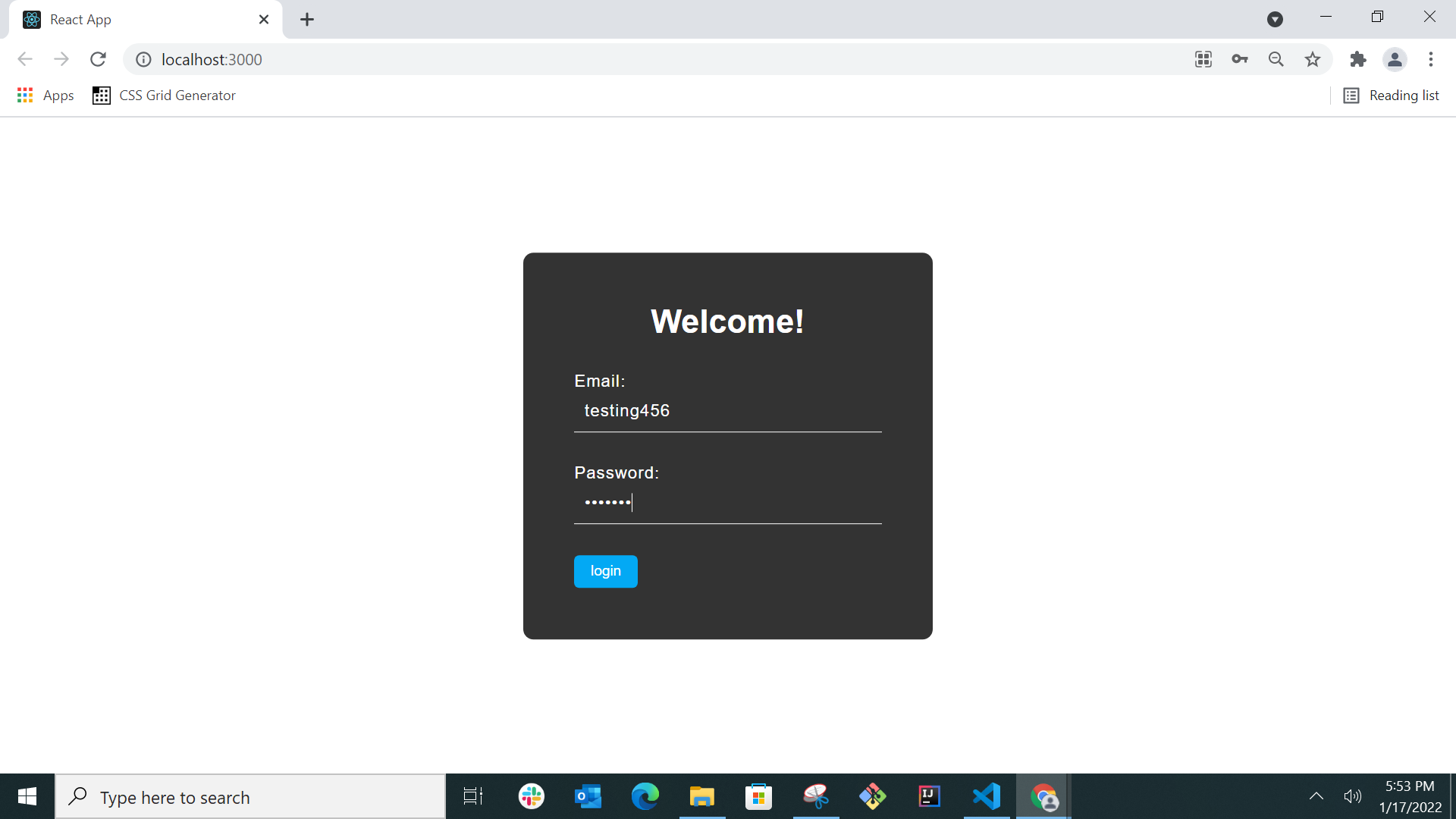
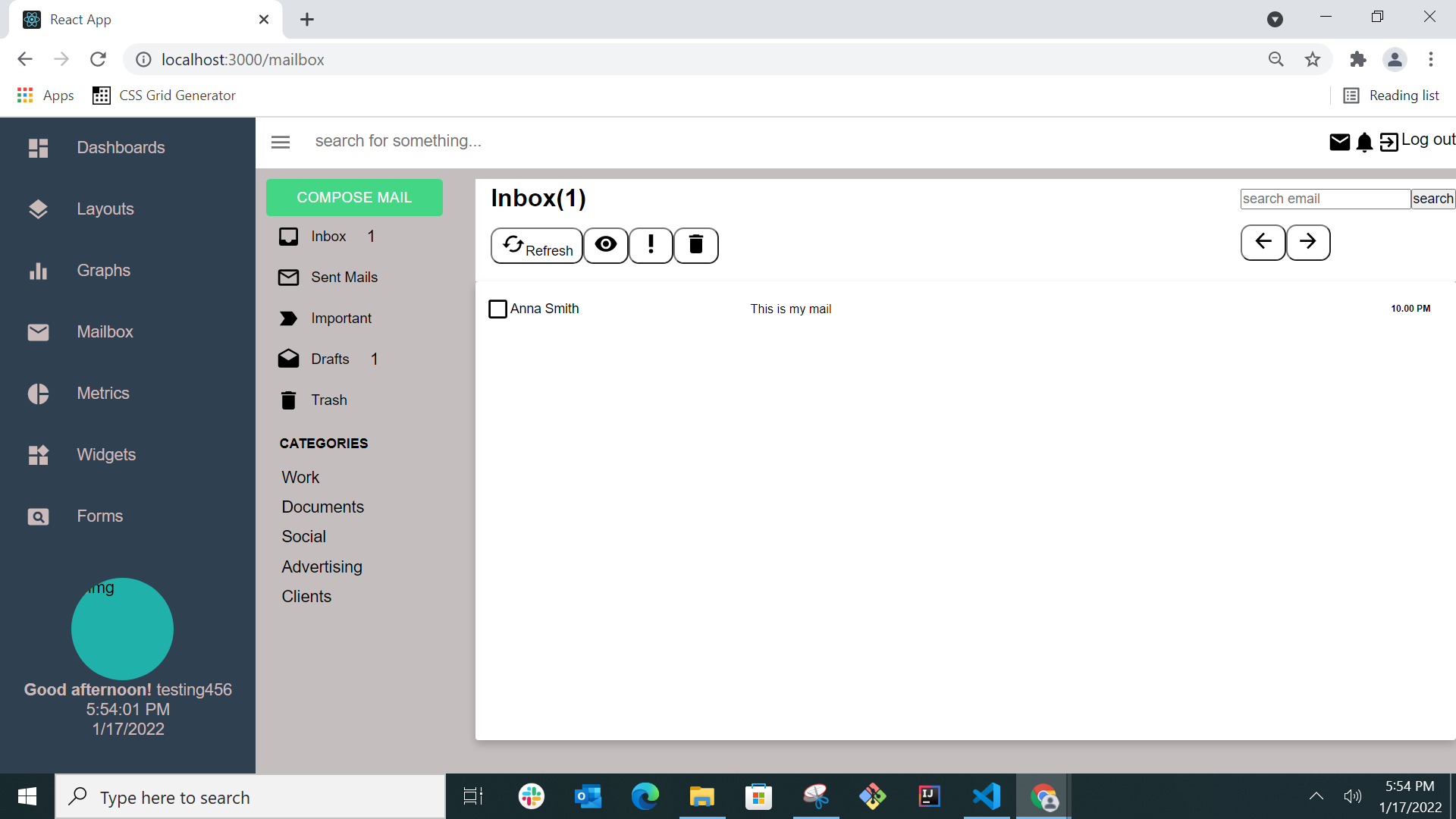
●A login page with a simple form where the user can enter an email and password as credentials. If the credential matches the mock data, the user gets redirected to the Dashboard page with a list of Emails in his Inbox (data.js file having the list of users)
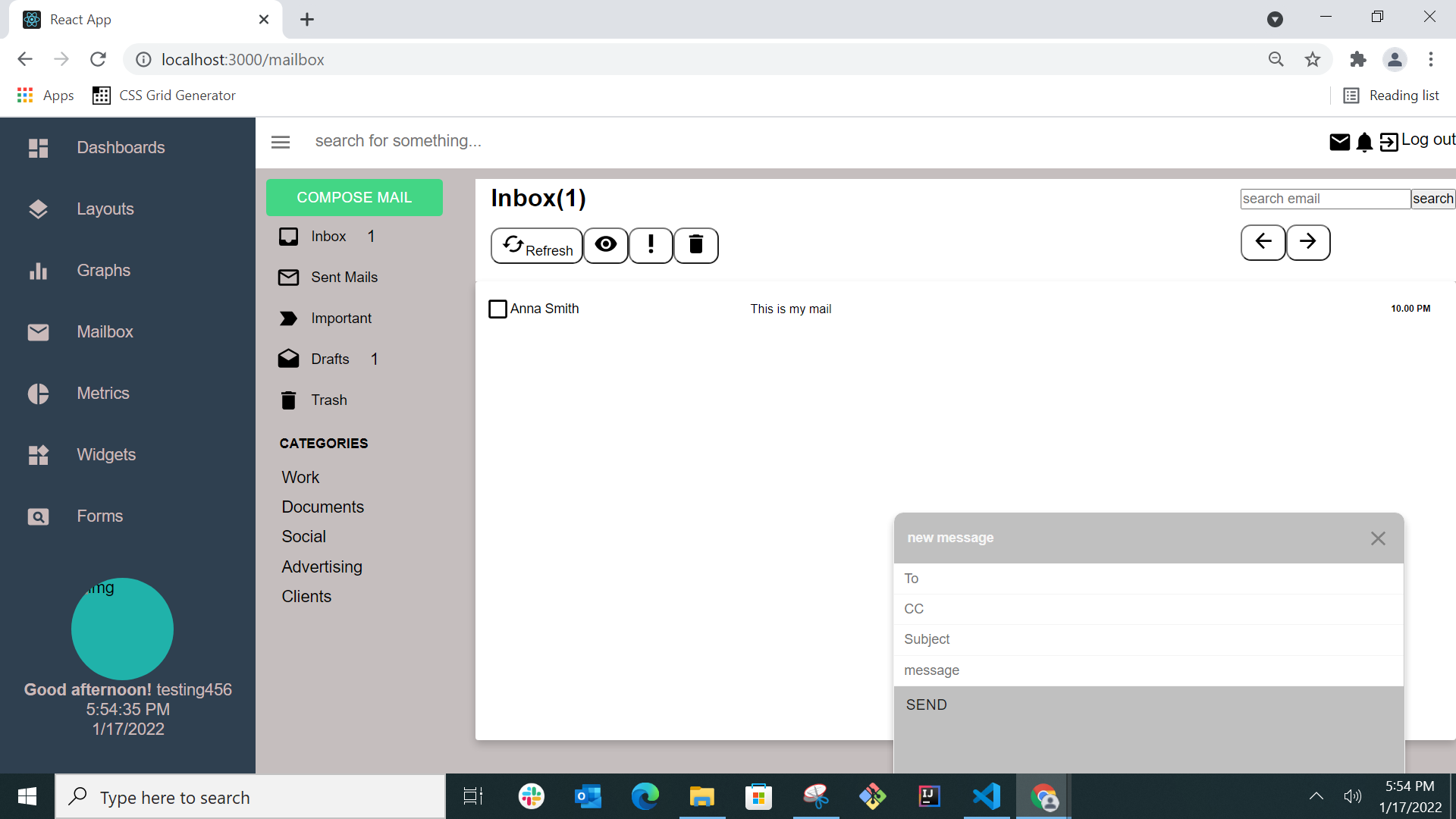
● Compose mail should open a pop up that allows you to write a simple mail with To and CC fields, subject and a body
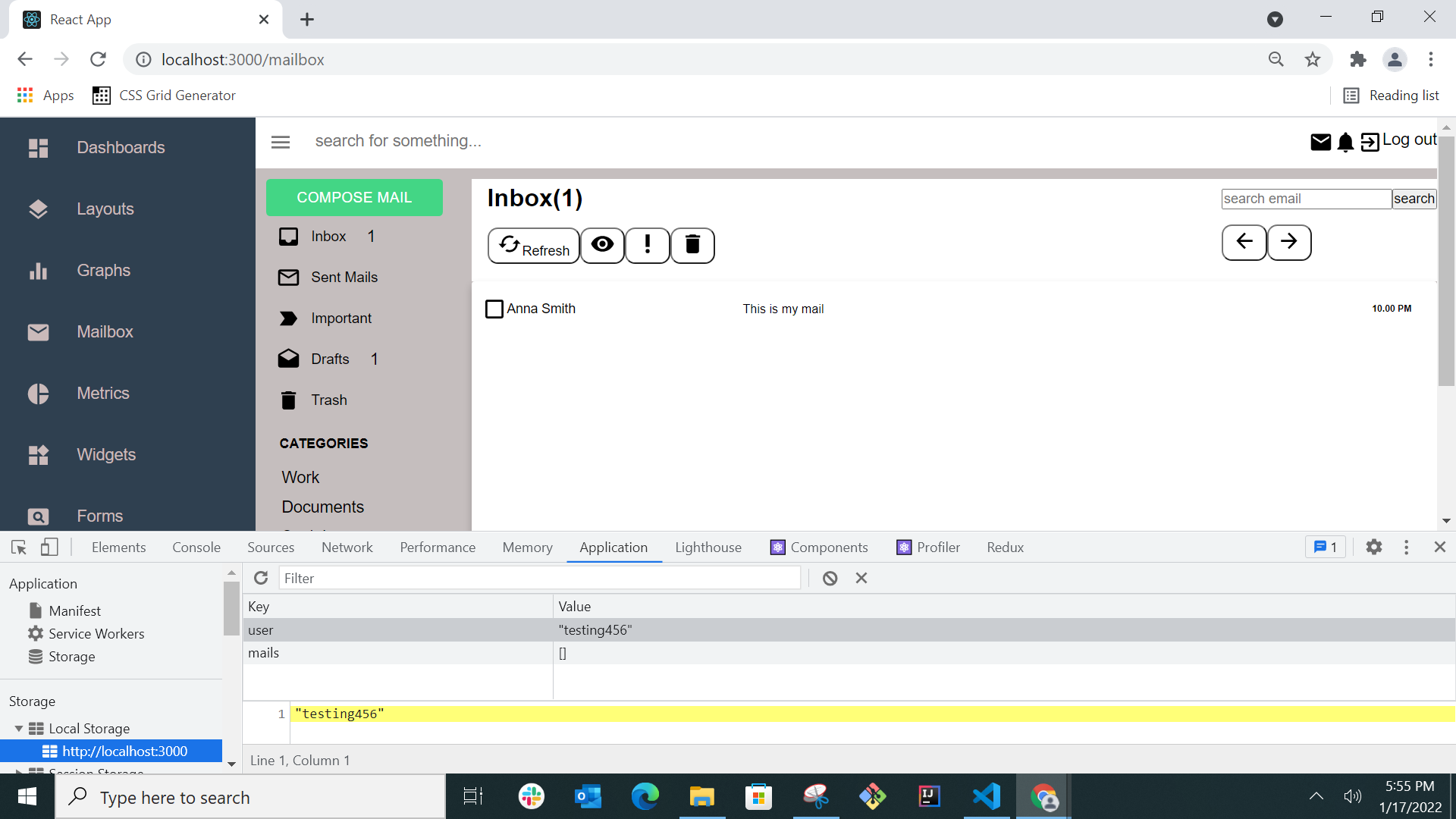
● Upon submission, the email should be stored in local storage and should appear in the list of Sent Emails
Tech Stack
ReactJS,CSS,HTML,Material UI
Setup Steps
1.Clone the repo
2.Install dependencies npm install
3.Open the code in Visual Studio Code (or any IDE of your choice).
4.Open git bash in Windows or terminal in Mac
5.Do npm start
Below attached the screen shots for the app execution
- Login page
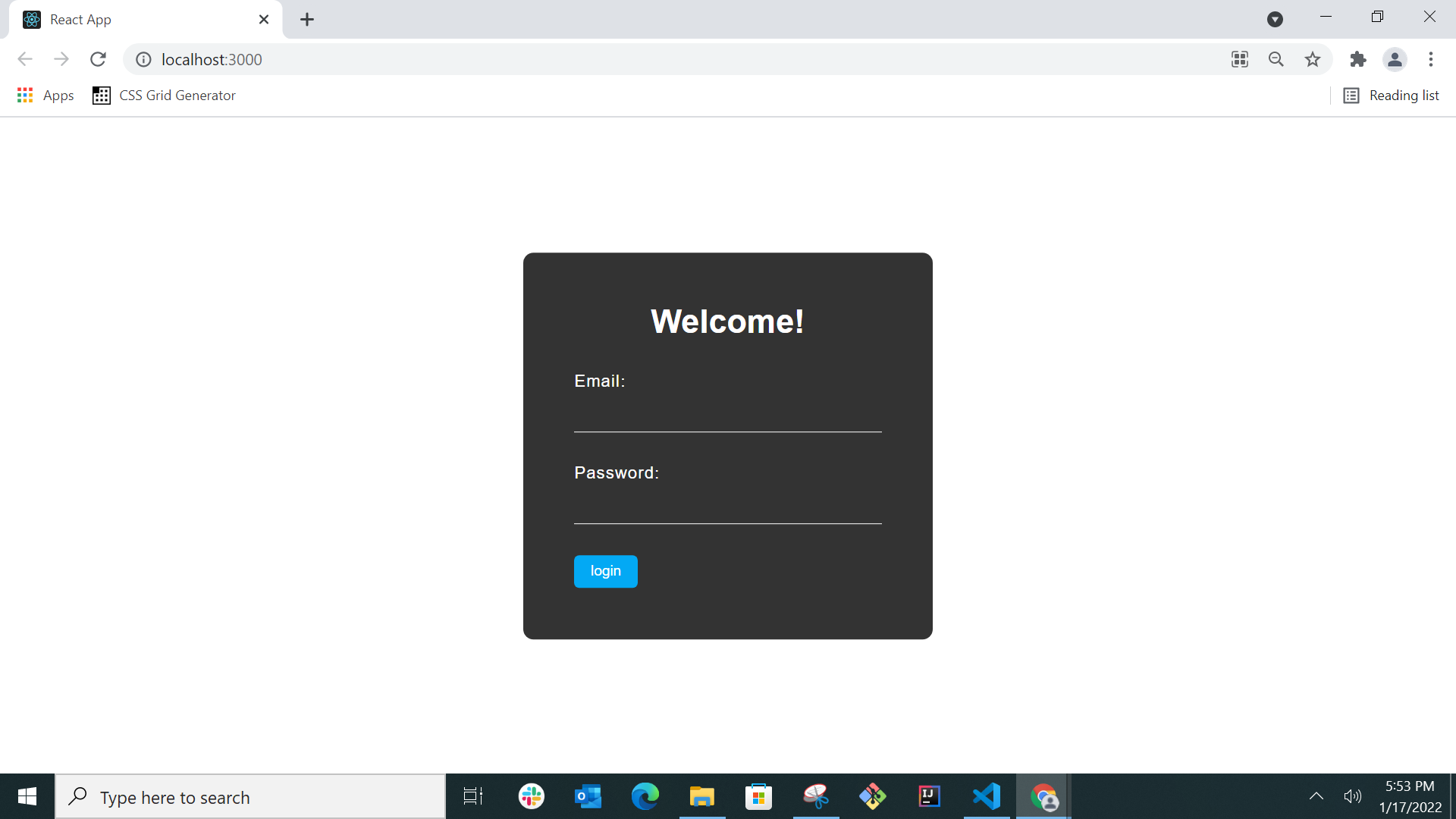
- Entering the user email and password from mock data(data.js file)
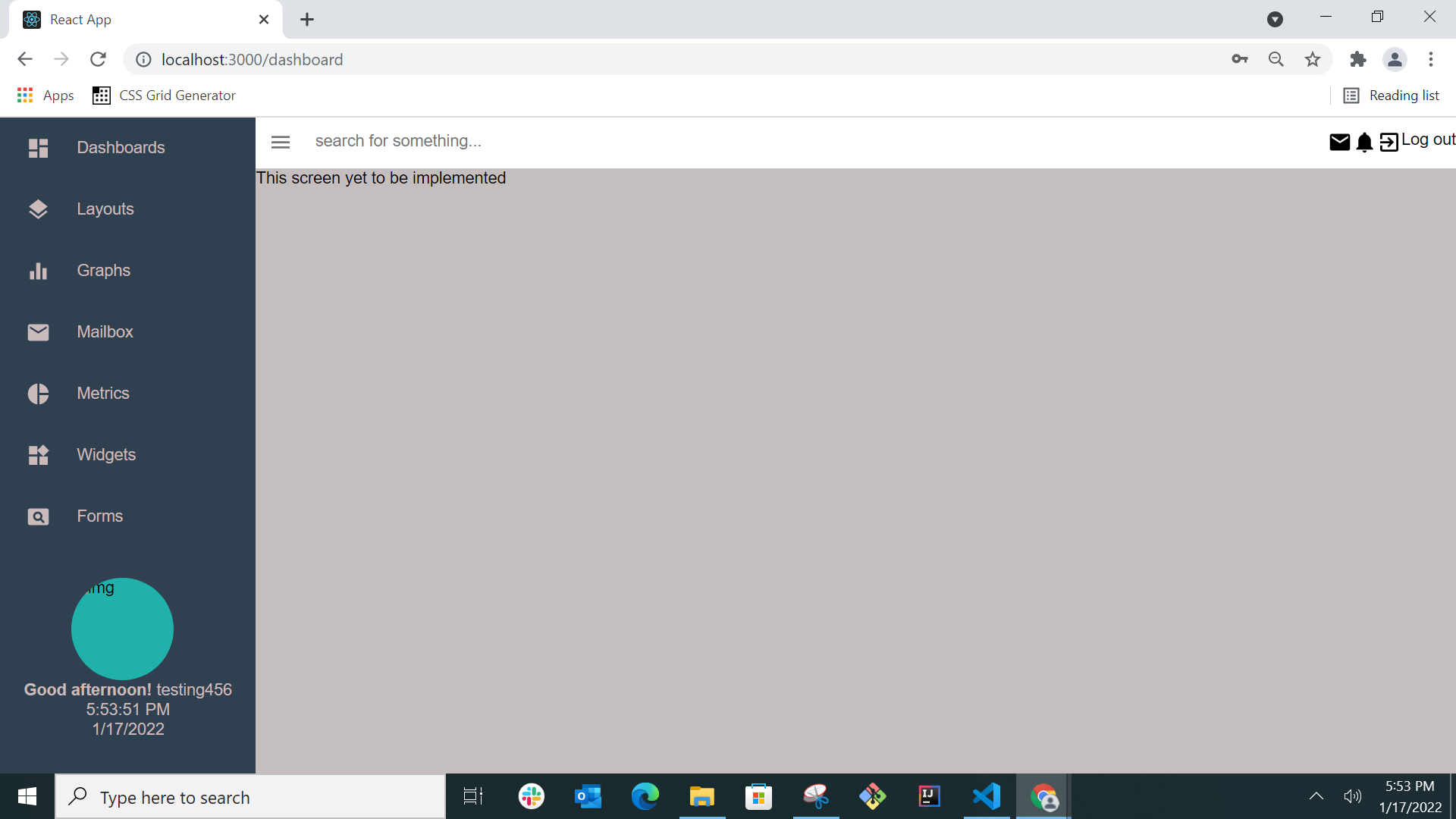
- After login the route is "/dashboard" and the below page will be shown.
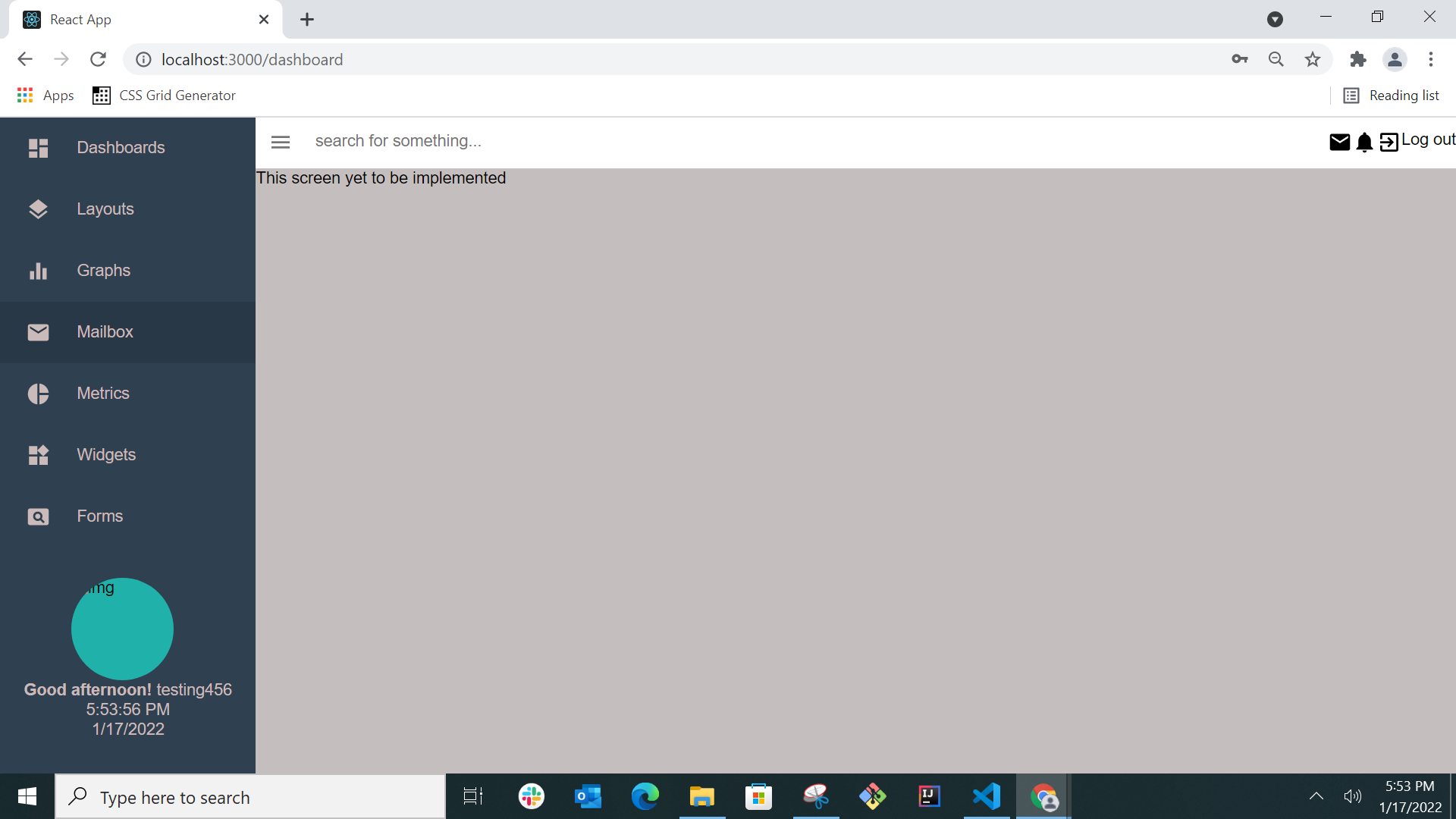
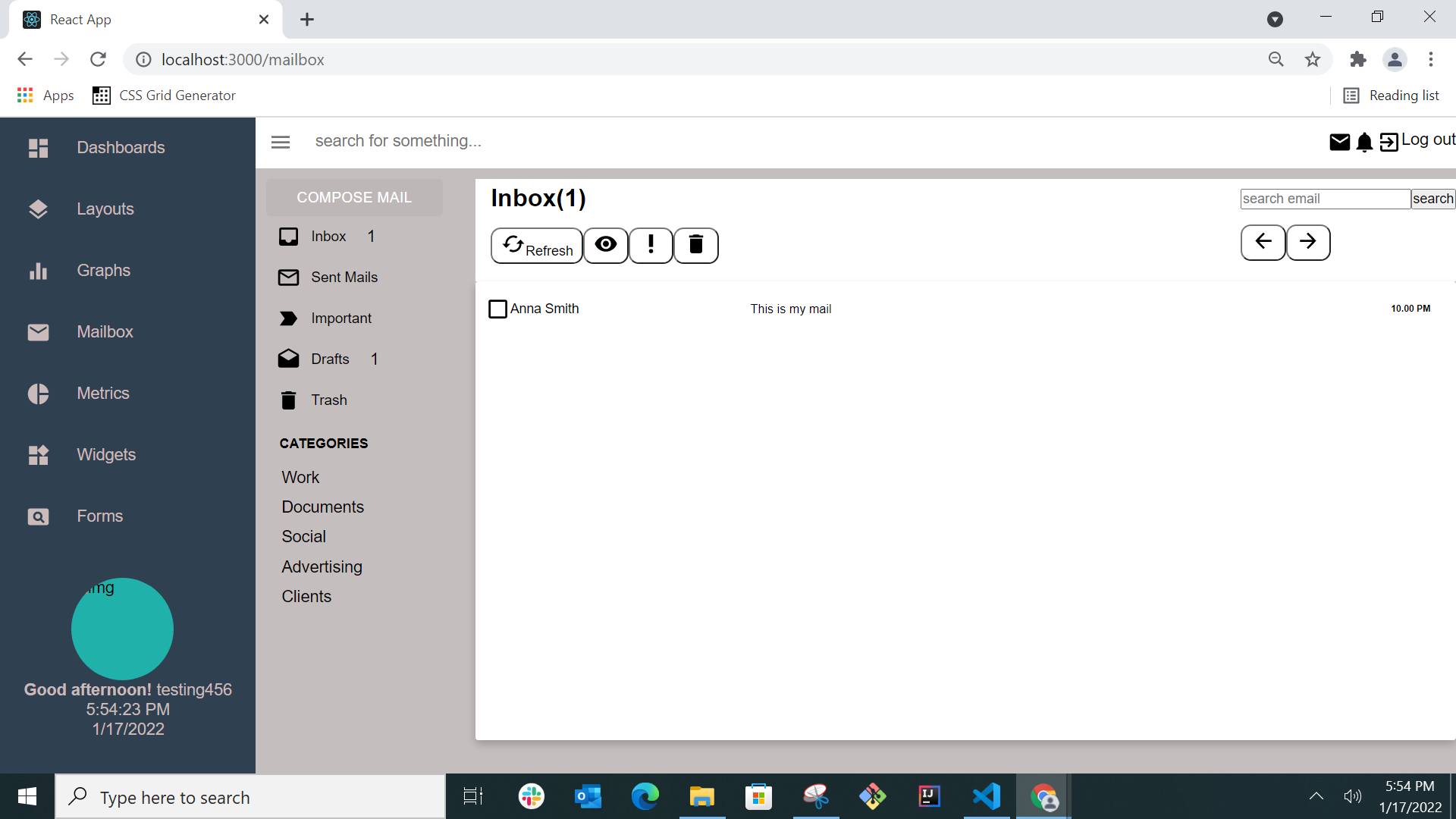
- Clicking mailBox
- Mailbox page
- clicking on compose mail button a pop up opens
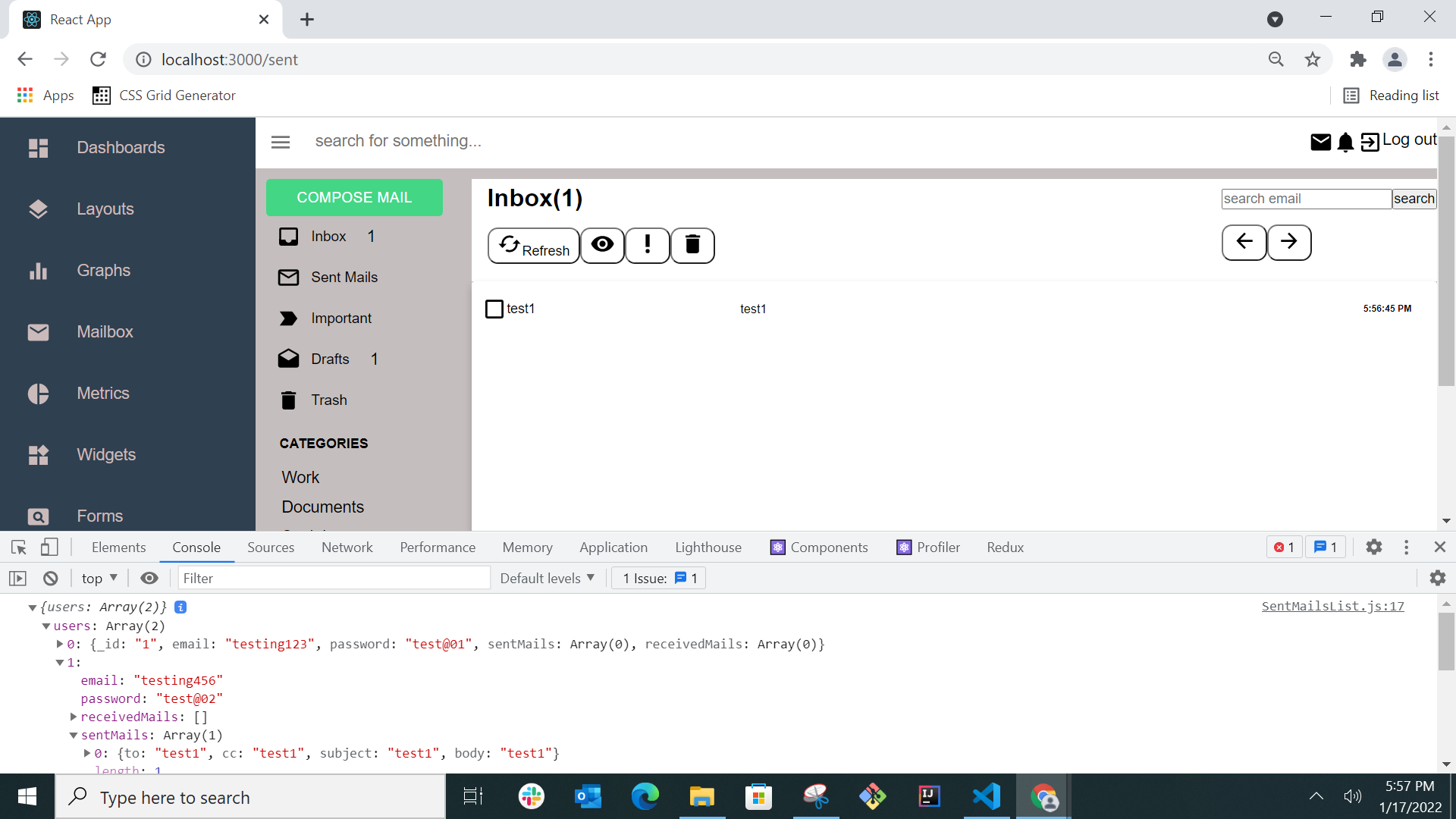
- Saving the mail form data in local storage

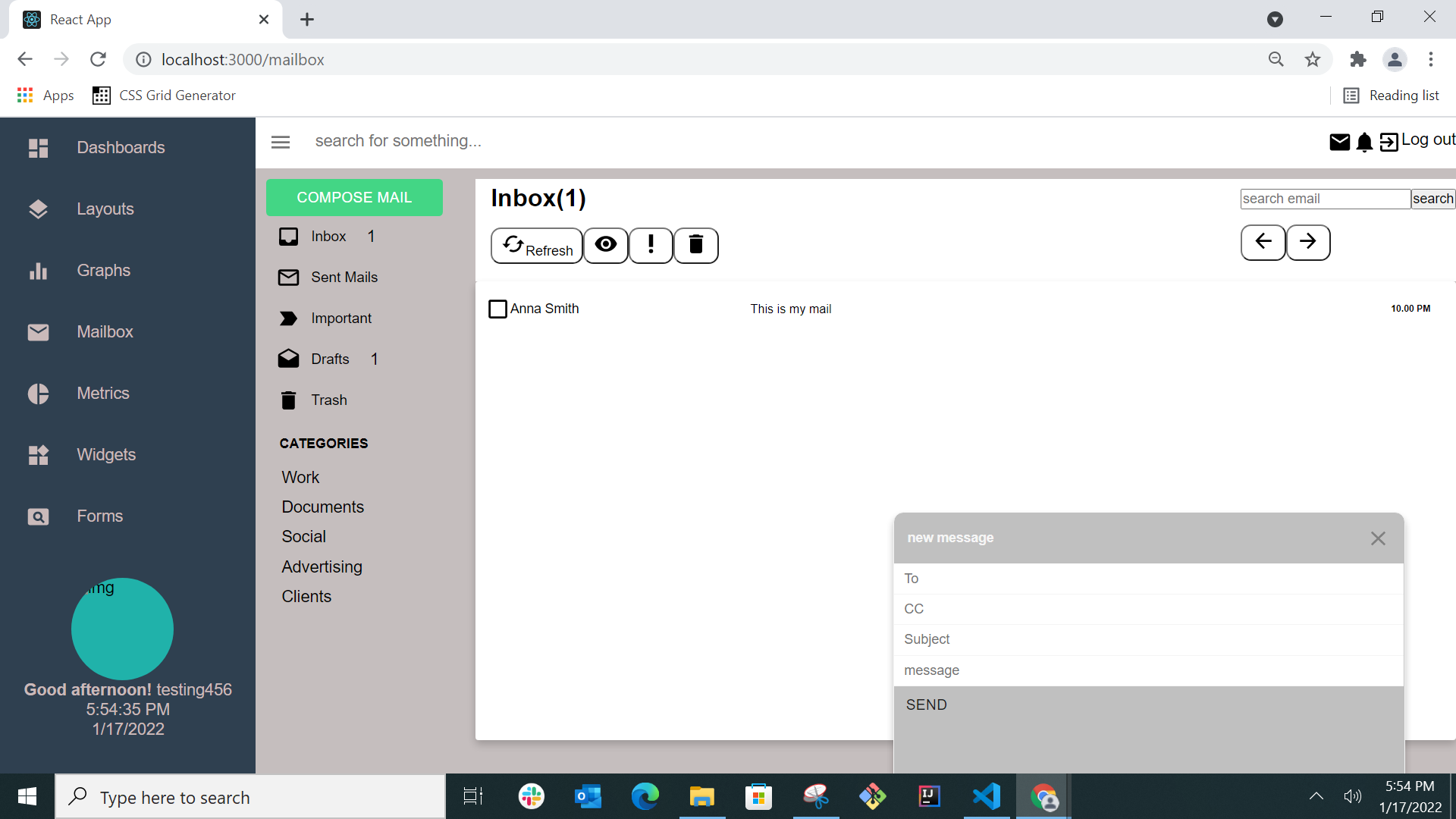
- Saving the sent mails in an array for the particular user
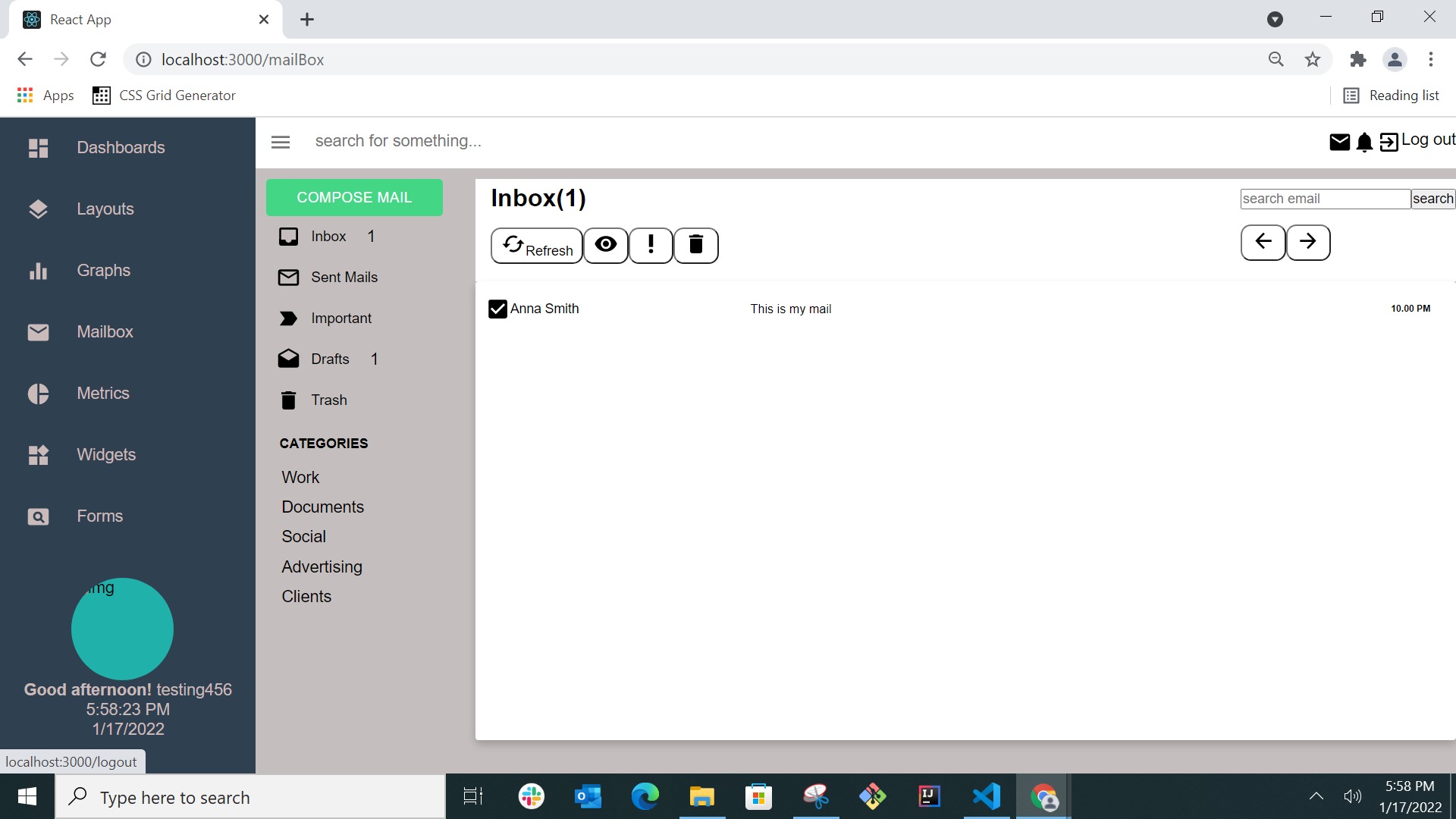
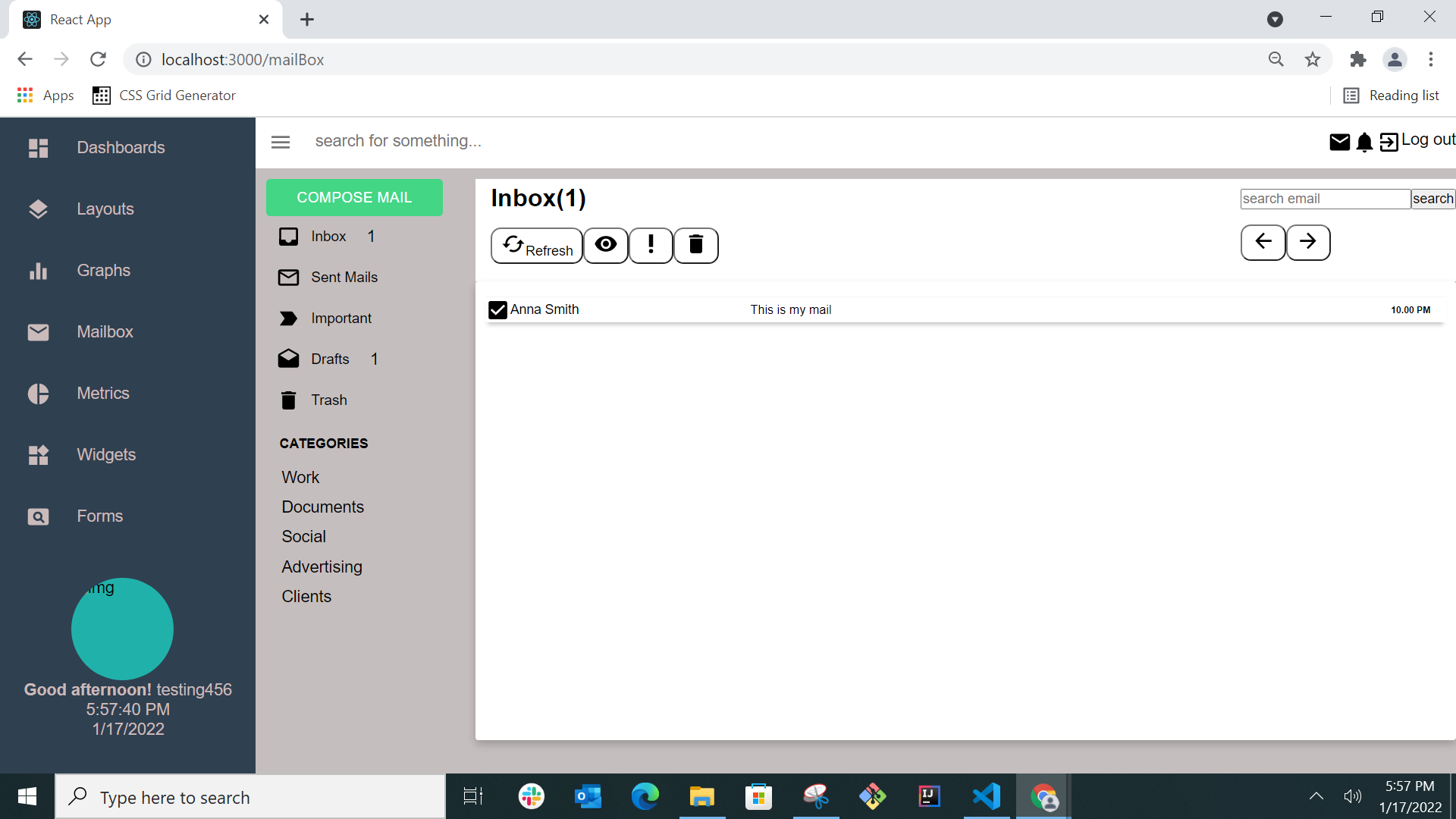
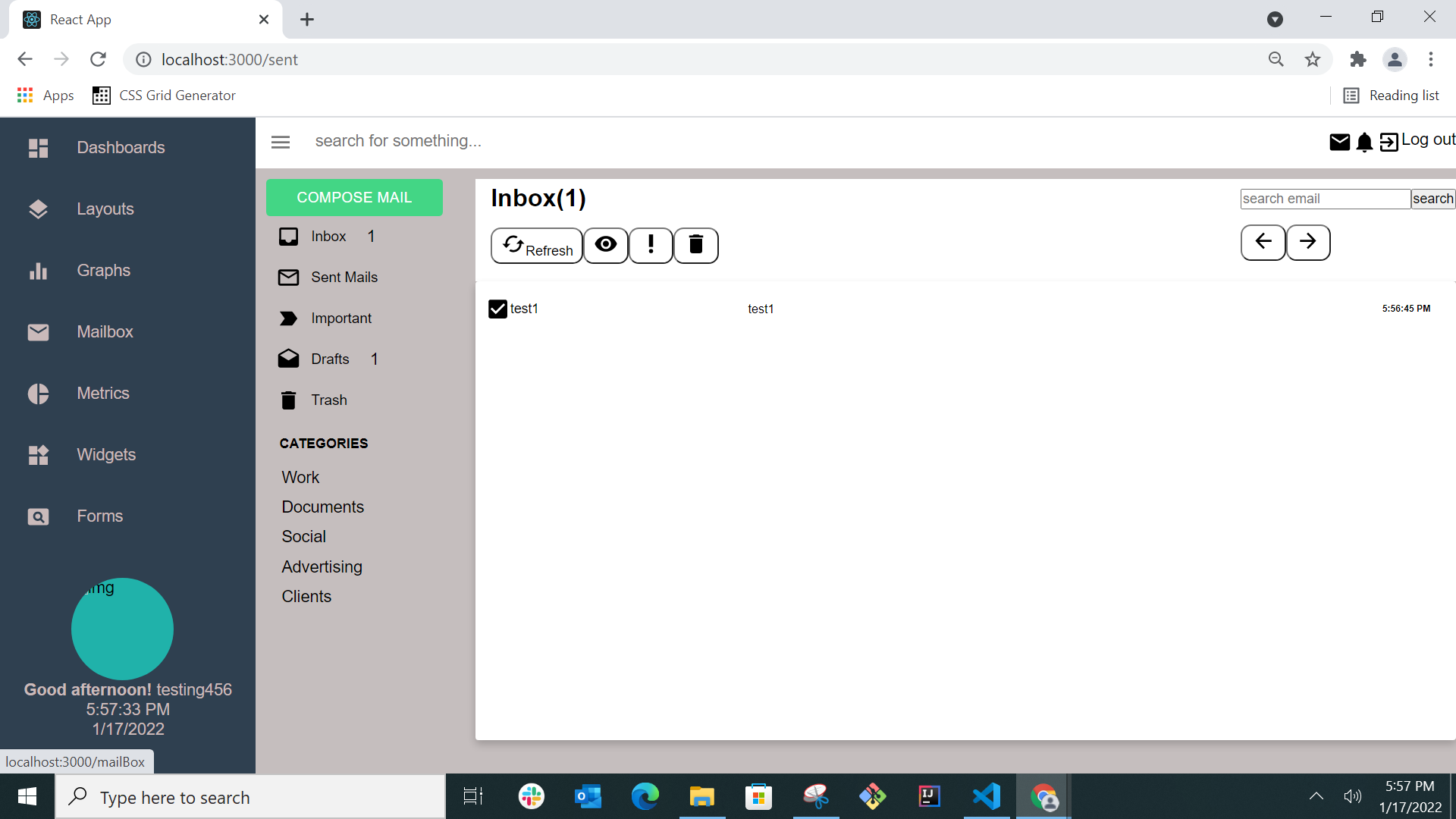
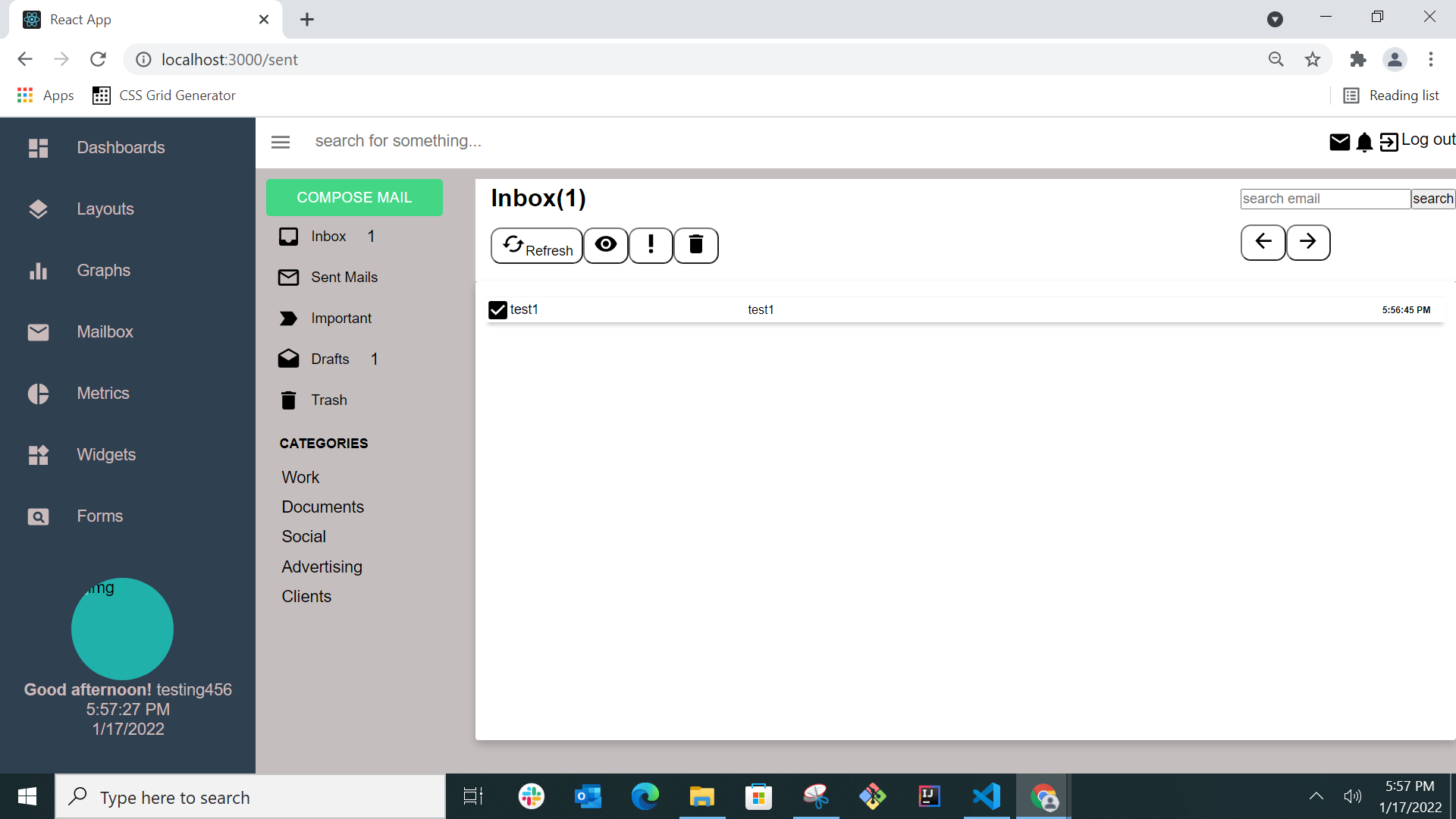
- On clicking sent mails user can see his/her sent mails list and user log out on clicking log out text at top right