Warning
Work in progress. Not ready for production use. Caveat emptor, etc. etc.
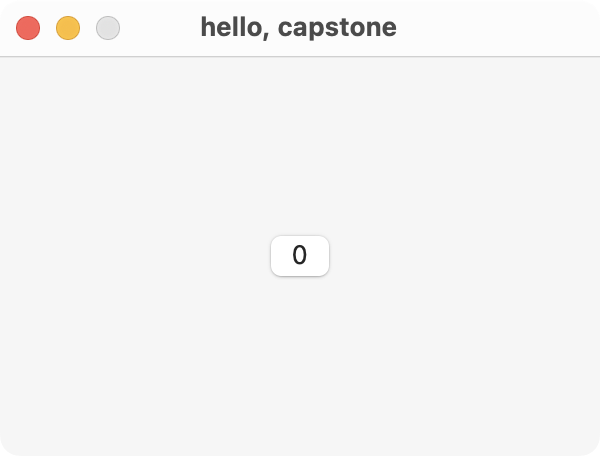
capstone is a React renderer for AppKit that lets you create native macOS apps using JavaScript.
When you use capstone, your code runs inside of the Open Scripting Architecture via JavaScriptCore, which is shared with the onboard installation of Safari on the system. capstone abstracts over the Objective-C bridge, directly interacting with system frameworks from JavaScript.
import {run, useConstraints} from 'capstone';
import {useReducer} from 'react';

function App() {
  const [count, increment] = useReducer((num) => num + 1, 0);

  function handleClick() {
    console.log(':3');
    increment();
  }

  const views = useConstraints(({gte}) => ({
    container: {width: gte(300), height: gte(200)},
    button: {},
  }));

  return (
    <window title='hello, capstone'>
      <view ref={views.container}>
        <button ref={views.button} onClick={handleClick}>
          {String(count)}
        </button>
      </view>

      <constraint let={views.button.centerX} eq={views.container.centerX} />
      <constraint let={views.button.centerY} eq={views.container.centerY} />
    </window>
  );
}

run(<App />);
A manual bridge implementation written in Rust or Swift is being considered.
Hot reloading with Fast Refresh and use of Vite's environment API are planned.
If you have Nix installed, then the included flake exposes a devShell for
you. Otherwise, install pnpm yourself, and run:
pnpm test