Extensions
Welcome to the developers' area! If you want to make an extension for the launcher, you're at the right place.
The launcher written in Java, so you have to develop your extension in Java.
I'm using IntelliJ Idea to create the project. You can use anything you want, the point is the same.
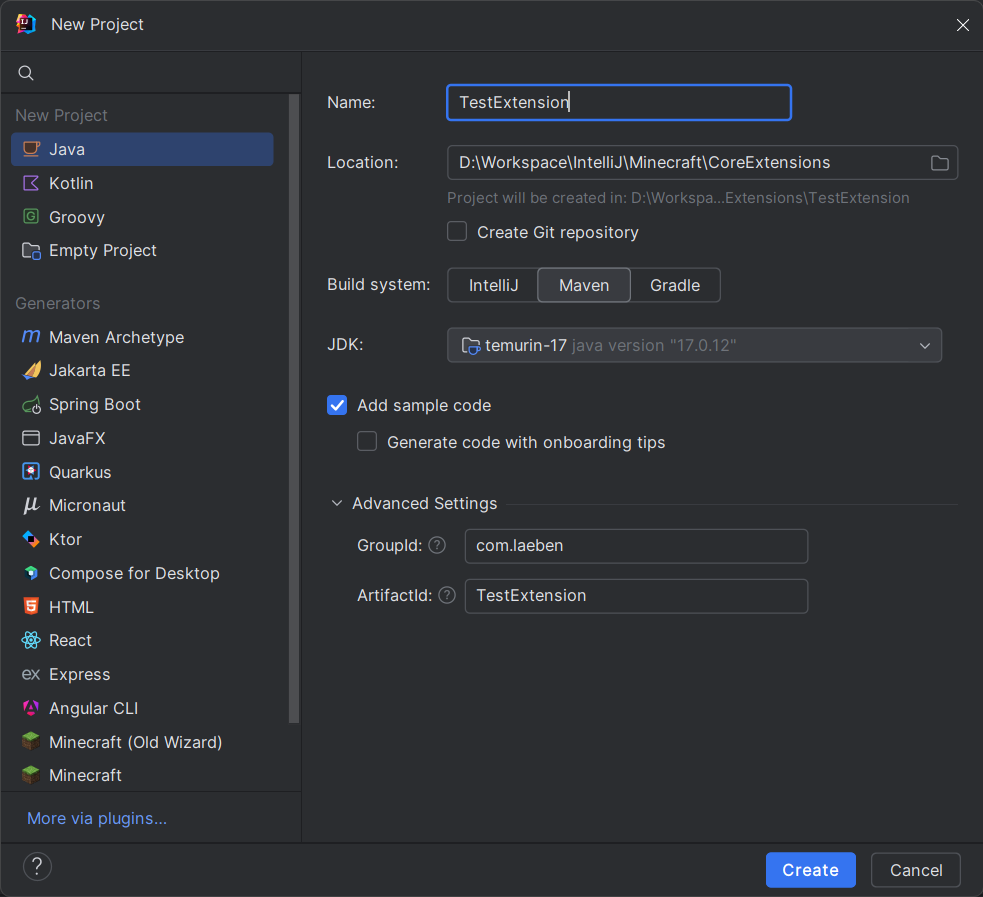
- Fill the required personal fields. (name, location, groupId, and artifactId)
- Select the build system as Maven.
- Select the JDK. (17 recommended)
- Create.
Now, we need to add the Core Launcher JAR file into the project.
- Download the latest file from here.
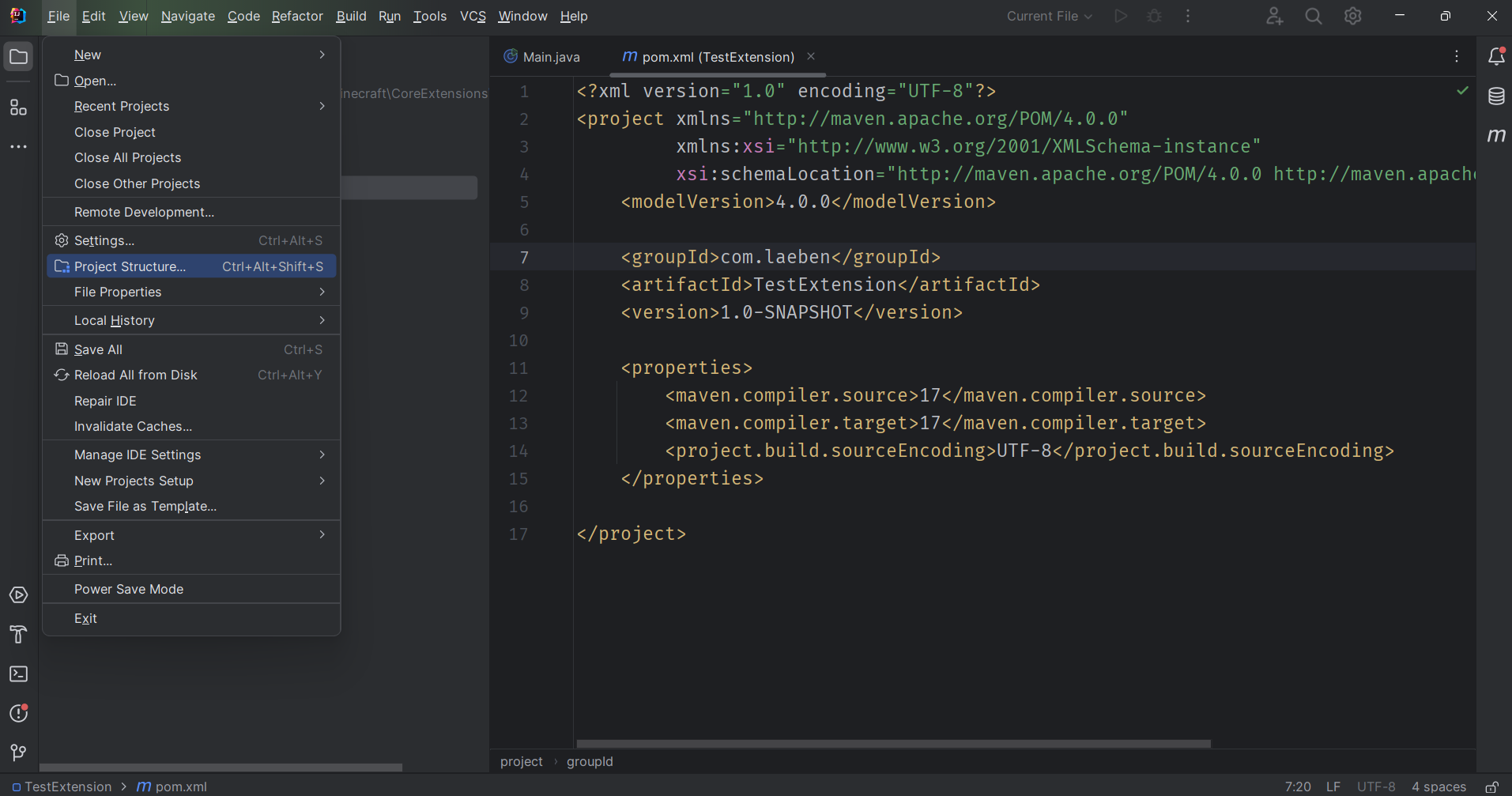
- Open the project structure panel from File > Project Structure.
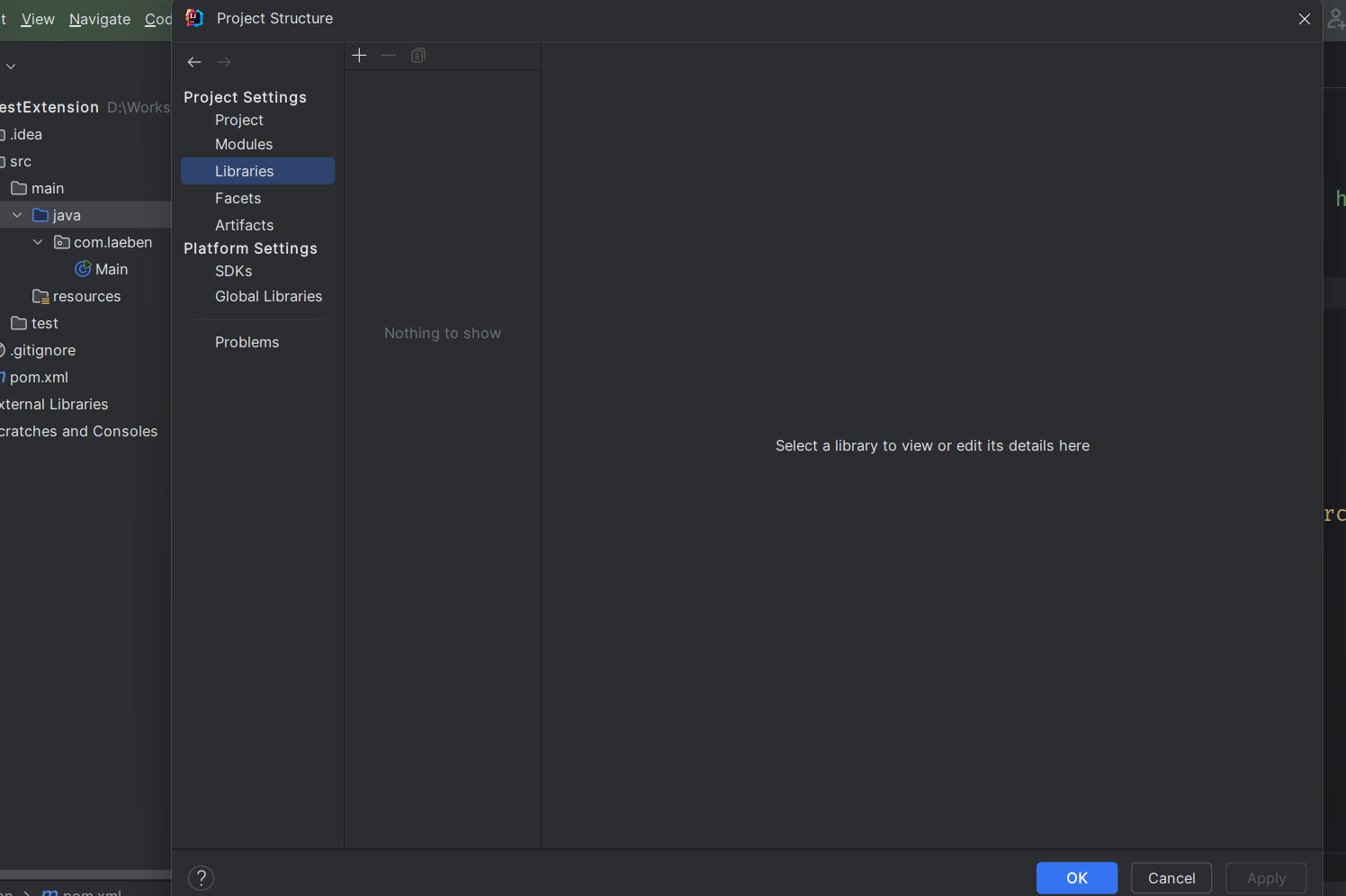
-
Navigate to the Libraries and click on the + button. Select Java and your JAR file. Click OK button.
-
It should see like this:
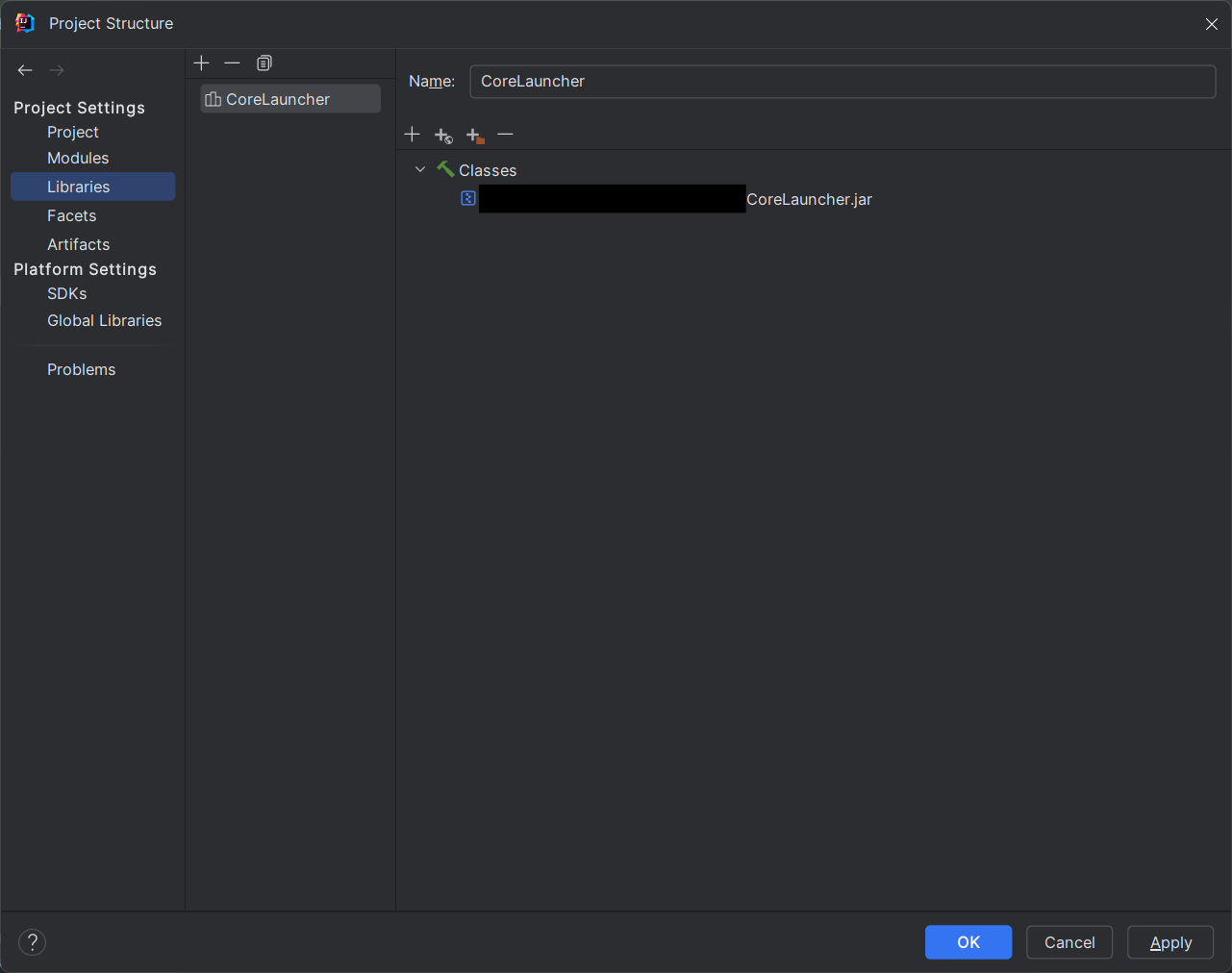
- Click 'OK'
We are in the last step before we start developing.
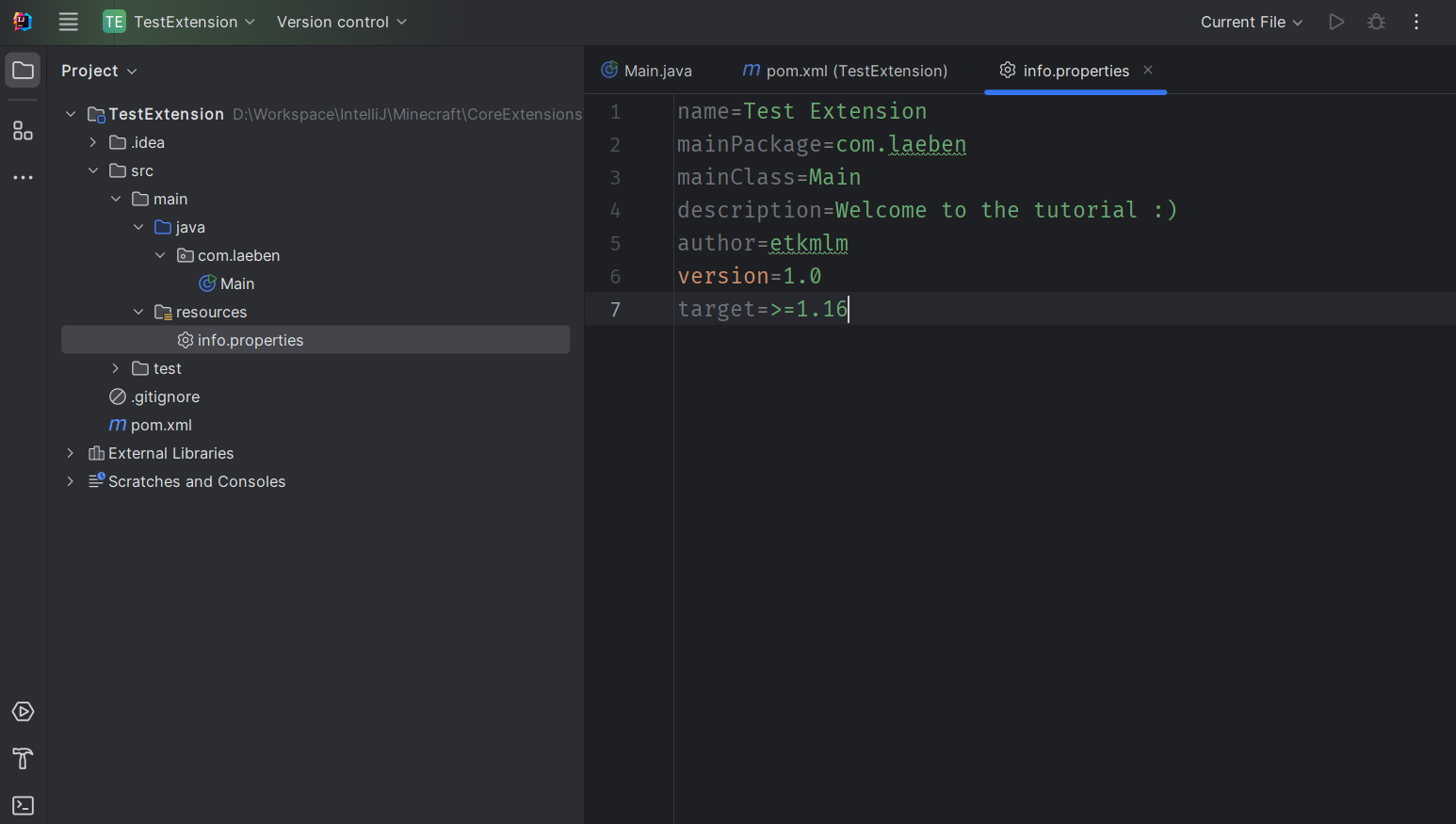
- Create a file named
info.propertiesinto the resources folder. An example file:
name=Test Extension
mainPackage=com.laeben
mainClass=Main
description=Welcome to the tutorial :)
author=etkmlm
version=1.0
target=>=1.16
- It should see like this:
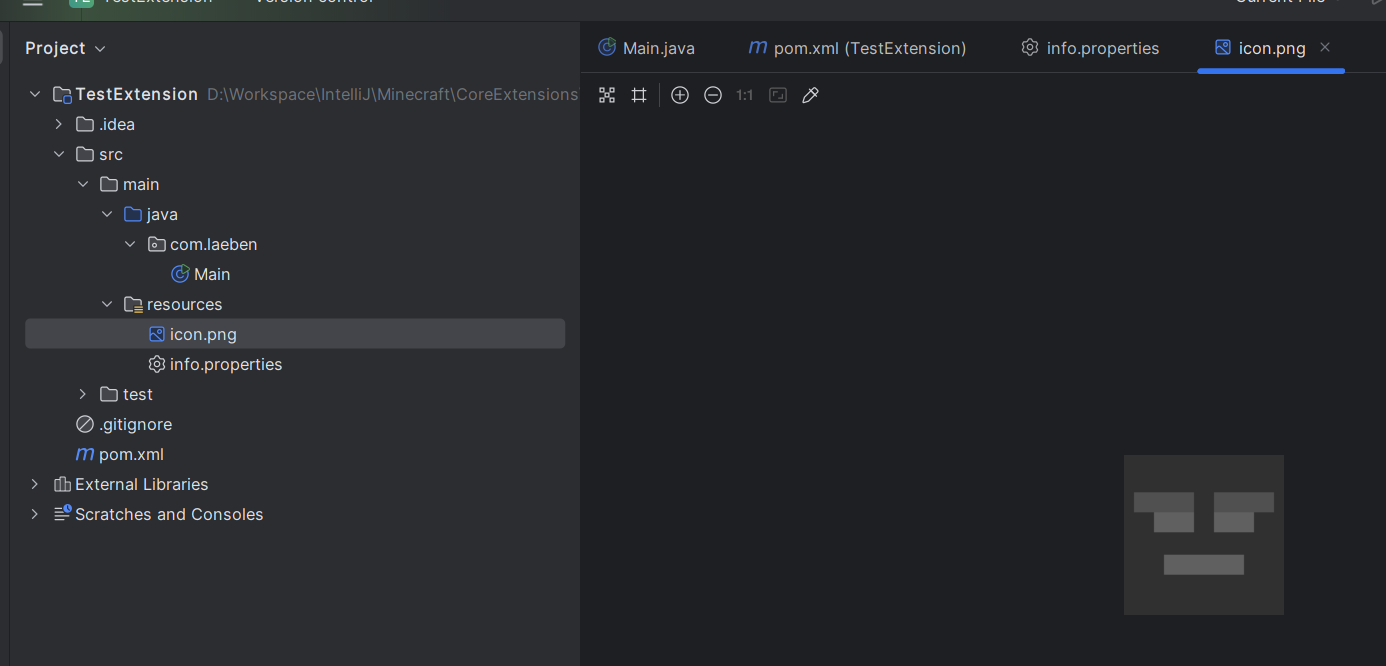
- If you want, you can add an PNG icon file to the same folder named
icon.pngon size 128x128.
-
Go to the Main class or create one that exactly with the name you wrote it in the properties file.
- You can delete the
mainmethod, we don't need it.
- You can delete the
-
Create a method named
initwith a parameter for type Extension
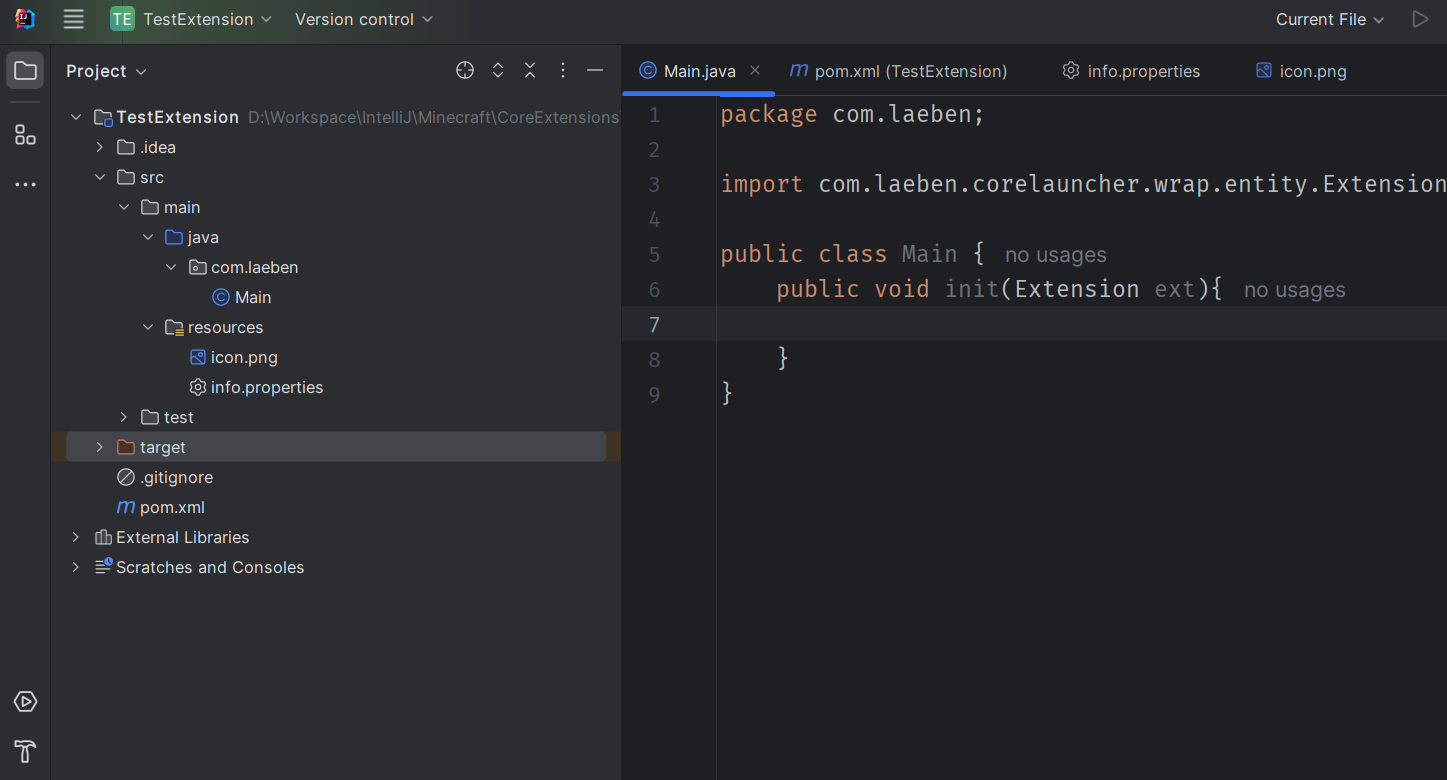
This is the place where your adventure will begin. You can start to developing your extension now.
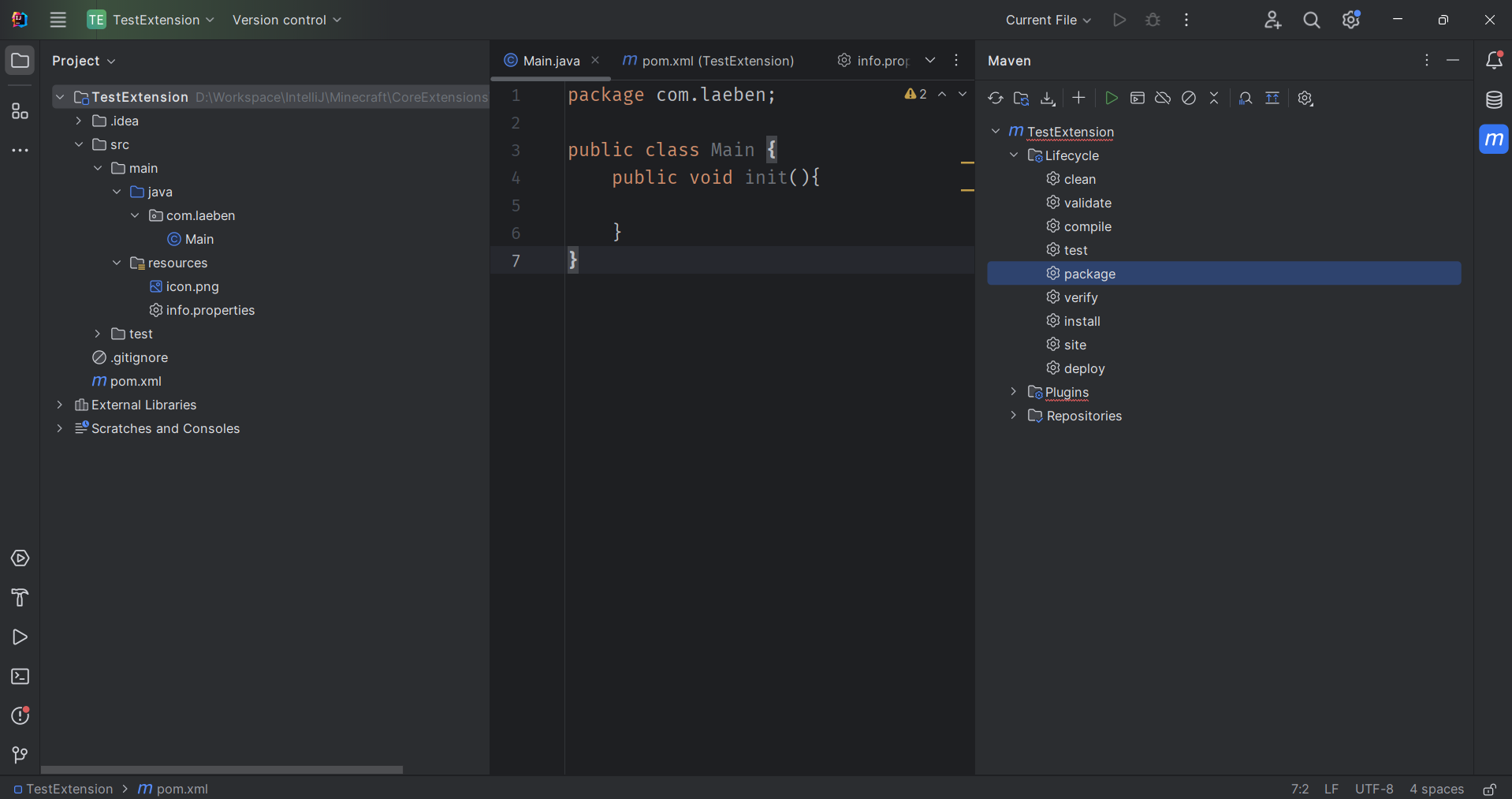
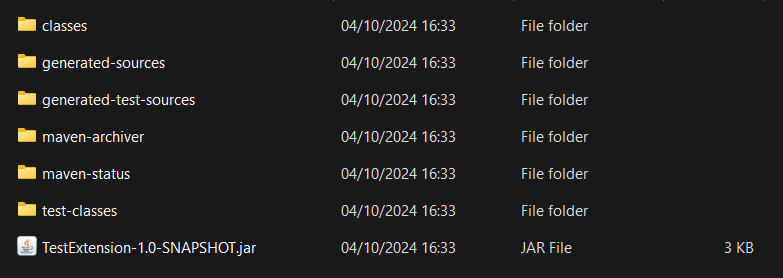
You can pack your project into a JAR file. Go to Maven Menu > Lifecycle > package and after the hard work, your JAR file will be shown in your project directory > target folder as Name-Version-SNAPSHOT.jar
void init(Extension)
Called before the UI initialization after the load of the all classes.
You can register your listener classes, or init your variables here. Just for an example, I will set the name of the variable to ext
Register your listener class
ext.registerListener(new MyListener());
Register a translate file
First, you have to create a resource bundle in your resources folder.
Translator.registerSource(a -> ResourceBundle.getBundle("YourBundleName", a));
Listeners handles all launcher activity.
void onUILoad()
Called when the UI loaded.
void onTabLoad(CTab)
Called when a tab loaded.
void onWindowCreate(Object)
Called when a window created.
For now, the launcher have only one window named as Main
void onDialogCreate(CDialog)
Called when a dialog created.