

Install it:
npm install
To run a local version of the site with hot reload run:
npm run dev
To run a local copy of the site without hot reloading, mimicking a live environment run:
npm run start
Run the following 2 commands
npm run build
npm run export
This will build all assets and pages followed by exporting all to the
out folder.
This can then be uploaded into any static site hosting.
If you want to test the exported site you can install the serve module
npm install -g serve
The cd out and run
serve -p 8080
When making aesthetic changes to the site, please try to keep to our branding.
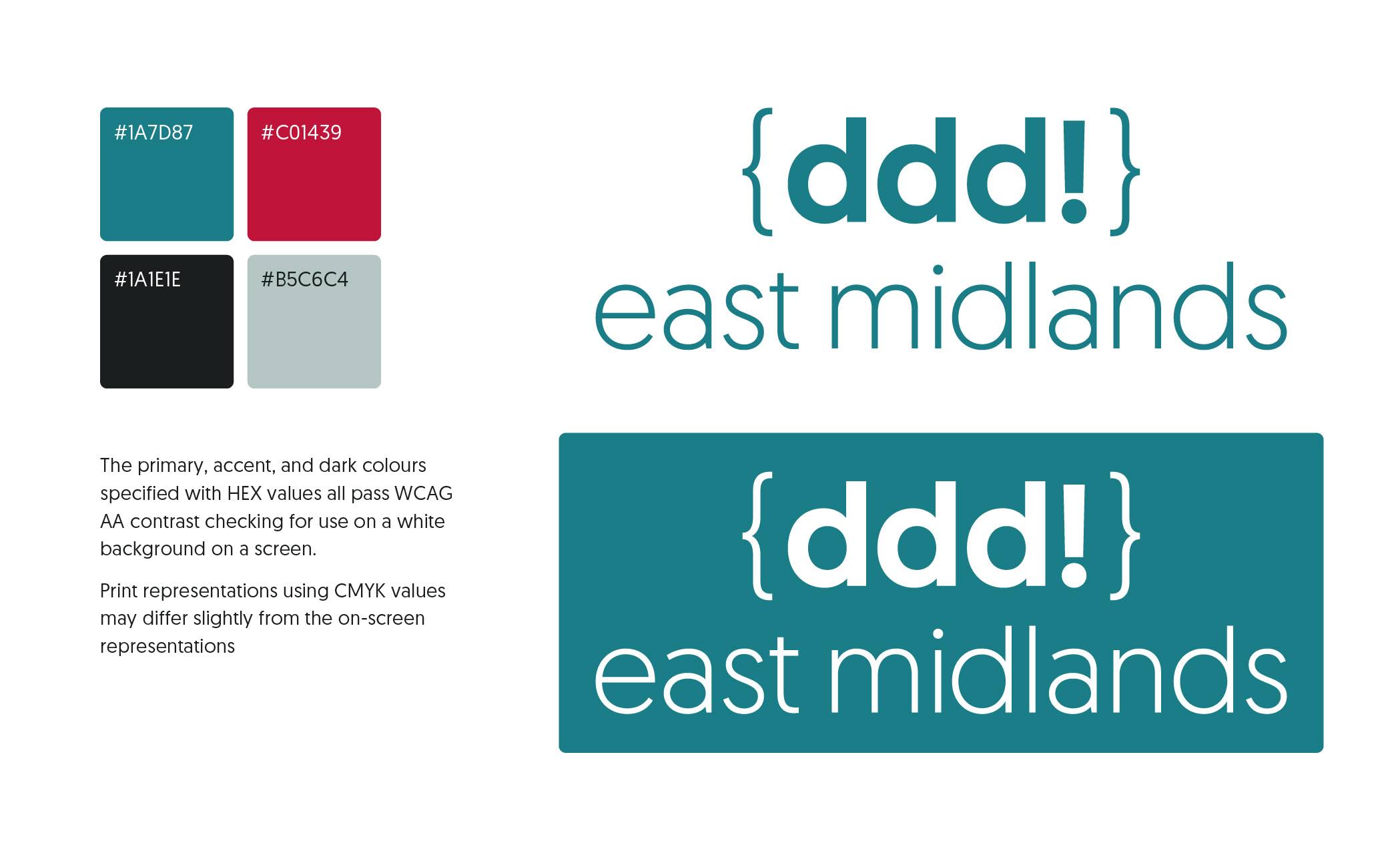
This follows the following theme palette:
theme.palette = {
    primary: '#1A7D87',
    secondary: '#C01439',
    tertiary: '#1A1E1E',
    quaternary: '#B5C6C4',
    light: '#FFFFFF',
    dark: '#000000',
}
We use ESLinting rules to maintain an unopinionated codebase. You can set this up to automatically format your code in you IDE easily.
We also use pretty-quick via a husky git hook which will fix your formatting automatically or warn you if it can't before you commit your work so even if you don't have it on save then this will prevent any errors.
If you manage to push changes bypassing the above then it will also check at the build pipeline to help prevent any mistakes.