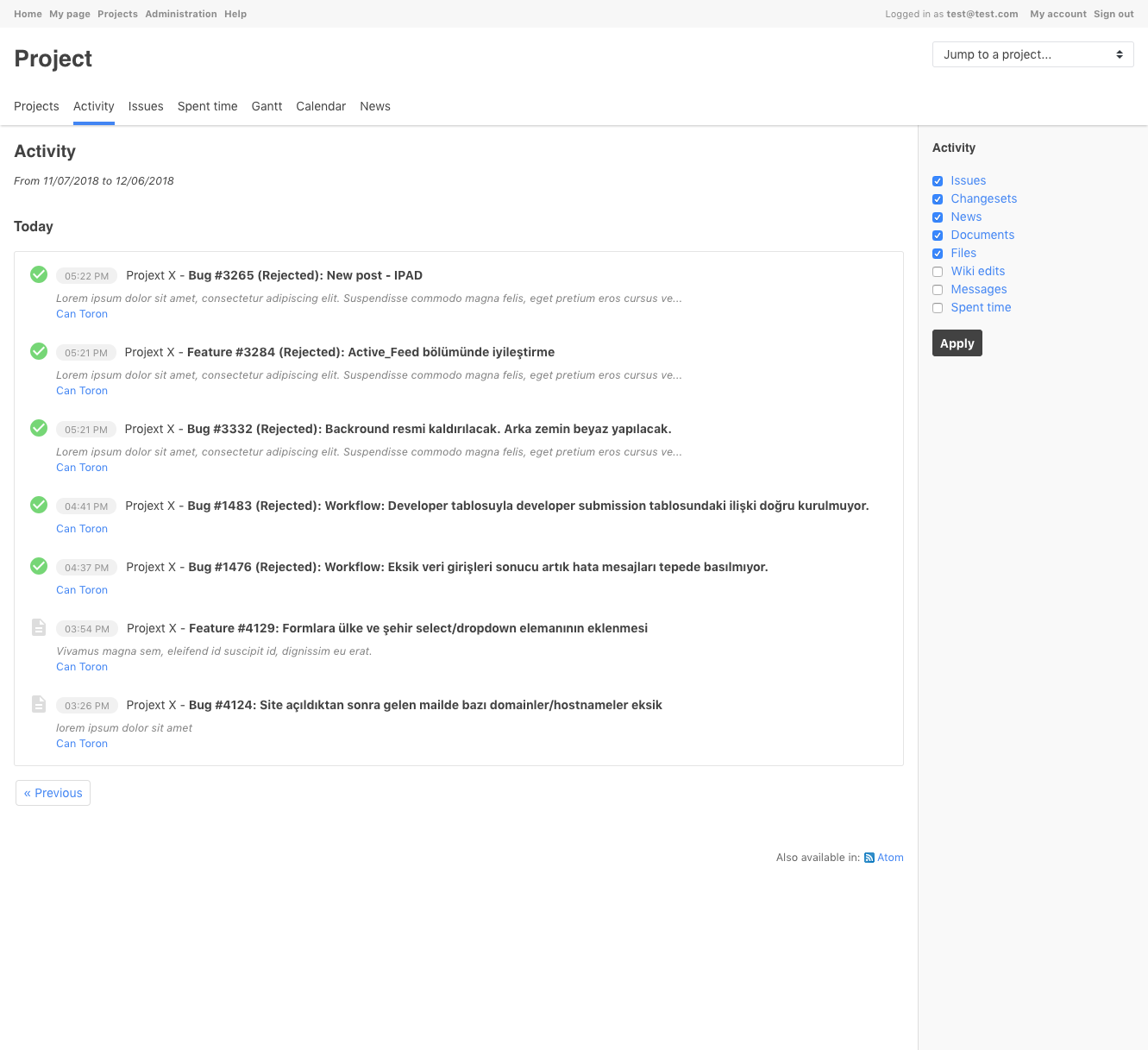
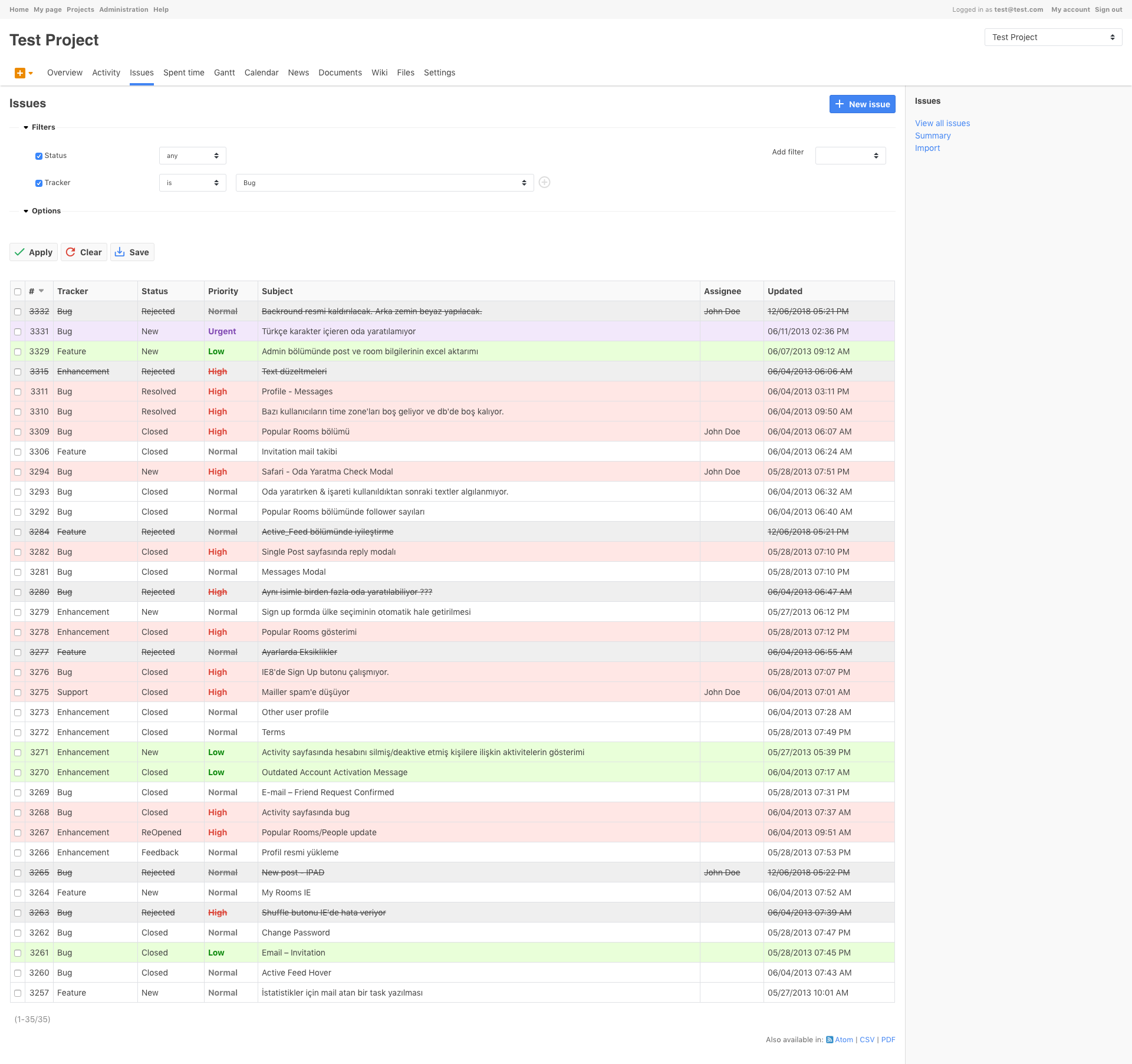
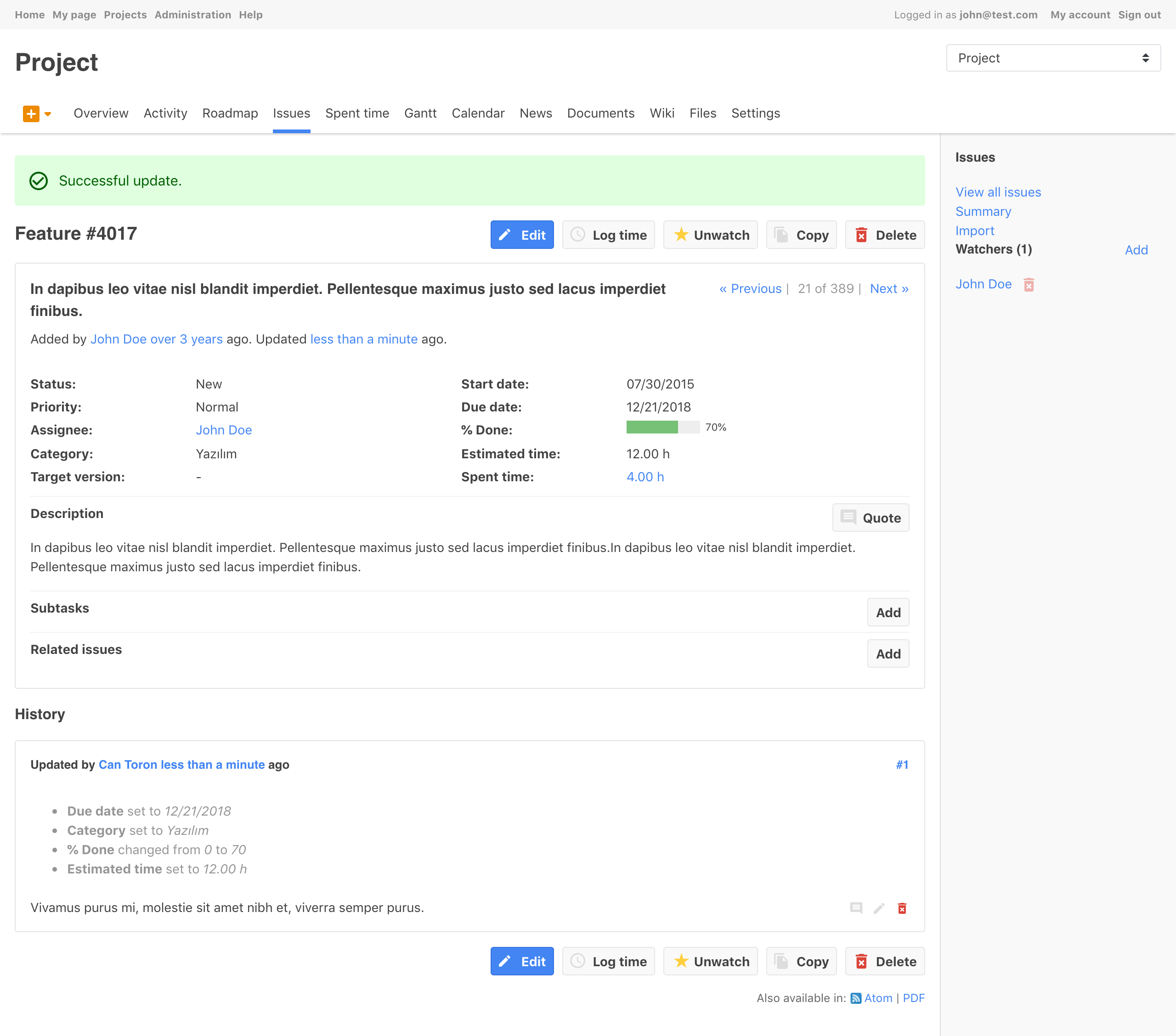
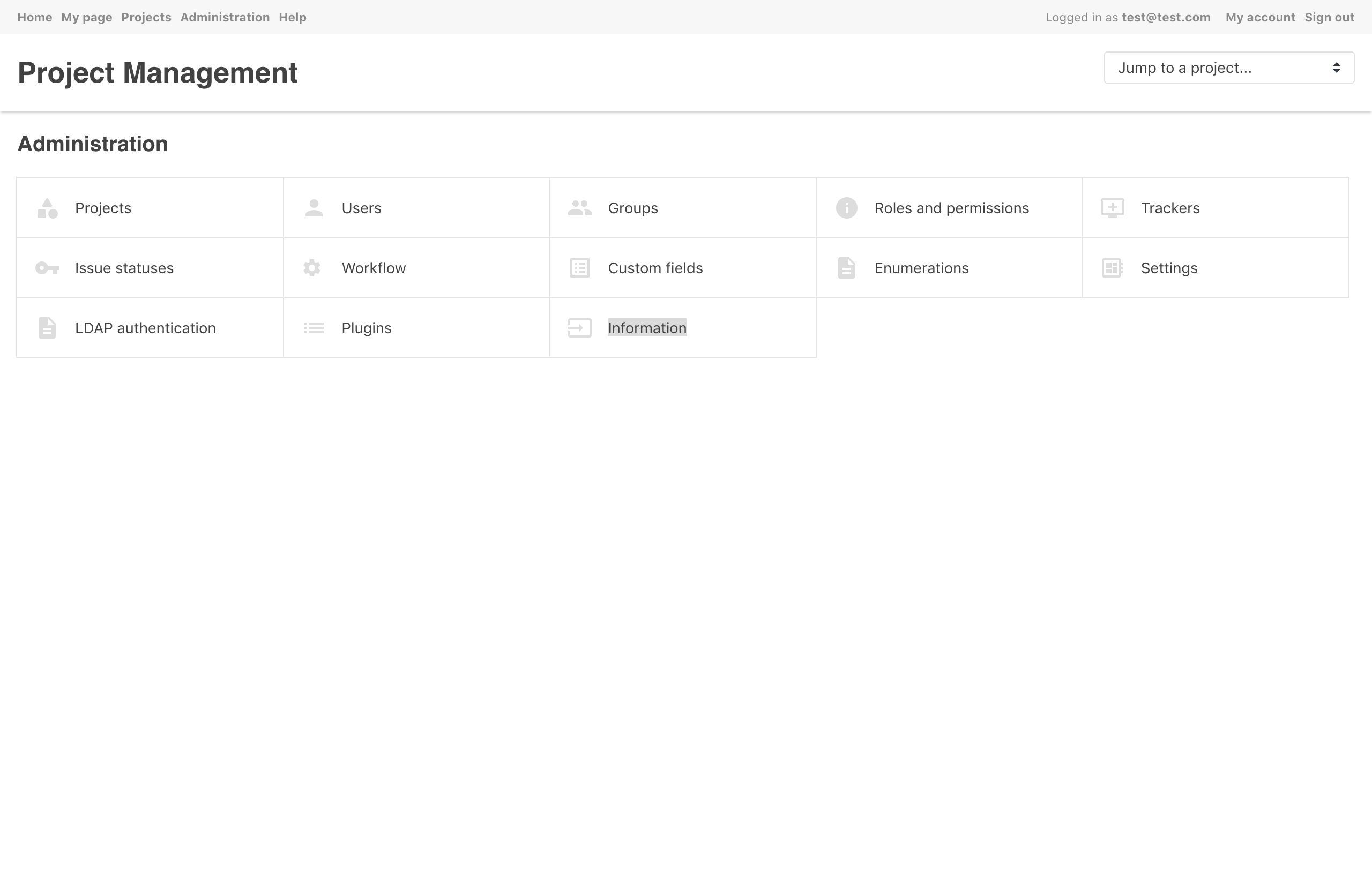
Modern Redmine Theme.
- Download and unzip latest release or just clone the project into your Redmine themes directory (e.g.
../public/themes/or if you're using redmine packages from Debian repos use/usr/share/redmine/public/themesdirectory) - Restart Redmine to make the newly installed theme available in your theme list.
- Go to
"Administration / Settings / Display"and choose this theme (redmine-theme-yh) in themes list. - Save your changes.
- Fork it
- Create your feature branch (
git checkout -b my-new-feature) - Commit your changes (
git commit -am 'Add some feature') - Push to the branch (
git push origin my-new-feature) - Create new Pull Request