

Let’s build from here
The world’s leading AI-powered developer platform.
Trusted by the world’s leading organizations ↘︎






Productivity
Accelerate innovation Our AI-powered platform increases the pace of software development.

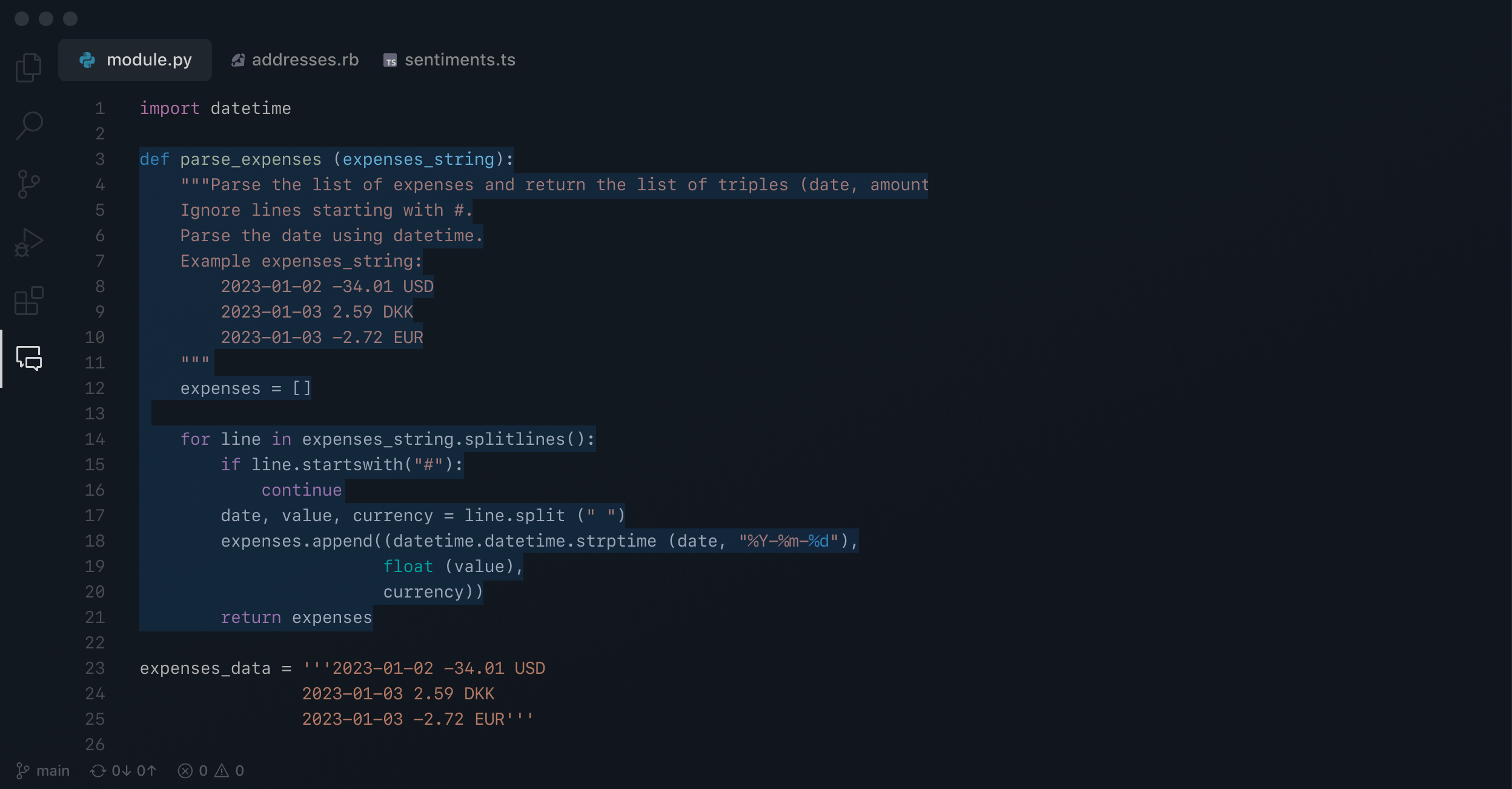




GitHub Actions automates your build, test, and deployment workflow with simple and secure CI/CD.

GitHub Codespaces offers a complete dev environment in seconds. Code, build, test, and open pull requests from any repo.

GitHub Mobile and Copilot now let you manage projects and converse with your AI pair programmer on the go.

Application security
Empower developers With GitHub, you can secure code in minutes.

-
Build1m 21s
-
Initialize CodeQL1m 42s
-
Autobuild1m 24s
-
Perform CodeQL Analyses1m 36s

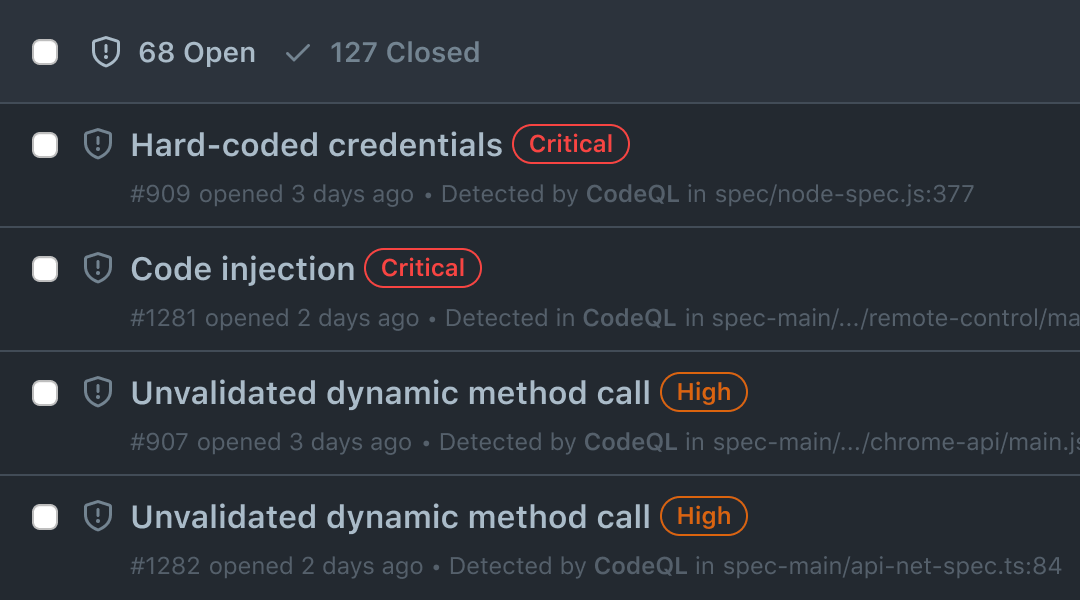

Code scanning is our code analysis tool that helps you remediate issues in your code.

Dependabot makes it easy to find and fix vulnerable dependencies in your supply chain.

Secret scanning automatically looks for partner patterns and prevents fraudulent use of accidentally committed secrets.

Collaboration
Supercharge collaboration GitHub helps your teams work more efficiently together.



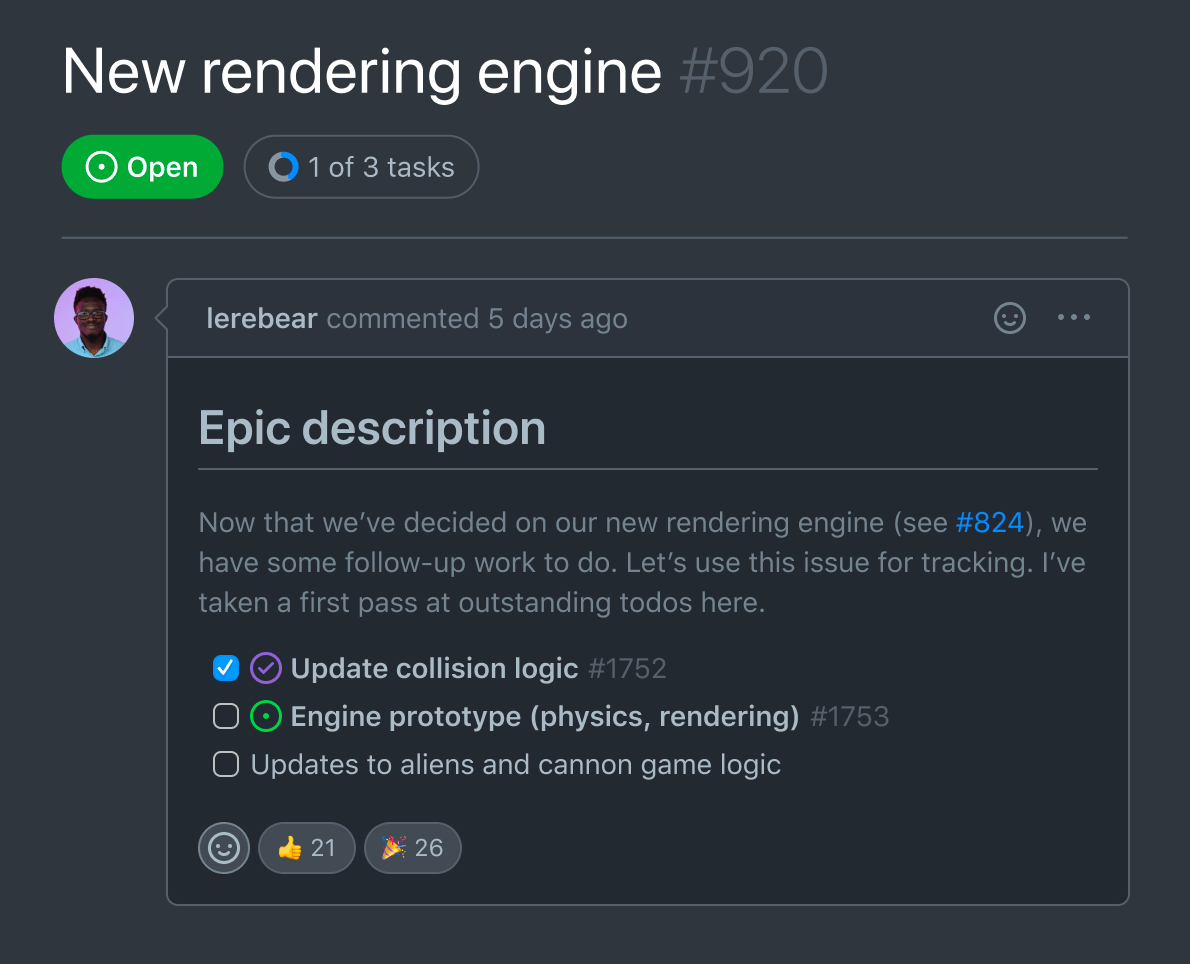
GitHub Discussions creates space to ask questions and have open-ended conversations.

Pull requests allow real-time communication and collaboration about code changes.

GitHub Sponsors lets you support your favorite open source maintainers and projects.









Over 100 million developers call GitHub home3
Whether you’re scaling your startup or just learning how to code, GitHub is your home. Join the world’s largest developer platform to build the innovations that empower humanity. Let’s build from here.







- 1 This 7X times factor is based on data from the industry’s longest running analysis of fix rates Veracode State of Software Security 2023, which cites the average time to fix 50% of flaws as 198 days vs. GitHub’s fix rates of 72% of flaws with in 28 days which is at a minimum of 7X faster when compared.
- 2 The Total Economic Impact™ Of GitHub Enterprise Cloud and Advanced Security, a commissioned study conducted by Forrester Consulting, 2022. Results are for a composite organization based on interviewed customers.
- 3 There are now 100 million developers around the world using GitHub. Read the blog post.