Use ImageProcessing gem for ActiveStorage variants #32471
Conversation


|
Thanks for the pull request, and welcome! The Rails team is excited to review your changes, and you should hear from @kamipo (or someone else) soon. If any changes to this PR are deemed necessary, please add them as extra commits. This ensures that the reviewer can see what has changed since they last reviewed the code. Due to the way GitHub handles out-of-date commits, this should also make it reasonably obvious what issues have or haven't been addressed. Large or tricky changes may require several passes of review and changes. This repository is being automatically checked for code quality issues using Code Climate. You can see results for this analysis in the PR status below. Newly introduced issues should be fixed before a Pull Request is considered ready to review. Please see the contribution instructions for more information. |
 janko
force-pushed
the
use-image_processing-gem
branch
2 times, most recently
from
janko
force-pushed
the
use-image_processing-gem
branch
2 times, most recently
from
c174e93
to
340080f
Compare


|
The shipt for Rails 5.2 has really sailed, no new features or changes that are not going to fix regression bugs are going to be introduced a this point. It looks like we can implement this in a way that those two incompatibilities can be managed. The gemfile change is not a problem. We can support the two backends in Rails 6.0, deprecating the old one. We can also deprecate the In rails 6.1 we remove the support to mini_magick and we get all the benefits of image_processing. Am I missing something why this can't wait to 6.0? |

|
You’re probably right, it should be doable later in the way you described. When I created the PR I thought Rails 5.2 was still in the beta phase, and thought it makes sense to squeeze it in. Let’s then take the time to properly discuss it after 5.2 is released. |
janko
force-pushed
the
use-image_processing-gem
branch
from
340080f
to
8e618c9
Compare
|
I added backwards compatibility with the MiniMagick implementation and |
janko
force-pushed
the
use-image_processing-gem
branch
from
8e618c9
to
1b2107f
Compare

ImageProcessing gem is a wrapper around MiniMagick and ruby-vips, and
implements an interface for common image resizing and processing. This
is the canonical image processing gem recommended in [Shrine], and
that's where it developed from. The initial implementation was extracted
from Refile, which also implements on-the-fly transformations.

Some features that ImageProcessing gem adds on top of MiniMagick:

  * resizing macros
    - #resize_to_limit
    - #resize_to_fit
    - #resize_to_fill
    - #resize_and_pad
  * automatic orientation
  * automatic thumbnail sharpening
  * avoids the complex and inefficient MiniMagick::Image class
  * will use "magick" instead of "convert" on ImageMagick 7

However, the biggest feature of the ImageProcessing gem is that it has
an alternative implementation that uses libvips. Libvips is an
alternative to ImageMagick that can process images very rapidly (we've
seen up 10x faster than ImageMagick).

What's great is that the ImageProcessing gem provides the same interface
for both implementations. The macros are named the same, and the libvips
implementation does auto orientation and thumbnail sharpening as well;
only the operations/options specific to ImageMagick/libvips differ. The
integration provided by this PR should work for both implementations.

The plan is to introduce the ImageProcessing backend in Rails 6.0 as the
default backend and deprecate the MiniMagick backend, then in Rails 6.1
remove the MiniMagick backend.
janko
force-pushed
the
use-image_processing-gem
branch
from
1b2107f
to
ca12968
Compare


| @@ -45,6 +45,7 @@ class Engine < Rails::Engine # :nodoc: | |||
| config.after_initialize do |app| | |||
| ActiveStorage.logger = app.config.active_storage.logger || Rails.logger | |||
| ActiveStorage.queue = app.config.active_storage.queue | |||
| ActiveStorage.processor = app.config.active_storage.processor || :mini_magick | |||
There was a problem hiding this comment.
The name of this configuration option is more generic than the feature it controls. Let‘s name it something like image_processor or variant_processor.
There was a problem hiding this comment.
Good point, I chose variant_processor – f01e249
| download_blob_to_tempfile do |image| | ||
| variant = transform image | ||
| upload variant | ||
| variant.close! |
There was a problem hiding this comment.
transform generates the variant, so it can close the variant as well, and take care to do so even if uploading fails:
def process
  download_blob_to_tempfile do |input|
    transform image do |output|
      upload output
    end
  end
end

# ...

def transform(image)
  format = "png" unless WEB_IMAGE_CONTENT_TYPES.include?(blob.content_type)
  result = variation.transform(image, format: format)

  begin
    yield result
  ensure
    result.close!
  end
endThere was a problem hiding this comment.
Agreed, updated in 0d811fd.

| @@ -6,7 +6,7 @@ | |||
| class ActiveStorage::VariantTest < ActiveSupport::TestCase | |||
| test "resized variation of JPEG blob" do | |||
| blob = create_file_blob(filename: "racecar.jpg") | |||
| variant = blob.variant(resize: "100x100").processed | |||
| variant = blob.variant(resize_to_fit: [100, 100]).processed | |||

There was a problem hiding this comment.
Since you are maintainer of image_processing gem, is there a way to add resize in the gem.
If I understood well, inside image_processing gem resize_to_fit is resize from IM...just proposing this so there is no need to change all resize calls to resize_to_fit inside existing apps 😀
There was a problem hiding this comment.
ImageProessing gem still supports all ImageMagick operations, the changes in tests and documentation are just to show/test the usage of macros. Any operation sent that is not a macro (#resize_to_fit, #resize_to_limit etc.) is interpreted to be an ImageMagick operation (via #method_missing).
So, with this change you still use :resize and any other ImageMagick operations, but you can also additionally use :resize_to_fit, :resize_to_limit and others.
There was a problem hiding this comment.
Ahh, that makes sense 👍 ....not sure tho that we need change in documentations/guides then, for me
resize "100x100" feels nicer than resize_to_fit [100, 100], but this is just mine preference 😀
There was a problem hiding this comment.
Yeah, in this particular case resize "100x100" is probably nicer. The difference shows in resize_to_limit [100, 100] which is resize "100x100>" (I find the > a bit cryptic), or resize_to_fill and resize_and_pad which are macros of multiple ImageMagick operations.
While we're here, we should probably recommend using resize "100x100>" (or #resize_to_limit), as when you physically enlarge an image that is smaller than specified dimensions, it will generally look worse than if you just display the unchanged image enlarged. That of course won't happen with thumbnails as small as 100x100, but it could with larger thumbnails.
What do you think?
There was a problem hiding this comment.
Actually, then people would have to remember to add the width/height HTML attributes to the <img> tags. I'll just revert to using resize, and additionally show an example of using a resize_* macro.
This is not true anymore, the image will be downloaded into a temporary
file in a streaming fashion.
|
I also removed the comment that the image will be downloaded into memory, because that's not true anymore, even before this pull request. In both cases |
|
@dixpac Actually, I just remembered, one advantage of
In short, when an image is resized, the algorithm will make the thumbnail appear a bit blurry compared to original (regardless of compression settings). That's why some image programs like Adobe Photoshop will automatically sharpen the image after resizing, and you can do the same with ImageMagick/libvips. So, I think |
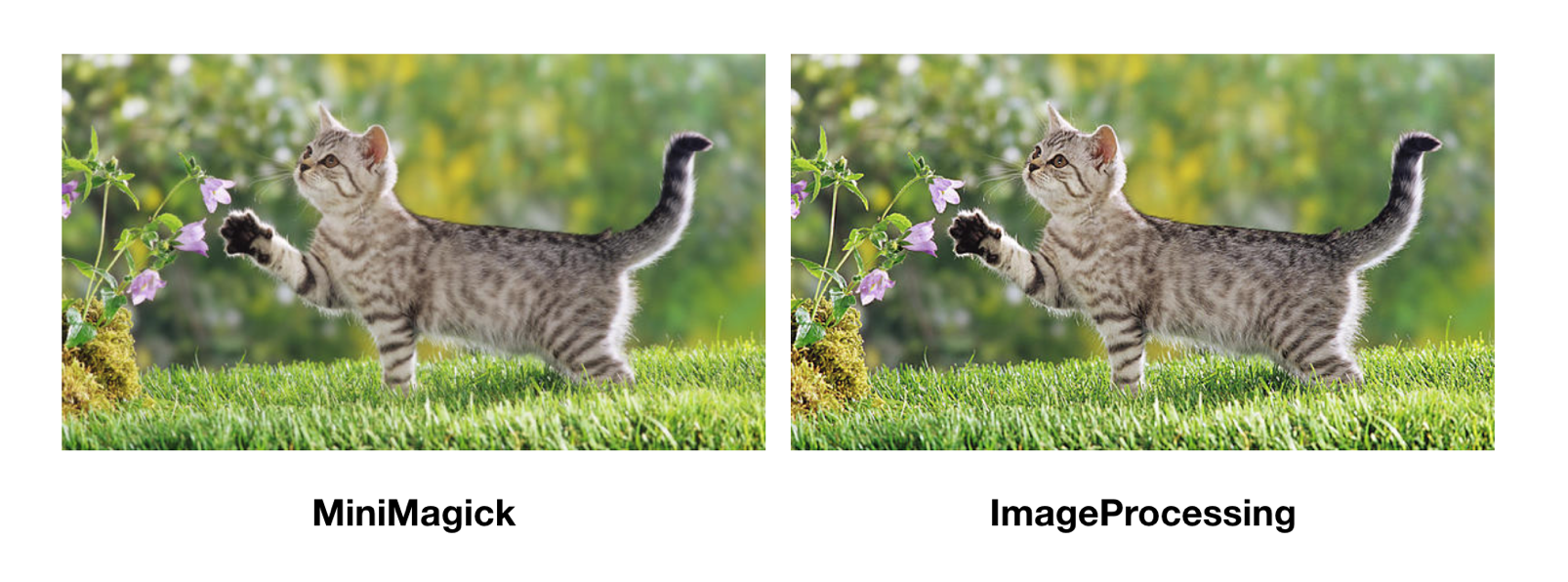

|
@janko-m that is a great point, I didn't know this.Thanks. Just curious, how much overhead |
|
Ok, I made some benchmarks. As expected, the sharpening overhead depends on the thumbnail size – the smaller the thumbnail is, the less time it takes to sharpen it. With ImageMagick I've observed the following for a 1600x900 source image:
For large source images the difference is naturally much smaller, as it takes more time to resize it and equal time to sharpen the resized image. But 1600x900 is probably a better average measure. On libvips it doesn't go above 1.20x slower, on average it's only about 1.10x slower. |
There was a problem hiding this comment.
Thanks, @janko-m! Here are a few more comments. This also needs a changelog entry.
|
|
||
| To enable variants, add `mini_magick` to your `Gemfile`: | ||
| To enable variants, add `image_processing` gem to your `Gemfile`: |
There was a problem hiding this comment.
Add "the" before image_processing.
| You can pass any [MiniMagick](https://github.com/minimagick/minimagick) | ||
| supported transformation to the method. | ||
| To create variation of the image, call `variant` on the Blob. You can pass | ||
| any transformation to the method supported by the procecssor. The default |
There was a problem hiding this comment.
Correct "procecssor" to "processor."
|
@georgeclaghorn Done! |
| ensure | ||
| ActiveStorage.variant_processor = :mini_magick | ||
| end | ||
| end |
There was a problem hiding this comment.
This test is failing in CI:
Error:
ActiveStorage::VariantTest#test_works_for_vips_processor:
NoMethodError: undefined method `source' for #<String:0x00000000043b5728>
Can you take a look?
There was a problem hiding this comment.
Fixed in f2e2cef. Requiring ruby-vips will raise a LoadError if libvips is not installed, and the #processor method was accidentally swallowing it.


We don't use `mini_magick` directly since rails#32471.


* 💎 Use image_processing gem

see also. rails/rails#32471

* List resized image

* Change image limit size: 500x500 → 700x700


ImageProcessing gem is a wrapper around MiniMagick and ruby-vips, and implements an interface for common image resizing and processing. This is the canonical image processing gem recommended in Shrine, and that's where it developed from. The initial implementation was extracted from Refile, which also implements on-the-fly transformations.
Some features that ImageProcessing gem adds on top of MiniMagick:
MiniMagick::ImageclassmagickCLI instead ofconverton ImageMagick 7 in the near futureHowever, maybe the biggest feature of the ImageProcessing gem is that it has an alternative implementation that uses libvips. Libvips is an alternative to ImageMagick that can process images very rapidly (we've seen up to 10x faster processing compared to ImageMagick).
What's great is that the ImageProcessing gem provides the same interface for both implementations. The macros are named the same, and the libvips implementation also does auto orientation and thumbnail sharpening; only the operations/options specific to ImageMagick/libvips differ. The integration provided by this PR should work for both implementations.
The PR should maintain almost 100% backwards compatibility; there are two incompatibilities:
image_processinggem into their Gemfiles instead ofmini_magick:combine_optionswas removed becauseImageProcessing::MiniMagickbuilds a singleconvertcommand, so it's not needed anymoreI know that Rails 5.2 is on feature freeze before the release, but I think if we agree we want ImageProcessing to be used for Active Storage, it's better to get it in now, due to the two mentioned backwards incompatibilities.
In short, Active Storage relying on ImageProcessing means it will have much better MiniMagick defaults, it will get libvips support for free (which is a big deal in terms of performance), it will get convenient resizing macros that work on both implementations, and it means the Active Storage project will have minimal maintenance in the image processing department.