





Conky is a free, lightweight system monitor for X, Wayland (with caveats), and macOS that renders information on your desktop or outputs to the console, a file, or HTTP.
📕 Documentation · 📖 Wiki · 📦 Latest Release · 💬 Matrix Chat · 📹 Intro Video (YouTube)
Conky is available in most package managers (see Installation). For the latest release, use the AppImage or Nix flake.
Download from GitHub Releases (host runtime libraries may be required):
chmod +x ./conky-*.AppImage        # make it executable
./conky-*.AppImage -C > ~/.conkyrc # create a default config
./conky-*.AppImage # runAvailable since v1.17.0 alongside the nixpkgs package:
{
  inputs = {
    conky.url = "github:brndnmtthws/conky";
  };
}
Use inputs.conky.packages.${system}.default (inputs.conky.packages.${system}.conky for <=v1.19.8), or pin a tag via github:brndnmtthws/conky?ref=refs/tags/v1.19.8.
- 300+ built-in objects: OS stats (uname, uptime, CPU, memory, disk,
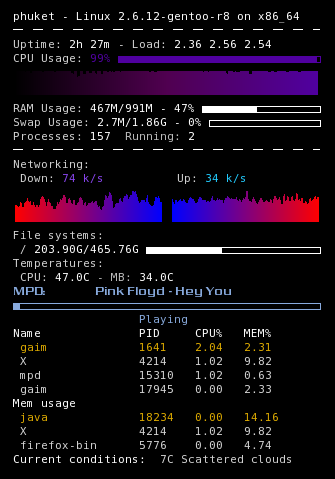
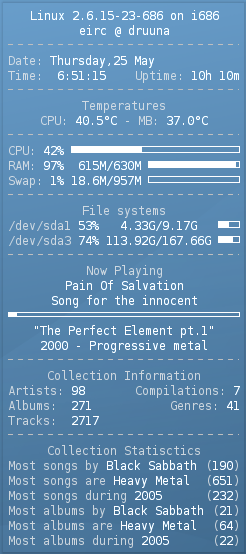
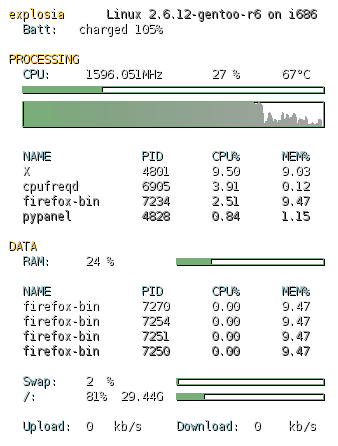
top-like process stats, network), IMAP/POP3 mail, and music players (MPD, XMMS2, Audacious). - Widgets & interactivity: Text, progress bars, and graph widgets with custom fonts, colors, and mouse events.
- Extensibility: Custom scripts and Lua (tutorial) with Imlib2 and Cairo drawing bindings (Lua docs).
- Cross-platform: Linux, FreeBSD, OpenBSD, DragonFlyBSD, NetBSD, Solaris, Haiku, and macOS, plus Docker images (
amd64,armv7,aarch64/armv8).
- Reference Documentation — config settings, objects, and Lua API
- Conky Wiki — Installation · Configuration Settings · Community Configs · FAQ
Bootstrap the toolchain with mise (see Contributing for guidelines):
mise install && mise run doctor
mise run configure && mise run build && mise run testLicensed under the GPLv3. Contributions are welcome (Contributing guide); consider sponsoring Conky's volunteer developers if you find it useful.