Repository navigation
Installation & Setup
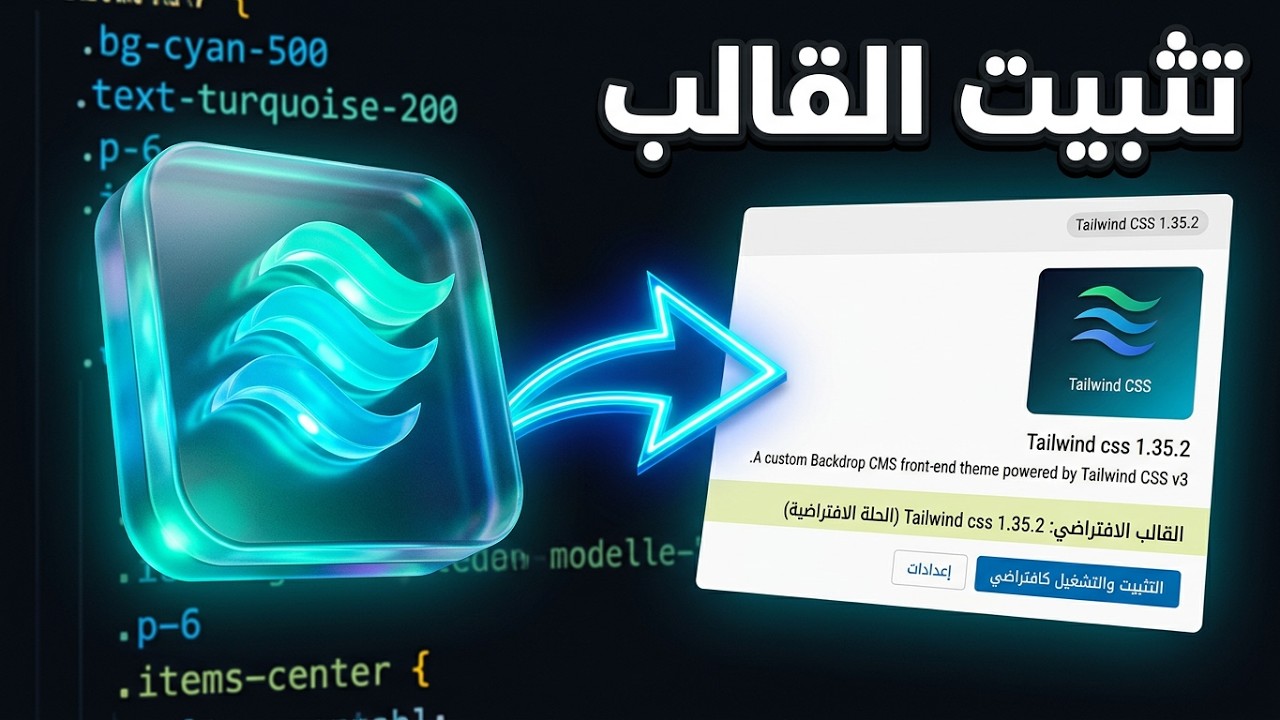
Follow these steps to install and configure the TailwindCSS theme for your Backdrop CMS site.
Before installing the theme, ensure you have the following installed on your server or local environment:
- Backdrop CMS (Version 1.x).
- Node.js and npm (Required to compile the Tailwind CSS files). You can download it from nodejs.org.
- Go to the theme's Releases page.
- Find the latest version (e.g.,
v1.0.0-beta.2). - Under the Assets section, click on Source code (zip) to download the theme.
- Extract the downloaded ZIP file.
- Rename the extracted folder to
tailwindcss(if it has a different name, liketailwindcss-main). - Upload the
tailwindcssfolder to thethemes/directory of your Backdrop installation. (Path:your-backdrop-site/themes/tailwindcss)
Since this theme relies on Tailwind CSS, you must compile the final CSS file.
- Open your terminal or command prompt.
- Navigate to the theme directory:
cd your-backdrop-site/themes/tailwindcss