Repository navigation
Home
- Download the
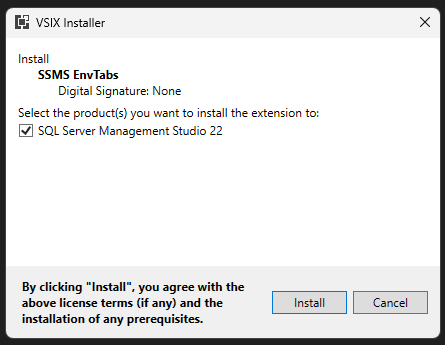
.vsixfile from the most recent published release. - Run
SSMS.EnvTabs.vsix(double click the file wherever you downloaded) - Follow the installer prompts.
No administrative permissions are required.
Warning
Please see Tab Text Settings guide if you plan on using tab renaming feature.
After installation, the extension is located in:
C:\Users\<user>\AppData\Local\Microsoft\SSMS\22.0_<id>\Extensions

Tip: you can delete this file after install
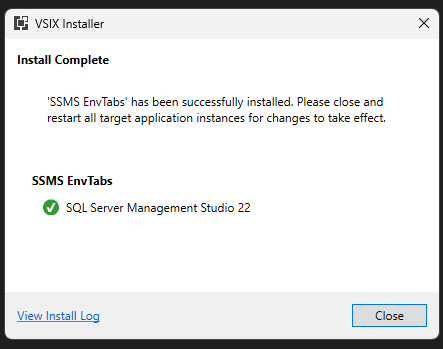
- Verify the EnvTabs button group exists.

- If you don't see the new button group, follow the steps on Tools Menu Buttons to enable.
To uninstall the extension:
- Open PowerShell.
- Run the following command:
& "C:\Program Files\Microsoft SQL Server Management Studio 22\Release\Common7\IDE\VSIXInstaller.exe" /u:SSMS_EnvTabs