Repository navigation
Getting Started
Requires Minecraft Bedrock 26.30 or later. Stable APIs, no cheats or experiments, Standard graphics and Vibrant Visuals. Both included packs are required; no other add-on is needed. Achievement declarations are present, and the owner confirmed Achievement Friendly behavior and Vibrant Visuals compatibility.
- Open the official mcaddon with Minecraft Bedrock.
- Activate Andy's Soulbound Inventory [BP] and confirm the matching Resource Pack.
- Leave cheats and experiments off. Join the world.
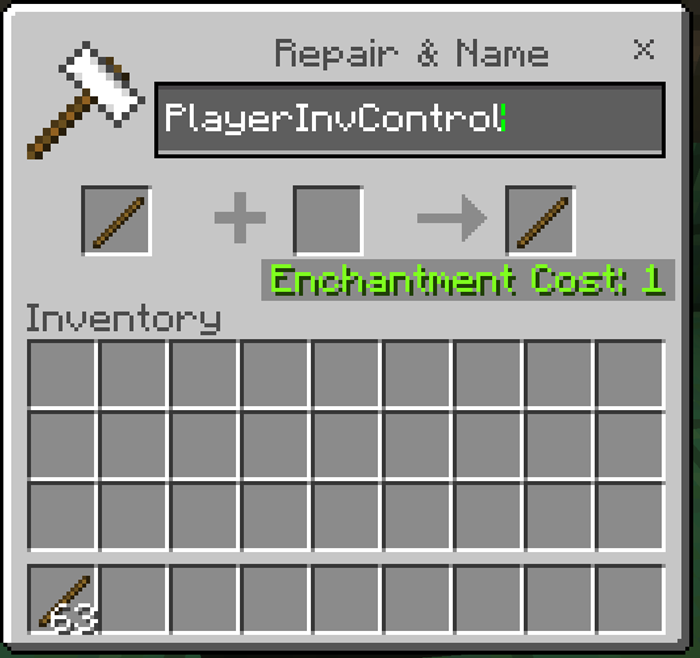
- Rename a normal stick exactly
PlayerInvControlusing an anvil. - Use the stick on a block or sneak while holding it for one second. Close other screens first. Release sneak to reset that gesture.
- Choose a permitted death mode and XP setting. The default is Keep Equipment with Vanilla XP.
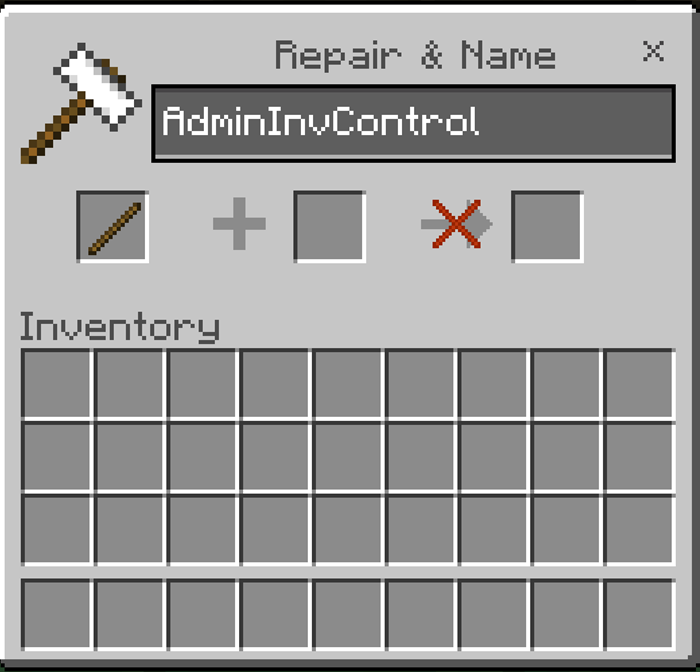
Operators and the world owner use AdminInvControl for world settings and online player assignments. The stick is a menu key, not permission to administer the world.
On Realms, import/activate the packs on Windows or mobile and upload the prepared world. Console clients can join that Realm. BDS operators extract the inner mcpack archives into their server's pack folders, activate both UUIDs in the world's pack lists, then use asi:soulbound_help and asi:soulbound_status in the console. No form or cheats are required for native commands.
When updating, use matching versions of both packs. Before removing the add-on, use AdminInvControl to turn it off, or run asi:soulbound_set enabled off, then save. This restores the prior world Keep Inventory value.