Repository navigation
Home
See:
https://aliceo2group.github.io/analysis-framework/docs/gettingstarted/installing.html
As root:
dnf install -y epel-release dnf-plugins-core
dnf update -y
dnf config-manager --set-enabled crb
dnf group install -y 'Development Tools'
cat << EOF > /etc/yum.repos.d/alice-system-deps.repo
[alice-system-deps]
name=alice-system-deps
baseurl=https://s3.cern.ch/swift/v1/alibuild-repo/RPMS/o2-full-deps_el9.x86-64/
enabled=1
gpgcheck=0
EOF
dnf update -y
dnf install -y alice-o2-full-deps alibuild
mkdir -p ~/alice
cd ~/alice
alievn list
aliBuild build O2Physics -j 6
...
==> Updating repositories: done
==> Compiling O2Physics@master (use --debug for full output): done
Development package O2Physics does not need rebuild

==> Build of O2Physics successfully completed on `BBarsch-NB1'.
    Your software installation is at:

      /root/alice/sw/slc9_x86-64

    You can use this package by loading the environment:

      alienv enter O2Physics/latest-master-o2

==> Build directory for devel package O2Physics:
    /root/alice/sw/BUILD/O2Physics-latest/O2Physics
[root@BBarsch-NB1 alice]#
alienv enter O2Physics/latest
Preferred:
alienv enter O2Physics/latest ninja/latest
Your CPU is an Intel Core i7-10810U with 6 cores and 12 threads. Each core has 2 threads (hyperthreading is enabled), and you have 12 logical processors (CPU(s)).
lscpu
free -h
               total        used        free      shared  buff/cache   available
Mem:            24Gi       1.0Gi        21Gi       0.0Ki       2.4Gi        23Gi
Swap:          7.0Gi       525Mi       6.5Gi
You have 24GB of RAM available, which is more than sufficient for the recommendation of 2GB per core. With 6 cores, the recommendation would be 12GB, and you have double that, meaning you should have no issues with memory during the O2Physics compilation process.
You can compile with multiple jobs using the -j option for make. For example, you could use all 12 threads like this or more conservative only 6.
https://github.com/AliceO2Group/O2Physics/fork
cd ~/alice/O2Physics
git remote -v
[root@BBarsch-NB1 O2Physics]# git remote -v
upstream        https://github.com/AliceO2Group/O2Physics (fetch)
upstream        https://github.com/AliceO2Group/O2Physics (push)
git remote add origin git@github.com:ChpcTraining/O2Physics.git
[root@BBarsch-NB1 O2Physics]# git remote -v
origin  git@github.com:ChpcTraining/O2Physics.git (fetch)
origin  git@github.com:ChpcTraining/O2Physics.git (push)
upstream        https://github.com/AliceO2Group/O2Physics (fetch)
upstream        https://github.com/AliceO2Group/O2Physics (push)
Assuming keys are setup:
git fetch origin
First create a new branch and push changes to origin (forked/cloned repo):
git switch -c newbranch
Edit README.md file
git commit -a -m "first commit"
Only first time:
git push --set-upstream origin newbranch
[root@BBarsch-NB1 O2Physics]# git push --set-upstream origin newbranch
Enumerating objects: 5, done.
Counting objects: 100% (5/5), done.
Delta compression using up to 12 threads
Compressing objects: 100% (3/3), done.
Writing objects: 100% (3/3), 303 bytes | 303.00 KiB/s, done.
Total 3 (delta 2), reused 0 (delta 0), pack-reused 0
remote: Resolving deltas: 100% (2/2), completed with 2 local objects.
remote:
remote: Create a pull request for 'newbranch' on GitHub by visiting:
remote:      https://github.com/ChpcTraining/O2Physics/pull/new/newbranch
remote:
To github.com:ChpcTraining/O2Physics.git
 * [new branch]        newbranch -> newbranch
branch 'newbranch' set up to track 'origin/newbranch'.
[root@BBarsch-NB1 O2Physics]#
Now you can push any local changes to your fork:
git push origin main
Fetch updates from the original repository (upstream):
git fetch upstream
Merge updates into your local branch (usually main):
git merge upstream/main
Push Changes to Your Fork, after making local changes, commit them and push to your fork:
git add .
git commit -m "Describe your changes"
git push origin main
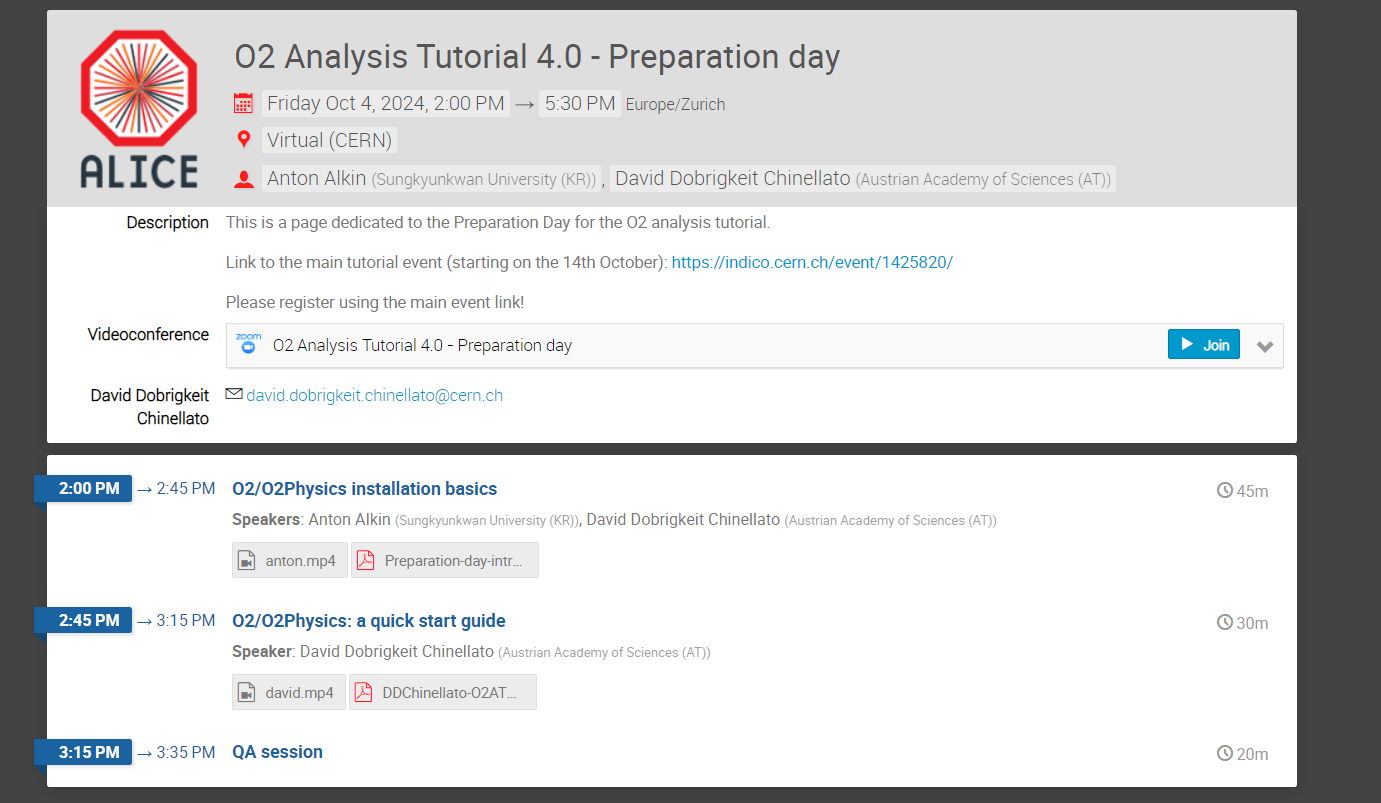
https://indico.cern.ch/event/1459364/timetable/
https://indico.cern.ch/event/1425820/timetable/
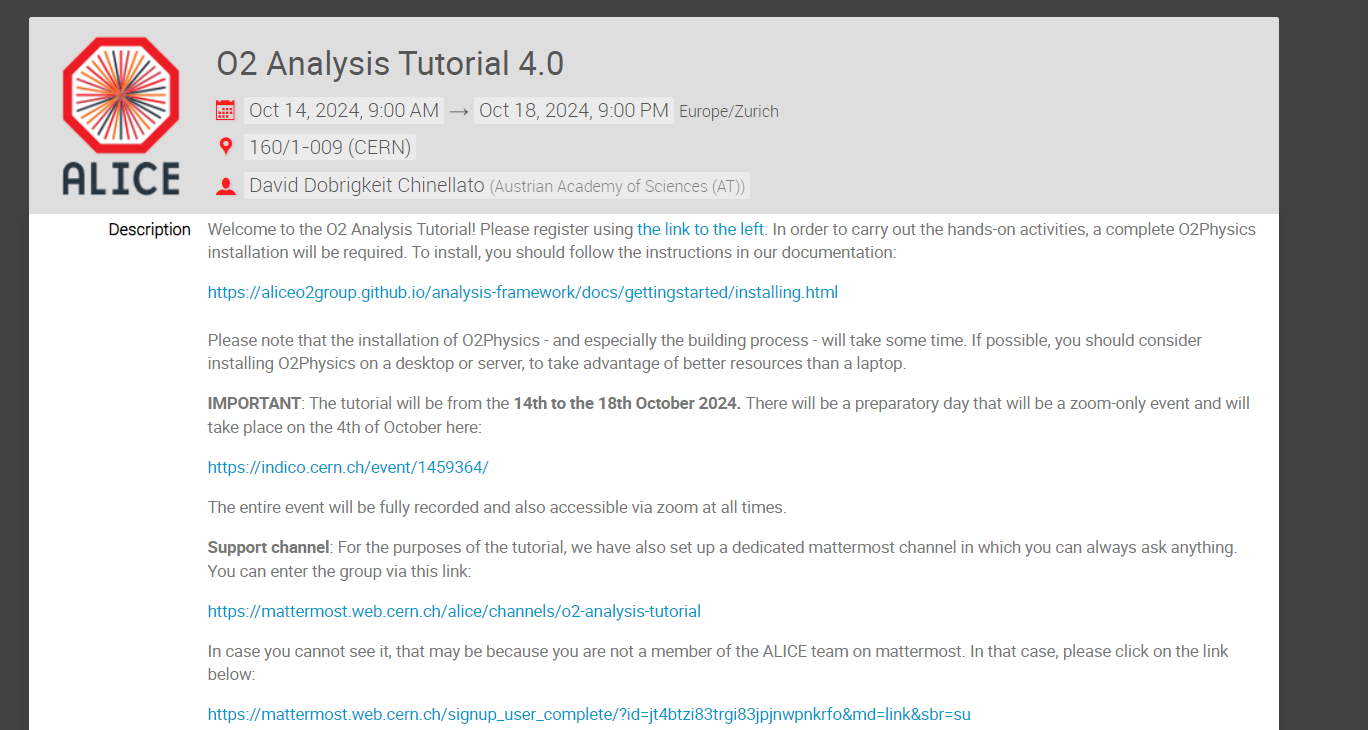
https://mattermost.web.cern.ch/alice/channels/o2-analysis-tutorial