Repository navigation
Home
Manage Switch 2 mods from your controller or a browser. Moader serves its web interface directly from the Switch, with a six-digit pairing code and no cloud account.
- Install Moader — choose SmileBASIC, Seedsow Lullaby or the experimental CivSwitch route. The Seedsow guide covers its additional host SDK and GUI setup.
- Learn the controls — navigate the app, open Settings and turn the web interface on.
- Connect a browser — open the displayed Switch address and pair.
- Import your first mod — select the correct game Title ID, upload a ZIP, then enable it and read its apply state.
| Guide | Covers |
|---|---|
| v4.0.0 release notes | Current Setup and in-app update release, downloads and validation scope |
| v3.5.0 release notes | Historical community Store release |
| v3.0.0 release notes | Historical Seedsow standalone kit |
| v0.2.5 release notes | Historical BSD session fix |
| v0.2.0 release notes | Historical carousel and Store release |
| v0.1.3 release notes | Historical Seedsow backend kit and validation scope |
| v0.1.2 release notes | Historical source-matched HEN refresh |
| v0.1.1 release notes | Historical cumulative release |
| Changelog | Release history |
| Installation | Downloads, Linux/WSL and macOS setup, once-per-boot backend installation and updates |
| Seedsow Lullaby | Pinned PC-driven GUI preparation and one-boot Moader installation |
| Seedsow on-console | Experimental Moader A route and regular B route; A needs a qualified local FS capture |
| CivSwitch entrypoint | Existing Civ7 FS access, exact source profile, prerequisites and Moader validation status |
| Using Moader | Every controller shortcut, browser pairing, ZIP formats/limits, removal, Settings, Advanced and Credits |
| Troubleshooting | Network/pairing problems, game names, pending changes, cache reloads, software errors and setup recovery |
| Game-card checks | Per-game copy selection, missing cards, game-key downloads, digital choices and verification limits |
| Plugin reload | Reload the resident service, read progress, reconnect and recover from a failed replacement |
| How Moader works | Console app, resident service, filesystem runtime, apply states and component lifetimes |
| Frequently asked questions | Quick answers about reboot, live changes, removal and game errors |
| Validation | What was tested on hardware and what the host checks establish |
| kaiHEN modifications | The complete patch, plugin reload protocol, upstream base and shipped HEN/bootstrap hashes |
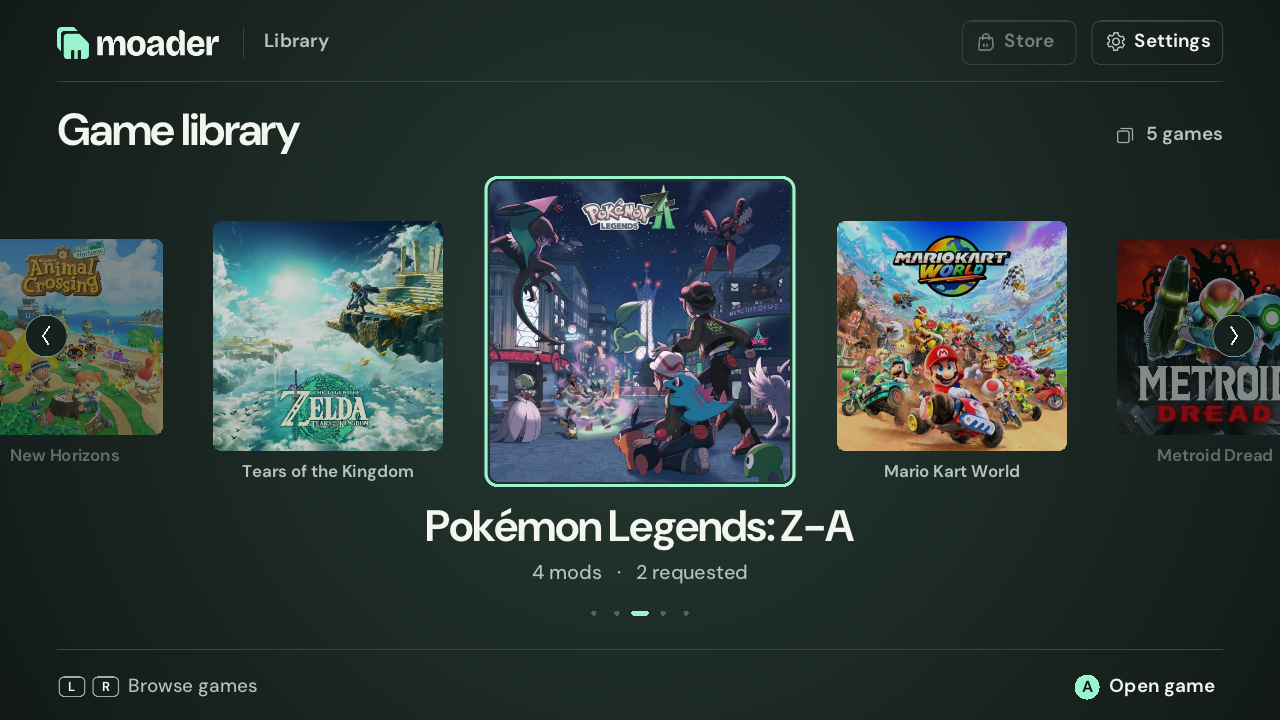
| Console app | Browser |
|---|---|
 |
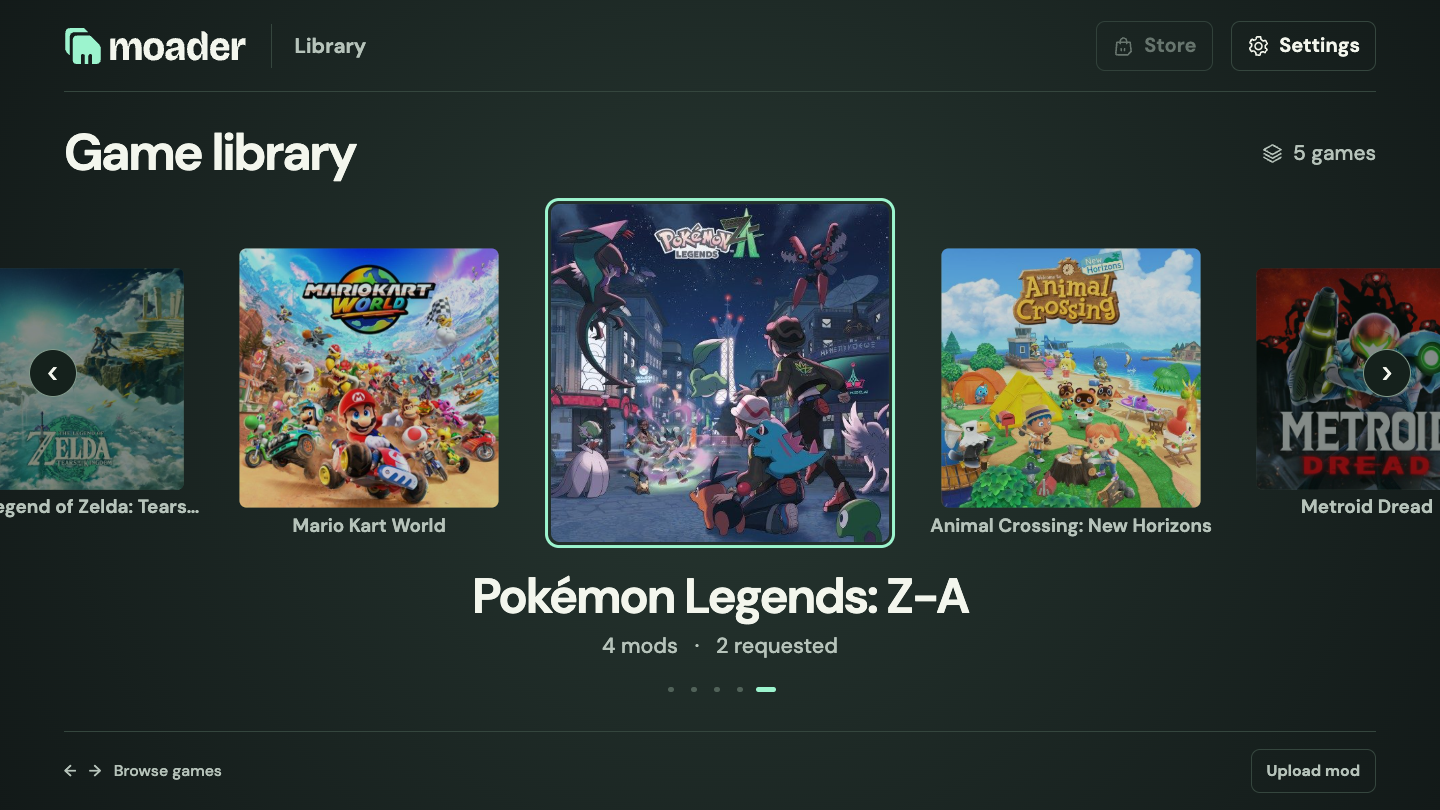 |
These are synthetic sample libraries rendered by the actual interfaces, rather than game or device captures. Image provenance.
An enabled request and accepted routing are different from a visible game effect. Supported later file reads can change live, but a game may keep an asset in memory until a scene reload. Executable changes require a game relaunch. The running backend lasts until the console reboots; the saved library and preferences remain on SD.
Download v4.0.0 · Report a problem · Ask a question · Source code
Contributors: Building, Maintaining, Contributing, Security, Credits and licenses.