Repository navigation
Prototype
User will access the device as either a Clinician or a Data Entrant. Determining the role may be set up via the registration/login process, or by changing a toggle/dropdown in the application.
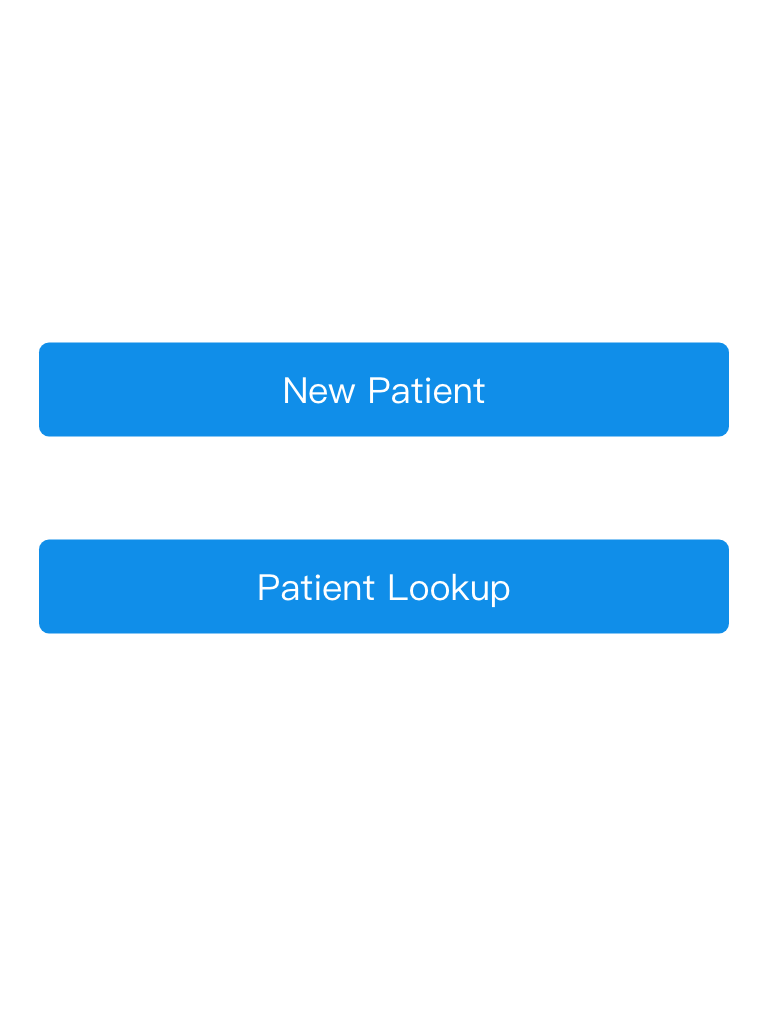
Selecting New Patient takes user to 6. Data Entry - Patient Information
Selecting Patient Lookup takes user to 4. Search
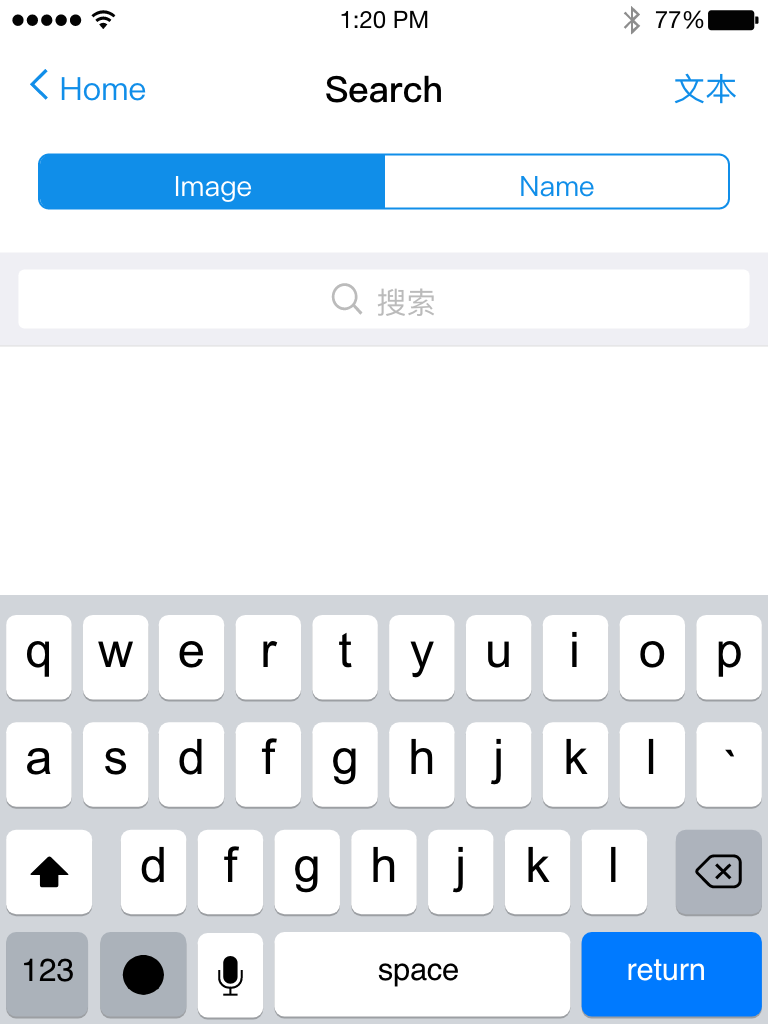
User can select searching by name (text box) or image (clicking the camera will open the device camera). Then user is taken to 5. Search Results
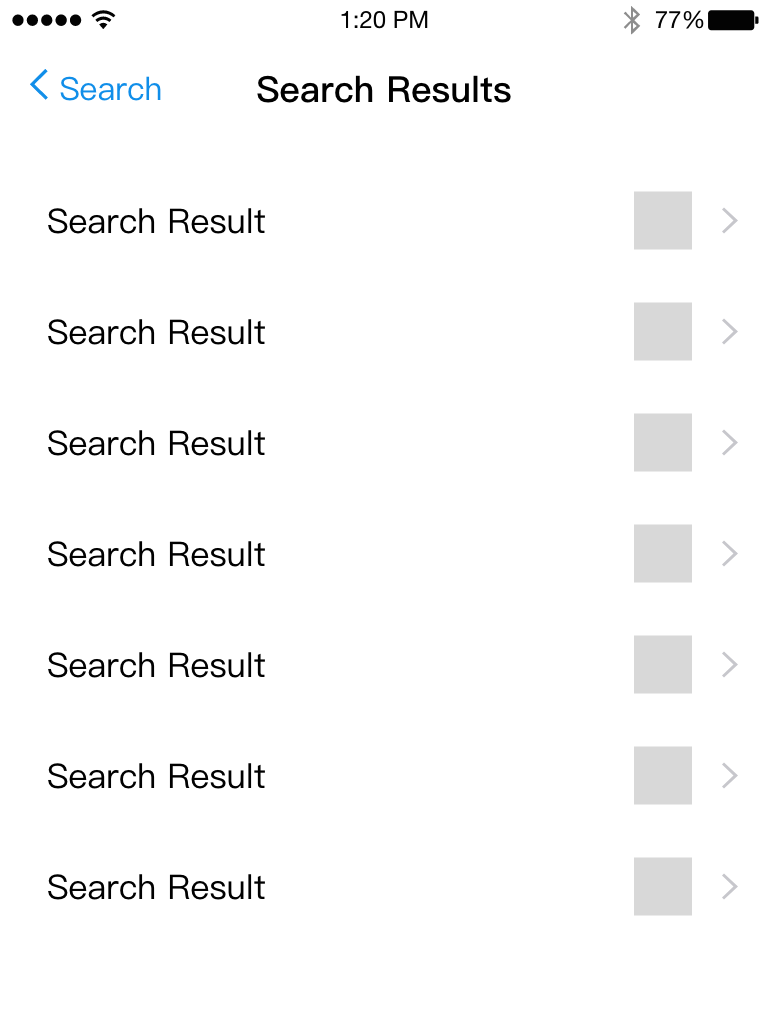
Clicking any search result will take the user to 6. Data Entry - Patient Information
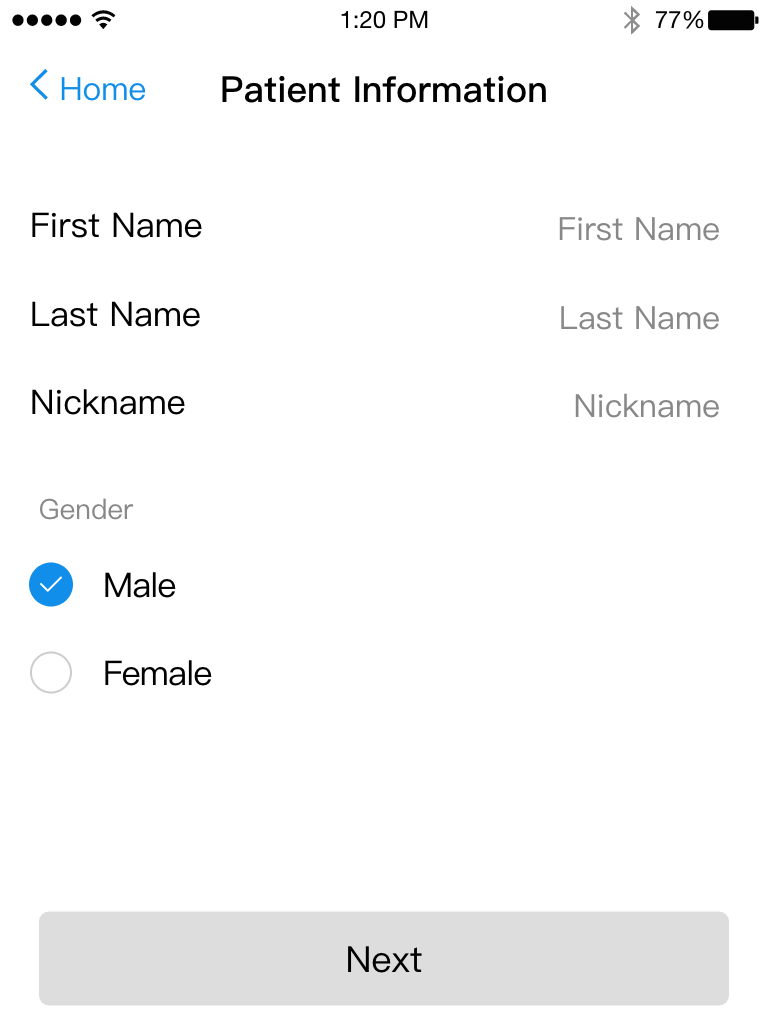
Selecting "Diagnosis" will take the user to 7.
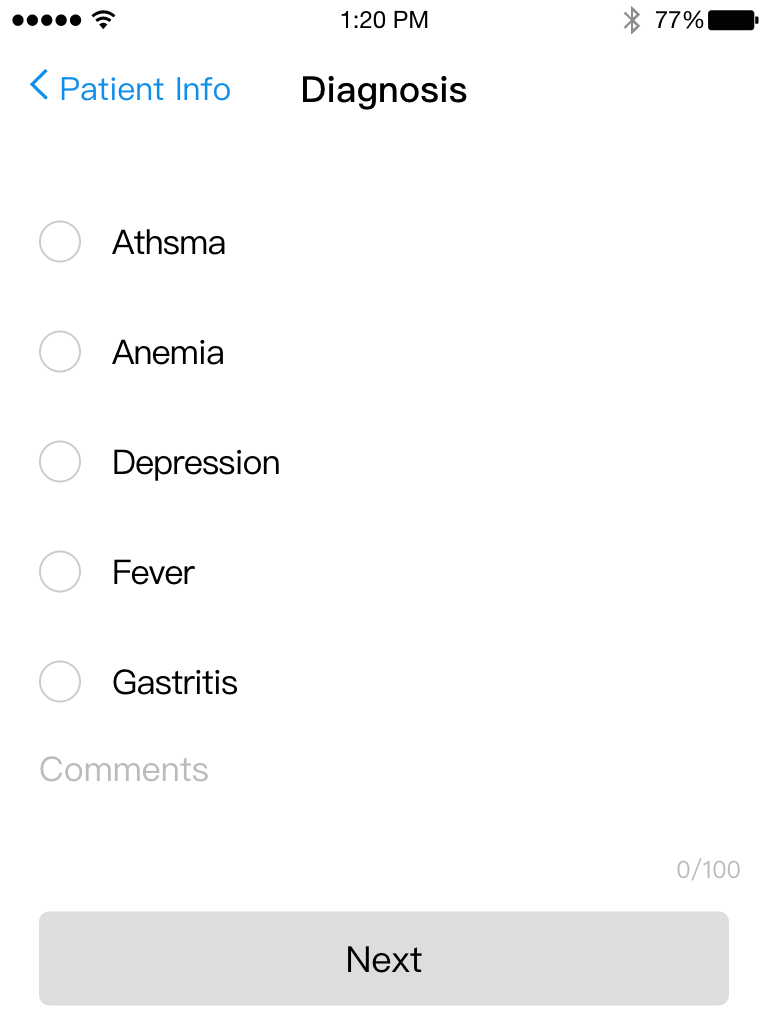
Selecting "Back" will take the user to 6.
Selecting "Treatment" will take the user to 8.
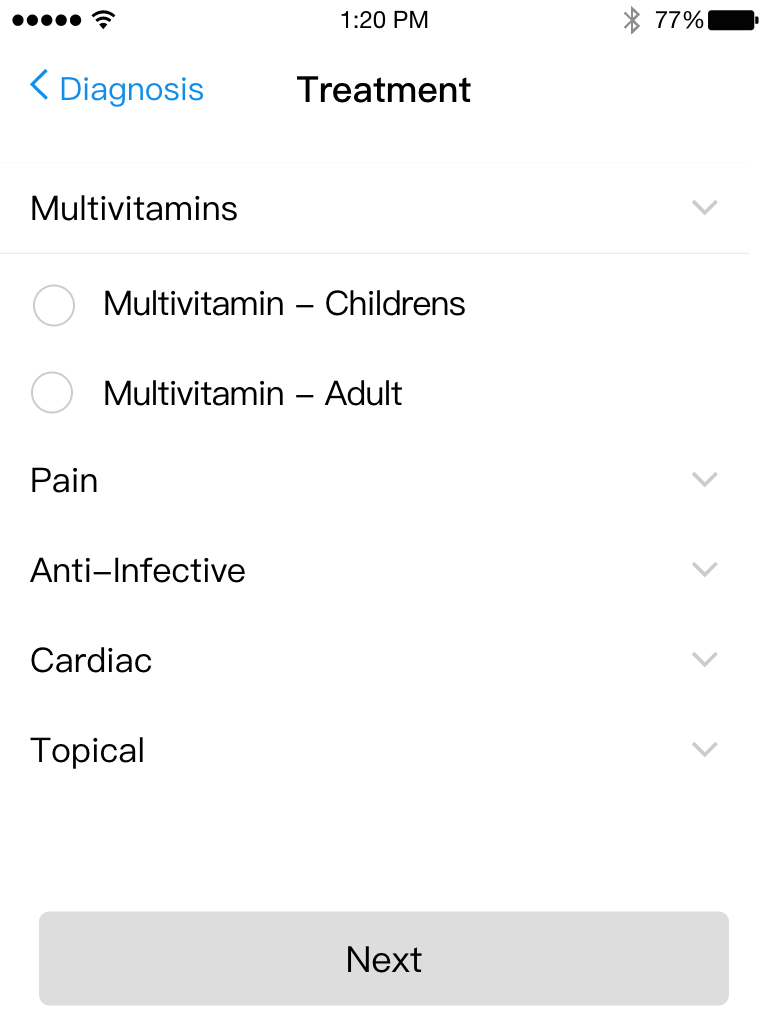
Selecting "Back" will take the user to 7.
Selecting "Tests" will take the user to 9.
Selecting "Done" will take the user to 10.
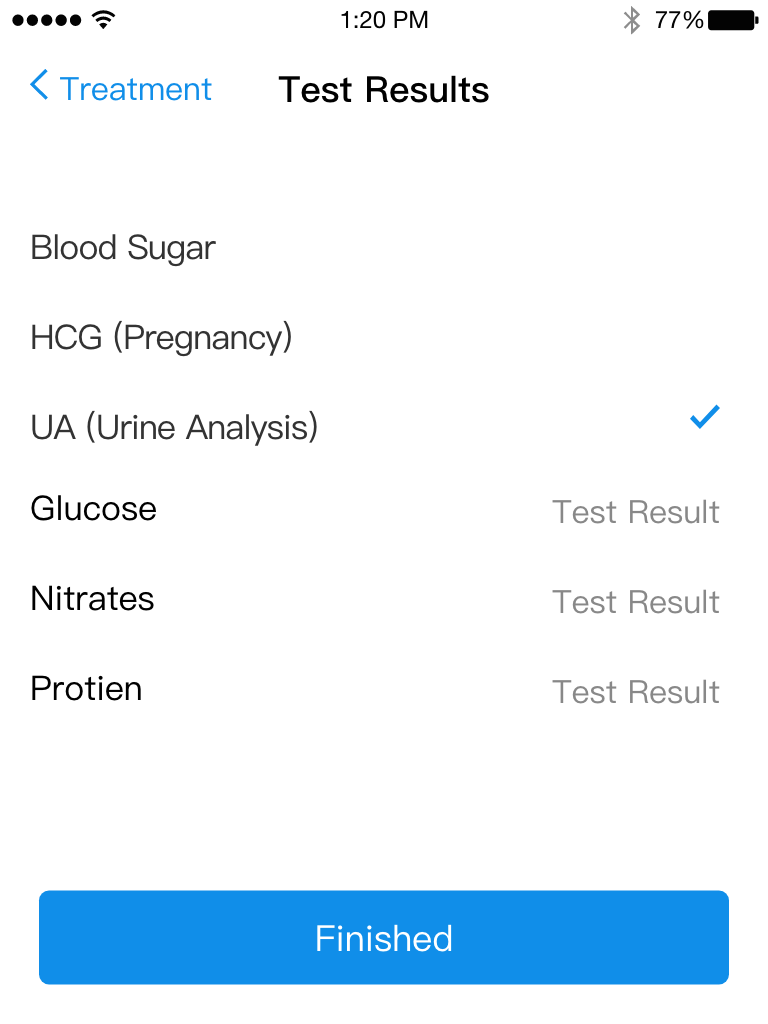
When any of the checkboxes are selected, the input box is visible.
Selecting "Back" will take the user to 8.
Selecting "Done" will take the user to 10.
