Repository navigation
Releases: Juansive/Yunyun
Release list
芸芸 0.6.10

Downloads
| File | Size | What's inside |
|---|---|---|
| Yunyun-0.6.10-windows-lite.zip (Lite) | ~36 MB | Desktop pet, new-mail reminders, Watch mode. Pick this if you only want mail reminders |
| Yunyun-0.6.10-windows.zip (Full) | ~214 MB | Everything above + Assistant mode (it talks, listens, remembers you, and can use your apps) |
You can start with Lite and switch to Full later by replacing the folder. Your settings are kept.
What's new
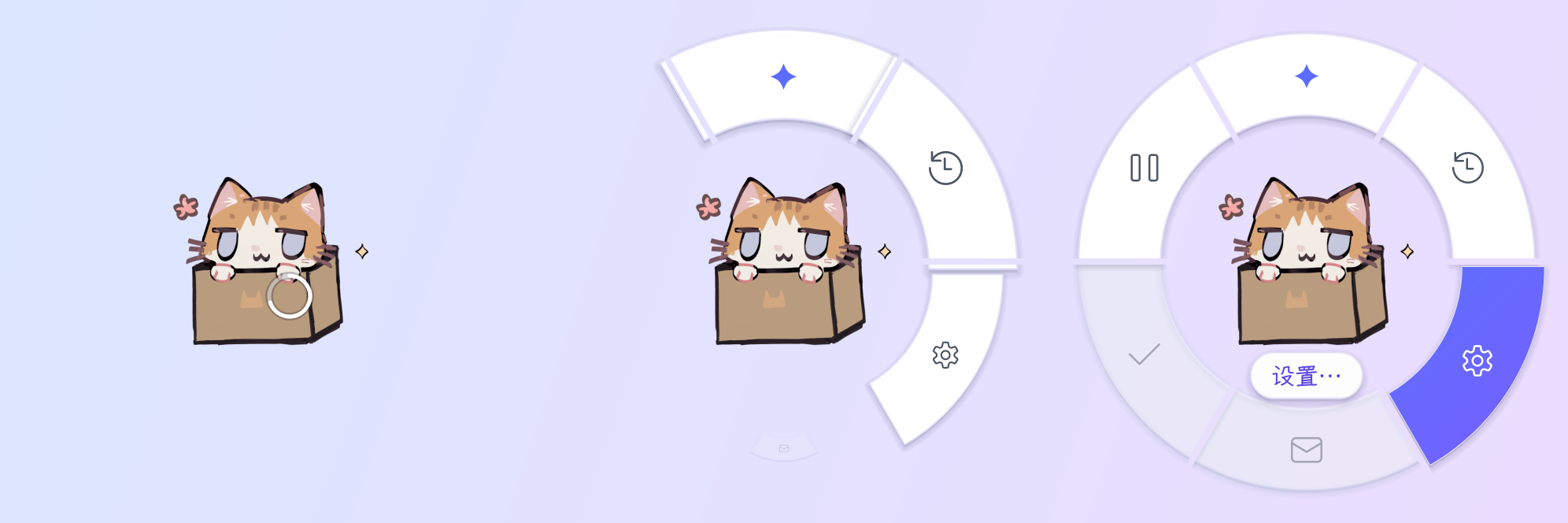
Quick wheel: hold the right button on Yunyun
- Hold the right button on Yunyun for a moment. A small white ring fills up on her.
- A ring of shortcuts pops out around her, one piece after another: Settings…, Recent Mail, Mark All as Seen, Pause (Full also has Assistant mode and Chat history…, plus Stop / Stop talking while she's busy).
- Keep holding and slide toward one. It lights up, and its name appears at her feet. Let go to open it. Let go on Yunyun herself to cancel.
- A normal right-click still opens the full menu. Quit stays there (it needs a quick double-click, so it isn't on the wheel).
- The names on the wheel use a small cut of the rounded Yozai Font (SIL Open Font License 1.1).
How to use
- Download one of the zips and unzip it anywhere (e.g.
D:\Yunyun). Keep the whole folder together. - Double-click 芸芸.exe. If Windows shows "Windows protected your PC", click More info → Run anyway (the app isn't code-signed).
- A Chinese guide (
使用说明.txt) and the changelog (更新日志.txt) are in the folder. - Upgrading: right-click Yunyun → quickly double-click Quit, then replace the old folder with the new one. Your settings and history stay in
%APPDATA%\Yunyun.
Don't use Code → Download ZIP. That's the source code, and it won't run on its own.
芸芸 0.6.9


Downloads
| File | Size | What's inside |
|---|---|---|
| Yunyun-0.6.9-windows-lite.zip (Lite) | ~36 MB | Desktop pet, new-mail reminders, Watch mode. Pick this if you only want mail reminders |
| Yunyun-0.6.9-windows.zip (Full) | ~215 MB | Everything above + Assistant mode (it talks, listens, remembers you, and can use your apps) |
You can start with Lite and switch to Full later by replacing the folder. Your settings are kept.
What's new
Yunyun remembers like a person (Full, still being tested)
- Every question and answer in Assistant mode is now kept as-is on your PC.
- The first time you open the assistant each day, she looks back at the past days in the background and writes a short diary entry, a one-line summary of each chat, and notes on how to get along with you.
- She slowly forms her own "Who I am". It changes slowly, like a person: only after evidence on three different days, and at most two changes a day.
- New chats remember her latest diary entry and what was said since, so she can pick up where you left off. She can also search what was actually said in older chats.
- Looking back costs about 0.3¢ a day (your provider's cheapest model). It's controlled by the same switch as before: Settings → Notebook → Let Yunyun look back at earlier chats.
Settings → Notebook
- New groups for Who I am (edit it, or go back to an older version) and Diary (read or delete entries).
- New Storage and clearing section at the bottom:
- How long to keep what was said: forever, 3 years or 1 year.
- Which folder her memories live in. They're moved for you when you change it.
- Three separate buttons:
- Clear chat history: deletes what was said and the chat cards. This moved here from Settings → Assistant.
- Clear her memories: deletes everything she remembers about you (notebook, Who I am, diary, rapport notes, recollections).
- Clear everything: does both.
- Notebook entries she hasn't used for a long time slowly fade out of the index. Nothing is deleted, and she can still find them when asked.
Other
- Mail AI has a new provider: DeepSeek (V4.1 Flash) (Settings → AI). It's pay-as-you-go and very cheap, and faster than the free Zhipu model.
- In Assistant mode, choosing DeepSeek's
deepseek-v4-pro(which can't read images) no longer offers screenshots or clicking on screenshots. Pasting an image tells you to switch models.
How to use
- Download one of the zips and unzip it anywhere (e.g.
D:\Yunyun). Keep the whole folder together. - Double-click 芸芸.exe. If Windows shows "Windows protected your PC", click More info → Run anyway (the app isn't code-signed).
- A Chinese guide (
使用说明.txt) and the changelog (更新日志.txt) are in the folder. - Upgrading: right-click Yunyun → Quit, then replace the old folder with the new one. Your settings and history stay in
%APPDATA%\Yunyun.
Don't use Code → Download ZIP. That's the source code, and it won't run on its own.
芸芸 0.6.8


Downloads
| File | Size | What's inside |
|---|---|---|
| Yunyun-0.6.8-windows-lite.zip (Lite) | ~36 MB | Desktop pet, new-mail reminders, Watch mode. Pick this if you only want mail reminders |
| Yunyun-0.6.8-windows.zip (Full) | ~214 MB | Everything above + Assistant mode (it talks, listens, remembers you, and can use your apps) |
You can start with Lite and switch to Full later by replacing the folder. Your settings are kept.
What's new
A small maintenance release: safer and lighter. Nothing changes in how you use Yunyun.
Lighter on memory (both versions)
- When idle, Yunyun now uses about 45 MB (Lite) / 50 MB (Full) of private memory, down from about 56 MB.
- Passwords and API keys are still kept in Windows Credential Manager, in exactly the same format. Your saved mail passwords and keys keep working; you don't need to enter them again.
- Yunyun's pictures are now loaded at your screen's actual scaling, and reloaded automatically if you plug in a sharper screen or change the scaling.
Safer (mostly Full)
- Links in Assistant answers and in chat history only open web pages (http/https). Links that point to files on your computer or to other programs no longer open when clicked.
- PowerShell commands with
{ }script blocks, andForEach-Object/%, are now asked about every time. They no longer offer Allow … for this chat, because what runs inside them can change from one command to the next. - The new-version reminder only opens GitHub download pages.
How to use
- Download one of the zips and unzip it anywhere (e.g.
D:\Yunyun). Keep the whole folder together. - Double-click 芸芸.exe. If Windows shows "Windows protected your PC", click More info → Run anyway (the app isn't code-signed).
- A Chinese guide (
使用说明.txt) and the changelog (更新日志.txt) are in the folder. - Upgrading: right-click Yunyun → Quit, then replace the old folder with the new one. Your settings and history stay in
%APPDATA%\Yunyun.
Don't use Code → Download ZIP. That's the source code, and it won't run on its own.
芸芸 0.6.7


Downloads
| File | Size | What's inside |
|---|---|---|
| Yunyun-0.6.7-windows-lite.zip (Lite) | ~38 MB | Desktop pet, new-mail reminders, Watch mode. Pick this if you only want mail reminders |
| Yunyun-0.6.7-windows.zip (Full) | ~215 MB | Everything above + Assistant mode (it talks, listens, remembers you, and can use your apps) |
You can start with Lite and switch to Full later by replacing the folder. Your settings are kept.
What's new
Yunyun has her real look now 🐱 (both versions)
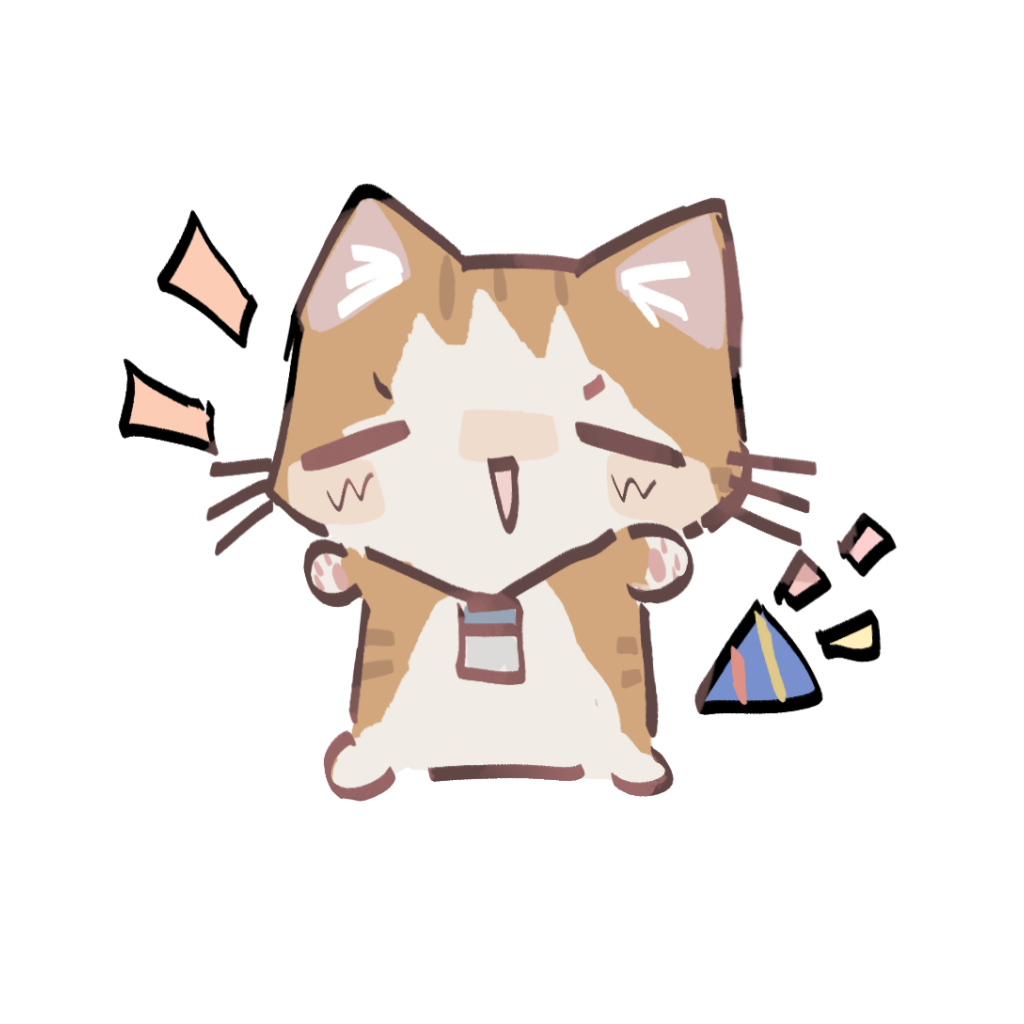
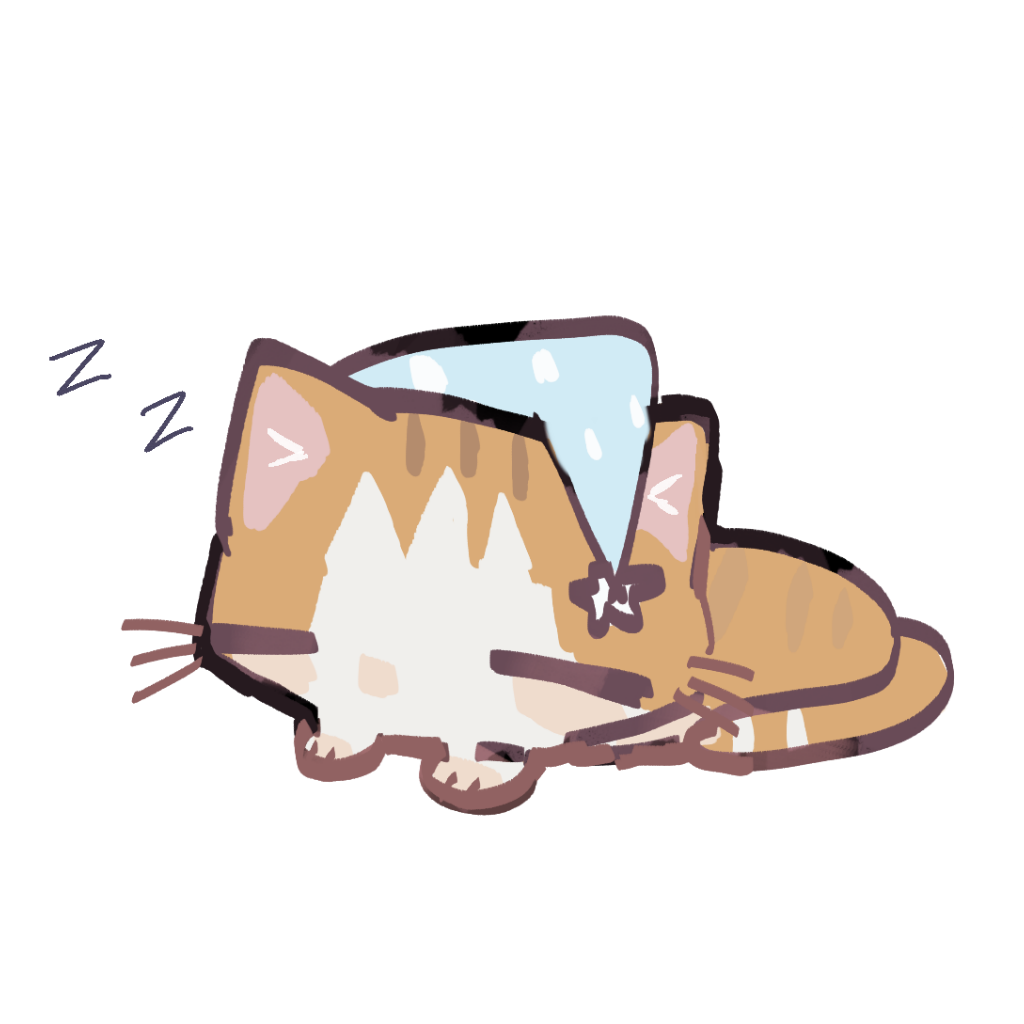
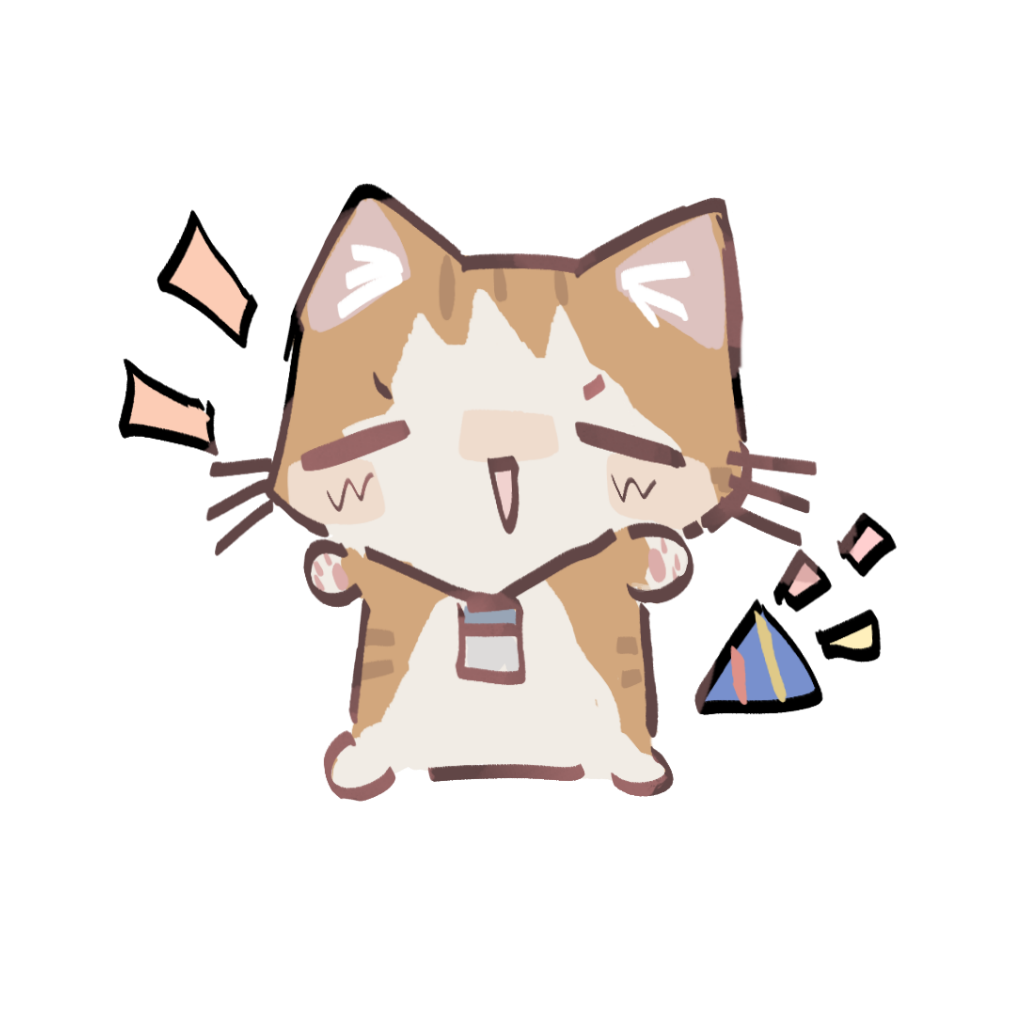
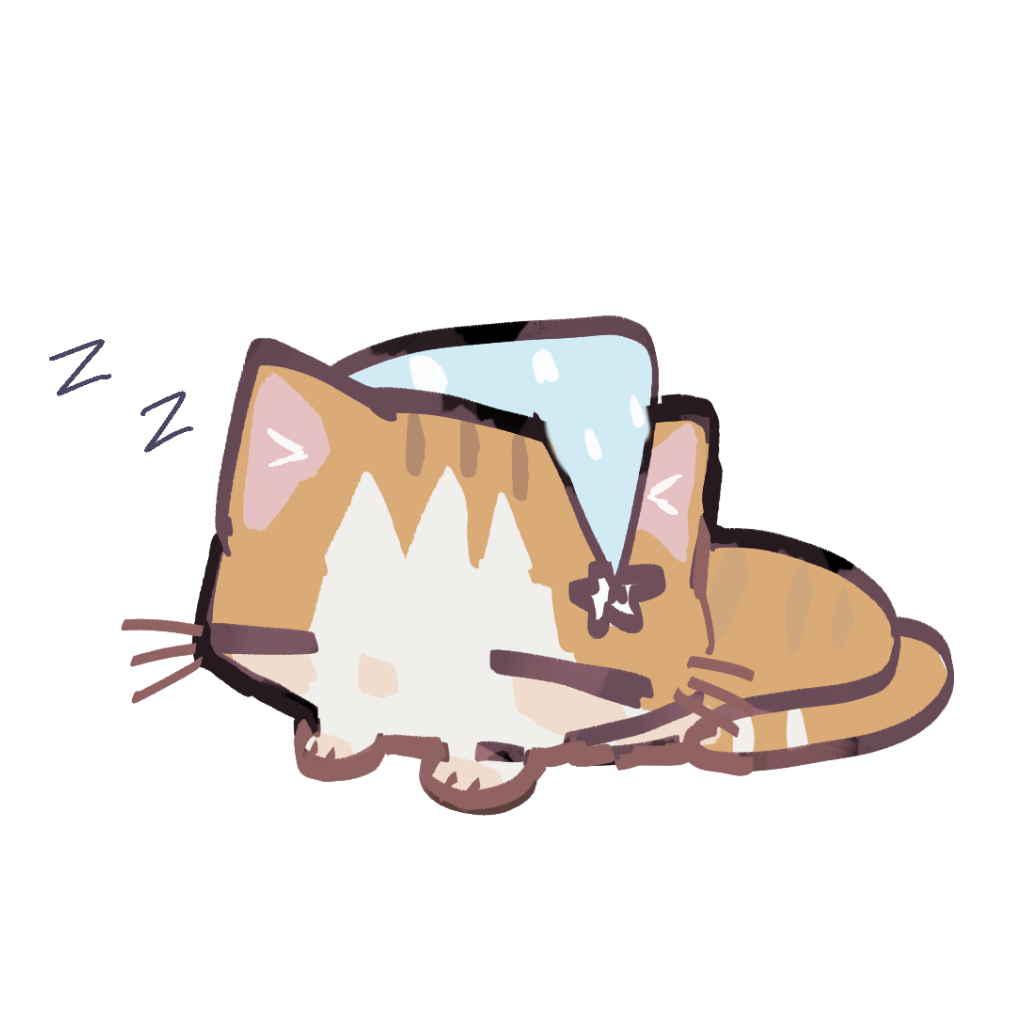
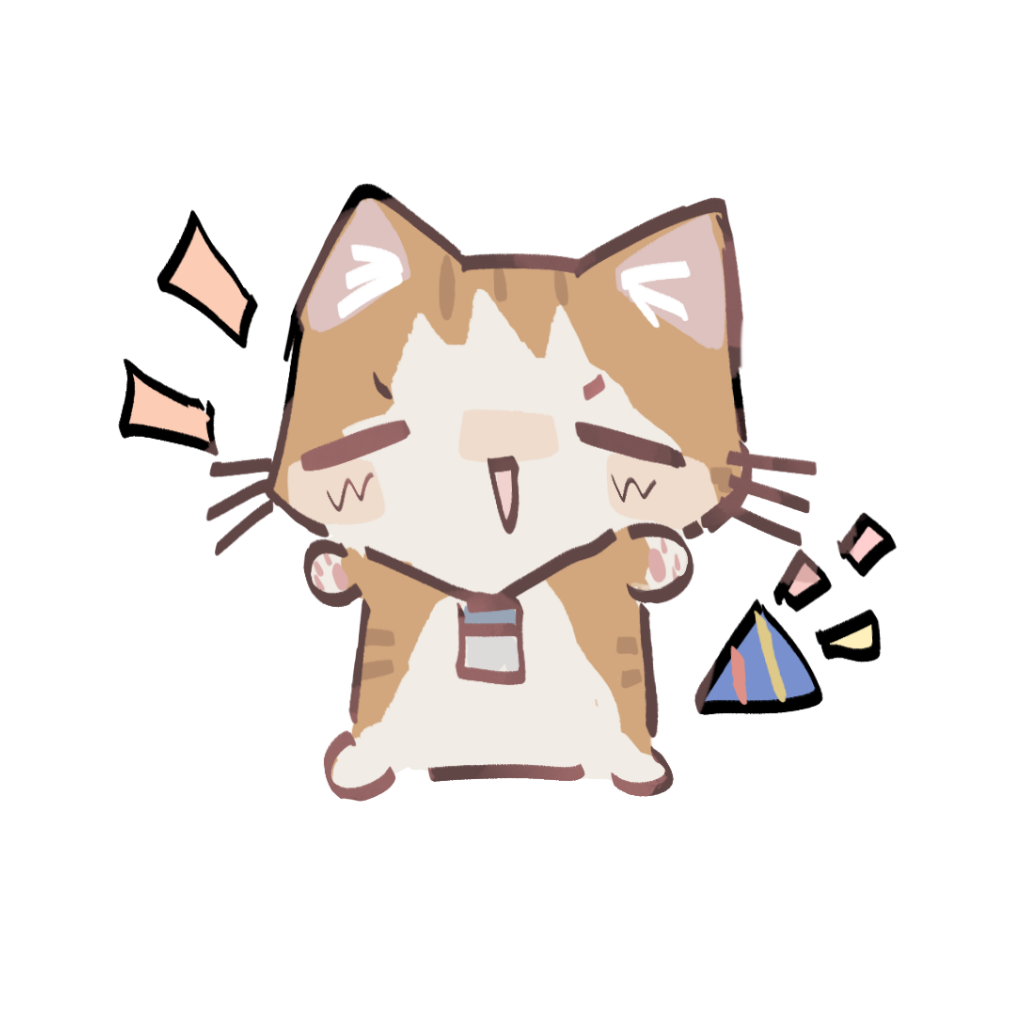
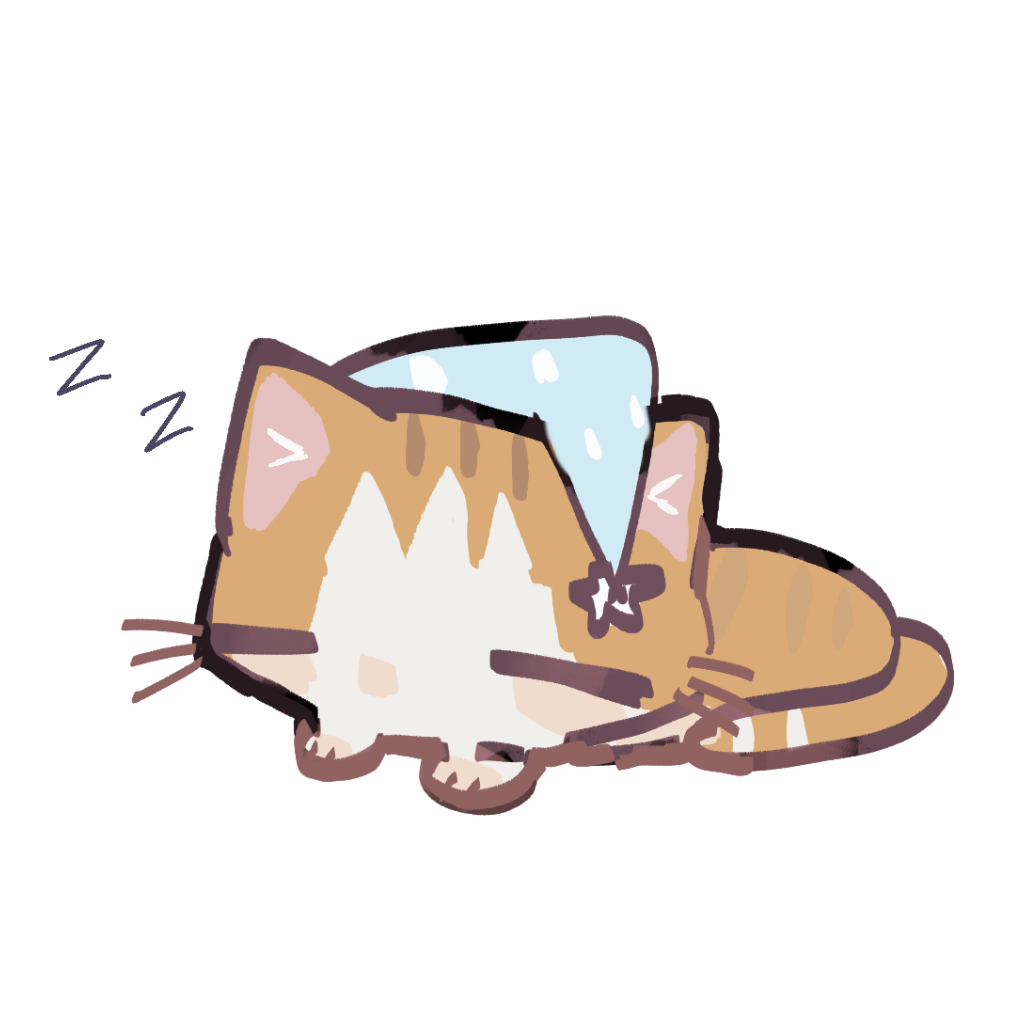
- The placeholder art is gone. Yunyun is now a little orange-and-white cat with a work badge. She lazes in a cardboard box when you're idle, types along with you, cheers when new mail arrives, rests her chin on her paw while she thinks, sleeps in a nightcap during quiet hours, waves while she talks, perks up her ears while she listens, and curls up when you pick her up by the scruff.
- The tray icon (and the app icon) is the cat in her box too.
Reminder suggestions from your mail (Full, experimental, off by default)
- Turn it on in Settings → Reminders. When an email mentions something to remember (a meeting, a deadline, a parcel pickup), Yunyun suggests a reminder on the card. It's only added if you click. Reschedules and cancellations suggest changing or cancelling the old reminder, and emails that look like scams are flagged.
- It asks the AI one or two extra times per email, and may look up earlier emails' subjects, senders and one-line summaries in your history (never their full text).
Other changes
- Better privacy in mail reminders: pickup codes, share codes and similar "xx code" numbers, and amounts written without a currency unit, are now removed before Yunyun says anything.
- The zip now includes
LICENSE.txt(Yunyun is MIT-licensed) andTHIRD_PARTY_NOTICES.txt.
How to use
- Download one of the zips and unzip it anywhere (e.g.
D:\Yunyun). Keep the whole folder together. - Double-click 芸芸.exe. If Windows shows "Windows protected your PC", click More info → Run anyway (the app isn't code-signed).
- A Chinese guide (
使用说明.txt) and the changelog (更新日志.txt) are in the folder. - Upgrading: right-click Yunyun → Quit, then replace the old folder with the new one. Your settings and history stay in
%APPDATA%\Yunyun.
Don't use Code → Download ZIP. That's the source code, and it won't run on its own.
芸芸 0.6.6
Downloads
| File | Size | What's inside |
|---|---|---|
| Yunyun-0.6.6-windows-lite.zip (Lite) | ~35 MB | Desktop pet, new-mail reminders, Watch mode. Pick this if you only want mail reminders |
| Yunyun-0.6.6-windows.zip (Full) | ~211 MB | Everything above + Assistant mode (it talks, listens, remembers you, and can use your apps) |
You can start with Lite and switch to Full later by replacing the folder. Your settings are kept.
What's new
Watch mode: Yunyun becomes Claude Code's face (both versions)
- Yunyun now follows your own Claude Code. She looks busy while it works, switches to waiting when it needs your approval, and goes back to normal when it's done.
- When Claude Code asks for permission (running a command, editing a file…) and you're not looking at its window, Yunyun pops up a card that shows exactly what it wants to do: the full command, or the lines it removes and adds in red and green. Risky commands are marked red. Click Allow once or Deny (you can add a reason for Claude) and it takes effect right away, with no need to switch windows. Show me switches to Claude Code's window. If you answer in Claude Code itself, Yunyun's card closes on its own.
- Fixed: on some PCs, Watch-mode reminders never showed up (when Claude Code runs hooks through PowerShell).
- If you've used Watch mode before, open Settings → Watch and click Reconnect once (the page will remind you). Then restart any Claude Code that's already open.
How to use
- Download one of the zips and unzip it anywhere (e.g.
D:\Yunyun). Keep the whole folder together. - Double-click 芸芸.exe. If Windows shows "Windows protected your PC", click More info → Run anyway (the app isn't code-signed).
- A Chinese guide (
使用说明.txt) and the changelog (更新日志.txt) are in the folder. - Upgrading: right-click Yunyun → Quit, then replace the old folder with the new one. Your settings and history stay in
%APPDATA%\Yunyun.
Don't use Code → Download ZIP. That's the source code, and it won't run on its own.
芸芸 0.6.5
Downloads
| File | Size | What's inside |
|---|---|---|
| Yunyun-0.6.5-windows-lite.zip (Lite) | ~35 MB | Desktop pet, new-mail reminders, Watch mode. Pick this if you only want mail reminders |
| Yunyun-0.6.5-windows.zip (Full) | ~211 MB | Everything above + Assistant mode (it talks, listens, remembers you, and can now use your apps) |
You can start with Lite and switch to Full later by replacing the folder. Your settings are kept.
What's new
Assistant mode can use your apps (Full)
- "Use Calculator to work out 7+8", "click Save in Notepad": Yunyun reads the buttons and text boxes in a window. Reading doesn't need a confirmation; like a screenshot, it is sent to your AI provider. She asks before every click, every bit of typing and every key press, and you can allow an app for the rest of the conversation. Anything that can't be undone (send, delete, pay, close, Enter) is asked every time and shown in red.
- In chat apps (WeChat, QQ…) she only types the message. You press Send yourself. She never touches password boxes, terminals, the Run box or security settings.
- Some buttons only react to a real mouse click. For those she uses the mouse, and a "Yunyun is using the mouse" bar appears in the corner. Move your mouse and she stops right away and hands control back (with a bubble). Tell her when she can carry on.
- Some apps draw their own interface (like the new WeChat), so she can't read inside them. There she looks at a screenshot and clicks by position. The confirmation card shows a small crop with a red circle where she will click.
- Power and programs: "lock the screen" and "let the PC sleep" need no confirmation. "Shut down" and "restart" ask first and leave 60 seconds to say "cancel". "What's using my memory?" lists running programs. "Close Notepad" ends a program; she asks every time, unsaved work is lost, and she won't touch herself or Windows system programs.
Voice (Full)
- What you say after "Yunyun" is no longer cut off. The green ring stays full while you talk and only counts down once you stop. You can pause for a second to think: she sends the question after about 1.5 seconds of silence.
Little things
- Double-click Yunyun: she squashes and bounces twice with a squeak. Keep clicking and she keeps bouncing.
In Settings → General → "Sound when you double-click Yunyun" you can preview other sounds and switch to them (a few meme clips: Man!, Manbo, Rooster, Gugu gaga; each is downloaded only when you pick it and is under 100 KB) or turn the sound off. She stays silent during quiet hours. - Shorter right-click menu while Assistant mode is on. "Stop the assistant" and "Stop talking" sit at the top, only when they're needed, and the rest is grouped under "Assistant ▸" and "Mail ▸". The menu is unchanged when Assistant mode is off.
How to use
- Download one of the zips and unzip it anywhere (e.g.
D:\Yunyun). Keep the whole folder together. - Double-click 芸芸.exe. If Windows shows "Windows protected your PC", click More info → Run anyway (the app isn't code-signed).
- A Chinese guide (
使用说明.txt) and the changelog (更新日志.txt) are in the folder. - Upgrading: right-click Yunyun → Quit, then replace the old folder with the new one. Your settings and history stay in
%APPDATA%\Yunyun.
Don't use Code → Download ZIP. That's the source code, and it won't run on its own.
芸芸 0.6.4
Downloads
| File | Size | What's inside |
|---|---|---|
| Yunyun-0.6.4-windows-lite.zip (Lite) | ~34 MB | Desktop pet, new-mail reminders, Watch mode. Pick this if you only want mail reminders |
| Yunyun-0.6.4-windows.zip (Full) | ~210 MB | Everything above + Assistant mode (it talks, listens and remembers you) |
You can start with Lite and switch to Full later by replacing the folder — your settings are kept.
What's new
Fixed (Full)
- Yunyun's voice sounded robotic in 0.6.3: Microsoft changed its online voice service, so every reply fell back to the built-in Windows voice. Her real voice is back — please update if you use voice.
A new look
- Redesigned Settings window: blue-purple theme, rounded card window with a soft shadow, sliding toggles, rounded buttons and inputs. Minimize / maximize buttons, drag to move or resize.
- Right-click and tray menus are rounded cards with small icons.
- Click a speech bubble to dismiss it.
Assistant mode (Full)
- A personality: a slightly tsundere but cute little sprite. In Settings → Assistant you can set what she calls you, add to her personality, or write your own.
- She gets to know you: at the start of each new conversation she reflects on the last one and keeps notes on how you like to be talked to. She also remembers what you talked about before and can bring it up. View, edit or turn this off in Settings → Notebook.
- Reminders: "remind me in 25 minutes", "every weekday at 9 remind me about the meeting" — a bubble plus a Windows notification (spoken too while Assistant mode is open). See Settings → Reminders.
- Clipboard and windows: "put this in my clipboard", "what did I just copy?" (she asks first), "what windows do I have open", "switch to WeChat", "minimize Word".
- Long files are read page by page and long command output is trimmed, so conversations stay smaller and cheaper.
Voice (Full)
- One voice: a slightly higher-pitched Xiaoyi, used in every interface language.
- Keep talking: with Always listening on, after she answers a spoken question you can go on for a few seconds without saying her name — a green ring counts down around the microphone. A lone "um" or "oh" isn't sent. (Settings → Voice → Follow-up: 3 / 5 / 8 s)
- Easier to call: "Yunyun" is recognized even when said quickly or in a different tone ("Hey Yunyun", "Yunyun~"), without mistaking everyday words for her name.
- Cut her off: while she's talking, say "stop" or call her name. Works best with headphones; through speakers, speak a little louder than her.
- "Wasn't talking to you": if she picked up something you said to someone else, click 🙈 in the reader or right-click → "Ignore that last line (wasn't for her)". The card disappears and she forgets that question.
How to use
- Download one of the zips and unzip it anywhere (e.g.
D:\Yunyun). Keep the whole folder together. - Double-click 芸芸.exe. If Windows shows "Windows protected your PC", click More info → Run anyway (the app isn't code-signed).
- A Chinese guide (
使用说明.txt) and the changelog (更新日志.txt) are in the folder. - Upgrading: right-click Yunyun → Quit, then replace the old folder with the new one. Your settings and history stay in
%APPDATA%\Yunyun.
Don't use Code → Download ZIP — that's the source code and won't run on its own.
芸芸 0.6.3
Two downloads — pick one
| File | Size | What's inside |
|---|---|---|
| Yunyun-0.6.3-windows-lite.zip (Lite) | ~34 MB | Desktop pet, new-mail reminders, Watch mode. Pick this if you only want mail reminders |
| Yunyun-0.6.3-windows.zip (Full) | ~211 MB | Everything above, plus Assistant mode — which can now talk and listen |
Start with Lite; if you want Assistant mode later, download Full and replace the folder — your settings are kept.
What's new (Full edition: Assistant mode gets a voice)
- Yunyun talks: she reads her replies aloud as she writes them — only the prose (code, tables and links are skipped; file paths become just the file name). By default she speaks when you asked by voice; set "Every reply" in Settings → Voice to hear typed questions answered too. 8 voices (Chinese / Japanese / English) with a preview button. Uses Microsoft's free online voices; if they can't be reached, the voice built into Windows takes over for that sentence.
- Hold to talk: set a push-to-talk key in Settings → Voice and download the speech model once (~240 MB). Hold the key, speak, let go — she answers out loud. While you hold it she shows a listening look with a bouncing volume bar, and stops talking to listen.
- Just call her: turn on "Always listening" (right-click menu or Settings → Voice) and say "Yunyun, …". Anything that doesn't start with her name is recognized on your computer and thrown away at once. She doesn't listen while she's talking, in full screen or during quiet hours; a small green microphone shows while it's on.
- Read it again: "🔊 Read aloud" in the reader, or right-click → "Read the last answer again".
- Privacy: what you say is turned into text on your computer only — recordings are never uploaded or saved. The hotkey and listening only work while Assistant mode is open.
How to use
Unzip and double-click "芸芸.exe". See "使用说明.txt" in the zip for the full guide (in Chinese).
Upgrading: quit Yunyun first, then replace the old "芸芸" folder with the new one. Settings and history live in %APPDATA%\Yunyun and are kept.
芸芸 0.6.2
Two downloads — pick one
| File | Size | What's inside |
|---|---|---|
| Yunyun-0.6.2-windows-lite.zip (Lite) | ~34 MB | Desktop pet, new-mail reminders, Watch mode. Pick this if you only want mail reminders |
| Yunyun-0.6.2-windows.zip (Full) | ~199 MB | Everything above, plus Assistant mode |
Start with Lite; if you want Assistant mode later, download Full and replace the folder — your settings are kept.
What's new
- New: two editions, Lite and Full (see the table above); Full is also a bit smaller.
- New: Yunyun tells you when a new version is out (once per version, and never during quiet hours or full-screen apps). A "⬆ Download version …" item appears at the top of the right-click menu, and Settings → About has a "Check for Updates" button. Yunyun asks GitHub for the latest version number at most once a day and sends none of your information; you can turn this off in Settings → General.
- New: with two or more mailboxes, a small tag in the bottom-right corner of each card shows which mailbox received it (also shown in History).
- Easier account setup: the provider is picked automatically from your email address, and the links in the auth-code instructions are clickable (for Gmail it opens the App passwords page directly).
- Fixed: confirmation dialogs showed English "Yes / No" buttons; they now follow Yunyun's language.
How to use
Unzip and double-click "芸芸.exe". See "使用说明.txt" in the zip for the full guide (in Chinese).
Upgrading: quit Yunyun first, then replace the old "芸芸" folder with the new one. Settings and history live in %APPDATA%\Yunyun and are kept.
芸芸 0.6.1
更新内容
- 新增:有些邮件可以不交给 AI——设置 → AI 最下面的「隐私」,勾选整个邮箱,或者填发件人地址 / @域名(比如 @icbc.com.cn)。这些邮件只显示"谁发来了什么标题"(带 🔒),一个字都不发给 AI,本地模型也不给。
- 163 邮箱、Gmail 实际试过,都能用(Gmail 填「应用专用密码」)。163 不支持实时推送,新邮件最慢约 2 分钟出现。
- 修正:说话时调"芸芸大小",说话的图会有点模糊;说话时拖动芸芸,"被拎起来"的动作播得太快。
下载和使用
下载下面的 Yunyun-0.6.1-windows.zip(约 200 MB),解压后双击「芸芸.exe」,详细说明见压缩包里的「使用说明.txt」。
从旧版升级:先退出芸芸,用新的「芸芸」文件夹替换旧的;设置和记录都在 %APPDATA%\Yunyun,不会丢。