Repository navigation

MoonLight v7.0.0
152 commits across 24 PRs, from four contributors. Highlights: MoonLight runs on the Teensy 4.1 and the ESP32-C3, and a WLED bulb moves to it without a cable; a TV backlight runs on one ESP32-P4 with no PC; every module explains itself in the app; a MIDI desk drives a device from the browser, from a board's own USB port or over the network; Network gets a card per interface and a secured access point; presets are state documents with a Gallery to share them; video and FSEQ shows reach the lights; and a slow client or a small board never stalls the lights.
MoonLight drives anything from a single bulb, LED strips and LED panels to PAR lights, moving heads and HUB75 walls, all through one pipeline: the same effects, the same video and the same live control, wired to the board's pins or sent across the network. Streaming video to a bulb may not be your first goal, but put three of them behind the TV and you already have a backlight. 😉
If you like MoonLight, give it a ⭐️, fork it, or open an issue or pull request. It helps the project grow, improve, and get noticed.
⚠️ Before you update
- ESP32-S3 boards install this release once over USB. The
esp32s3-n16r8,esp32s3-n8r8andesp32s3-zerofirmwares now read their flash over four lines, which makes an S3's tick about 16% faster, and an update over the air cannot change that. Install from the installer page with Erase chip first unticked, and the configuration stays. Every other board updates over the air. - A device on v5 updates to v6.0.0 first, then to this release.
- Take a Backup first. The File Manager's Backup carries configuration across every break in this release, and Restore reports what it could not carry.
✨ Highlights
The Teensy 4.1 (new)
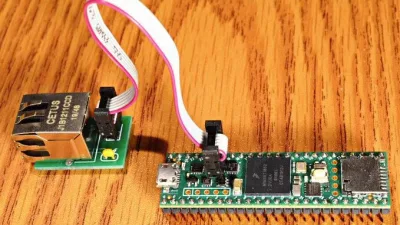
One firmware for both Ethernet types, the board's own PHY with PJRC's Ethernet kit or a WIZnet W5500 module, found at boot. LED output on up to 16 pins, its microSD socket, and MoonLive scripts compiled to native code. It installs from the browser with no tools, updates over Ethernet from its own page, and recovers from the program button. Wiring and a breadboard example.
The ESP32-C3, and a WLED bulb that moves over the air (new)
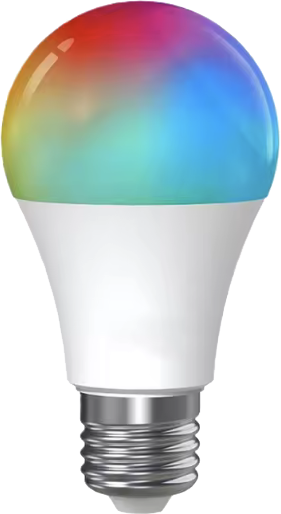
MoonLight runs on the ESP32-C3. The example is the Athom 12W RGBCW bulb, sold as IoTorero, which ships with WLED and has no USB port you can reach without breaking it open. So it moves over WiFi: one update from WLED's own update page installs a small migration image, which rewrites the flash's partition table to make room for MoonBase, puts MoonBase in place, carries the WiFi network over from WLED and restarts. MoonBase then installs MoonLight from the release. It survived a power cut at each of its five steps on the bench. The bulb's pins, its RGBCCT fixture and its grid come from the ESP32-C3 RGBWW PWM bulb device model, applied from MoonDeck for now. Migrating a device over the air.
32 MB S3 modules (new)
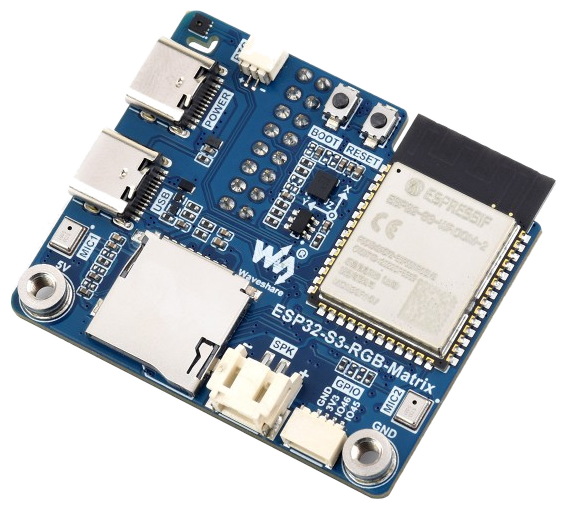
A new firmware, esp32s3-n32r16, covers 32 MB octal-flash S3 modules, such as the one on the Waveshare ESP32-S3-RGB-Matrix that drives a 64×64 HUB75 panel. Firmware variants.
Help in the app (new)
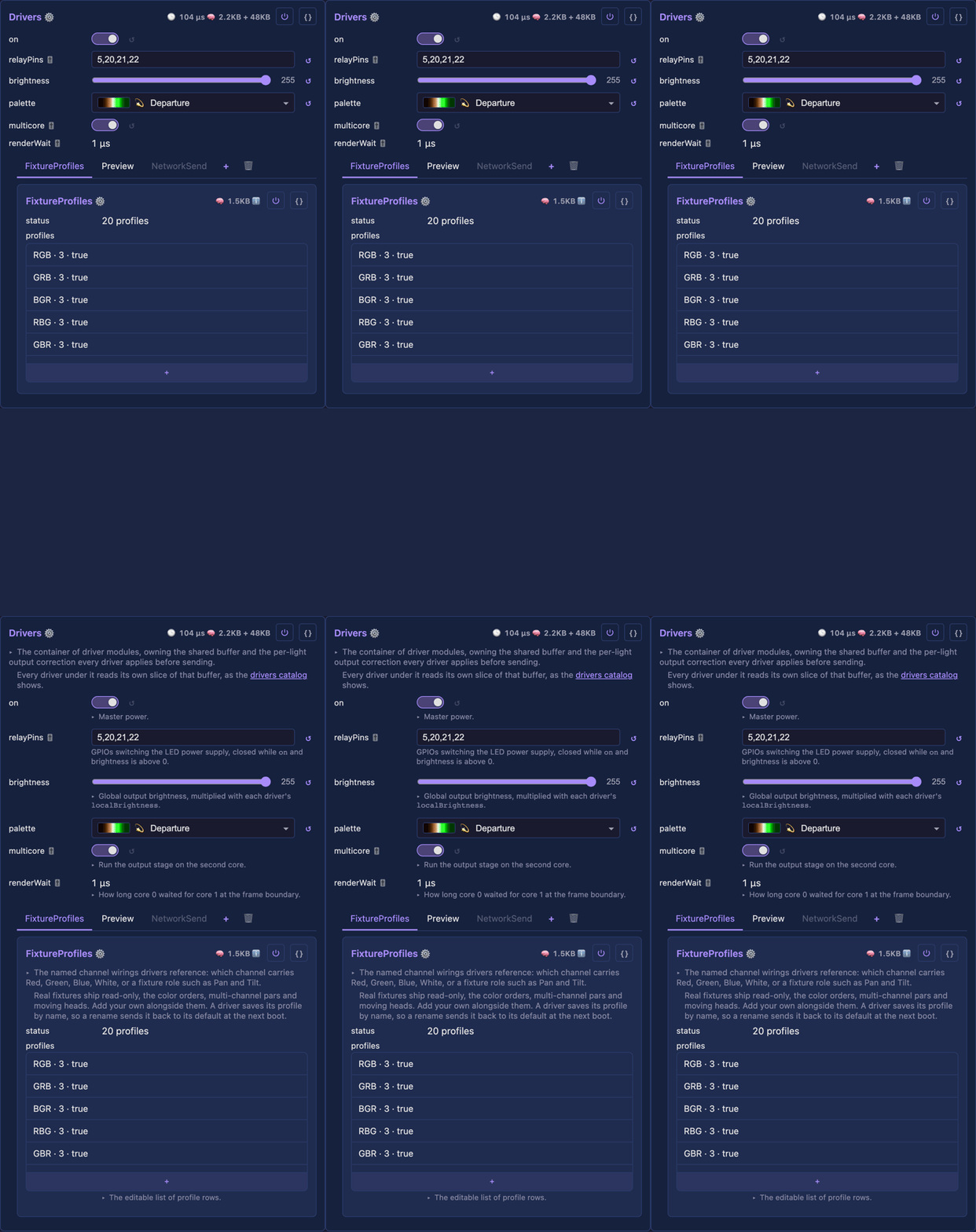
Every module explains itself: a line under its title and under each control, and more on a tap. The text is written once, next to the code, and the browser fetches it, so the firmware carries none of it. The website draws every catalog from the same source as a card deck. Turn help on in the app.
MIDI desks anywhere (new)
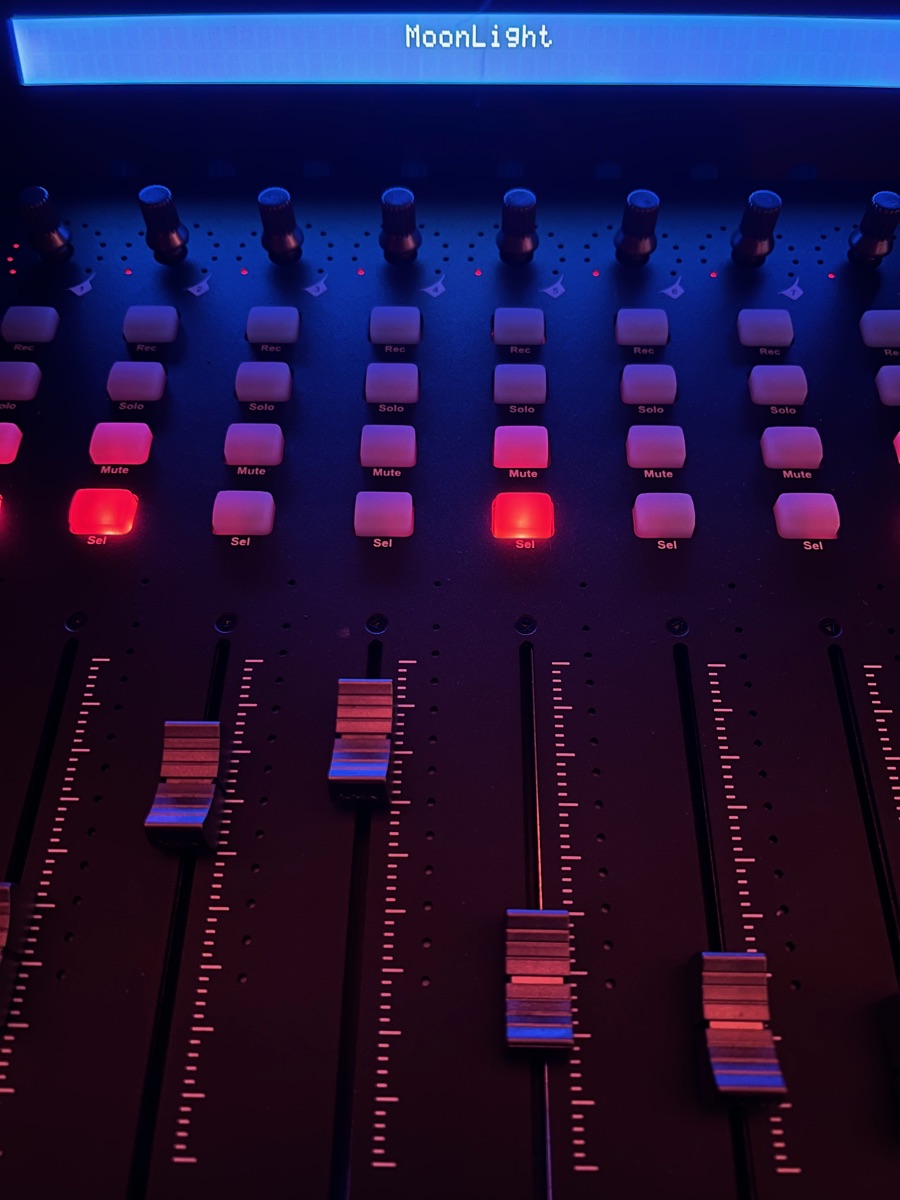
A MIDI desk drives MoonLight through the browser, plugged straight into an S3 board's USB port, or over the network with RTP-MIDI. The iCON QCon Pro G2, the Behringer X-Touch and the Akai APC40 mkII have desk profiles, the QCon showing MoonLight on its display, a motorized desk follows the device back, and one board can follow another over OSC, so a small S3 becomes a MIDI-to-OSC bridge. Control surfaces, the MIDI service.
Games you can play (new)
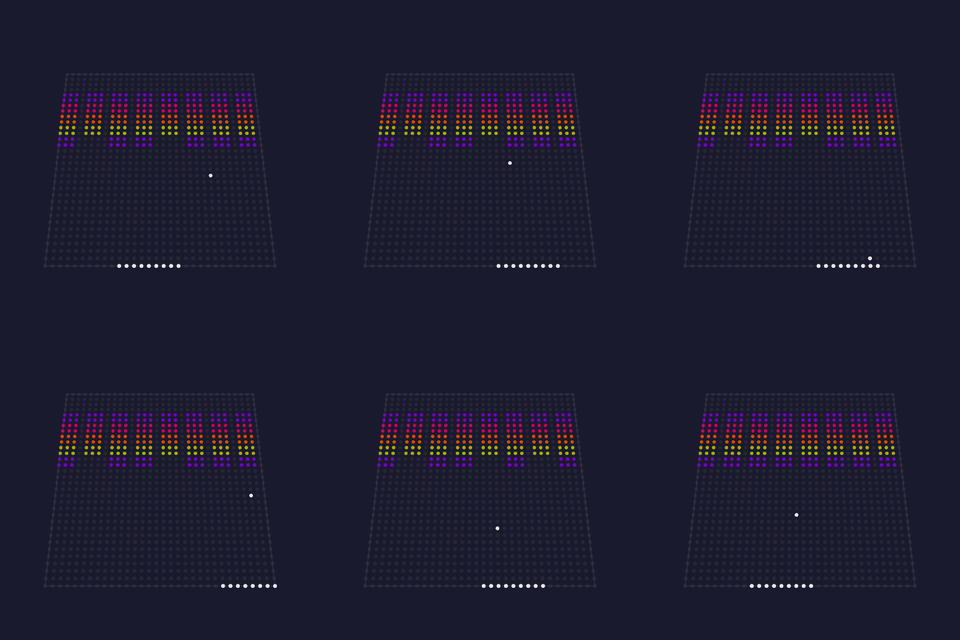
Breakout joins Pong, Space Invaders and Tetrix. Every game plays itself, and a gamepad or a MIDI desk takes over a paddle, which the game takes back ten seconds after the last input. Breakout, the Gamepad service.
Network cards and a secured access point
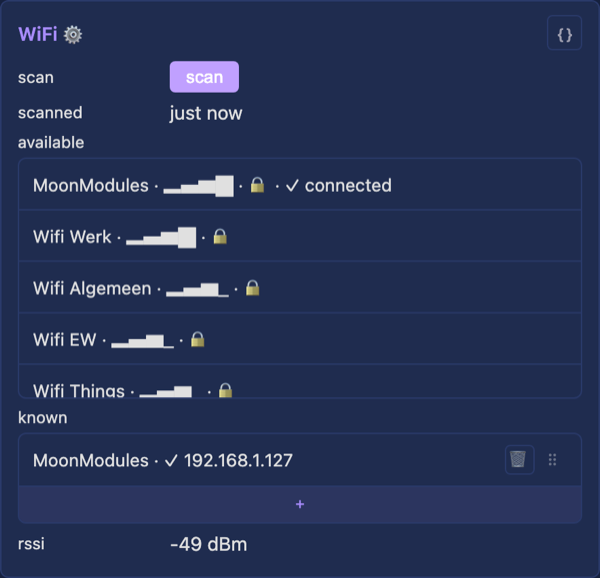
Ethernet, WiFi and the access point each get a card. WiFi remembers several networks, and each network and the Ethernet card carry their own DHCP or static setting. The access point has a sign-in screen, broadcasts an anonymous name and is protected by the home network's password. An Ethernet-only device without DHCP gives itself a link-local address. WiFi, the access point.
Presets you can share, and a Gallery
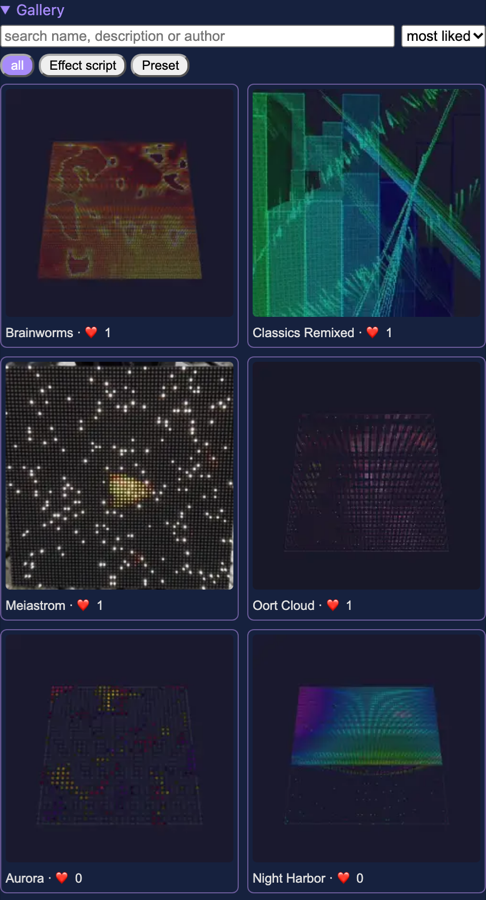
A preset is a state document: one JSON that a card's { } shows, PATCH /api/state applies and the Gallery shares. The Gallery browses thumbnails with search, and a preset brings the MoonLive scripts it needs. Presets, the Gallery.
A TV backlight on one ESP32-P4, no PC (new)
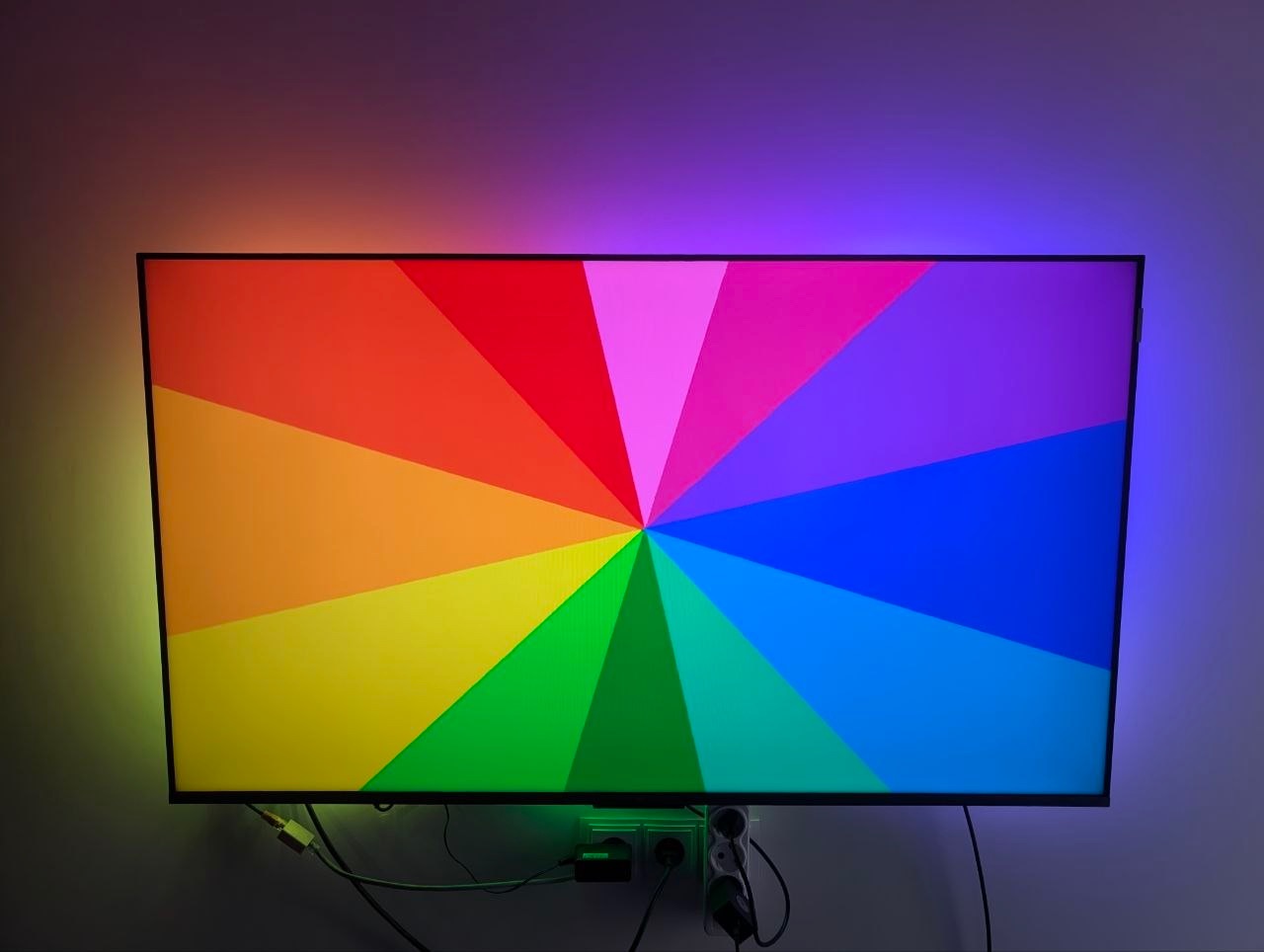
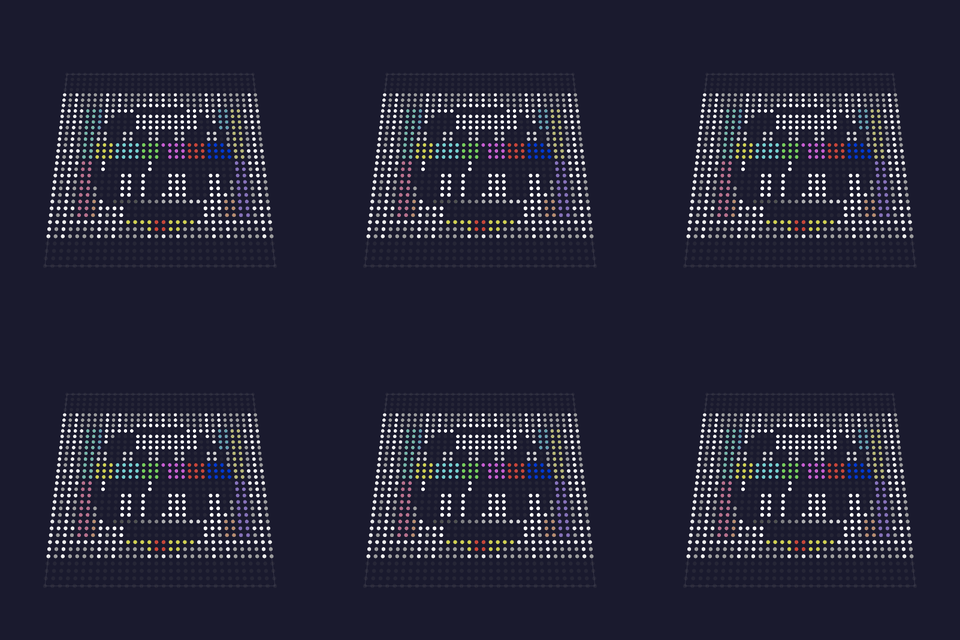
Most ambilight builds capture the picture on a Raspberry Pi or a PC running Hyperion or HyperHDR, with an ESP32 only driving the LEDs. MoonLight captures, maps and drives on one ESP32-P4, with an HDMI splitter, an HDMI-to-USB grabber and a WS2812 strip: about the cheapest backlight there is. The Backlight layout goes alone, or beside a Grid on the same pixels, so a HUB75 panel shows the picture while the strip lights the wall around it. The parts, the wiring and the setup.
FSEQ shows and network streams
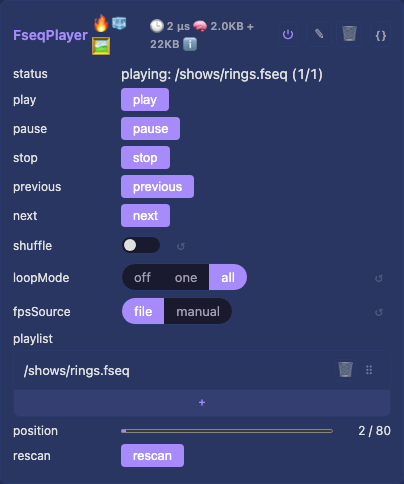

The FSEQ player plays xLights and Falcon Player shows from flash or a microSD card, as a playlist with shuffle, loop and a full transport. Network streams (Art-Net, E1.31, DDP) arrive whole, and a stream the sender already mapped reaches the LEDs in one copy. The FSEQ player, Adding a stream source.
A microSD card in the File Manager (new)
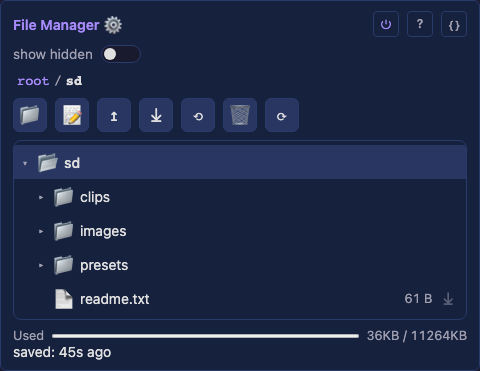
On boards with a card slot, the card mounts as a second folder in the File Manager, with upload, download and delete. A large transfer never stalls the lights, and a card pulled or reinserted is noticed without a reboot. The SD card service.
MoonLive JSON services (new)
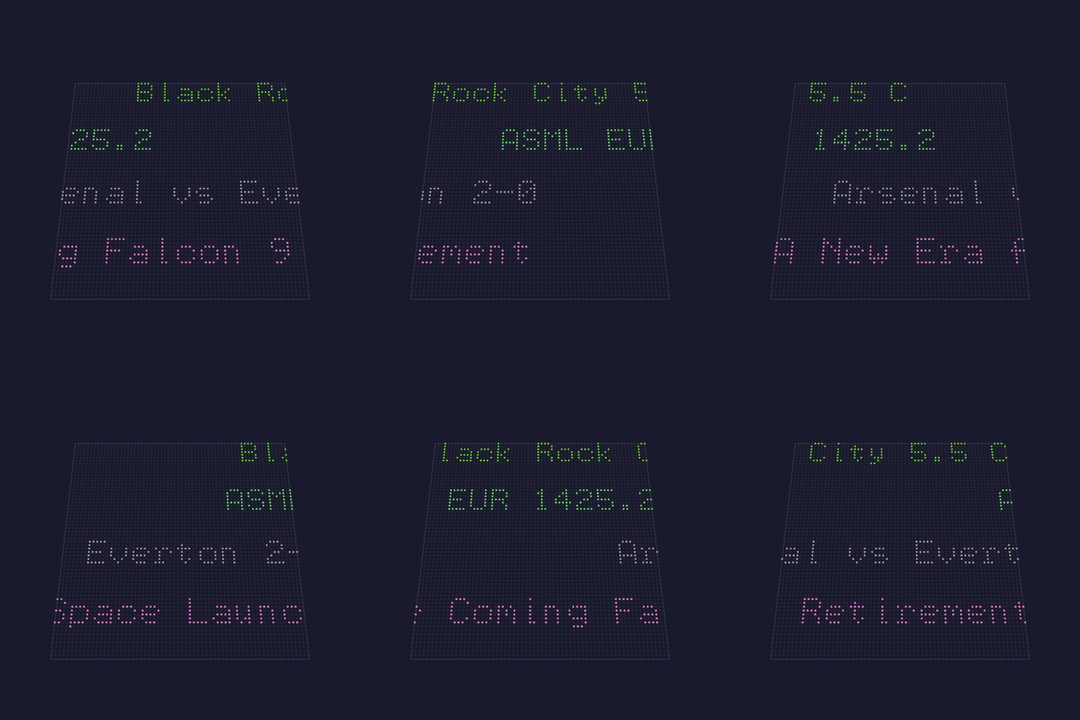
A MoonLive service reads JSON from the internet, the weather, a share price, a score, a headline, and builds its own look from it, on this device or another: the panel above runs four tickers from one script. JSON in a service.
MoonLive grows up
Scripts gain RGB and Coord3D types, room for twice as many branches, and settings that survive a restart. Layers get six blend modes, and hpwit's show runs at full speed: 44 ms a frame on 3,840 LEDs, where it took over a second. Scripts come in collections, ten of hpwit's effects among them. Layers and blending.
Lights that never stall
Every answer from the web server resumes where the client left off, so a slow client, a page load on a small board or a large list never freezes the lights. The web interface subscribes to the card it shows and receives it in small pieces. A board with PSRAM keeps at least 100 KB of internal RAM free: an S3 driving 3,840 lights went from 75 to 102 fps with the UI open. The HTTP server.
A board that comes back
Every boot fades the lights in. Two failed boots in a row start safe mode with the lights dark, so a board a sagging supply hangs comes back after two power cycles. Switching a device on and off four times opens its access point for that boot. The System card has a factory reset, and MoonBase, the recovery image, installs from a GitHub release. Safe mode, MoonBase.
16-bit output
16-bit LED chips and DMX fixtures with fine channels get brightness and curve at 16 bits, so a fade keeps every step at any brightness. HUB75 panels light their last column, ghost no rows, and dim smoothly. Light fixtures, HUB75 panels.
MoonWalk
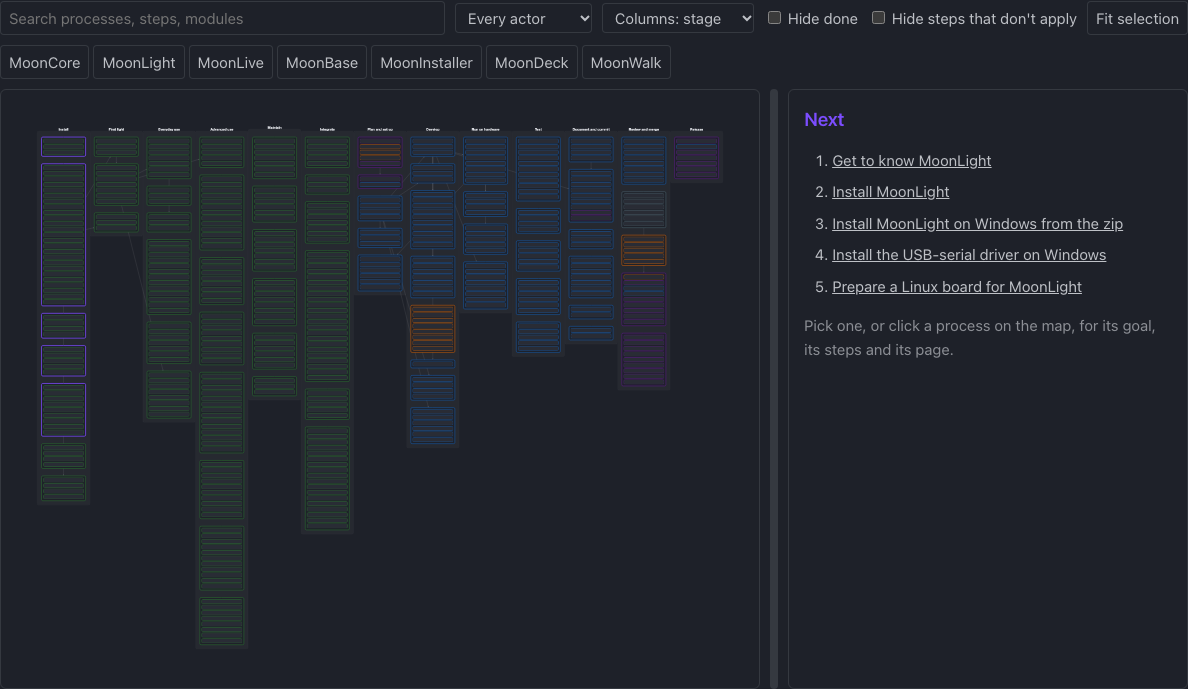
MoonWalk draws every MoonLight process on one map, from deciding whether MoonLight suits your lights to building and releasing it, and the how-to pages live in it.
🐛 Notable fixes
- The P4 no longer panics on flash writes, and a restore while other clients read the device brings every setting back.
- The P4 eth-wifi builds boot again, with ESP-Hosted's buffers in PSRAM.
- A MoonLive script with many locals drew nothing on the S3: a stack slot past byte 127 was addressed below the stack pointer.
- A source switch in the Picture service waits for the teardown instead of opening over it.
- An FSEQ file that is not one is refused cleanly, instead of degrading mid-playback.
🙏 Contributors
Thanks to @TouchMyLight for the microSD card, the FSEQ player and the Waveshare ESP32-P4-ETH board, to @Gohnnyman for USB video capture, the Hyperion-style backlight strand and the Picture effect's edge sampling, to @robwomp for the HUB75 drivers and Linux on the NanoPi and Pi 5, to @Delphium for the HUB75, OSC, HLS, RTSP and NDI work and for Windows, and to @limpkin for the SE16 and LightCrafter boards and the RGBW tuning.
⚠️ Breaking changes
Thirty-six entries, each with the action it asks of you, are in MIGRATING. A device updated over the air keeps its configuration. The ones most people meet:
- ESP32-S3 boards install once over USB (see above).
- Light presets are fixture profiles, and the palette is saved by name.
- WiFi, Ethernet and the access point move to their own cards under Network; 6.0's network settings move across at the first boot.
- The access point's own password is gone: it uses the first known WiFi network's.
- Inputs target the control surface only, and the MIDI service's
usbswitch is itssource. - MoonLive's
getR/getG/getBaregetRGB(i), andpaletteR/G/BarepaletteRGB(i, bri). - A
/wsclient subscribes to the state it reads; the web interface and the WLED app need nothing.
Backup before upgrading. The File Manager's Backup carries configuration across every one of these, converting what it can and reporting what it cannot.


