Repository navigation
Home
English | 简体中文
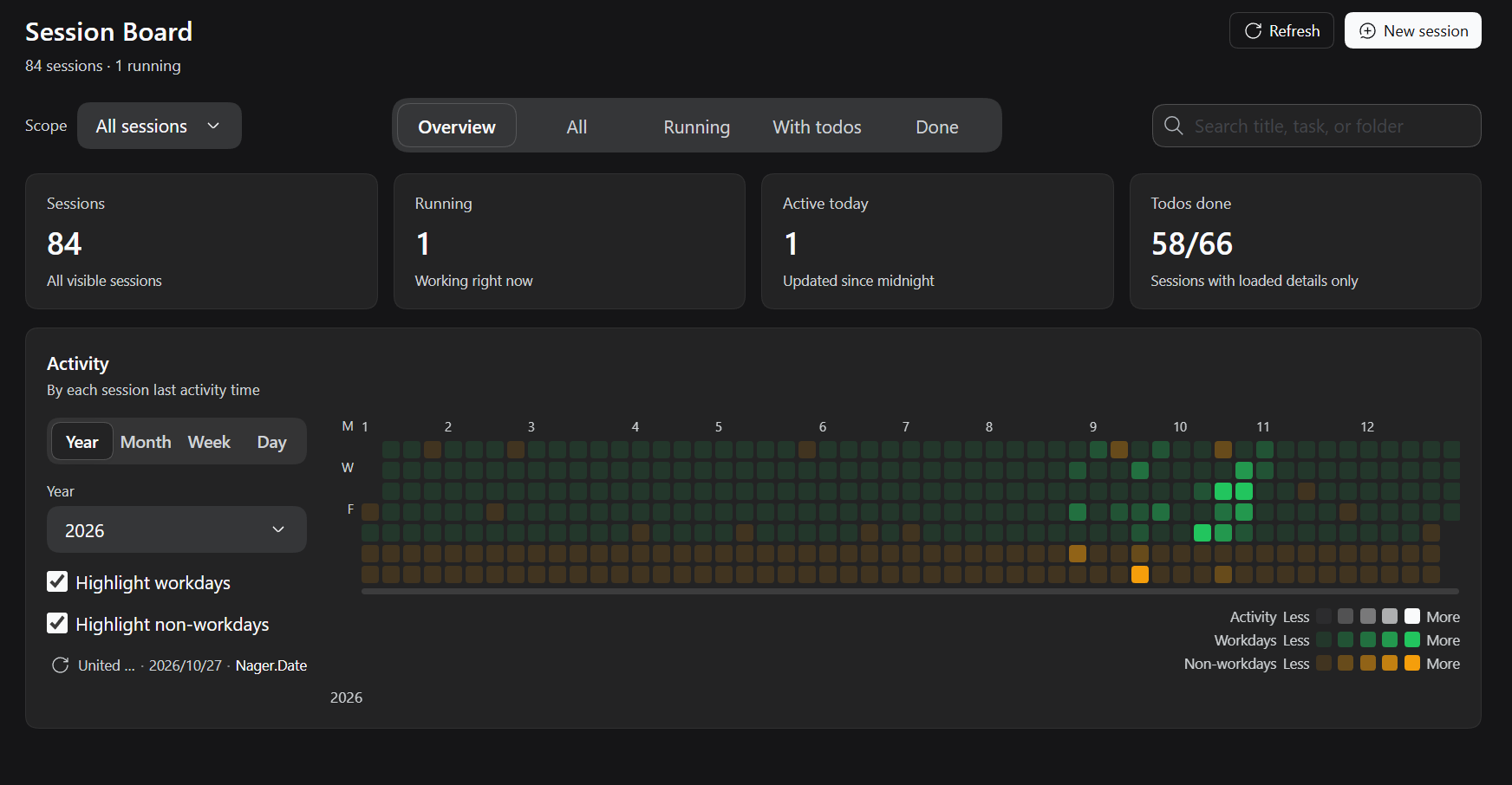
DSH Session Kanban is a session kanban board plugin for DeepSeek Harness (DSH). It adds a board to the Web UI sidebar where every chat session's current work, latest reply, todo progress, running state and recent activity are visible at a glance; click a card to jump back into that session. A switchable year/month/week/day activity heatmap is included.
- npm:
dsh-session-kanban - Repository: Thunderunruly/session-kanban
- Versions: Releases
- 中文文档:简体中文 Wiki · README
dsh plugin --profile web add dsh-session-kanbanReload the DSH window once, then open the board from the Session Kanban icon in the left sidebar. See Installation for local installs, upgrades and uninstalls.
| Page | Content |
|---|---|
| Installation | npm / local install, upgrade, uninstall, verification |
| Usage | Overview page, tabs, filters, relationships, card actions |
| Configuration | Workday calendar, auto-update interval, localStorage keys |
| Architecture | Host projection, client registrations, data flow, rendering |
| Data Sources | Holiday sources, fallback strategy, limitations |
| Development | Offline tests, debugging, release process |
| FAQ | Troubleshooting and common questions |
| Releases | Per-version changes and install commands |
| 简体中文首页 | Chinese documentation starting point |
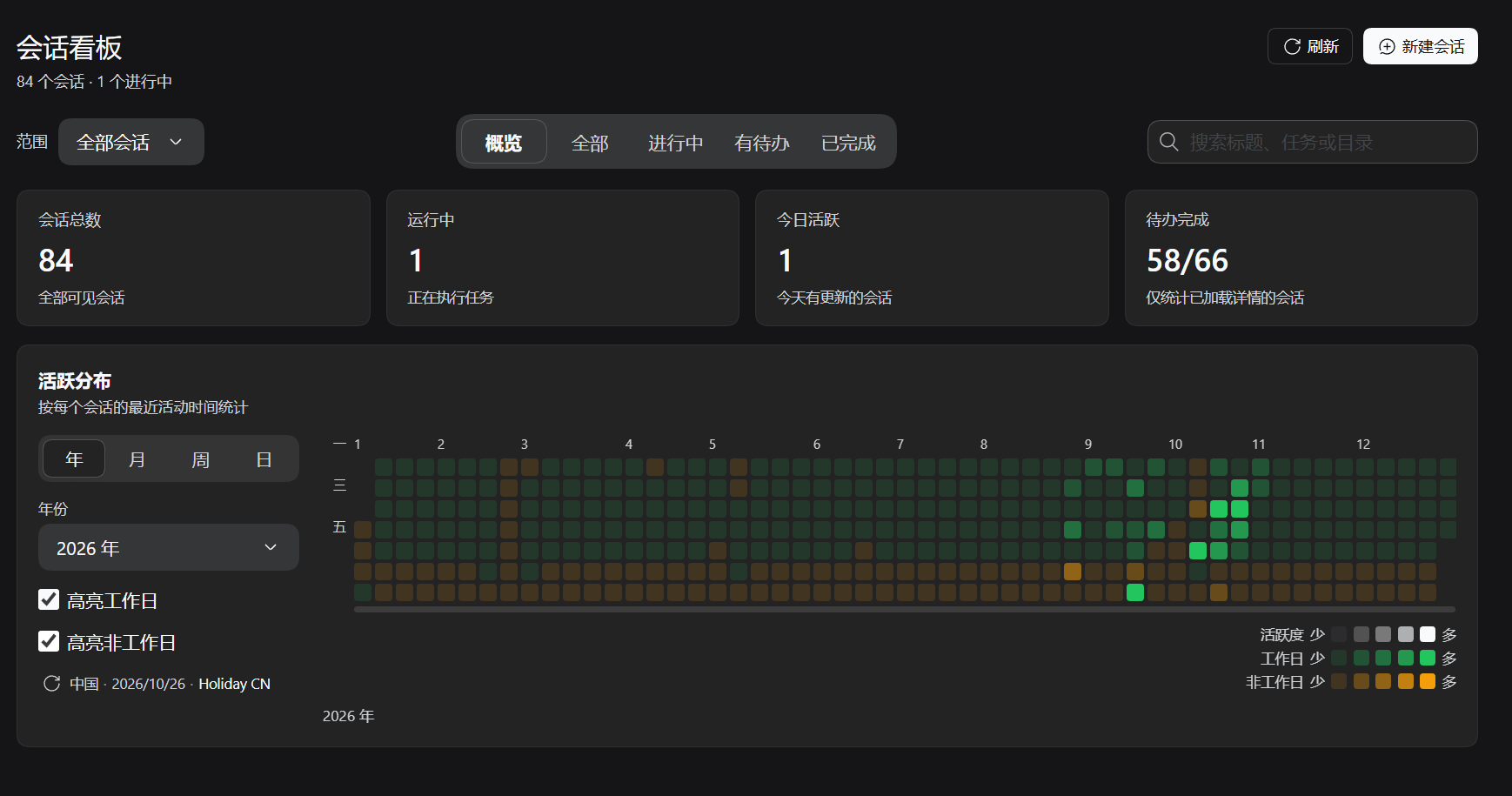
- Overview home: session totals, running count, todo completion and a GitHub-style activity heatmap (year / month / week / day) with workday/non-workday shading for the selected country.
- Session cards: current work, latest reply, todo progress, working directory, running state and updated time.
- Tabs and search: Overview / All / Running / With-todos / Completed; the three content tabs cover every visible session, and search filters both the board and the overview aggregates.
- Filters: Agent Team scope and a Workspace filter (defaults to all workspaces; child sessions inherit their parent's workspace).
- Session relationships: subagent, team member and fork children show their relation kind and parent link; one family shares one accent colour.
- Quick actions: pin, rename, fork, copy Session ID, archive, refresh, new session.
-
Native look: reuses the host
Menu/Tooltip/Buttonprimitives and General settings rows, so light/dark theme changes apply automatically.