Repository navigation
Home Assistant add-on built on top of this integration (unmodified, no fork) #592

Replies: 7 comments 4 replies

|
Thanks for sharing. I wonder why you didn't simply create an add-on for the OAuth login component to bundle it with this integration that runs natively in HA. What was the reason for the design decision to combine the two? What advantage does running it within the add-on offer compared to native execution in HA? The disadvantages are obvious: slower updates, patching, possibly no beta versions... (since the component has to be integrated first). But what are the advantages? |

|
Fair question. I built the worker-only version first — an add-on that runs just the OAuth login and hands the token to the integration in HA. It works. I switched to the bundled one for usability. Bundled means one add-on and one config page, with no URL wiring between two components that can silently drift apart. My goal was real SoC in evcc for PV surplus charging, and I wanted the shortest path there, not the most modular one. You're right about the downsides. The add-on ships Andrea's code at a fixed commit, so a new upstream release only reaches users once I copy it in, test it and publish a new add-on version. And there's no way to opt into a beta from the add-on. Anyone following Andrea's development closely is better off with the HACS integration. The 500 MB is mostly headless Chromium — it costs disk space, not RAM. Since there's interest in the other shape, I'll add the worker-only variant as a second add-on in the same repository. Adding the repo once then gives you both, and you install whichever fits your setup. Andrea, if that looks useful, a link from the README would help people find it. |
I am by no means an expert, but the integration could offer a kind of "automatic detection of the add-on address via Supervisor discovery" for this.
I would really like to see that. Unfortunately, I’m quite tied up with other things at the moment, but someone could implement automatic detection later to pick up and use your add-on (if installed). A practical example of the implementation should be included in the HA core source code (IMHO the MQTT integration already does this): |
|
I can take care of this and will create a pull request. |
|
@MoellerDi the pull request is up: #645
The README now also links to both add-ons. Feedback welcome. |

|
Sorry about asking... but what is the benefit with this integration enhancement ? Please explain any benefits by a nonprogrammers understandable language. Background: |
|
Hi, it's an add-on, so it's easier to install since you don't need HACS. Also, the login is handled locally on your device instead of sending your credentials to a login web service or doing the login manually. To answer your questions: 1.You still need a Stellantis login, but it's easier and handled automatically. You just enter your username and password in Home Assistant, and that's it. |

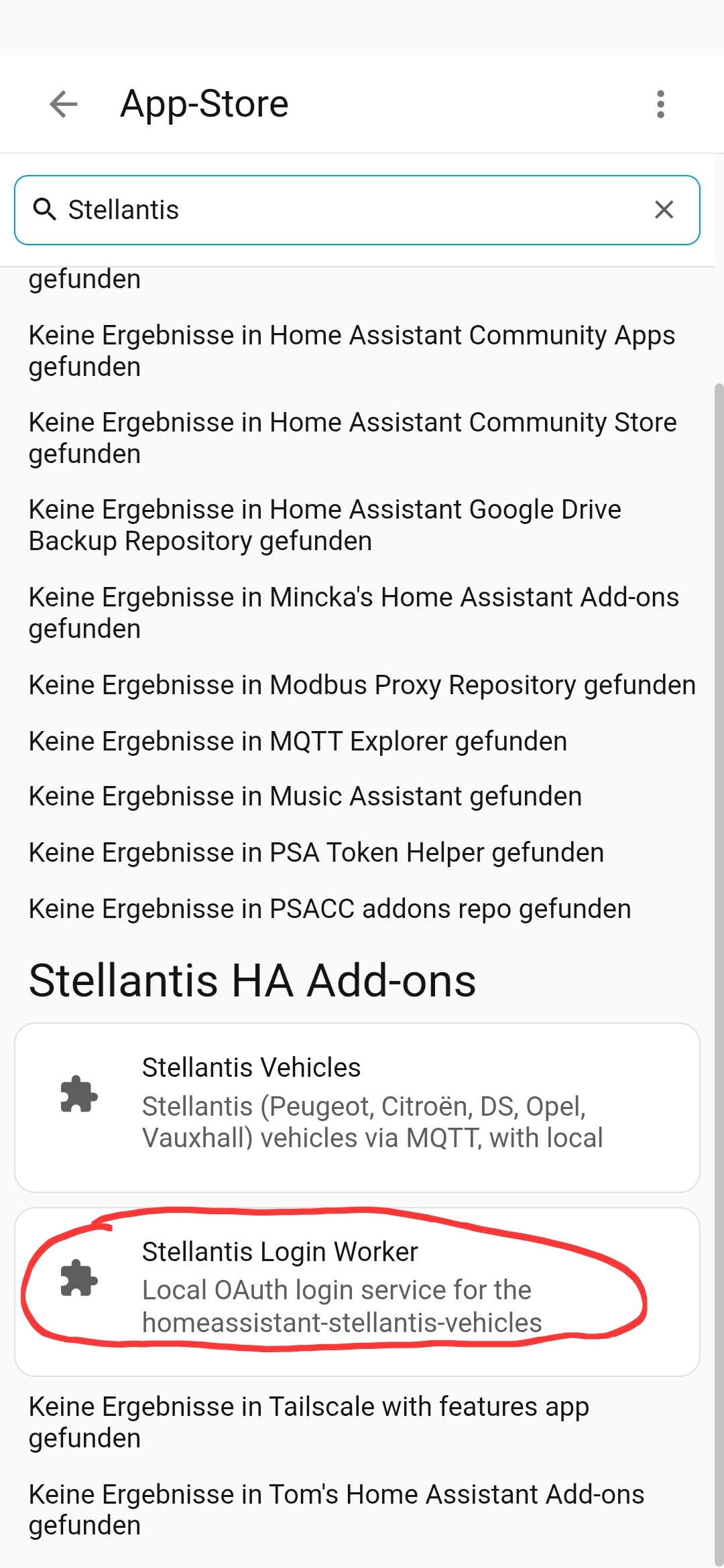
Tried to install, but error: [supervisor.docker.interface] Downloading docker image ghcr.io/taubenhorst/stellantis-login-worker-aarch64 with tag 0.2.0. I have "PSA Token Helper" Addon installed (but deactivated and just activate, if I need a new token generation).
|

|
Please try again. I changed my username, so the repo name has changed as well. |
|
"Full Addon" means exactly what ??? Update: I now installed the "Login worker" addon as a "standalone". Gerne in Deutsch... |
|
And by the way... am I the only one who is testing that stuff ? |


Uh oh!
There was an error while loading. Please reload this page.
Hi Andrea, hi everyone,
first of all: thank you for this integration. It is the only reliable way I know of to get real vehicle data out of the Stellantis backend, and the amount of reverse engineering behind the API client, the MQTT handling and the OTP flow is impressive.
I wanted to share something I built on top of it, in case it is useful to others here.
What it is
A Home Assistant add-on that bundles the integration and the OAuth login into a single container:
https://github.com/taubenhorst/StellantisHAAddon
The motivation was my own setup. I use evcc for PV surplus charging, and it needs the real state of charge to stop at 80 %. Getting there meant running an OAuth worker myself, using a third-party hosted login service, or copying the token out of the browser by hand. I wanted none of those, so the login now runs locally in a headless Chromium inside the add-on, and vehicle data is published to Home Assistant via MQTT discovery.
How it relates to your code
Your code is included unmodified. I did not fork it and I did not patch it. Instead the add-on provides a small shim that reimplements only the Home Assistant interfaces your modules actually import, so the integration runs outside of HA core.
UPSTREAM.mdpins the exact commit and version, and updating means copying the files over again — no merge, no conflicts.MIT license, with your copyright preserved in the vendored files. If anything in there looks wrong, or if you would prefer a different form of attribution, just say so and I will change it.
Status and offer
It runs end to end in my setup, but it is young and not yet proven in long-term operation. Supported brands are the ones your integration covers.
If any part of the shim or the local login approach is interesting for the upstream project, I am happy to contribute it back — and equally happy to just leave this as a separate downstream option. This is meant as an addition for HA OS users, not as a replacement for the HACS integration, which remains the better fit for anyone running HA Core or Container.
One note for transparency: I am not a Python developer. The code was written with AI assistance, with me making the architectural decisions and doing the testing. I mention it so nobody is surprised when reviewing it.
Feedback very welcome, especially on anything that looks fragile.
Thanks again for the original work.
Kilian
All reactions