Repository navigation
Releases
Baroque PC port v0.3.3

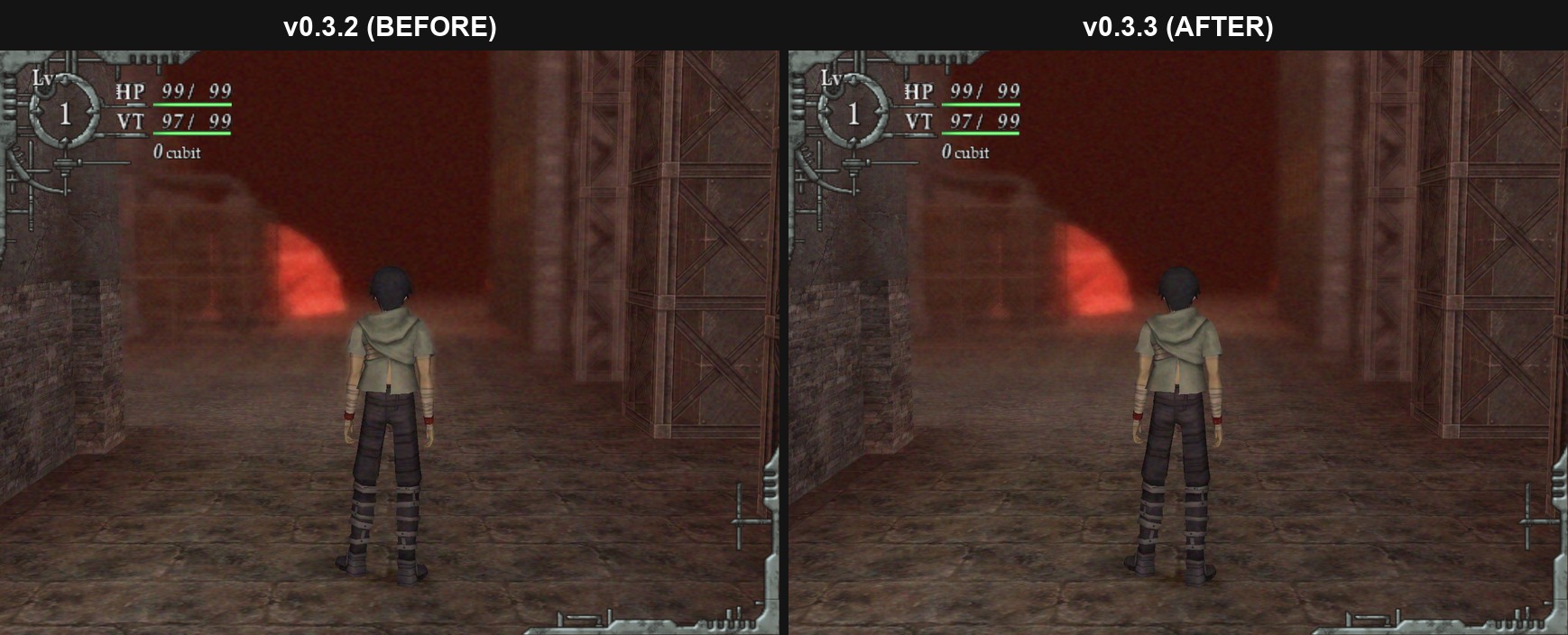
Fixed
- Outer World's blur was rendering at the PlayStation 2's original resolution which caused the glow on edges to bleed.
- Missing .exe Icon of the game's art.
What's new
- Depth-Aware blur that is now drawn at your resolution, same effect but looks better for higher resolution displays.
- Higher resolution noise effect built using the same composition of the original game.
How to update: extract the zip into your Baroque folder and overwrite. Saves, settings and game data aren't in the zip, nothing gets lost.
If you encounter any issues, please attach baroque.log from the game folder.
Baroque PC port v0.3.2
Fixed
- Camera Setting (up/down, left/right reverse) didn't do anything with a controller
What's new
- Film grain can be turned off (PC Settings)
- Bloom can be turned off (PC Settings)
- Xbox button prompts for controllers (PC Settings > Button Prompts)
- The mouse cursor stays hidden while you play with a controller
How to update: extract the zip into your Baroque folder and overwrite. Saves, settings and game data aren't in the zip, nothing gets lost.
If you encounter any issues, please attach baroque.log from the game folder.
Baroque PC port v0.3.1
Fixed
- Random crash while playing
- No preview line when aiming a throw
- Lust status (monsters now turn into the kimono women)
- No "recovered" message when a status wears off
- Curing Stomachache didn't give your ATK/DEF back
What's new
- Crash logs show a lot more info
How to update: extract the zip into your Baroque folder and overwrite. Saves, settings and game data aren't in the zip, nothing gets lost.
If you encounter any issues, please attach baroque.log from the game folder.
Baroque PC port v0.3.0
Native Windows port of Baroque (PS2, 2008). Not an emulator, it's the game's code translated to run on PC. No game files included, you need your own copy.
How to play
- Unzip somewhere normal (not Program Files).
- Drop your Baroque USA disc .iso next to Baroque.exe.
- Run Baroque.exe. First launch copies the game data off the iso (about 2.5 GB, one time). After that you can delete the iso.
Voices
US disc = English voices. If you want Japanese voices, also drop your Baroque Japan .iso in the same folder, launch again, then PC Settings > Voices > Japanese. Text stays English.
What's new
- Japanese voices from the Japan disc
- Menu text now loads from your disc
- 21:9 title and menu art
- Clearer PC Settings descriptions
- Widescreen art was missing from the 0.2.0 zip, fixed
Features
Widescreen 16:9 and 21:9, high frame rates (60/120/144/unlimited, game logic stays at 30), free mouse camera, button prompts that switch between keyboard and controller, mouse menus, rebindable keys, borderless fullscreen.
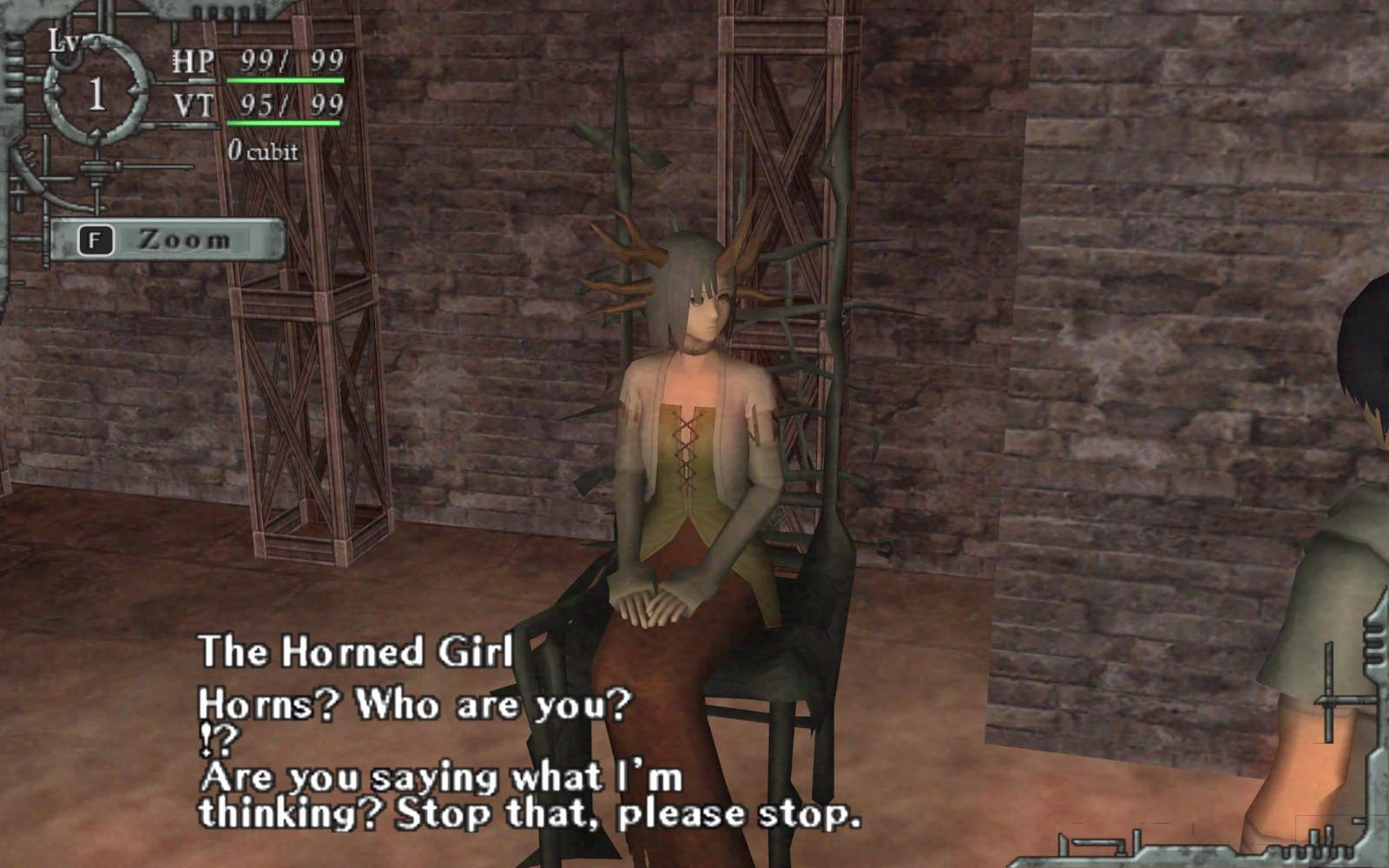
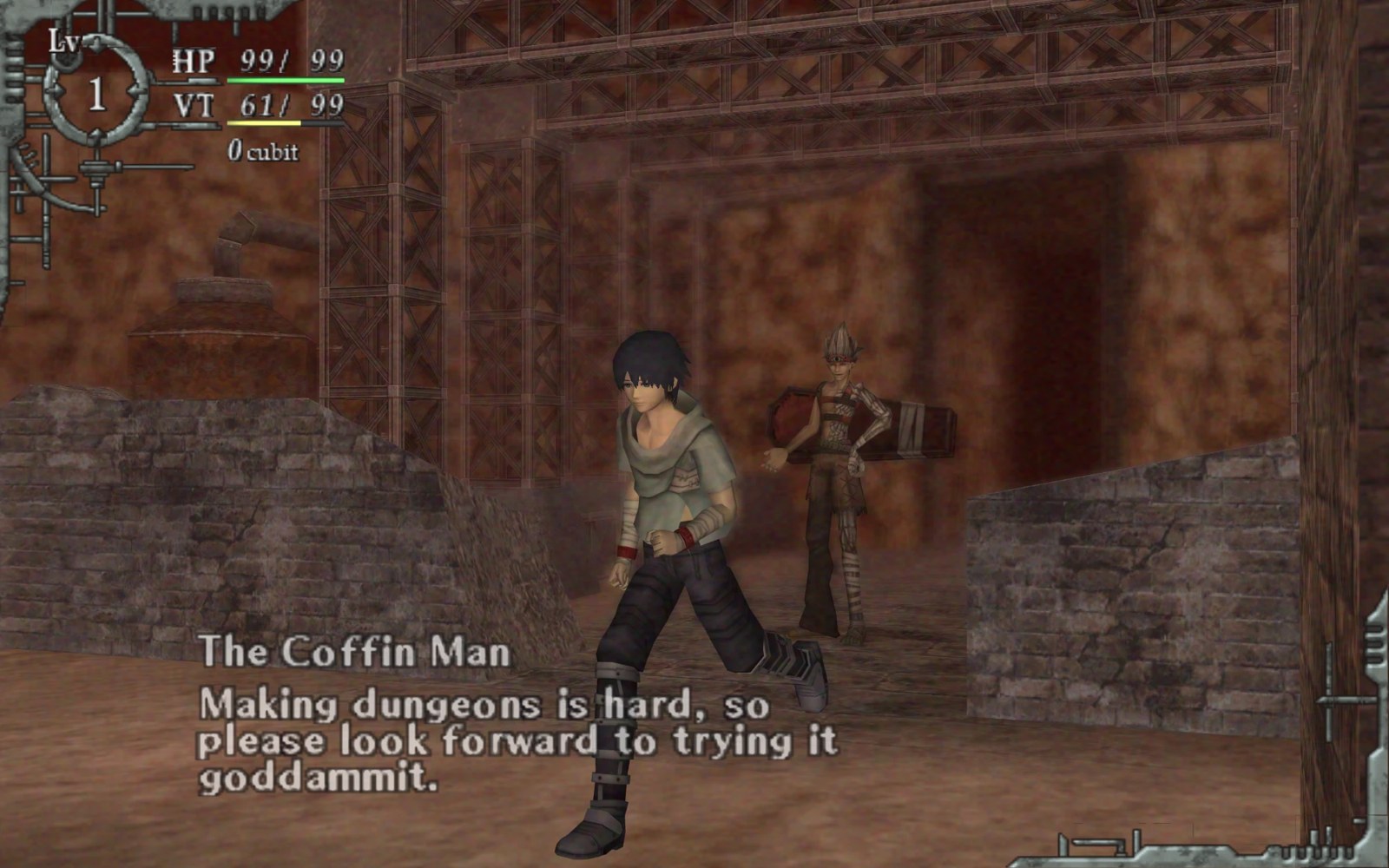
Needs Windows 10/11 64-bit and OpenGL 3.3. If something breaks, open an issue with baroque.log from the game folder.
This is an AI-assisted decompilation, made with Claude Opus 5.5.
Baroque is (c) Sting / Atlus. Fan project, not affiliated with them.