Repository navigation

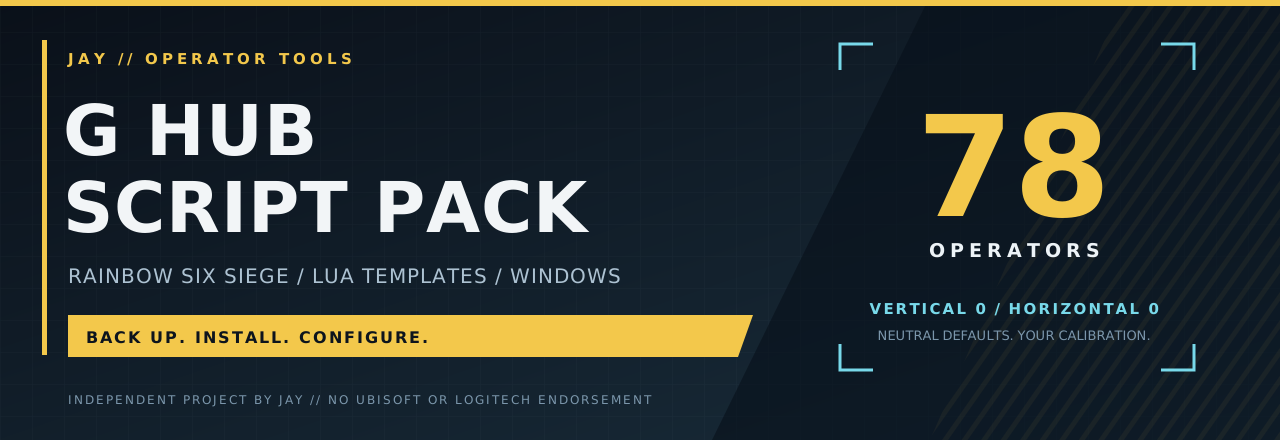
v1.2.0 · Choose your operators
Install the operators you use. Keep the tuning you already have.
What's new
| Feature | What it means |
|---|---|
| Operator checklist | Install any subset of the 78 templates instead of the whole roster. |
| Search | Find an operator by name or known alias without losing hidden selections. |
| Select All / Clear | Start with the full roster or build your own selection. |
| Live selected count | See exactly how many templates are selected before installation. |
| MIT license | Clear permission to use, modify and redistribute with the required notice. |
| Installer demo | Real form rendering and verified install/uninstall results in an isolated folder. |
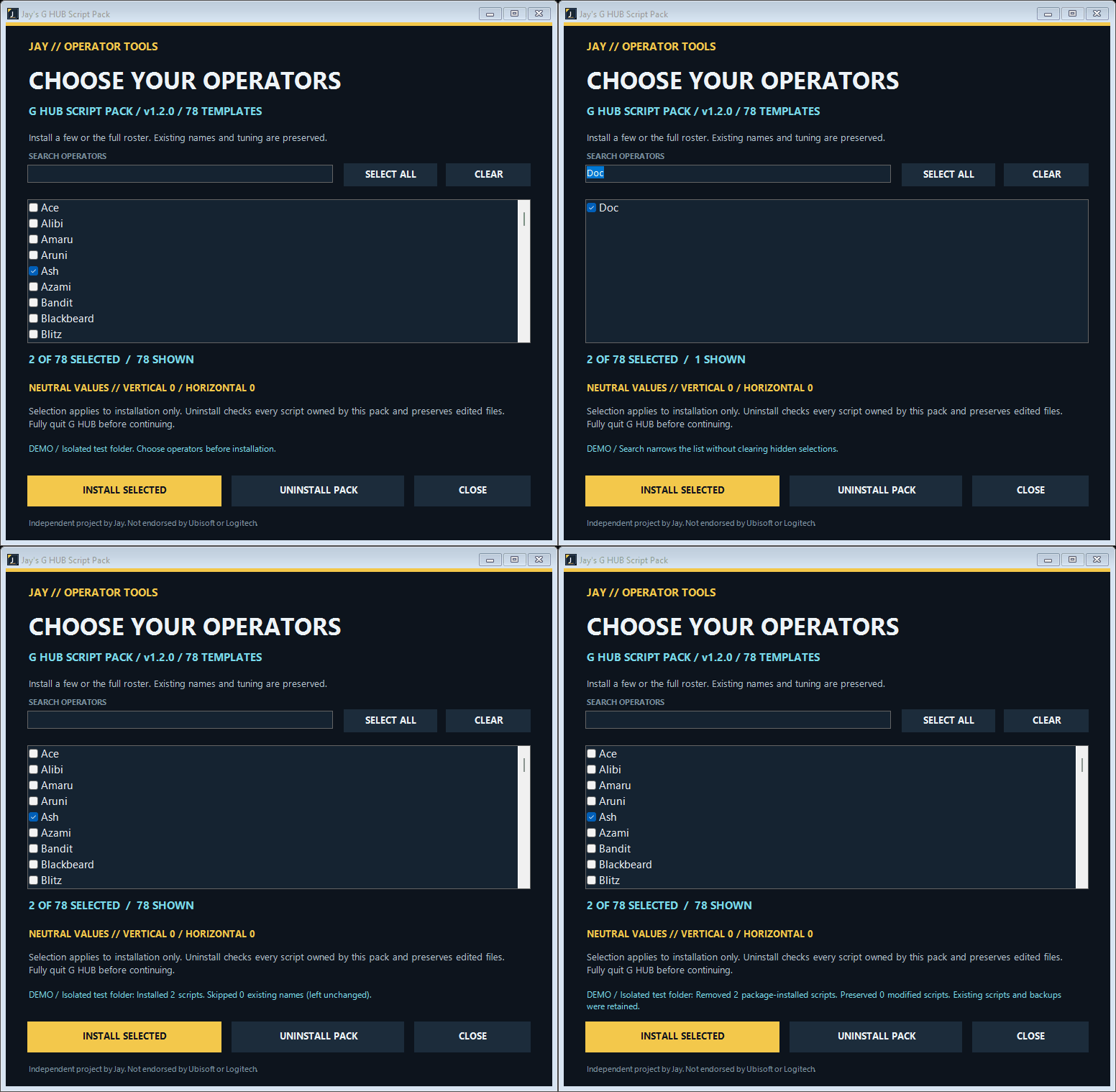
The demo uses an isolated test folder. It is not a recording of G HUB.
Install
- Fully quit G HUB from the system tray.
- Run the installer and choose operators. Search, Select All and Clear are available.
- Choose Install selected, then reopen G HUB and select the script for your profile.
- Set your own strength values. Every new template starts at vertical 0 / horizontal 0.
Upgrading from v1.1.0
Existing operator names and aliases are skipped; they are not overwritten. Your calibration stays intact. Installing a new subset adds only missing operators and merges the pack's ownership records.
Uninstall pack applies to all scripts installed by this pack, regardless of the current checklist. It still preserves modified scripts and unrelated files. Backups remain available.
Downloads
| File | Use |
|---|---|
Jay-GHUB-Script-Pack-v1.2.0.exe |
Single-file Windows installer. |
Jay-GHUB-Script-Pack-v1.2.0-windows.zip |
Installer, instructions, roster, license and scan report. |
Jay-GHUB-Script-Pack-v1.2.0-source.zip |
Exact source snapshot for this release. |
malware-scan-report.json |
Defender engine/signature versions, scan time, executable hash and CI run. |
SHA256SUMS.txt |
Download integrity checksums. |
installer-demo.gif |
Short UI and isolated-install walkthrough. |
Validation and compatibility
- Automated tests cover fresh/repeat installation, names/aliases, selection subsets, duplicate choices, ownership merging, edited-file preservation, uninstall and invalid-selection rejection.
- The published executable is the exact artifact scanned by Microsoft Defender; compare its SHA-256 with the attached report and checksums.
- The maintainer reported successful installation on another PC. Windows/G HUB versions were not recorded; the new v1.2.0 selection interface has not yet been tested on that PC.
- Neutral defaults, advanced timings and firing behavior are unchanged.
Signing status: unsigned. No suitable publicly trusted signing certificate was available. A single-engine scan is not a safety guarantee or publisher signature.
MIT licensed · Independent project by Jay · Not endorsed by Ubisoft or Logitech.