Repository navigation
1.14.0 — Converting a Freedom UI web page to mobile no longer needs a feature flag

·
102 commits
to main
since this release
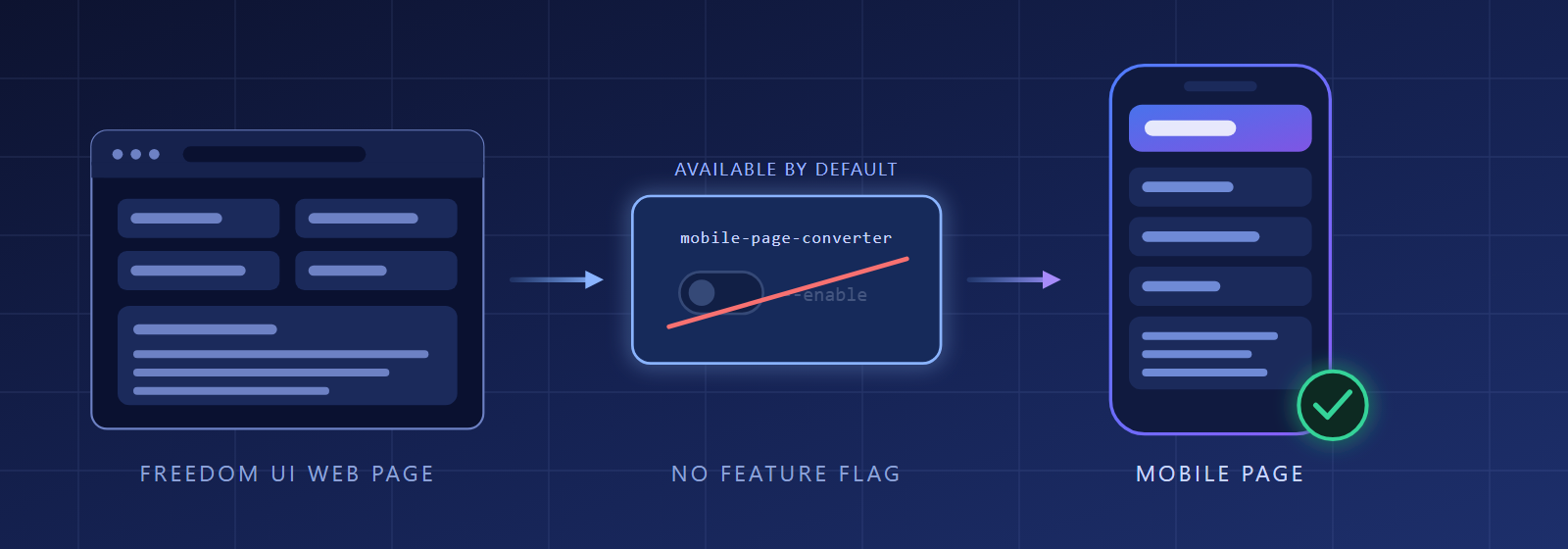
Converting a Freedom UI web page to mobile no longer needs a feature flag. The Web→Mobile page converter is generally available from clio 8.1.0.137: the toolkit stops asking you to run clio experimental --name mobile-page-converter --enable and simply checks that your clio has the converter. The same release makes the conversion report say what each missing target page really is, and keeps branding previews out of the chat unless you ask for them.
📱 Mobile conversion without the flag
- The converter works by default (#243). The preflight checks whether the converter is available instead of whether a flag is on. If your clio does not have the converter yet (it ships ungated in clio 8.1.0.137), the skill tells you to update with
dotnet tool update clio -gand re-run the request. The engine side is clio#1725. If you enabled the Beta flag on an older clio, the converter keeps working there; once you update to 8.1.0.137 or later, the leftover"mobile-page-converter"key in clio'sappsettings.jsonis an orphan that nothing reads — harmless, and safe to delete. - Supported scope is the Mobile canvas (#243). Tablet layout is still generated, but it stays experimental and outside the supported scope, so the plan asks you to check the page on a tablet before relying on it.
- Each missing target page says what kind it is (#222). Instead of the same "no Freedom UI mobile page found" on every row, the report tells a web page whose button binding was blanked apart from an object whose default mobile page was not found, so you can see which buttons are already dead and which only need a page registered.
🎨 Branding
- Logo and background previews are no longer rendered by default (#69). The agent describes them in words and draws a preview only when you ask to see one.
- You see which package the branding goes into (#65). The recap before applying names the target package, and the closing summary repeats the package the theme actually landed in.
🔧 Install and update
- A failed update prints the hint that matches its error (#232). When updating one agent fails, the message follows that agent's actual error, such as a deleted branch or a locked file, instead of one generic hint for all of them.
🛠️ Developer tooling
Repository tooling only — not part of the installable release asset.
- Merging a release preparation PR releases it (#226), and the
toolkit-releaserepository skill cuts a release end to end (#227). - The migration engine has coverage and lint (#223), its
npm testruns from the engine folder (#230), and the zero-runtime-dependency rule is written down, with the SRI check accepting only sha256/sha384/sha512 (#233).