Repository navigation
Releases: denis-kolchev/Paint-Anytime
Release list
Paint Anytime 1.1.0


Paint Anytime
A drawing app made specifically for Apple Watch.
Sketch an idea, doodle while you're waiting, or create a tiny piece of art right from your wrist.
Description
Paint Anytime is a drawing app made specifically for Apple Watch. Sketch a quick idea or create a tiny piece of art right from your wrist.
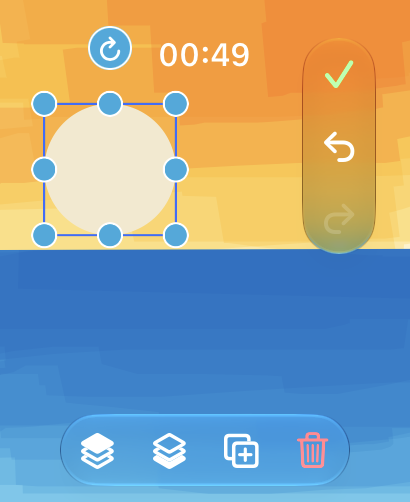
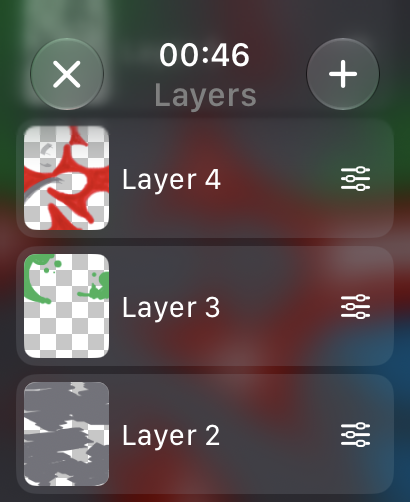
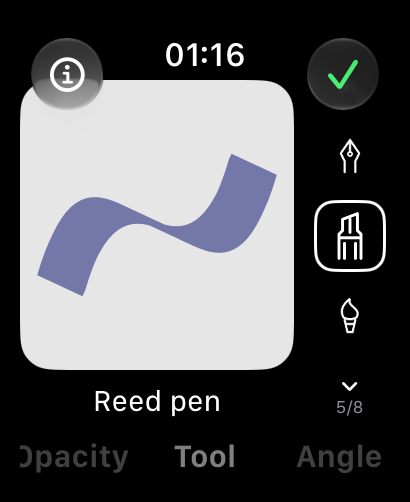
Choose from a variety of brushes and customize colors, stroke width, angle, and opacity. Organize your artwork with layers, lock transparency to paint within existing boundaries, and use the Lasso to select, move, and rearrange parts of your drawing. Draw and hold to create cleaner shapes, or use the Fill tool to color larger areas in seconds.
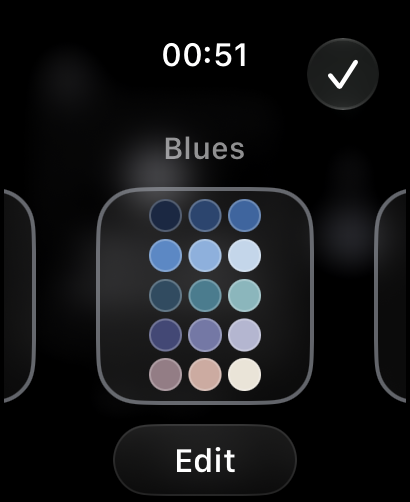
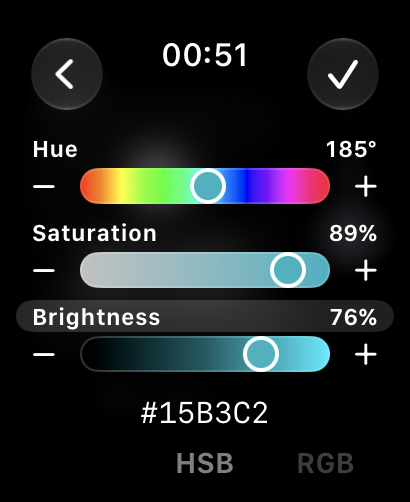
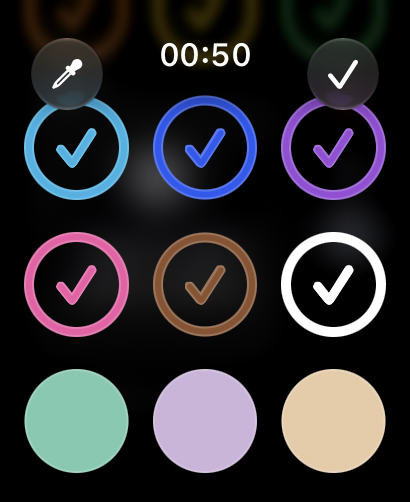
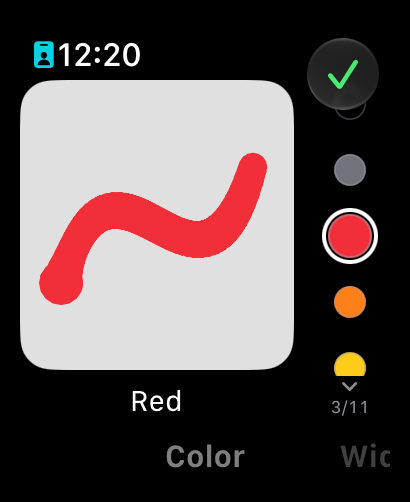
Create custom colors with HSB and RGB sliders, organize them into palettes, and switch between color collections to match your mood. Explore different blending modes and see how colors interact on the canvas.
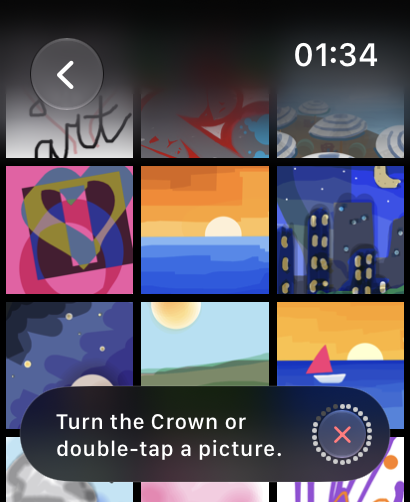
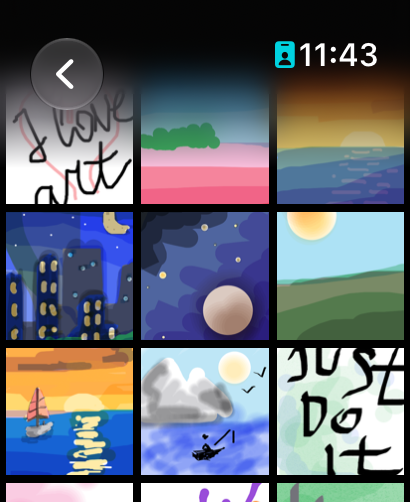
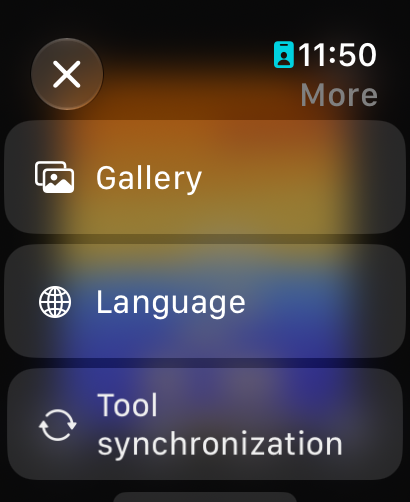
Save your drawings to your personal gallery and continue editing whenever inspiration returns. Use widgets to display your favorite creations or jump straight back into drawing.
Features
- 6 brush presets with unique drawing behaviors;
- Custom colors, stroke width, angle, and opacity;
- Layers with transparency lock;
- Lasso tool for arranging your artwork;
- Shape recognition with draw-and-hold;
- Fill tool for coloring enclosed areas;
- Multiple color blending modes;
- Custom color palettes with RGB and HSB editors;
- Canvas zoom and expandable drawing space;
- Undo, Redo, and two types of erasers;
- Personal gallery with editable saved drawings;
- Apple Watch widgets for artwork and quick access;
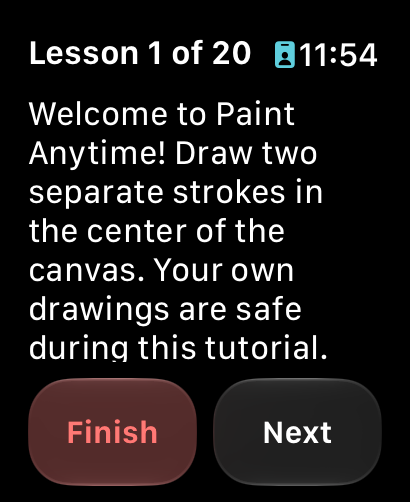
- Compact, interactive drawing tutorial;
- Sharing creations through iMessage or email.
What's New in 1.1.0
New Features
- New UI hides controls to give you more space to draw and view your artwork;
- Layers. Lock transparency to keep your colors within painted boundaries;
- Use the Lasso tool to adjust your composition;
- Draw and hold to turn rough shapes into perfect geometry;
- HSB and RGB sliders give you more ways to create colors for your palette;
- Palette collections make it easy to switch your painting mood;
- Color blending. Yellow plus blue doesn't always equal green anymore;
- Watercolor brush is a great addition to Marker for exploring color blending;
- New Fill tool helps you spend less time covering large areas;
- Widgets to display your favorite artwork, jump back into drawing, and open the gallery;
- Updated tutorial is quicker to complete and comes in a more compact form;
- All brushes and layers now have opacity settings to adjust transparency.
Bug Fixes
- Reduced lag while drawing with Marker and other brushes.
- Improved Marker stroke direction and corner behavior.
- Improved drawing performance as the number of strokes increases.
- Improved zooming and panning performance on complex drawings.
- Fixed visual and layout issues on watchOS 10.
- Improved compatibility across supported watchOS versions.
- Kept the system clock consistently positioned while drawing.
- Smoothed transitions between different layouts.
Screenshots
|
|
|
|
|
|
|

|
Requirements
- Apple Watch
- watchOS 10.0 or later
Installation
Paint Anytime is distributed through the App Store.
The source code for this release is available below.
Paint Anytime 1.0.0

Paint Anytime 1.0.0
First public release of Paint Anytime — a drawing app made specifically for Apple Watch.
Description
Paint Anytime is a drawing app made specifically for Apple Watch. Sketch an idea or create a tiny piece of art right from your wrist.
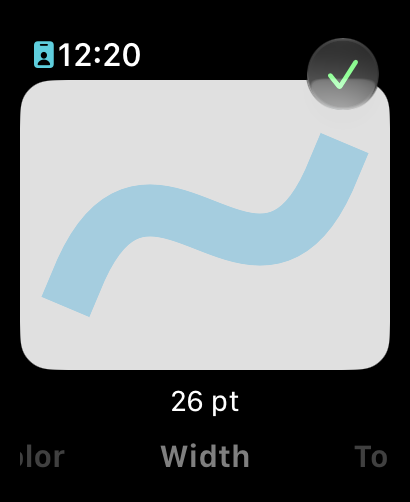
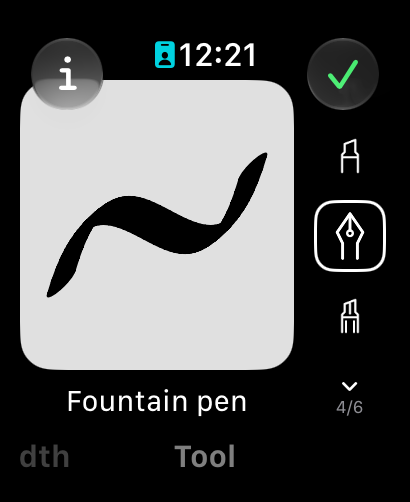
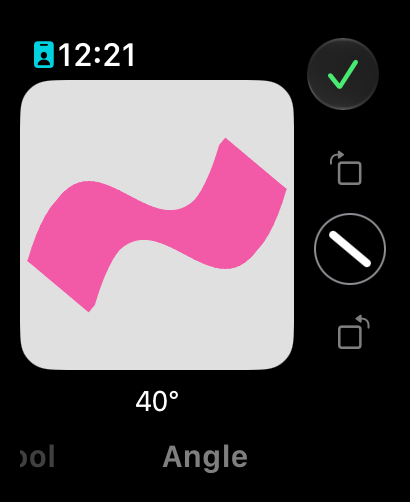
Choose from 5 unique brush presets and customize their color, angle, and stroke width. Zoom into the canvas whenever you need more precision.
Made a mistake? Use Undo and Redo, erase individual strokes with the regular eraser, remove an entire object with the object eraser, or clear the whole canvas with one tap and start over.
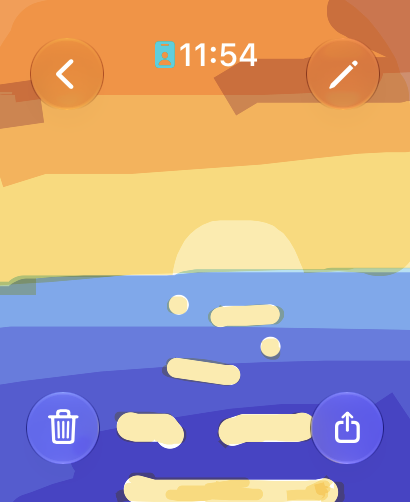
Save your drawings to gallery, come back later, and continue editing exactly where you left off.
Features
- 5 brush presets with unique drawing behaviors;
- Custom colors, stroke width, and angle;
- Canvas zoom for more precise drawing;
- Regular eraser and object eraser;
- Undo and Redo;
- Clear the entire canvas with one tap;
- Save drawings to your personal gallery;
- Continue editing saved drawings later;
- Share your drawings through iMessage or email.
Screenshots
|
|
|
|
|
|
|
|
Requirements
- Apple Watch
- watchOS 10.0 or later
Installation
Paint Anytime is distributed through the App Store.
The source code for this release is available below.