


Desktop and web (9 pages)
Pipelines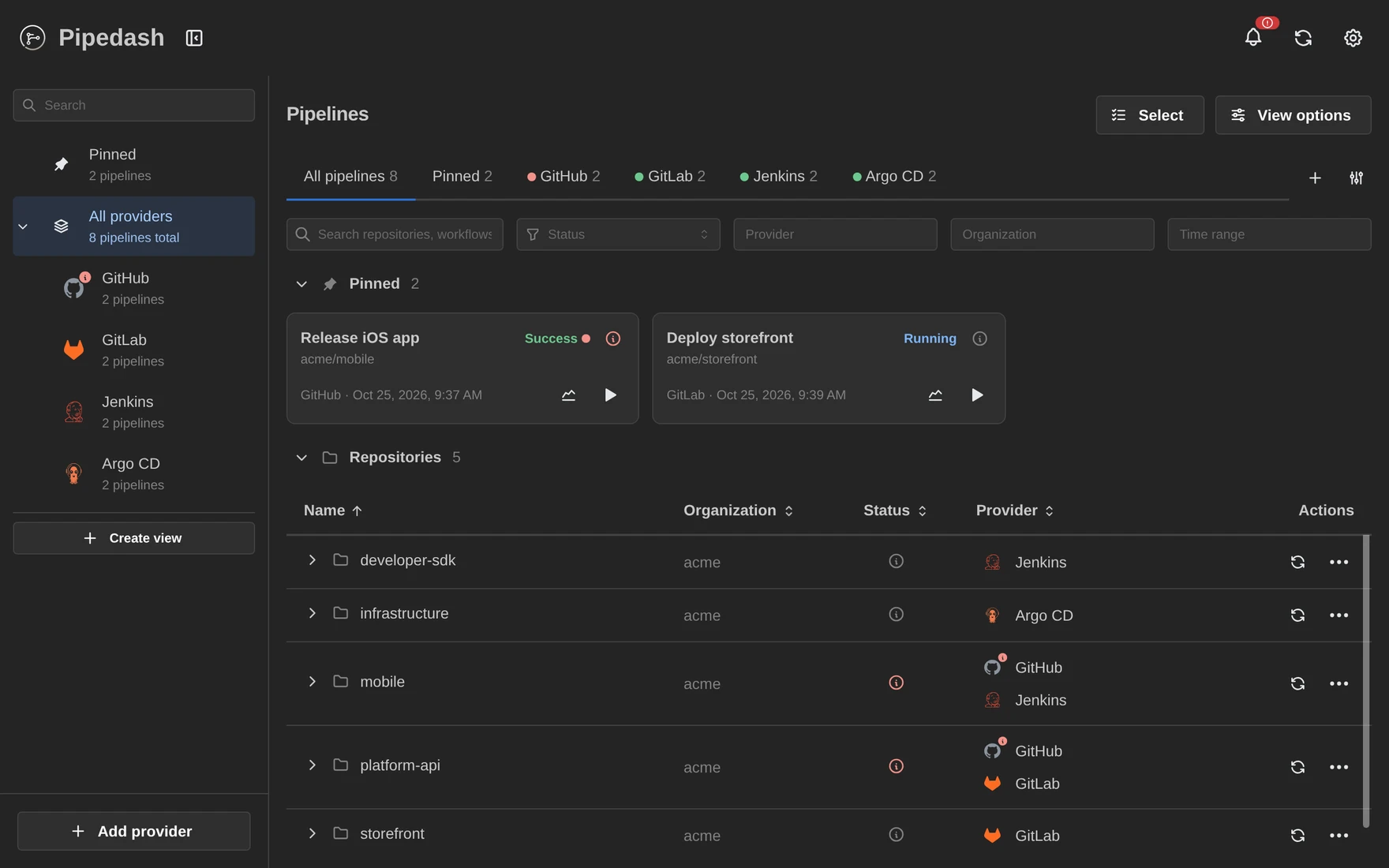 |
Run history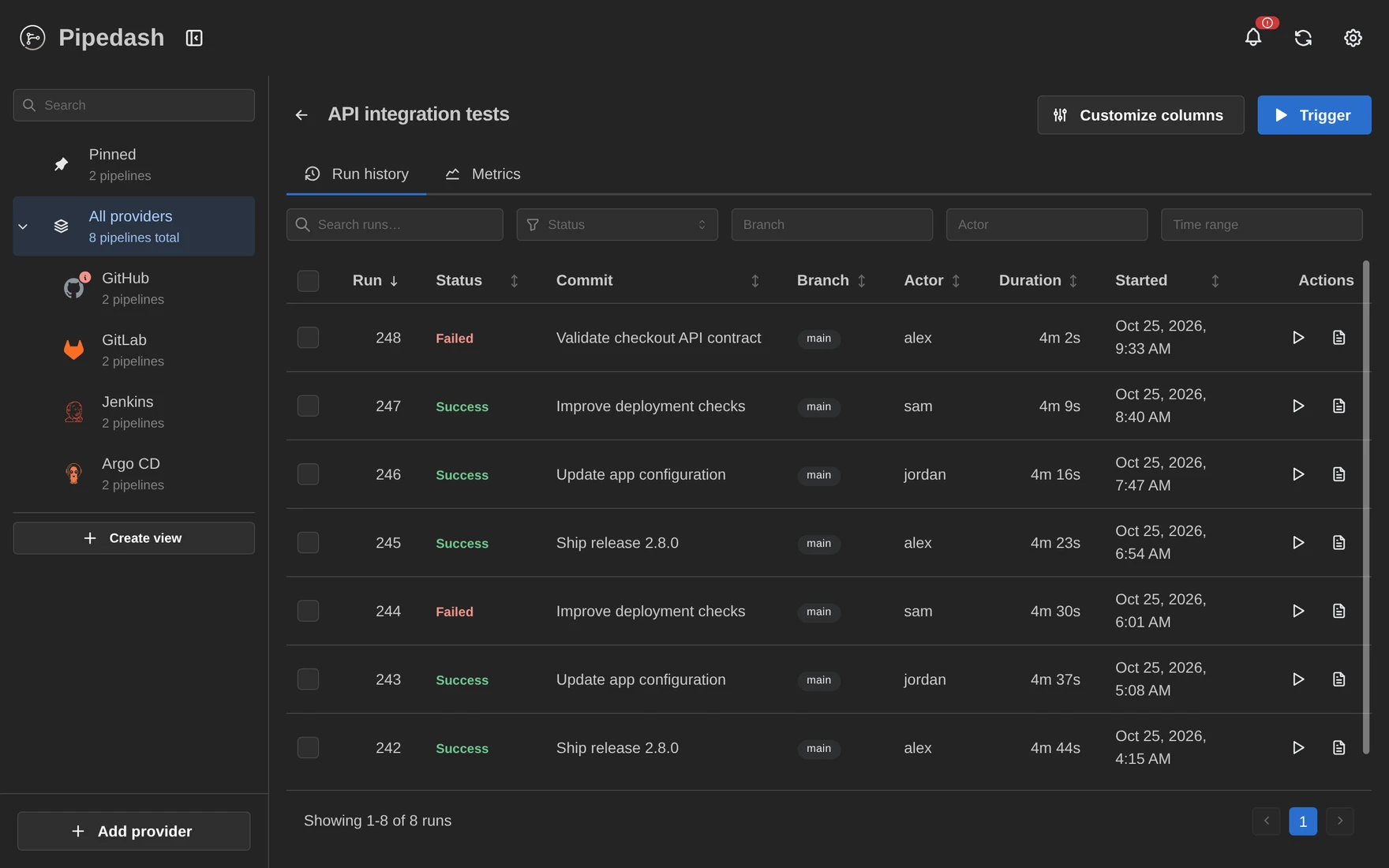 |
Run details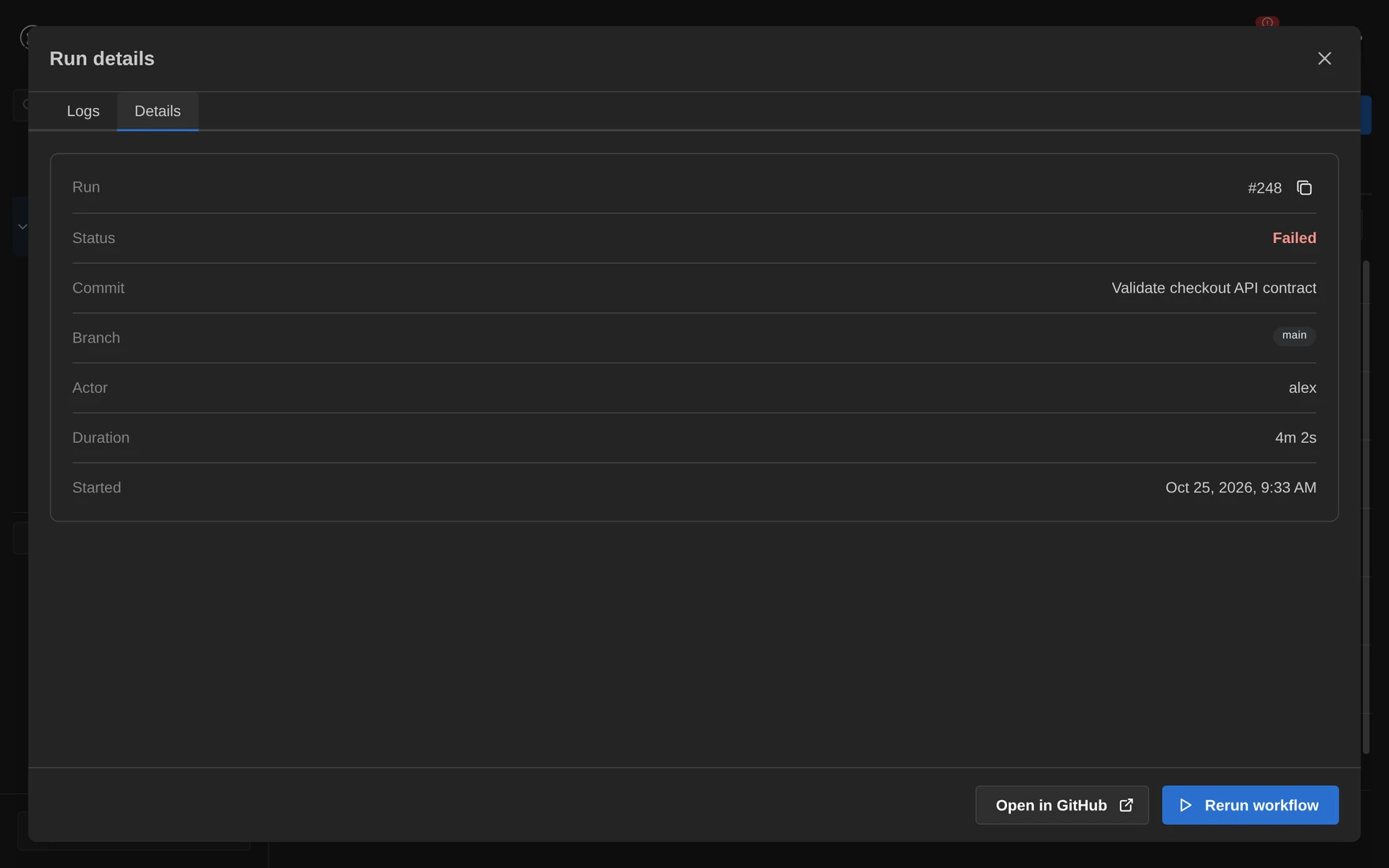 |
Job logs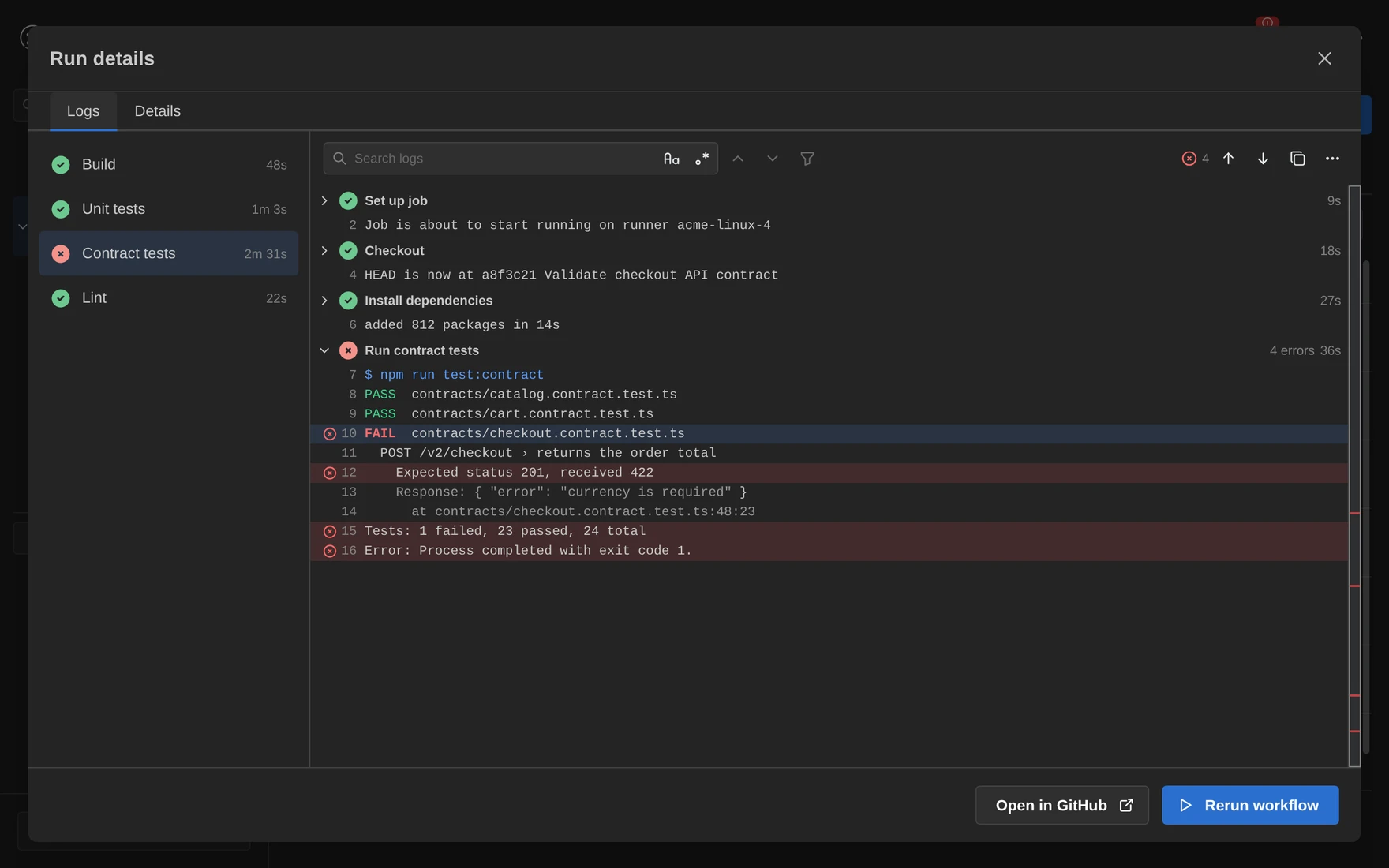 |
Trigger a workflow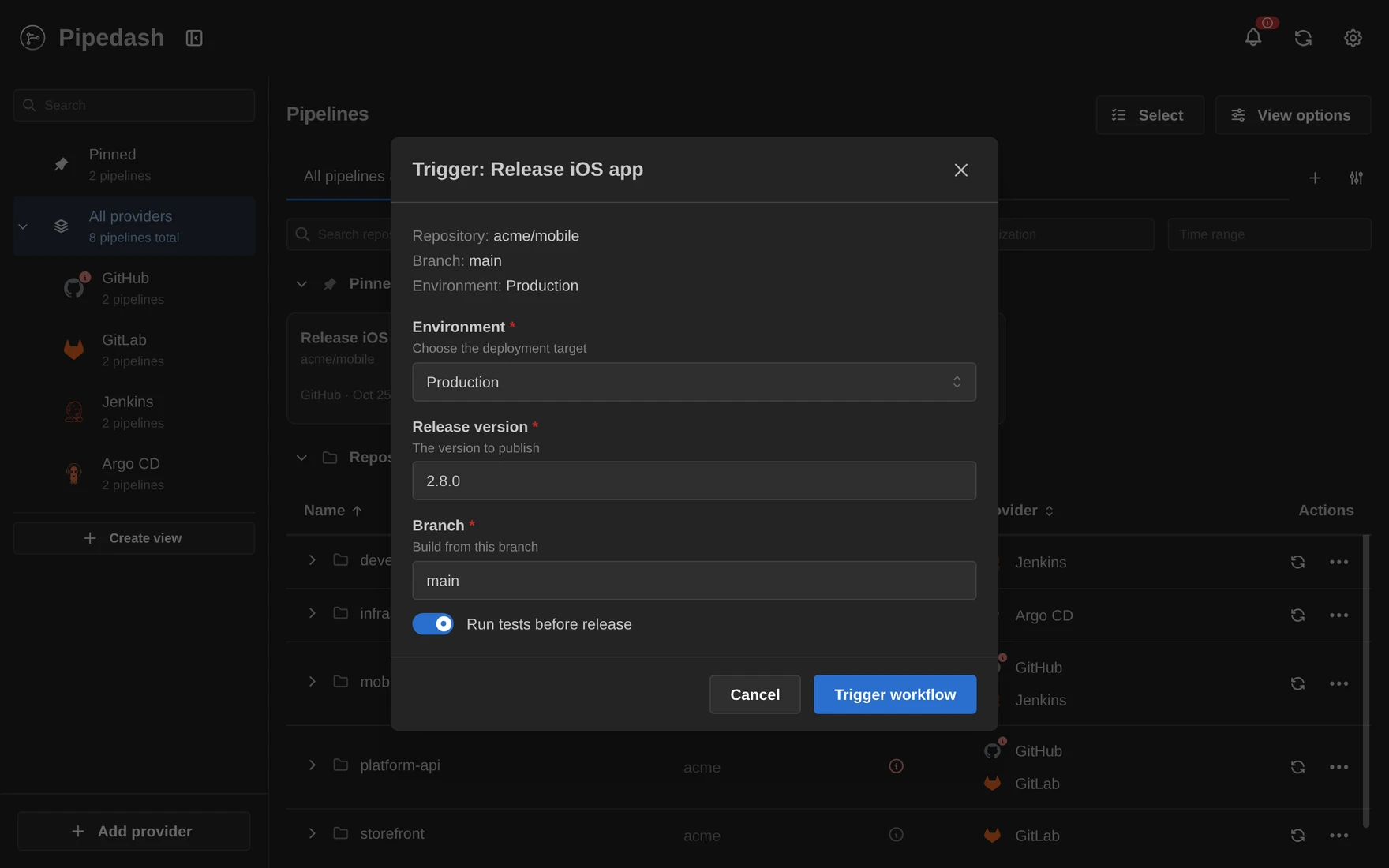 |
Metrics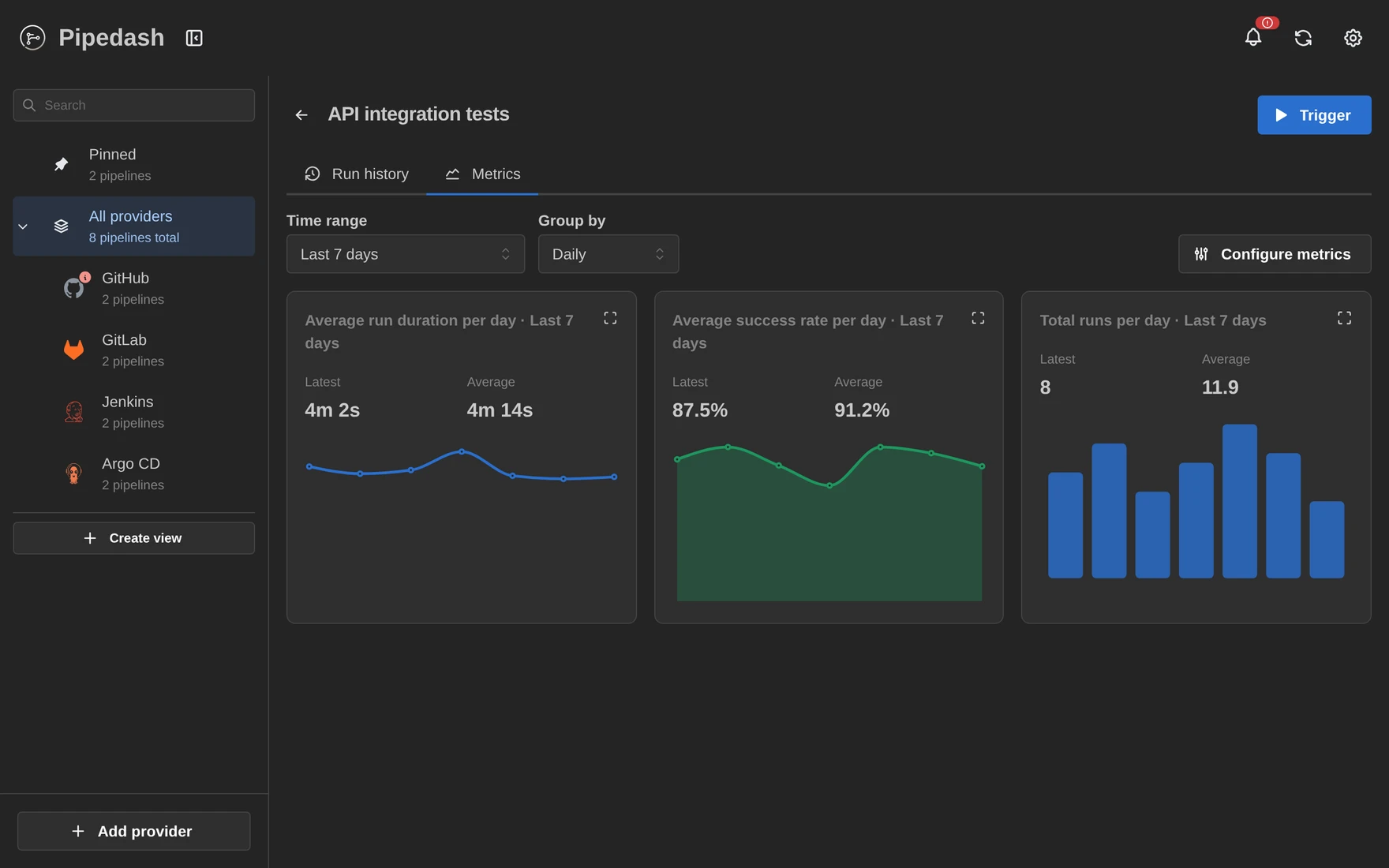 |
Provider status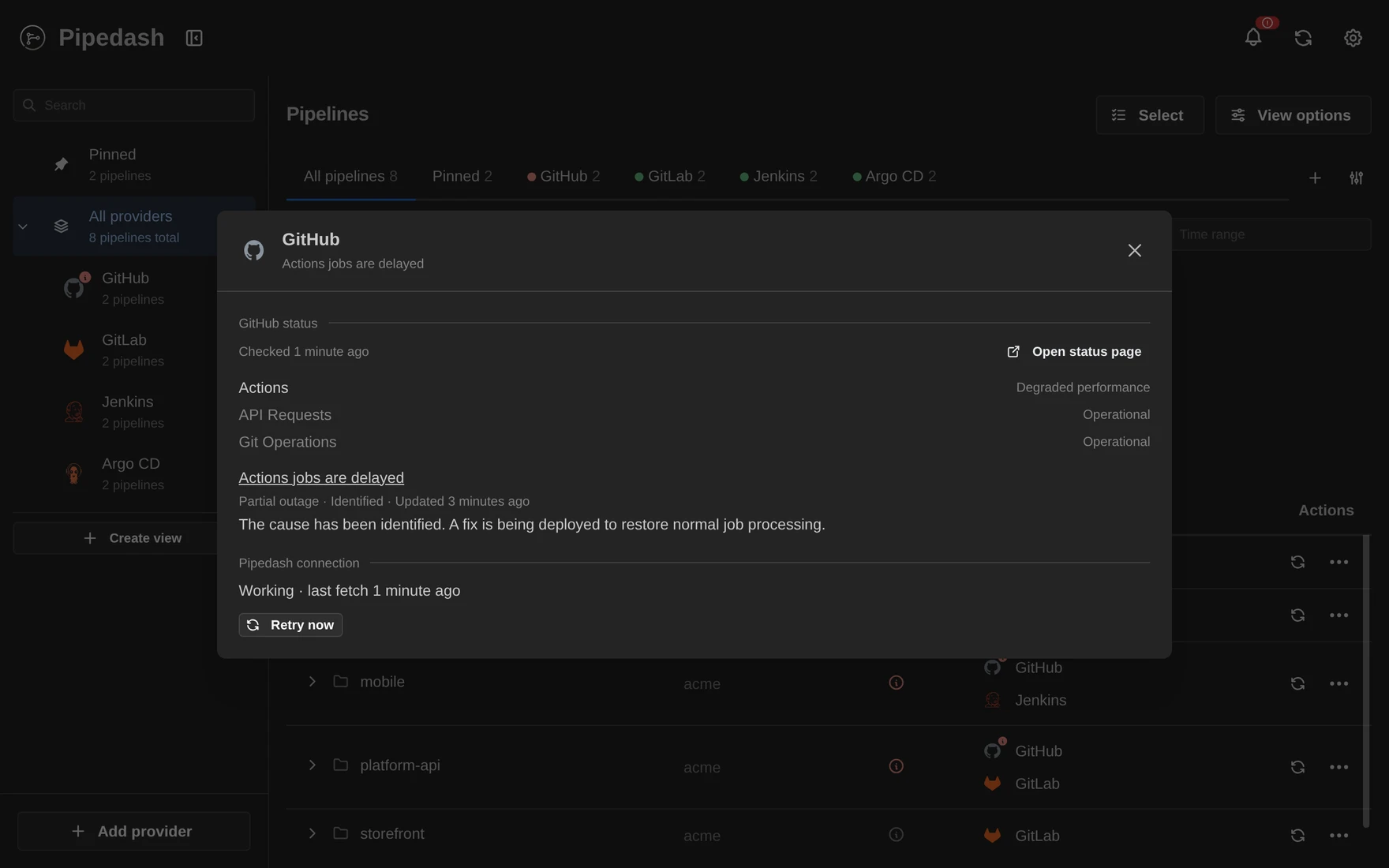 |
Notifications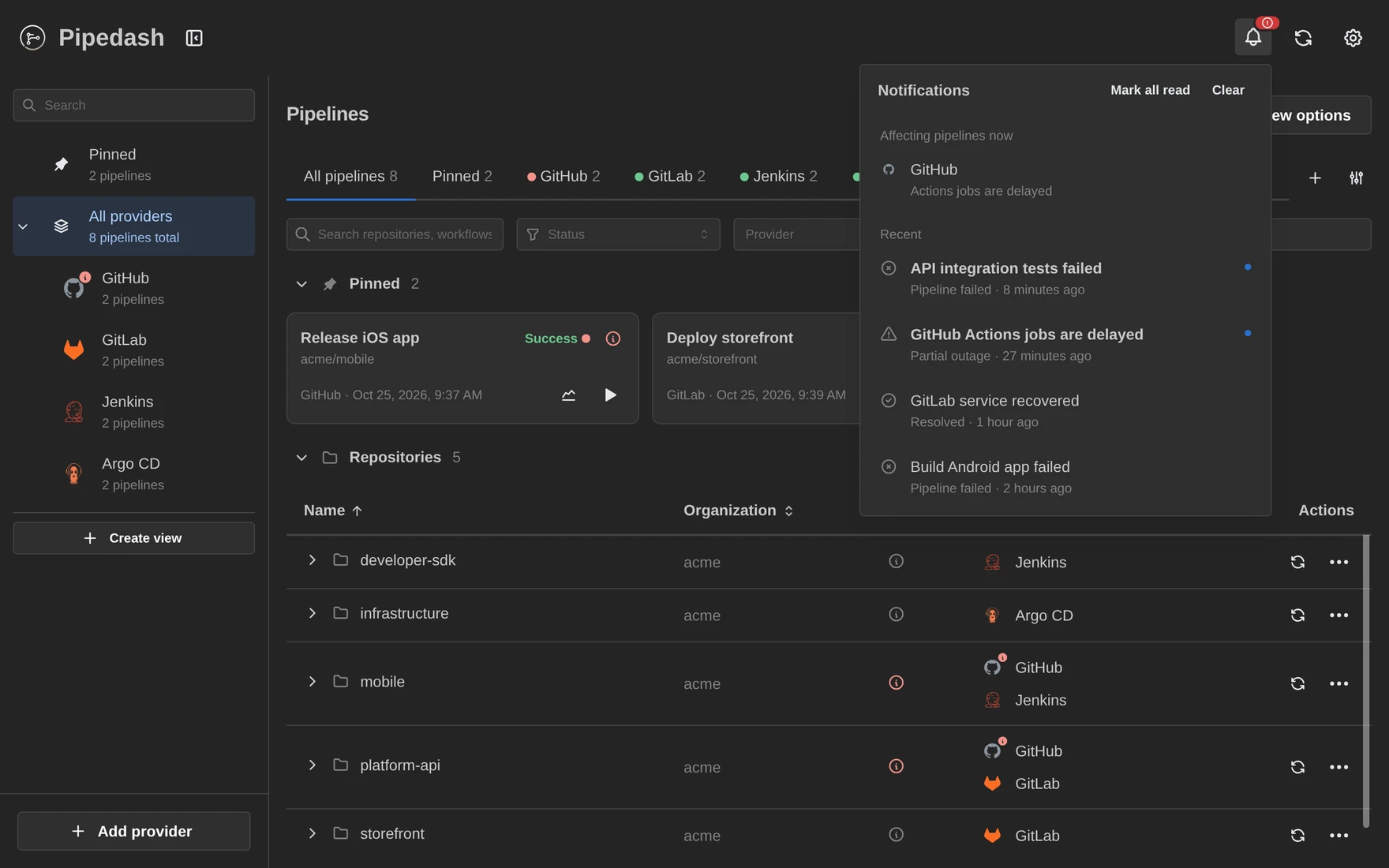 |
Providers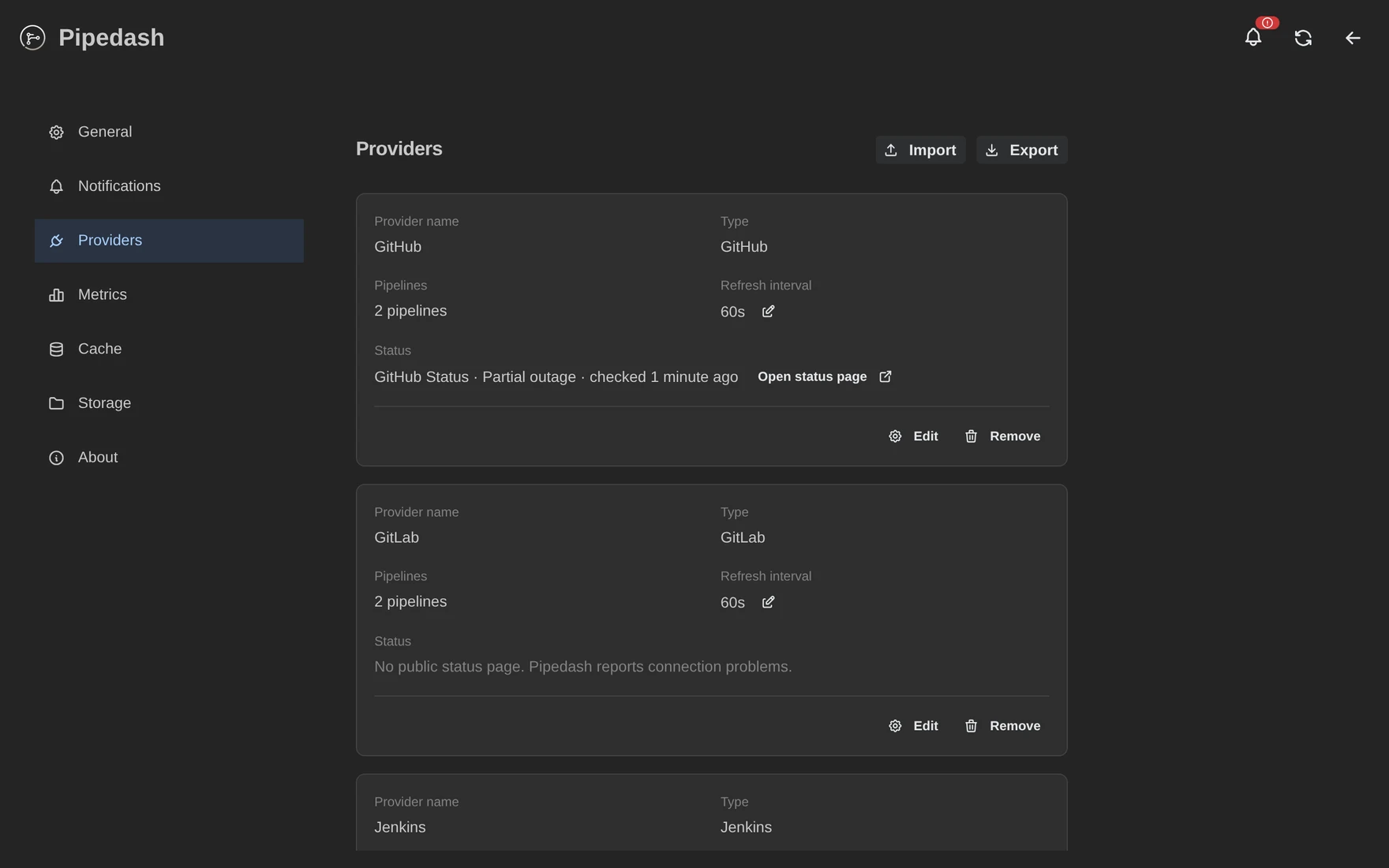 |
Mobile (9 pages)
Pipelines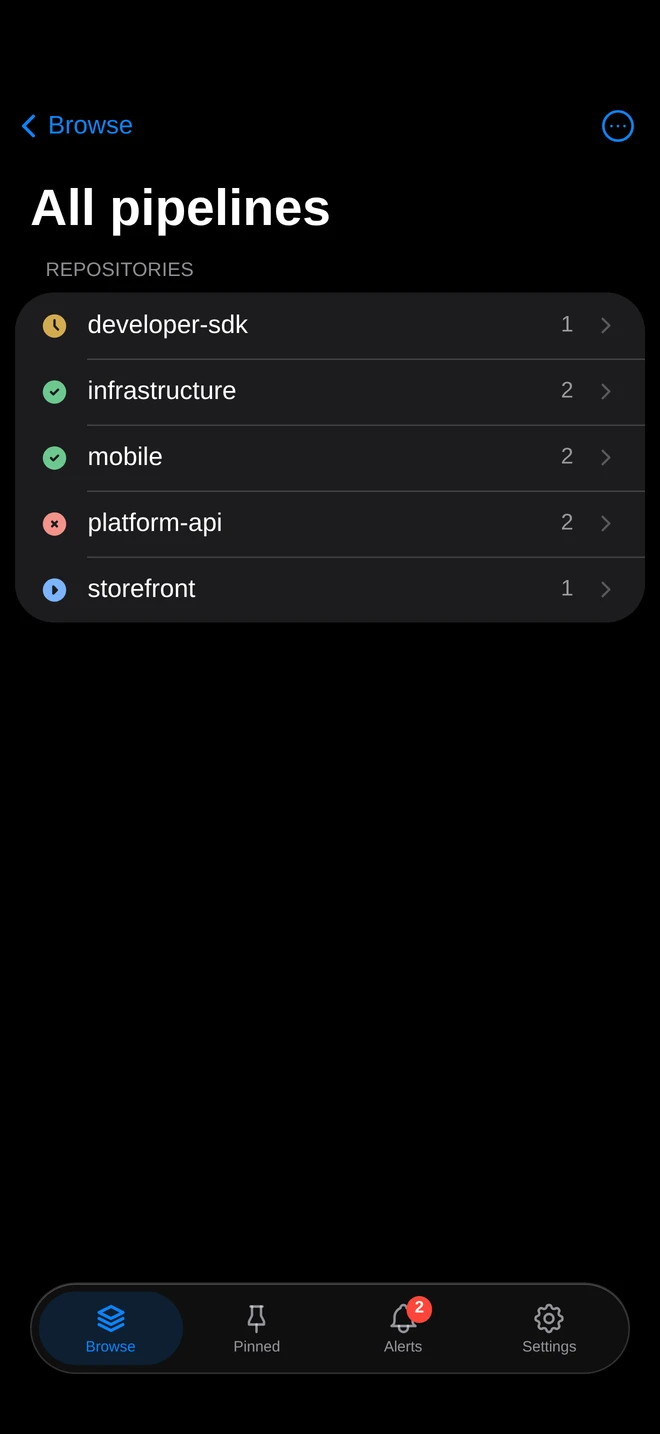 |
Run history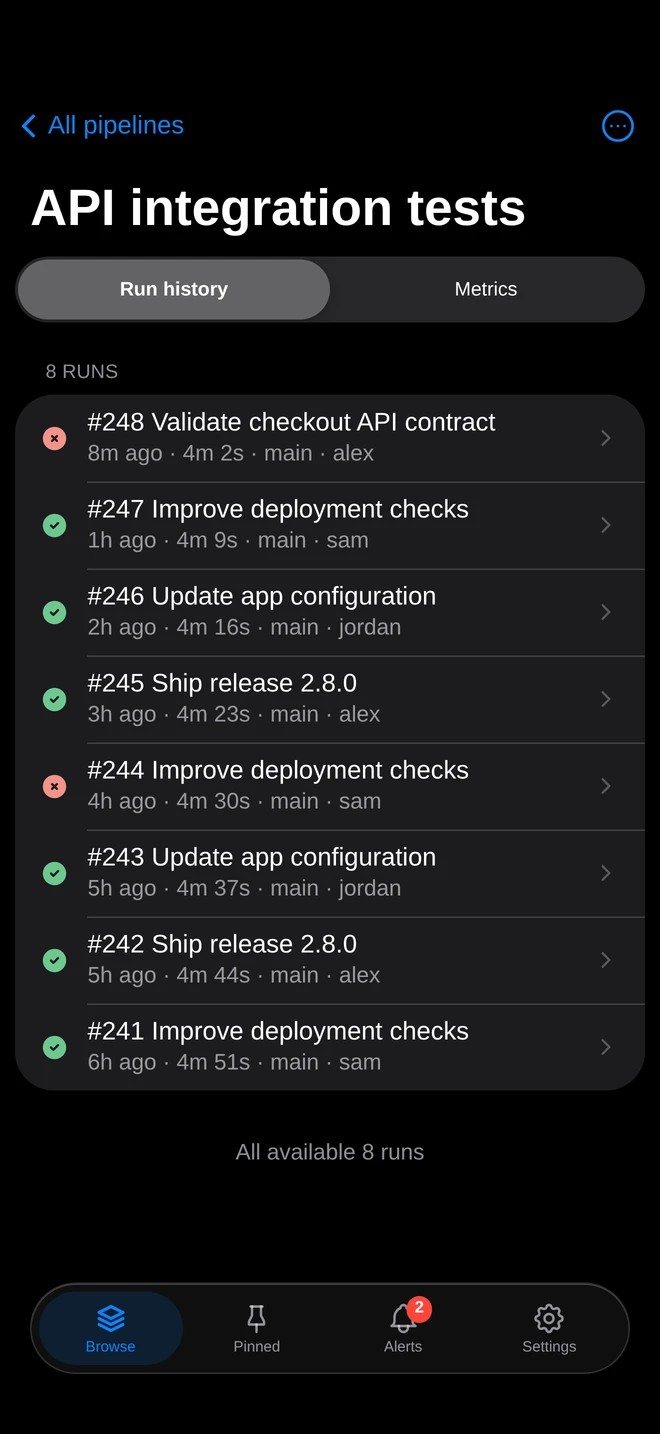 |
Run details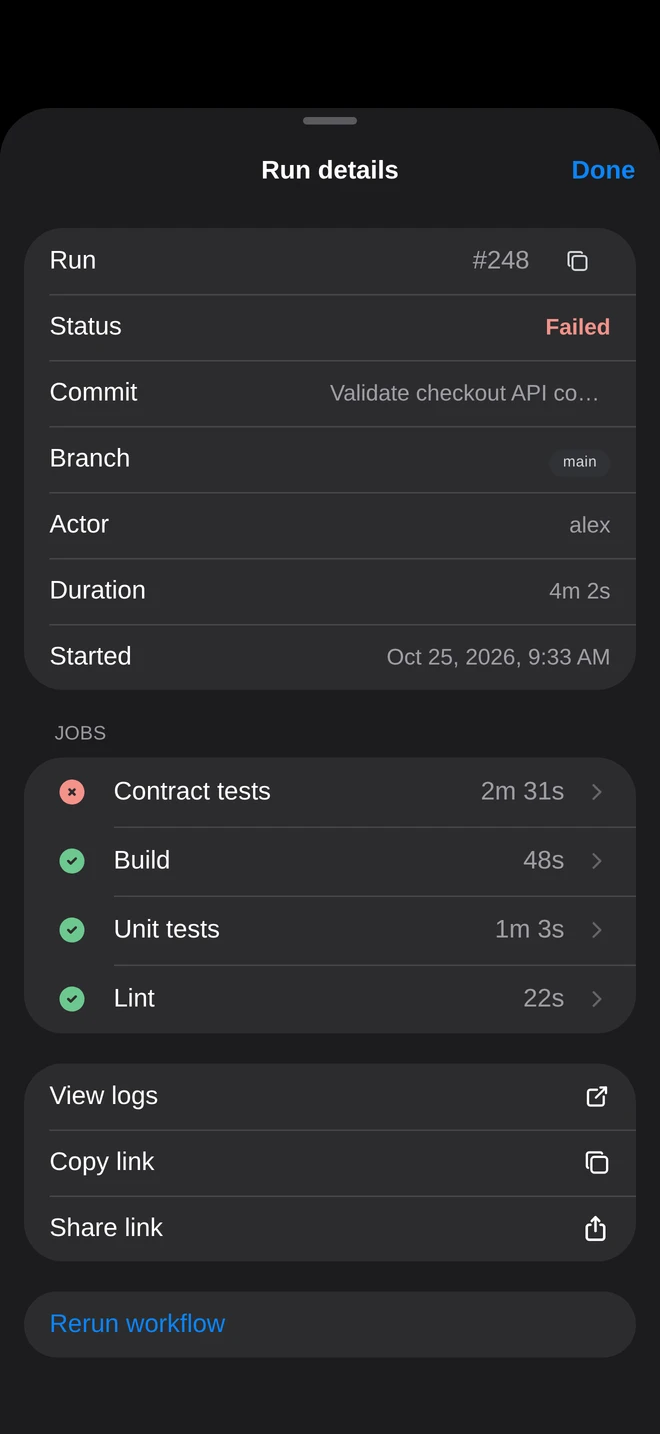 |
Job logs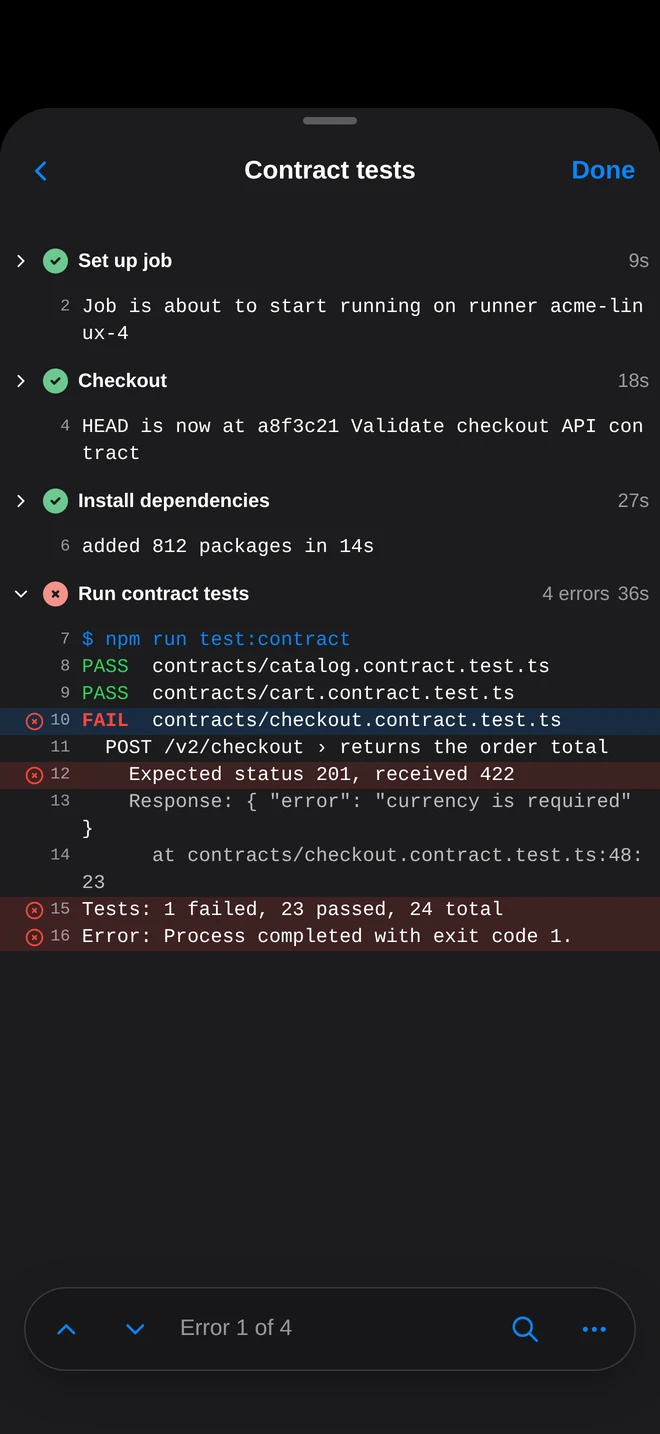 |
Trigger a workflow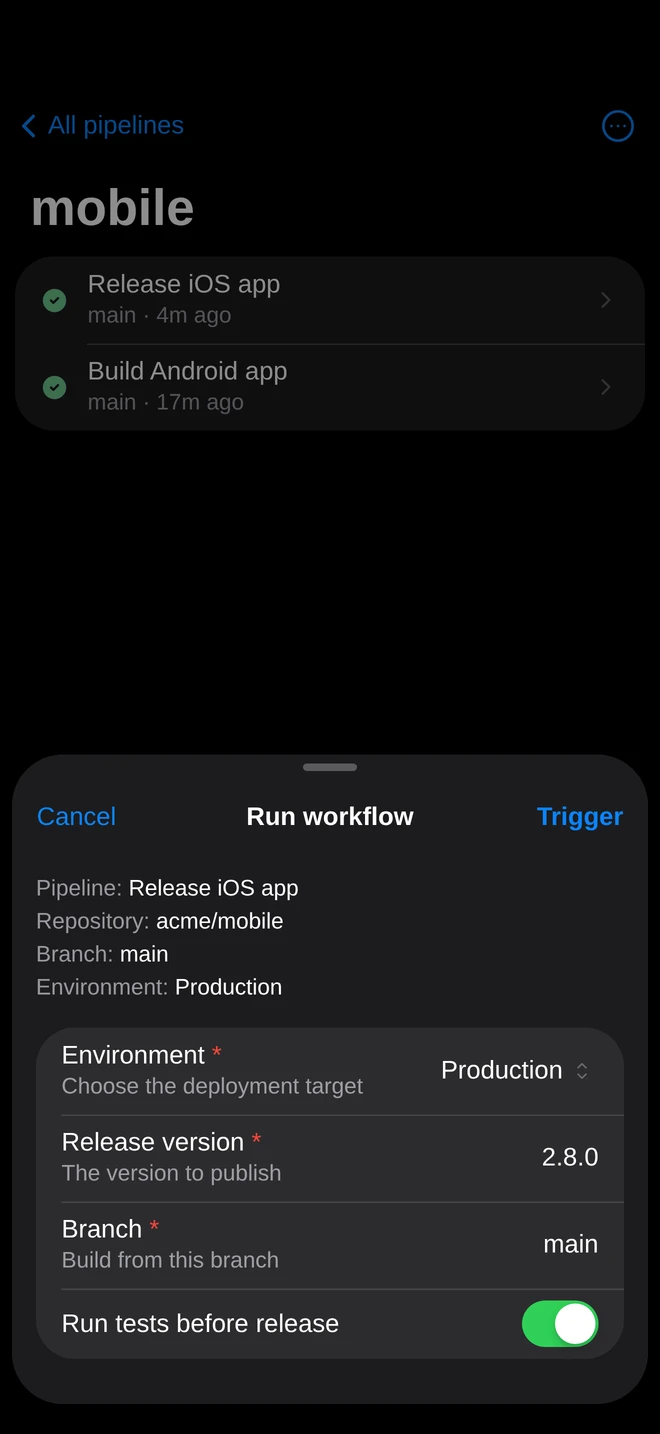 |
Metrics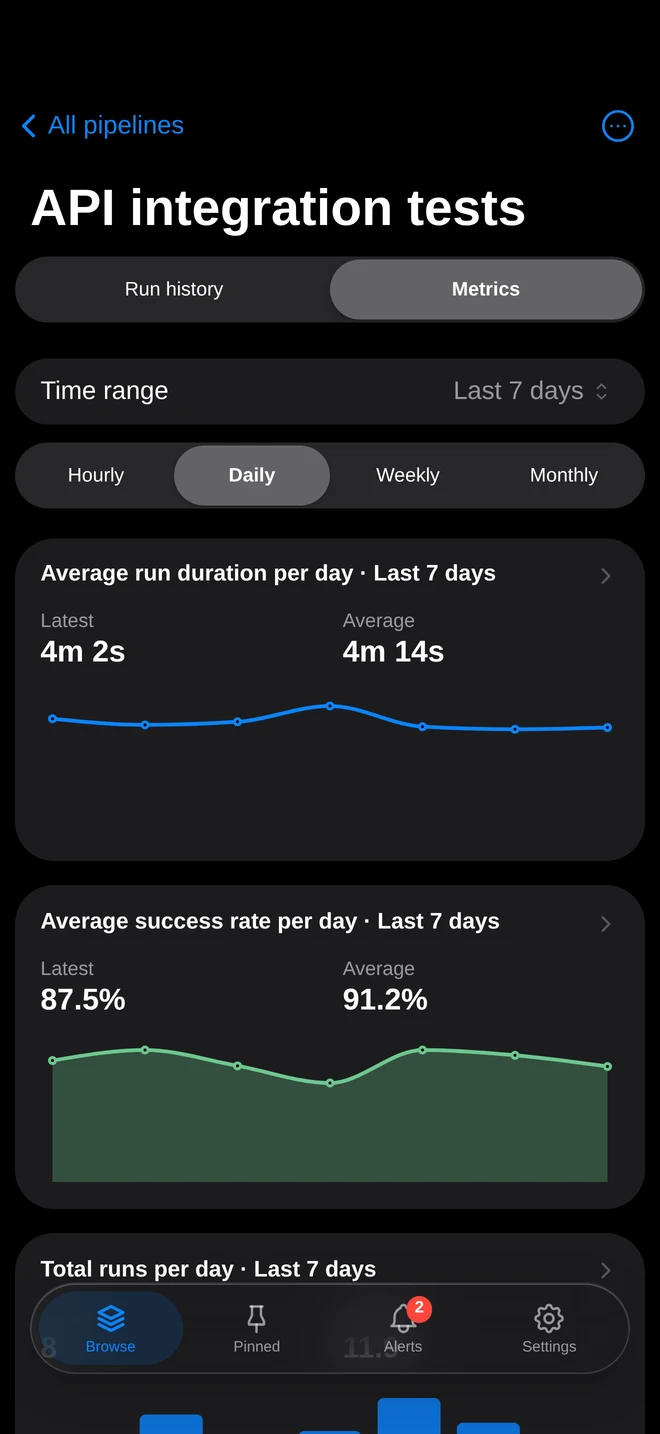 |
Provider status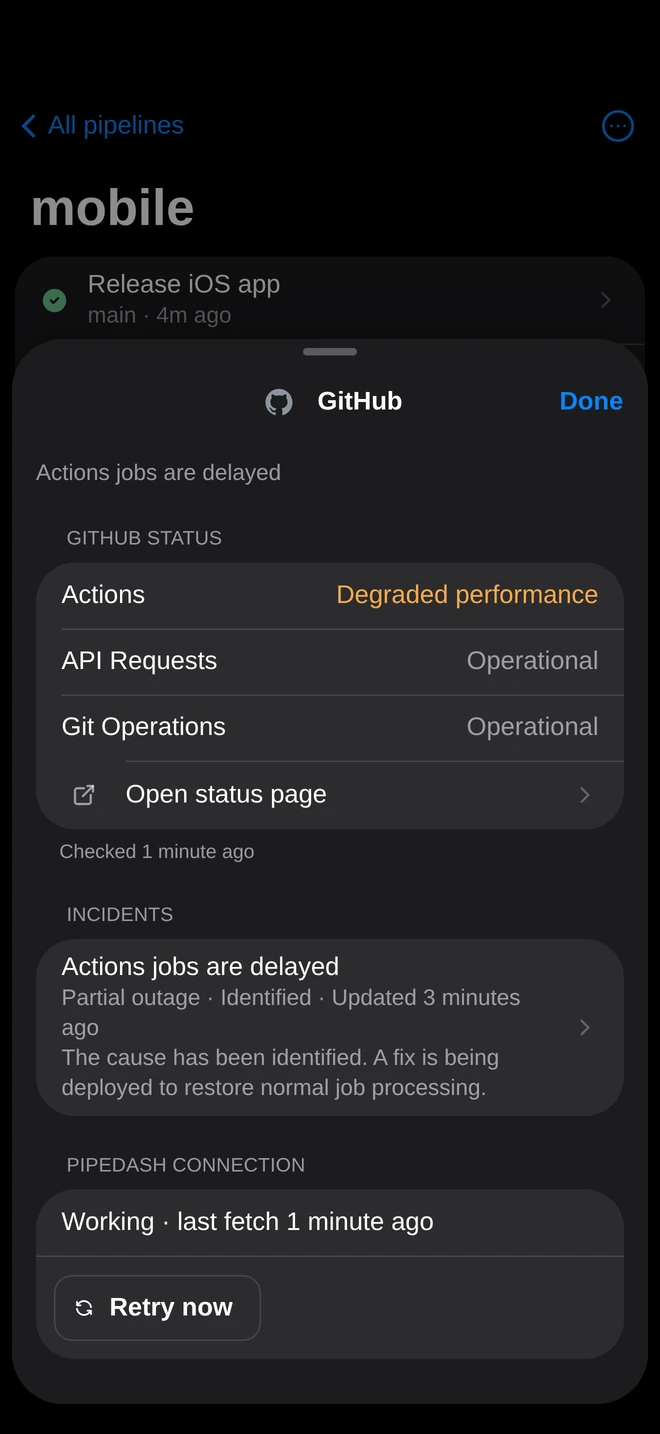 |
Notifications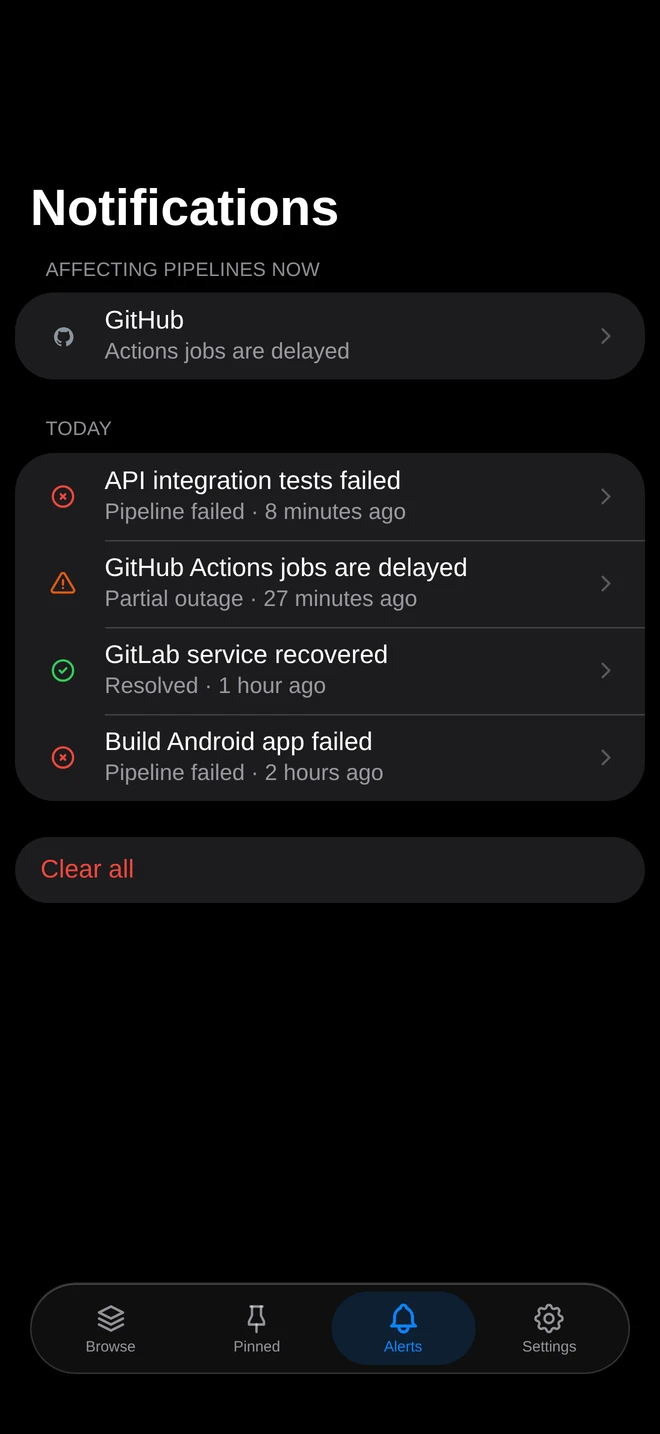 |
Providers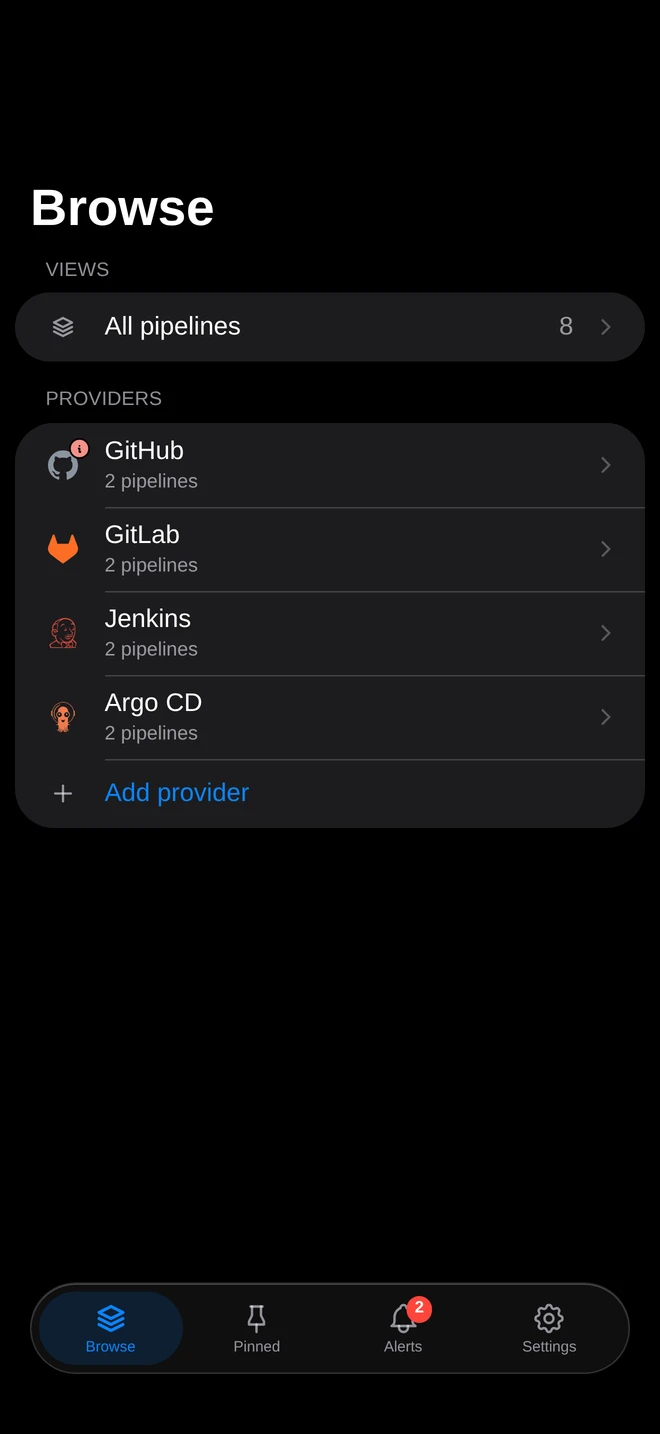 |
Pipedash shows the pipelines of all your CI/CD providers in one table, so you stop switching between dashboards to find the build that failed. It polls each provider with the token or kubeconfig you add and caches the results. From the same table you open, trigger, rerun and cancel runs.
It runs as a desktop app, as a self-hosted web server in Docker or as an iOS and Android app. All of them share one Rust core.
flowchart LR
  subgraph Providers
    GH[GitHub Actions]
    GL[GitLab CI]
    K8S[Tekton, ArgoCD, FluxCD, Prow]
    More[Gitea, Bitbucket, Buildkite, Jenkins, Azure DevOps, Komodo]
  end
  Providers -- API polling --> Core[pipedash-core]
  Core <--> DB[(SQLite or PostgreSQL)]
  Core --> Desktop[Desktop app]
  Core --> Web[Web server]
  Core --> Mobile[iOS and Android apps]
GitHub Actions, Gitea Actions, GitLab CI, Bitbucket Pipelines, Buildkite, Jenkins, Azure DevOps Pipelines, Tekton CD, ArgoCD, FluxCD, Prow and Komodo Stacks. Each one is a plugin crate. The providers guide lists the token and permissions each provider needs.
- See the status of every pipeline, grouped by repository and workflow, and pin the ones you watch most. Hide a workflow you don't watch, and it leaves the table and its repository's status until you unhide it under Show hidden.
- Organize pipelines into your own views, shown as tabs and in the sidebar, and nest views up to three levels deep. A parent view lists its sub-views as sections first, then its own pipelines, and you can open any sub-view from its section. Add pipelines by hand or by rules (provider, repository pattern such as
acme/*, name and status), or define read-only views under[views.<key>]inconfig.toml. Each view keeps its own sort, sections and table or card layout. Pin views and repositories to the sidebar. Select several pipelines to pin, hide, add them to a view or create a new view from them at once. - Open the run history with commits, branches and durations, and track build metrics per pipeline.
- Read, search and download job logs without leaving Pipedash. Live reads stop after 45 seconds without a viewer, so abandoned requests don't block other logs.
- Open an ArgoCD sync to read its per-resource results, the app's recent events and the last 1000 lines of each pod container. A restarted container also shows its previous attempt. Pod logs need the
logs, getpermission in ArgoCD RBAC. - Sign in to ArgoCD with its SSO (bundled Dex or an external OIDC provider), or to a Prow Deck behind any OpenID Connect provider, instead of pasting a token. Pipedash renews the session before it expires and asks you to sign in again when the identity provider ends it. In the self-hosted web app, you paste the address of the page the browser opens after sign-in, unless Pipedash runs on the same machine as the browser.
- Add a public Prow Deck such as prow.k8s.io with No auth. Pipedash reads its jobs, runs and logs without credentials and turns off starting and stopping runs.
- Trigger a workflow with the inputs Pipedash loads from the provider, or rerun a past run with the same inputs.
- Cancel one run or several at once. On GitHub, approve deployment reviews and rerun only the failed jobs.
- See when GitHub disables a workflow and why: after 60 days without repository activity, by hand or in a fork. Enable it again from its row menu with a token that can trigger workflows.
- Get a notification when a pipeline fails, a run takes far longer than usual or a provider has an outage.
- Keep provider tokens in the system keyring or in a database encrypted with AES-256-GCM. Pipedash sends no analytics or telemetry.
Download the desktop app, install the iOS app, join the Android beta or run the Docker image. The quick start walks through your first provider.
To install the self-hosted web app on iPhone, open it in Safari and choose Share > Add to Home Screen. Keep "Open as Web App" enabled when available. Its manifest covers the deployment base path and starts the app at that root. After deploying changes to scope, status-bar settings or icon artwork, add a new Home Screen icon to avoid cached installation metadata.
- Configuration:
config.toml, environment variables and secrets. - Storage and tokens: SQLite, PostgreSQL and token encryption.
- REST API: routes, authentication and WebSocket events.
- Architecture: crates, refresh loop and plugin system.
- Security: encryption, API authentication and vulnerability reports.
- Releases: changes and release assets.
Read the contribution guide. For local builds, see development. To add a CI/CD provider, see plugin development.
Report bugs or request features through GitHub issues. For help, see support.
Pipedash is licensed under GPL-3.0.