Repository navigation

Replies: 1 comment 3 replies

|
@mysskyn29 good idea, thanks. It's built: with "Show movement dimensions" on, the arrow keys now show the way too, as a drag with the mouse does. The presses add up until you select something else or drag, and Ctrl+↑ and Ctrl+↓ show the way up or down. Afterwards you can click the number and type the exact distance. It comes with the next version. |

|
@mysskyn29 this is out now in layerling 1.141.0: the arrow keys show the way too, with Show movement dimensions on. |

|
Thank you. Absolutely precise work. Another idea came to my mind: something similar between two bodies, either from the edge or from the center, but I can't picture how to set that up |
|
@mysskyn29 thank you! Two tools in the camera bar already measure between bodies. The corner ruler snaps to the corner of a body, and then shows the distances in X, Y and Z from that corner to your selected body in green; you can switch between measuring from the edge or from the middle, and you can type a number there to move the body. The tape measure gives you the distance between any two points, for example two corners or two edges. Does that do what you had in mind? If not, tell me what you would like to see, for example a picture with the two bodies and the distance you want. |


Uh oh!
There was an error while loading. Please reload this page.
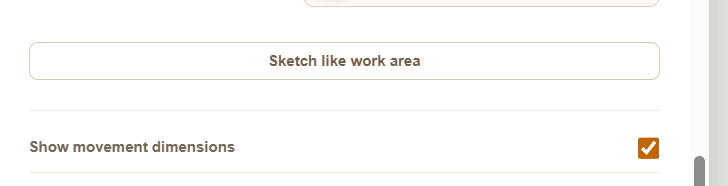
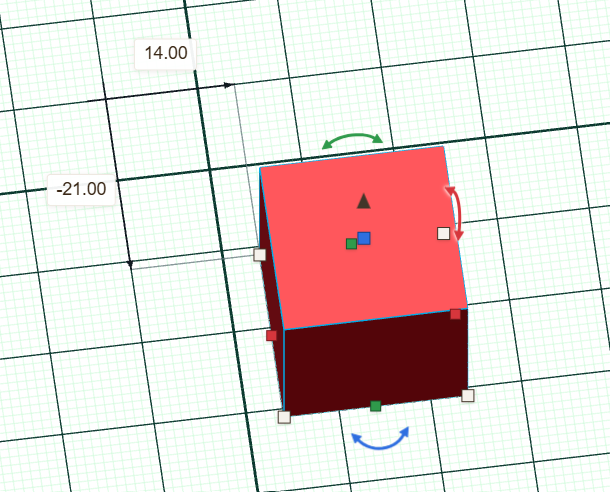
When this option is selected, the dimensions of the body's displacement are displayed when using the mouse. Would the same function be possible when moving the body with the arrow keys?
All reactions