Repository navigation
Navigation arrows #1434

Replies: 1 comment 4 replies

|
@petersiljebratt-SFX welcome, and thanks for the pictures! layerling has no move arrows like Plasticity, but most of what they do works in other ways:
More in the guide: Snapping while moving and The tape measure. layerling is free, and people who chip in keep it growing. If you'd like to support it, here is how. Thanks! |

|
Thanks, |

|
@petersiljebratt-SFX thanks, that was clear. I've added two arrows next to the black lift arrow: a red one for X and a green one for Y. Pull one and the part moves along that axis only and follows the mouse along a line, so it no longer flies off when you look at the plate from a low angle. It snaps to the edges and centres of other parts like a normal drag, and when you let go you can click the distance shown and type the exact value. It will be in the next version. Ctrl snapping to points and moving the pivot are not part of it. For corner to corner, the tape measure from my first reply still works. |
|
Amazing. Thanks for the fast reply, was not expecting that! Looking so foreward to seing the development of this. Dont burn your self out! |
|
@petersiljebratt-SFX the red and green move arrows are in layerling 1.150.0, out now. |


Uh oh!
There was an error while loading. Please reload this page.
Hi i have just started using Layerling, im not a Tinkercad user so there is some new things to learn. I however use Plasticity daily, and even tho it has its flaws, they have nailed the navigation of the objects. you select the object, activate the move feature and then three arrows appair, XYZ. Then you simply klick and drag these arrows in straight lines where you want the object to go. if you want it to snap to sertain points, you simply hold down the control button and then the centre of the "arrows" will snap to that point, might it be to the centre of an object or a circle.
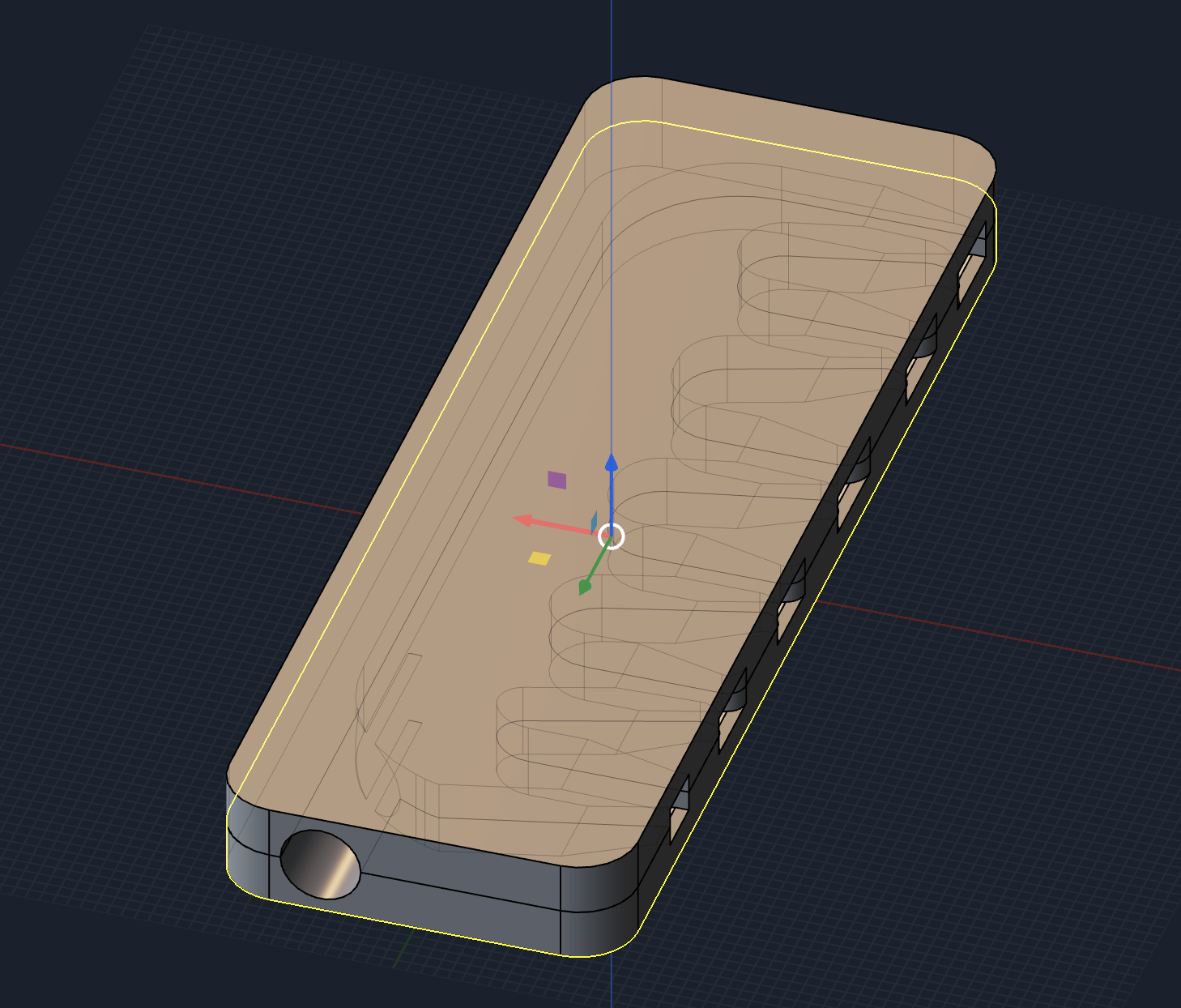
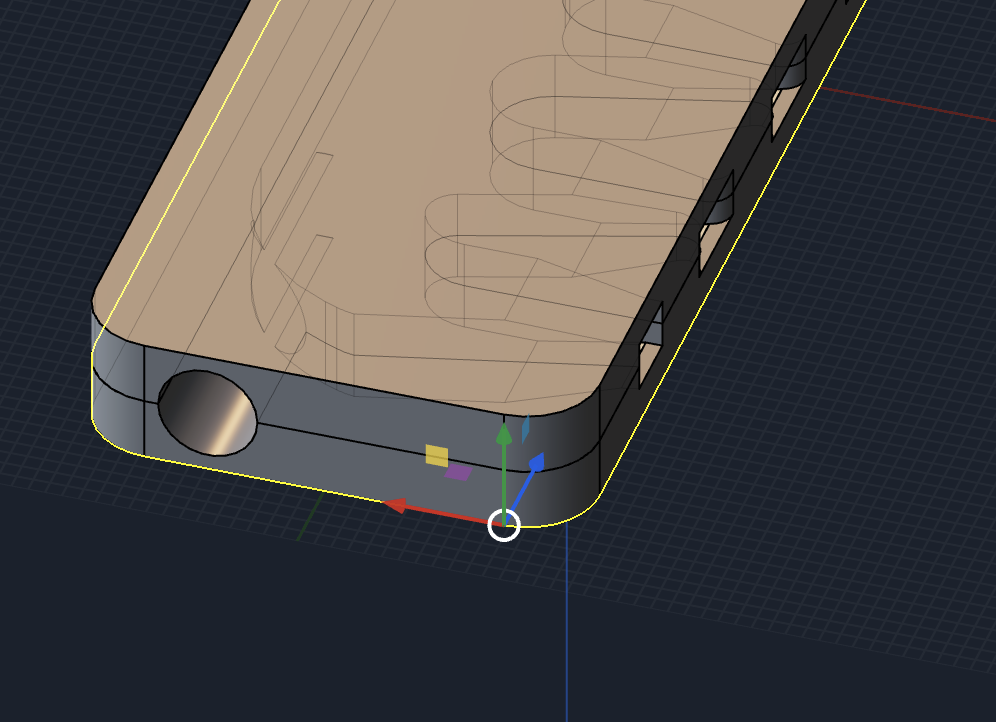
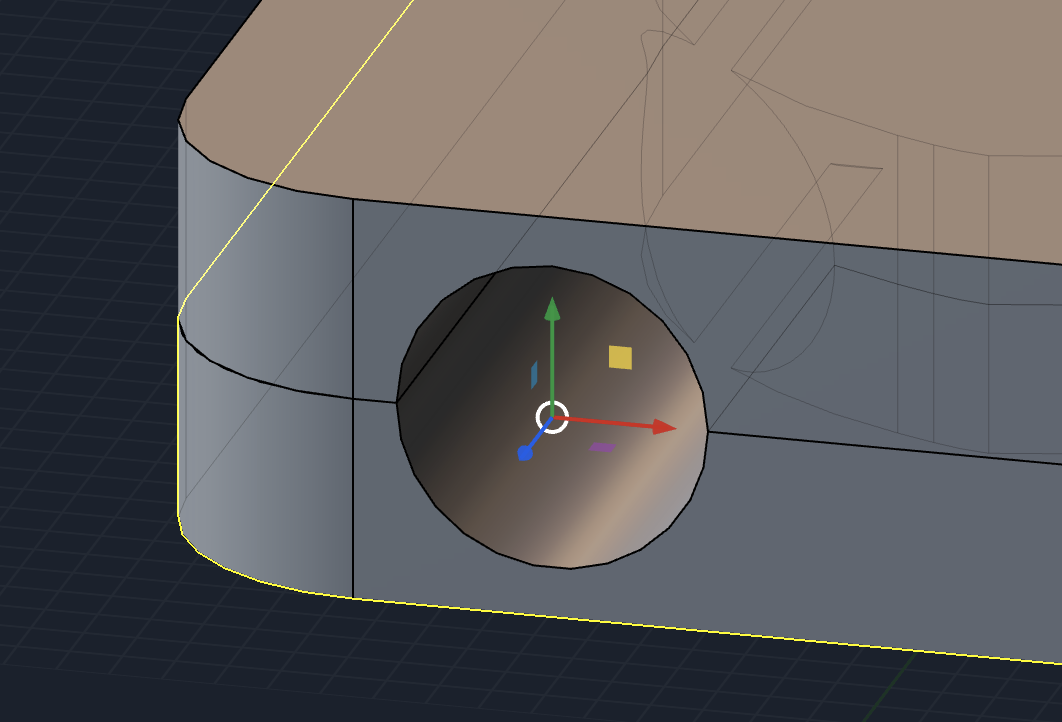
you can also change the "pivot point" , if you want to attach say a corner to a corner.
i just find it hard to "free move" around the objects to exact positions as it is now, i know i can hold down shift, but that does not work to well for me. and since there is a function to both rotate the objects and move them upwards, it should not be a biggie to make arrows right,left and down.
i might just not have found this function off course, correct me then and i will take this post away.
ill attach some pictures to show how it looks in plasticity.
Thanks:)
All reactions