Repository navigation

Replies: 1 comment 1 reply

|
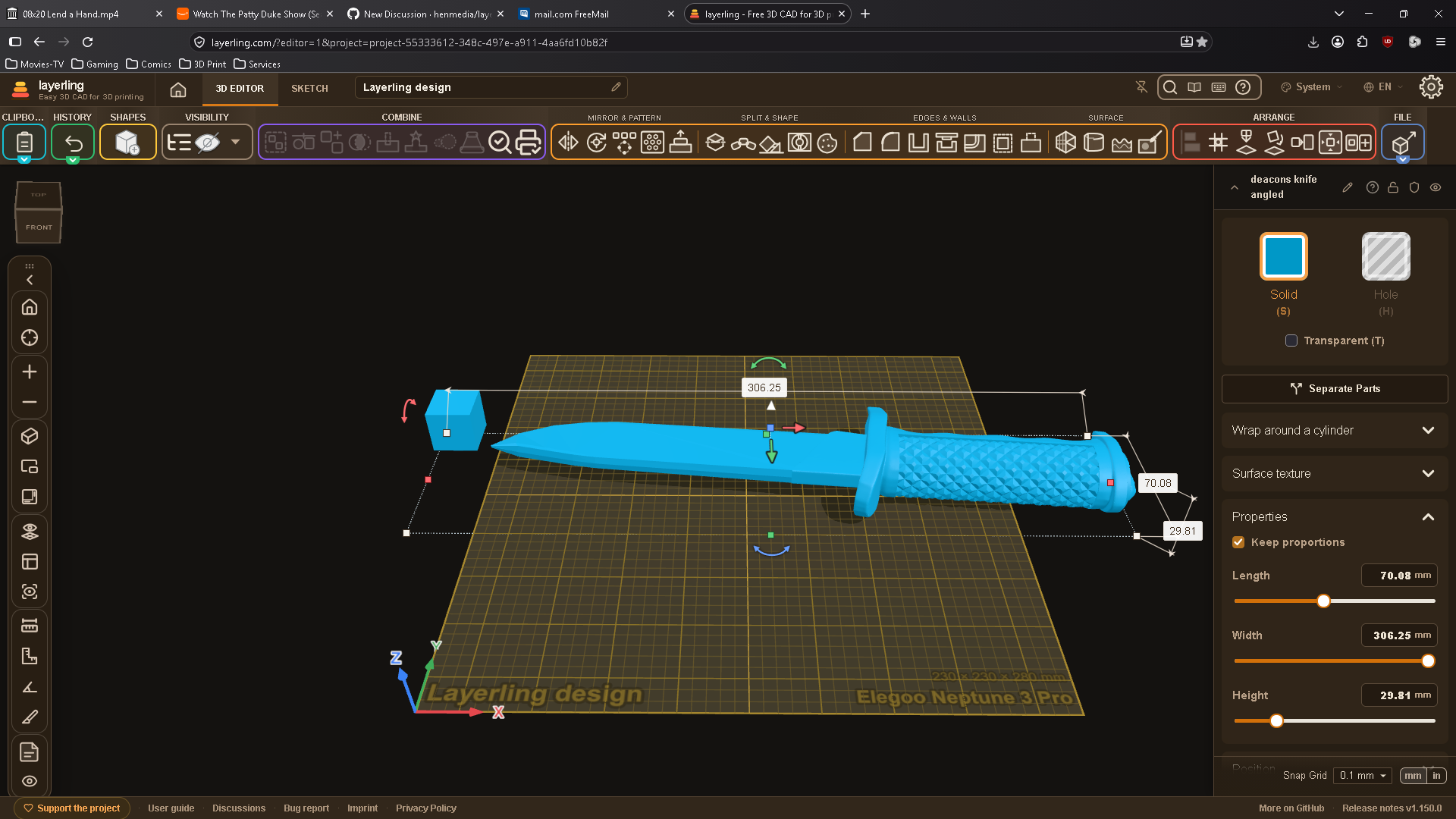
@ggrrf667 thanks for the screenshots, they showed the cause right away. It wasn't meant to lay your model down: layerling tried to guess from an STL's proportions which way is up, and a thin, upright part like your knife fooled it. That guess is gone now. Every STL comes in with Z up, exactly as Cura and other slicers place it, so your angled template stays where you made it. It comes with the next release. If layerling saves you some work, you can support the project here, it keeps it free for everyone. |
1 reply

|
@ggrrf667 an STL keeps the orientation it was made in now, so your angled model stays angled. It's in layerling 1.151.0. |
Sign up for free
to join this conversation on GitHub.
Already have an account?
Sign in to comment


Uh oh!
There was an error while loading. Please reload this page.
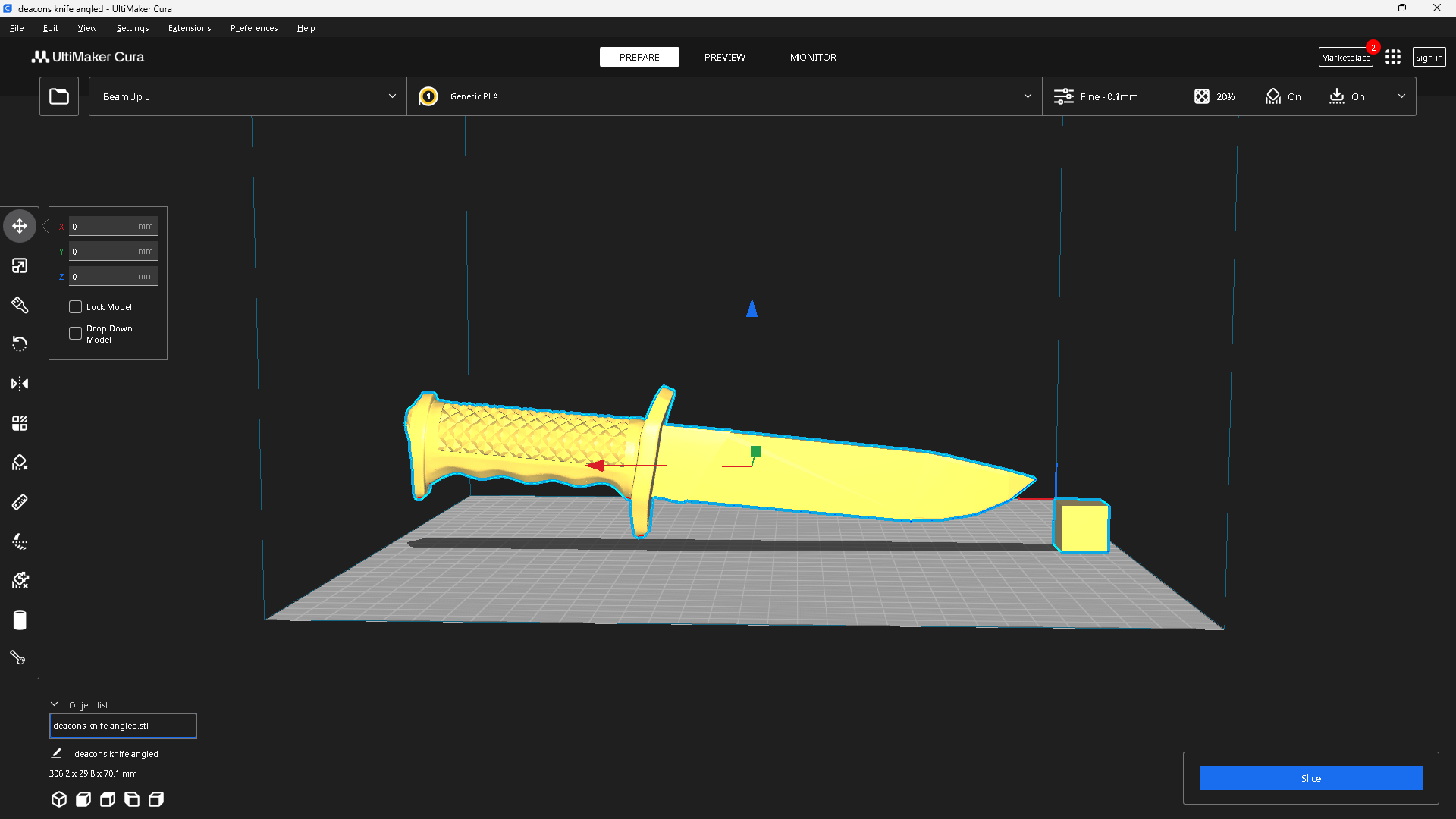
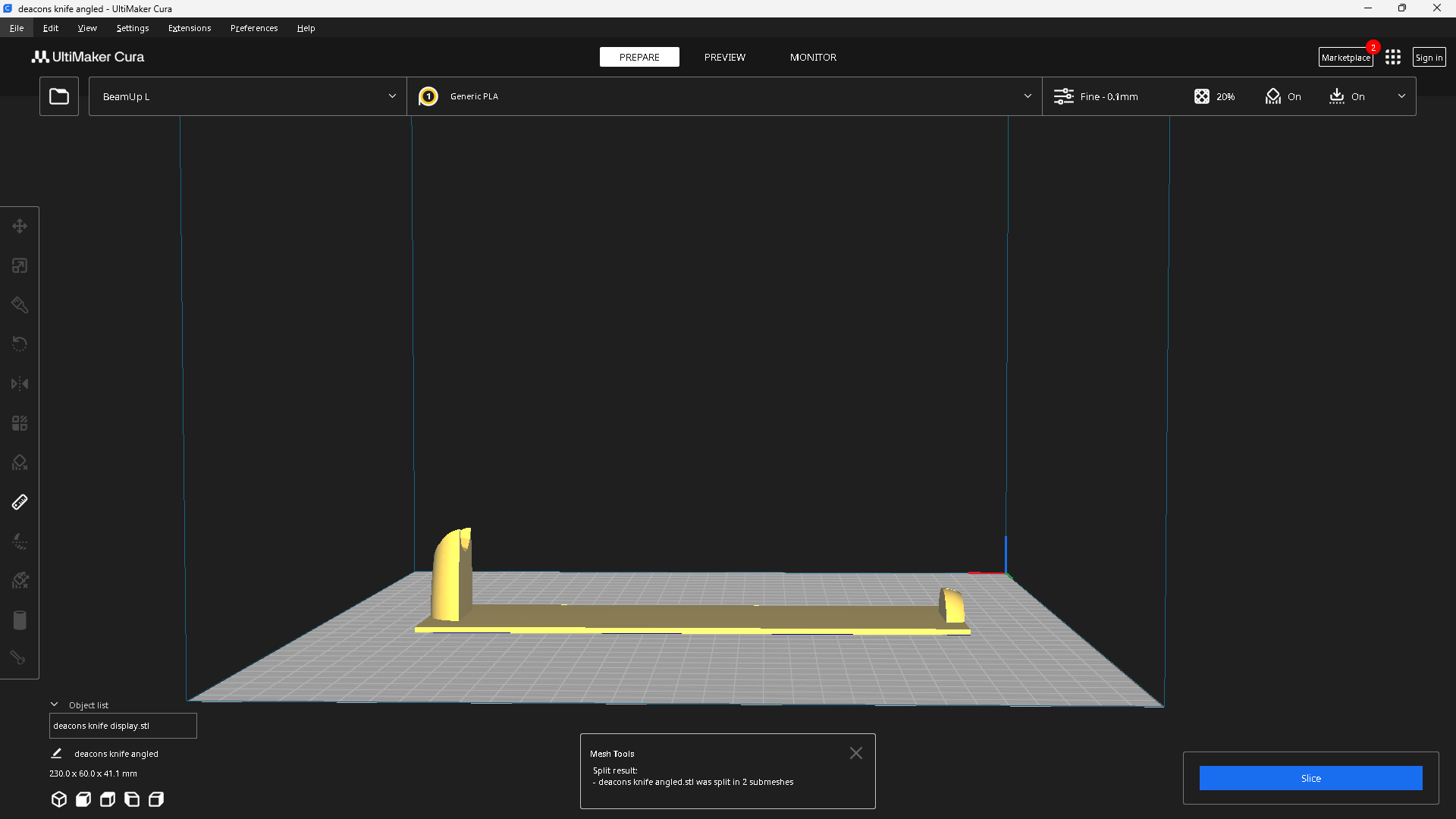
Have the ability if you want the model in orgininal configuration or not ,many time I may use a pre- angled model as a template to cut a hole for display purposes but the software always lays the model straight and on the build [plate ,as now what I have to do each time is readjust model back to the position needed not what the software puts it in. The first 2 are what is needed the last is in Layerling and what needs to be repositioned over again just to cut the display.
All reactions